Questions & Answers
- Model:
- MLY13LL/A
- |
- SKU:
- 10202805
Q: QuestionCan I buy in store a MacBook with windows?
Asked by Anonymous.
- A:Answer Unfortunately, can’t buy a MacBook with windows or doors yet
Answered by Badger
Q: QuestionBest Buy seems to have an option configure ram on the MacBook Pro 14 inch or at least it has 16gb ram variant, but where is MacBook Air M2 with 16gb ram? will they be added on release date?
Asked by n0tded.
- A:Answer Best Buy only carry the base configurations when it comes to ram, you'd have to get it directly from Apple or somewhere like Adorama / B&H.
Answered by Firefly
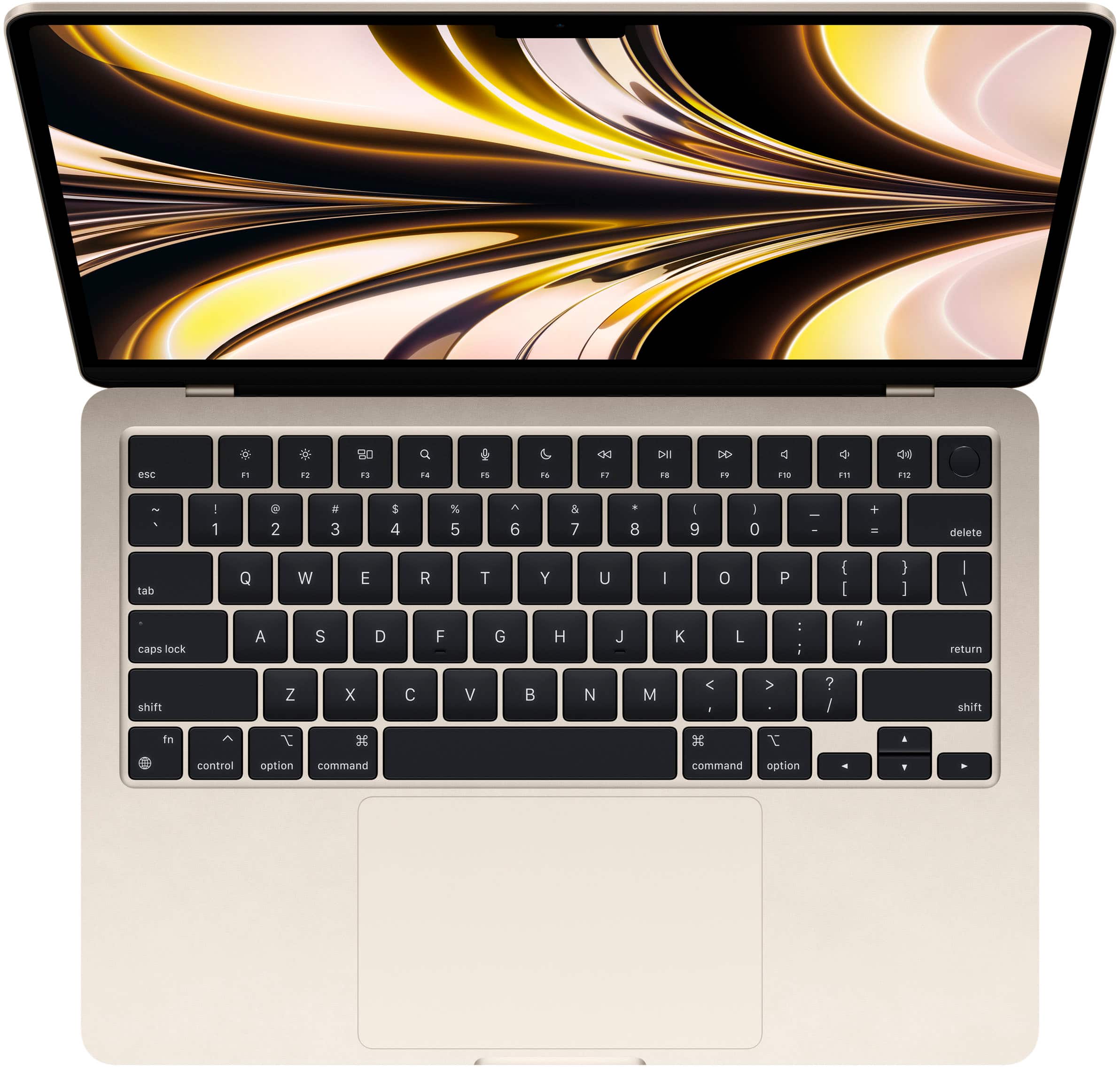
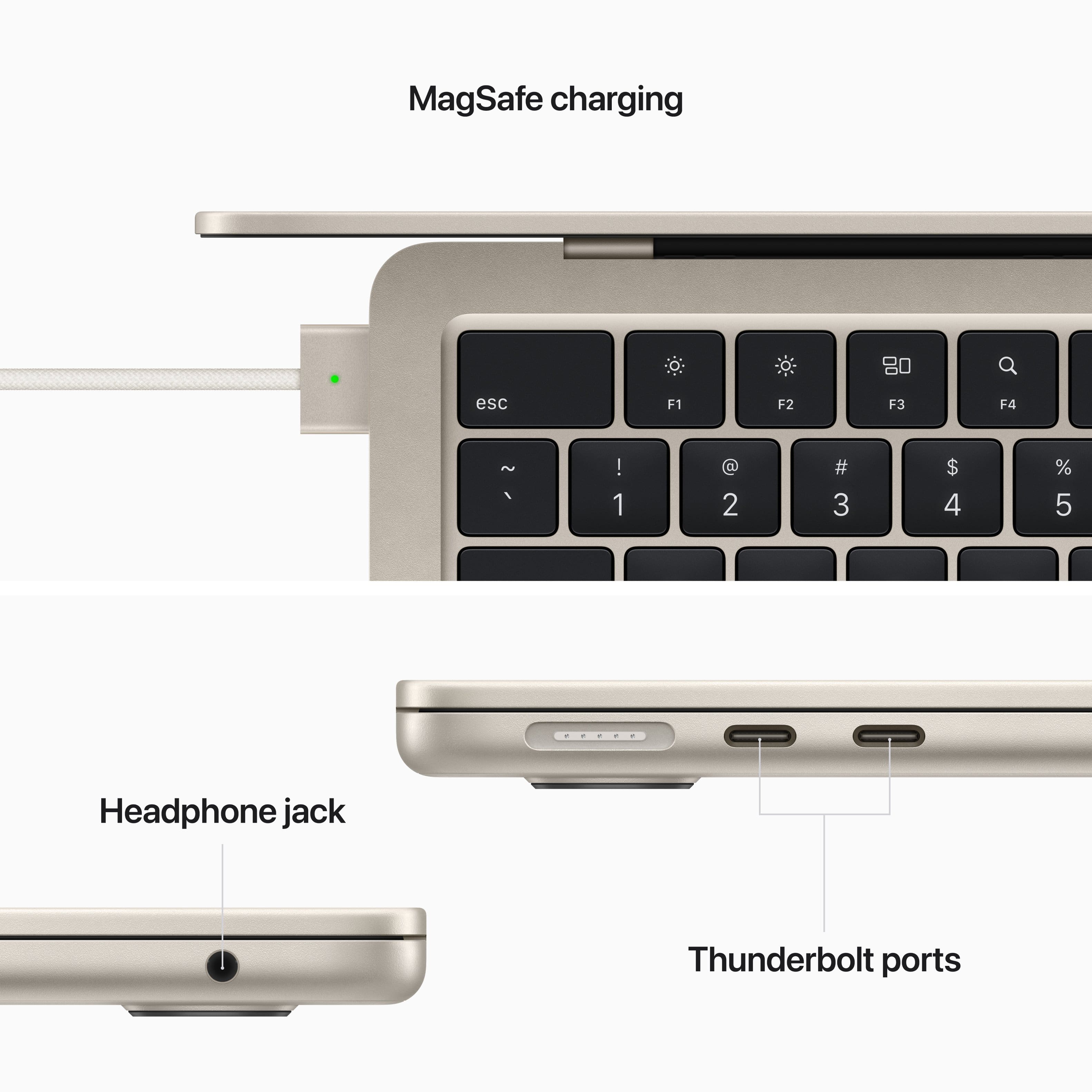
Q: QuestionDoes this have a flash drive port
Asked by KLR.
This question was asked about the related product: Apple - MacBook Air 13.6" Laptop - M2 chip Built for Apple Intelligence - 8GB Memory - 256GB SSD - Starlight
- A:Answer This MacBook only has 2 USB-C ports. But you can use an adaptor to get more ports like a flash drive.
Answered by Justme
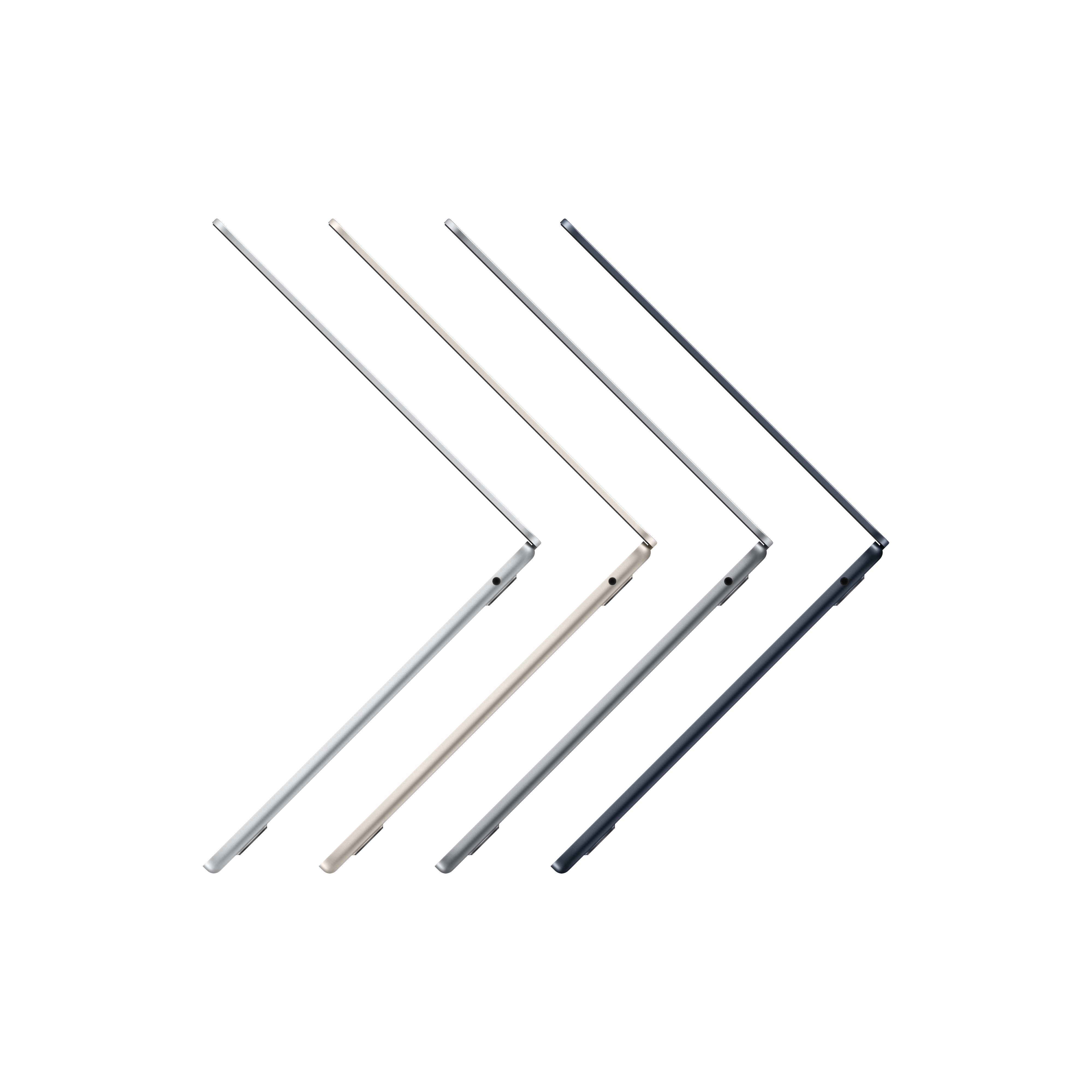
Q: QuestionIs the midnight color blue or black? Does it show fingerprints?
Asked by Heather.
This question was asked about the related product: Apple - MacBook Air 13.6" Laptop - M2 chip Built for Apple Intelligence - 8GB Memory - 256GB SSD - Silver
- A:Answer It is midnight blue. And it does indeed show fingerprints more than the other color choices.
Answered by James
Q: QuestionIf I order the new MacBook Air on line from Best Buy, can I bring it in with my old one and have you transfer all my data over to the new one.
Asked by Diane.
This question was asked about the related product: Apple - MacBook Air 13.6" Laptop - M2 chip Built for Apple Intelligence - 8GB Memory - 256GB SSD - Starlight
- A:Answer If you have backed it up to iCloud. There is no need to go into a store to have the data transferred. Once you sign into your Apple ID on the new MacBook. It will prompt to either set up as a new system or restore from iCloud.
Answered by 7onefour
Q: QuestionIs this good for video editing,fast and 4k?
Asked by REVJVJA.
- A:Answer I would go with the pro model You can use this one but it may slow down on you I haven’t had that problem yet but keeping it light for right now
Answered by Acidshave
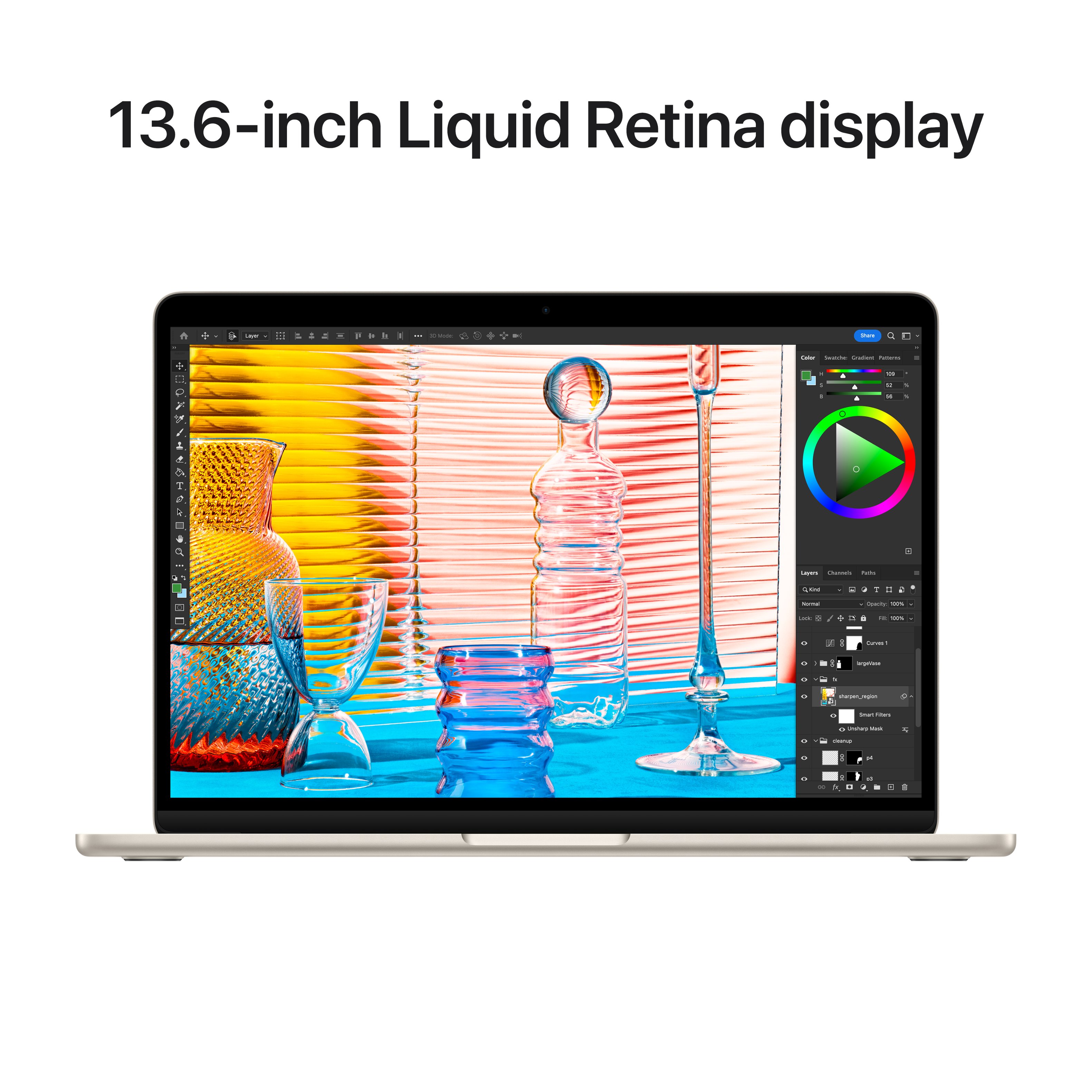
Q: QuestionIs this computer ideal for editing photos in Lightroom & photoshop? If not, which is best for storage capacity & response times?
Asked by Ashley.
- A:Answer The M2 chip will handle Lightroom and Photoshop fine, but depending on the level of your work and size of your files the 8GB memory may not be enough. I have a fully loaded 14" MacBook Pro M1 with 64GB memory that I use for Lightroom and Photoshop. I bought the MacBook Air M2 8GB for my wife and I am astonished at how fast it is, but I haven't attempted my full workload on it.
Answered by bhhsmike
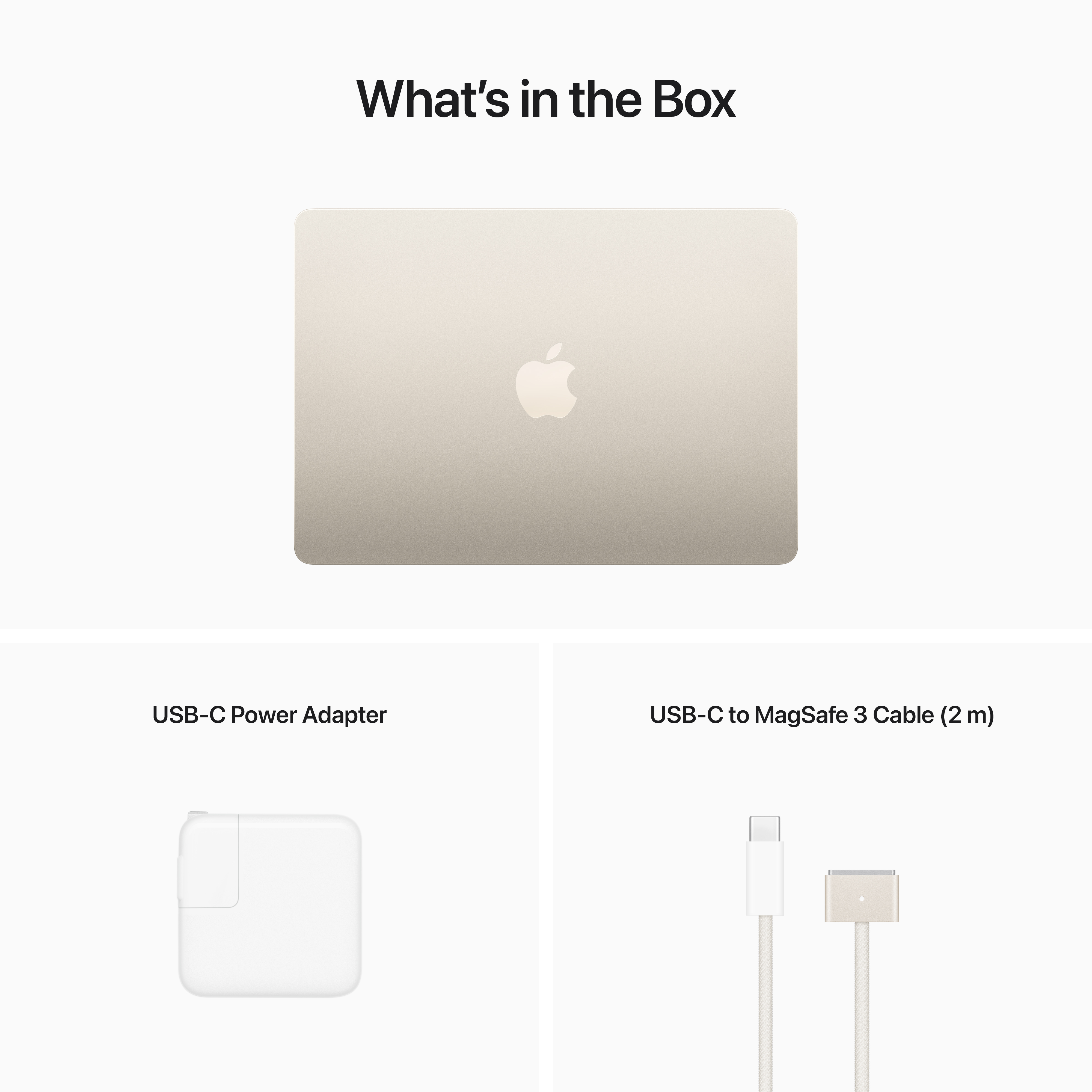
Q: Questionwhat type of charger is included and if i trade in my old 2015 mac book can i reuse the charger from my old one?
Asked by kitcat12.
- A:Answer To be clear, You can use any USB-C charger to charge the Macbook Air M2 in addition to the Magsafe that came with it but the old magsafe charger won't work.
Answered by Anonymous
Q: QuestionIf I purchase the adapter with 2 HDMI ports will I be able to use dual monitor setup?
Asked by kt5.
- A:Answer No, this only supports one monitor. You are able to plug in 2 monitors if you purchase a dock with display link capabilities.
Answered by JulianT
Q: QuestionHi! This is not a refurbished version right? I want to make sure I am getting a brand new Macbook.
Asked by Alba.
- A:Answer This is a brand new MacBook
Answered by Momoftwo
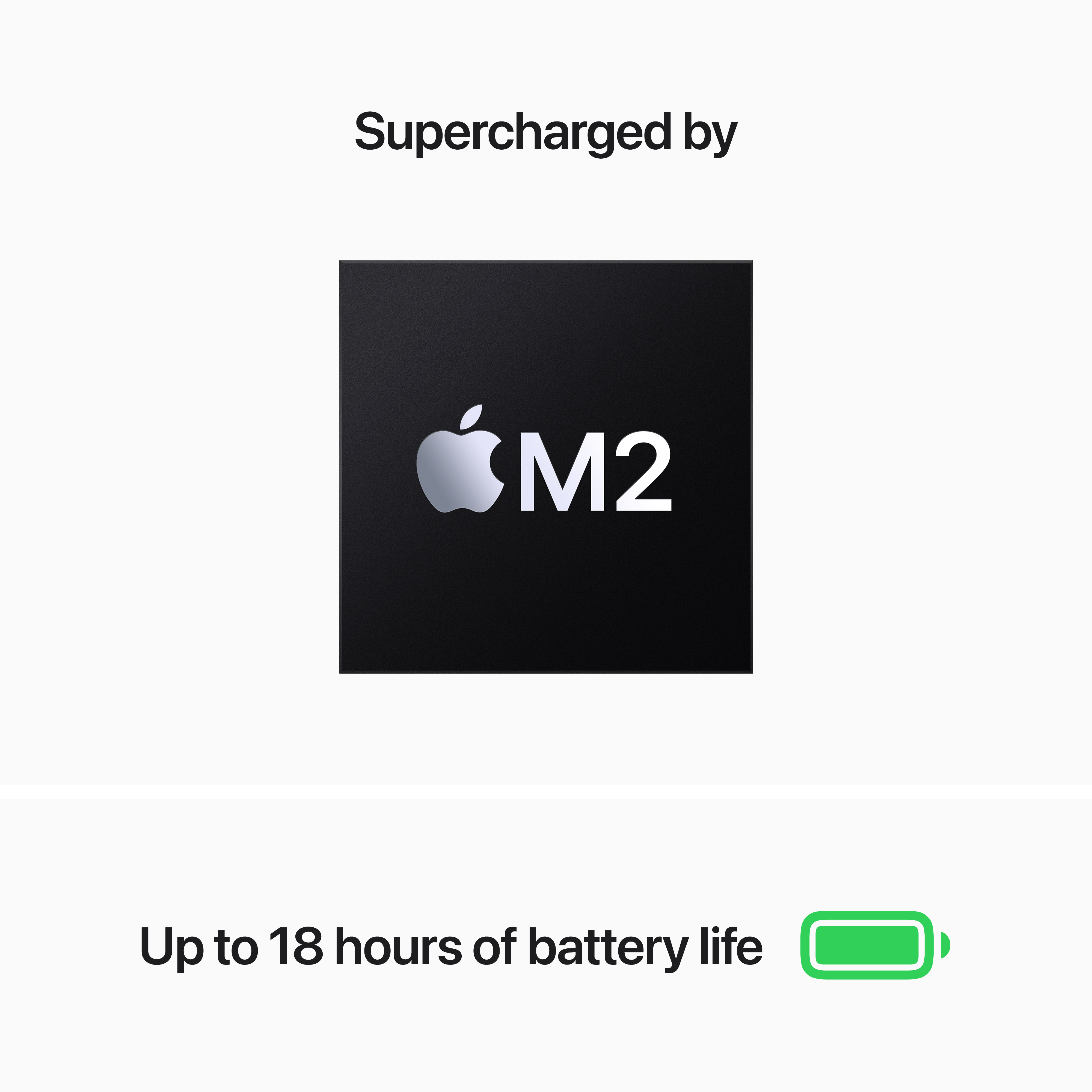
Q: QuestionI’ve seen reports of the M2 Air overheating. Is that still a problem?
Asked by AmyB.
This question was asked about the related product: Apple - MacBook Air 13.6" Laptop - M2 chip Built for Apple Intelligence - 8GB Memory - 256GB SSD - Silver
- A:Answer Hello Amy, I have been using my M2 Air for 3 months and I have not had that problem! Using through all of my graduate program.
Answered by KalebG
Q: QuestionI am in the military, and I need a computer that will be able to read my cac card/smart card. Is this computer able to do that with the MacOS software. I have a cac reader with a USB-C port, but my iPad does not run the software needed for reading my cac.
Asked by Makayla.
- A:Answer I have had no issues with my CAC reader. I had to buy an adapter to connect it but haven't had any issues so far.
Answered by Jeanell
Q: QuestionWill this: MacBook Air 13.6" Laptop accommodate 2 external displays/screens using a USB-C Triple Display Docking Station with 2 HDMI Ports (Total) 2 HDMI 2.0 Ports 1 DisplayPort Outputs 1 DisplayPort Ver. 1.4 Outputs 1 VGA Port Thanks, LOADS!
Asked by CruiousJem.
This question was asked about the related product: Apple - MacBook Air 13.6" Laptop - M2 chip Built for Apple Intelligence - 8GB Memory - 256GB SSD - Silver
- A:Answer I use the OKX USB-C Triple Docking Station and can run multiple displays from this MacBook Air easily. You just have to download DisplayLink Manager which runs in the background. It is a free download and all the instructions are included with the docking station. This docking station has been around for a few years so you can usually find them for less than $100. I have 7 of them throughout my offices and all are running multiple displays from USB-C MacBook Air and MacBook Pro computers. It only uses one USB-C from your Mac and also charges it. I do have to use a second USB-C in order to run 3 and 4 displays.
Answered by bhhsmike
Q: Questiondoes this have a headphone jack
Asked by Anonymous.
This question was asked about the related product: Apple - MacBook Air 13.6" Laptop - M2 chip Built for Apple Intelligence - 8GB Memory - 256GB SSD - Starlight
- A:Answer Yes, look on the right side of the MBA.
Answered by RodB
Q: QuestionWill I be able to transfer my ms office excel & word files to a new Mac notebook?
Asked by Dz2024.
- A:Answer All my Word documents transferred; they just open in Pages instead of Word. You can still edit them. I don't know about Excel.
Answered by AngelS
Q: QuestionHow can I use HDMI to connect Macbook to my TV? This laptop has HDMI port? Thanks!
Asked by peter.
- A:Answer The MacBook Air doesn't have a built-in HDMI port like some regular laptops. Instead, it uses USB-C or Thunderbolt 3 ports for connectivity. To connect your MacBook Air to a TV or monitor with HDMI, you'll need an adapter. Here are the steps to do so: 1. Get an adapter: You will need a USB-C to HDMI adapter. There are many options on the market, and the choice will depend on your needs. Make sure it's compatible with your MacBook Air's USB-C or Thunderbolt 3. 2. Connect the adapter: Insert the adapter into the USB-C or Thunderbolt 3 port on your MacBook Air. 3. Connect the HDMI cable: Connect an HDMI cable to the end of the adapter. 4. Connect to TV: Connect the other end of the HDMI cable to the HDMI port on your TV. 5. Turn on the TV: Make sure the TV is turned on and set to the correct HDMI input. 6. Mirror or extend the screen: On your MacBook Air, go to "System Preferences" > "Displays" and choose how you want to use your TV: mirror your MacBook's screen or extend your desktop. After following these steps, your MacBook Air screen should display on your TV via HDMI. Keep in mind that you may need to adjust the display settings on your MacBook to get the resolution you want on your TV.
Answered by TadeuC
Q: QuestionDoes it have split screen
Asked by Sam.
- A:Answer Yes, hold the green button on the top left screen to see the options.
Answered by tk123
Q: QuestionCan a MacBook Air M2 run Adobe Illustrator?
Asked by Pablo.
This question was asked about the related product: Apple - MacBook Air 13.6" Laptop - M2 chip Built for Apple Intelligence - 8GB Memory - 256GB SSD - Silver
- A:Answer Yes. I am.
Answered by Robert
Q: QuestionDoes Mac Air come with a HDMI port?
Asked by RonC.
- A:Answer Unfortunately not. It only comes with 2 usb c ports and one aux cord.
Answered by Justin
Most-viewed items
- $799.00Your price for this item is $799.00$999.00The comparable value for this item is $999.00
- $1,349.00Your price for this item is $1,349.00$1,599.00The comparable value for this item is $1,599.00
- $999.00Your price for this item is $999.00$1,199.00The comparable value for this item is $1,199.00
- $1,749.00Your price for this item is $1,749.00$1,999.00The comparable value for this item is $1,999.00
- $549.99Your price for this item is $549.99$749.00The comparable value for this item is $749.00
- $399.99Your price for this item is $399.99$699.00The comparable value for this item is $699.00
- $1,549.00Your price for this item is $1,549.00$1,799.00The comparable value for this item is $1,799.00
- $999.00Your price for this item is $999.00$1,199.00The comparable value for this item is $1,199.00
- $1,199.00Your price for this item is $1,199.00$1,399.00The comparable value for this item is $1,399.00
- $2,199.00Your price for this item is $2,199.00$2,499.00The comparable value for this item is $2,499.00
- $799.00Your price for this item is $799.00
- $1,399.00Your price for this item is $1,399.00$1,599.00The comparable value for this item is $1,599.00
- $2,549.00Your price for this item is $2,549.00$2,899.00The comparable value for this item is $2,899.00
- $1,199.00Your price for this item is $1,199.00$1,399.00The comparable value for this item is $1,399.00
- $3,099.00Your price for this item is $3,099.00$3,499.00The comparable value for this item is $3,499.00
- $329.99Your price for this item is $329.99
- $2,099.00Your price for this item is $2,099.00$2,399.00The comparable value for this item is $2,399.00
- $2,799.00Your price for this item is $2,799.00$3,199.00The comparable value for this item is $3,199.00
- $3,599.00Your price for this item is $3,599.00$3,999.00The comparable value for this item is $3,999.00