Questions & Answers
- Model:
- MW0W3LL/A
- |
- SKU:
- 10101238
Q: QuestionCan I order this with both Mac OS and windows 11 installed
Asked by Joeinfl.
- A:Answer Can be done just wanted geek squad to do it for me See photo
Answered by Anonymous
Q: QuestionHow do you transfer all information / documents etc. from man old apple to a new one? Does Best Buy do that ??
Asked by Ri.
This question was asked about the related product: Apple - MacBook Air 13-inch Laptop - Apple M4 chip Built for Apple Intelligence - 16GB Memory - 256GB SSD - Midnight
- A:Answer When you log in it asks you if you've had a previous device and it transfers everything.
Answered by user271210
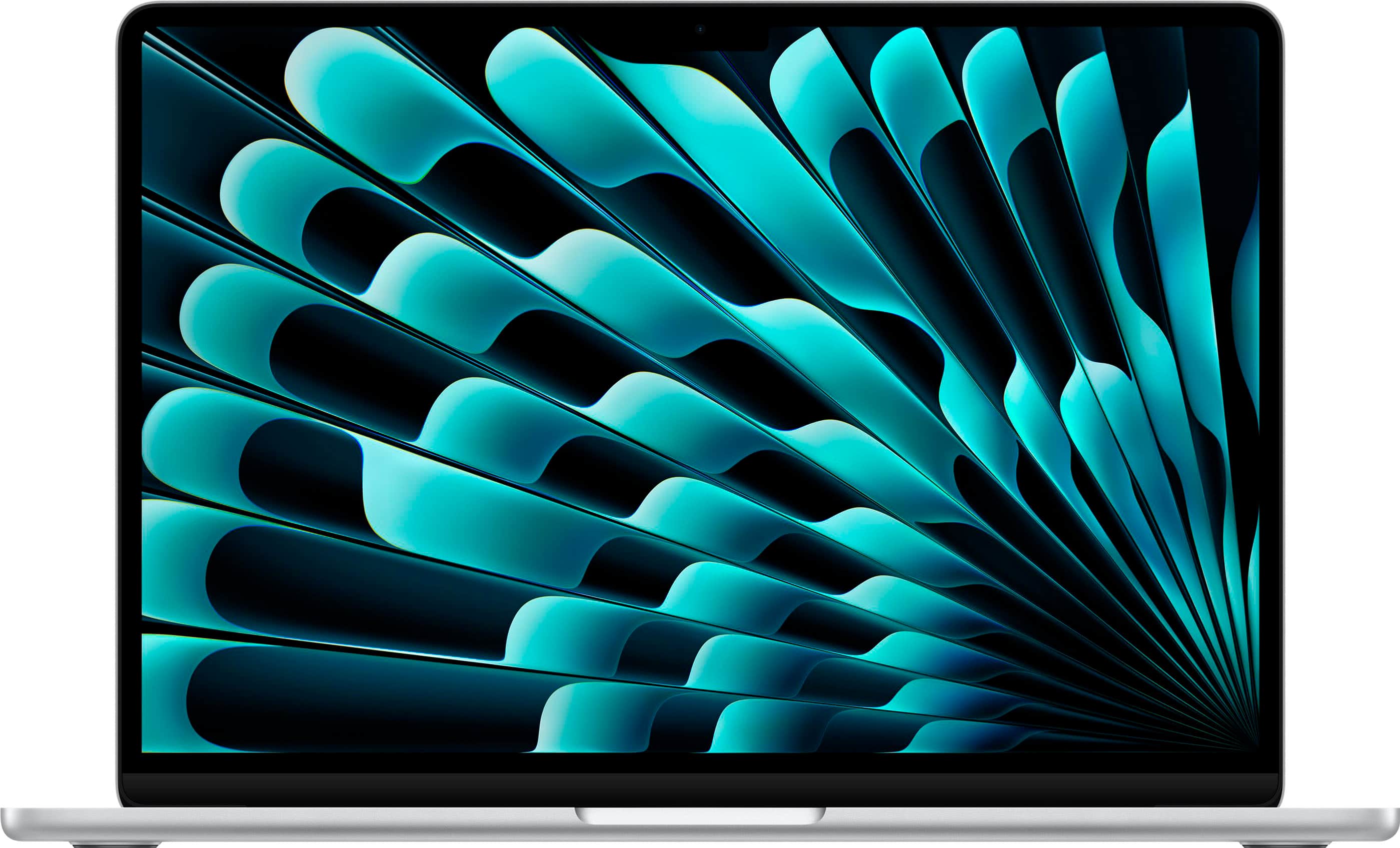
Q: QuestionDoes it have touchscreen
Asked by Anonymous.
This question was asked about the related product: Apple - MacBook Air 13-inch Laptop - Apple M4 chip Built for Apple Intelligence - 16GB Memory - 256GB SSD - Midnight
- A:Answer No it doesn't have touchscreen
Answered by ZohrehOstovari
Q: QuestionIs there a video tutorial or a how to for first time apple users?
Asked by John.
This question was asked about the related product: Apple - MacBook Air 13-inch Laptop - Apple M4 chip Built for Apple Intelligence - 16GB Memory - 256GB SSD - Midnight
- A:Answer Yes, there is a tutorial video! See Youtube
Answered by MarcusH
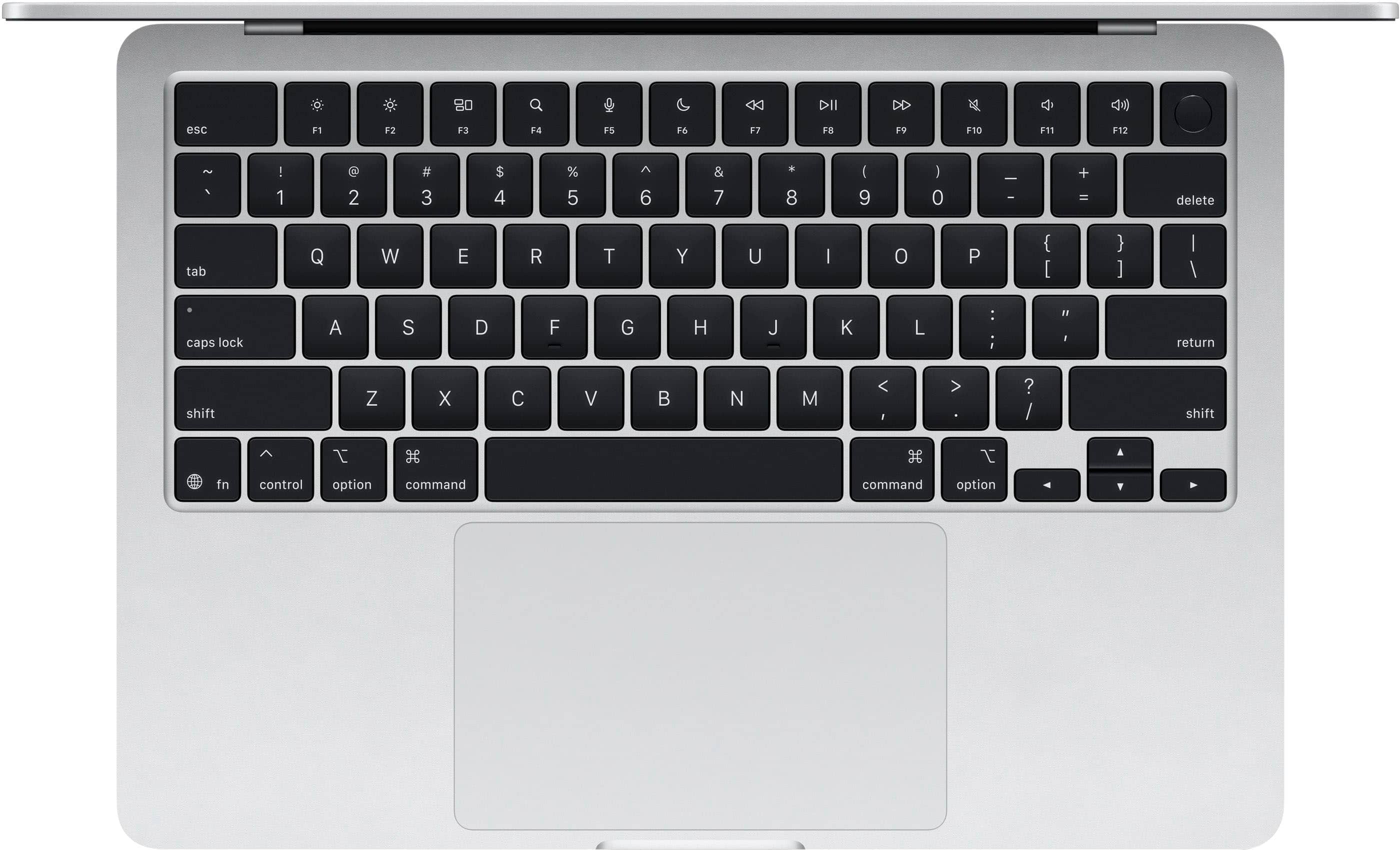
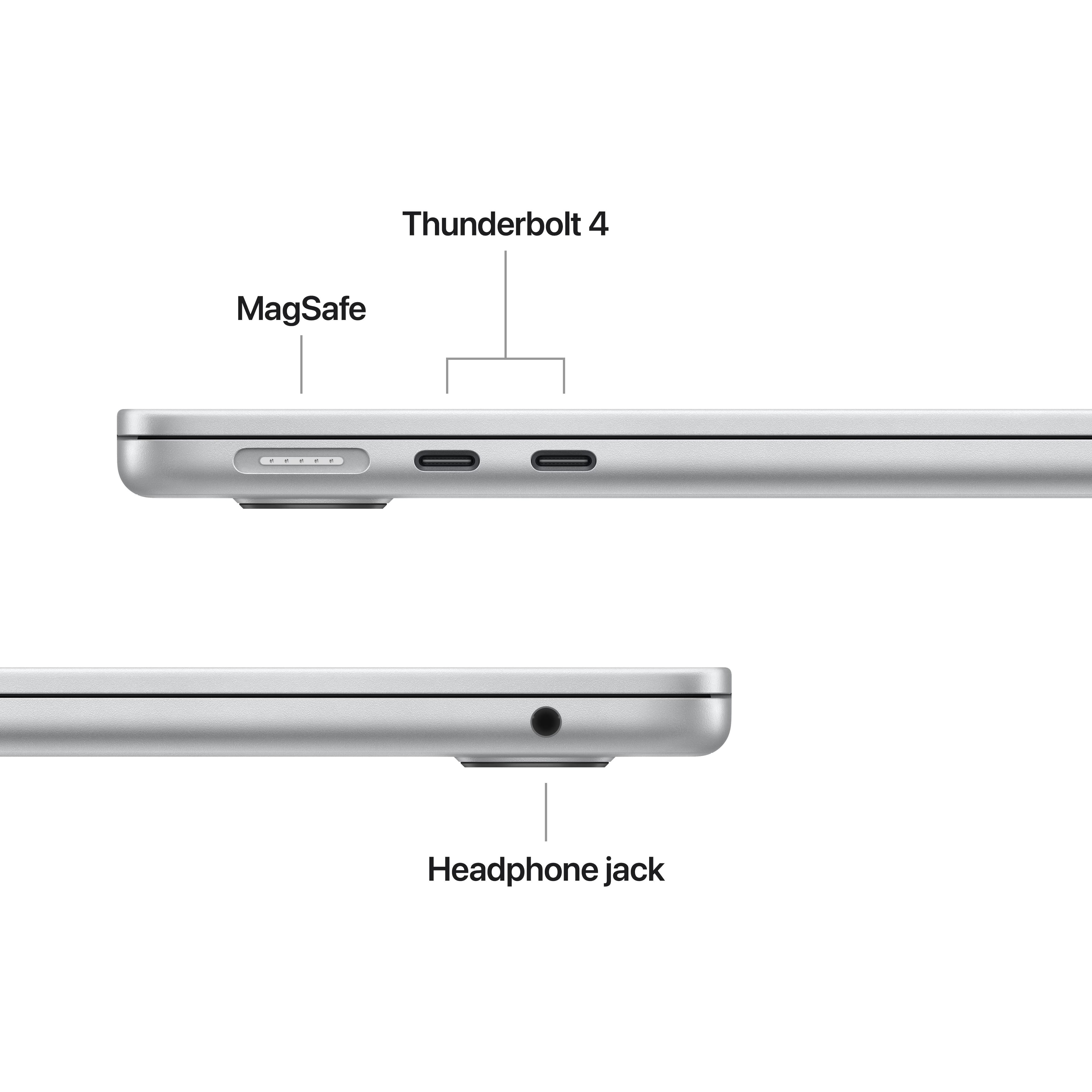
Q: QuestionCan you used a mouse with this laptop?
Asked by gatorgal.
This question was asked about the related product: Apple - MacBook Air 13-inch Laptop - Apple M4 chip Built for Apple Intelligence - 16GB Memory - 256GB SSD - Silver
- A:Answer Yes, you can connect a mouse to this MacBook by using a few methods and depending on your model of mouse. This MacBook accepts mouse connectivity though USB connection (wired or wireless), or Bluetooth.
Answered by DannyN
Q: Questiondoes it have facial id?
Asked by grump.
This question was asked about the related product: Apple - MacBook Air 13-inch Laptop - Apple M4 chip Built for Apple Intelligence - 16GB Memory - 256GB SSD - Midnight
- A:Answer To login to the MacBook, there’s a fingerprint reader in the upper right-hand corner (top-right key on the keyboard). Simply put your finger on the reader and you’re instantly logged in.
Answered by JDFRY