


Questions & Answers
- Model:
- MQKW3LL/A
- |
- SKU:
- 6534606
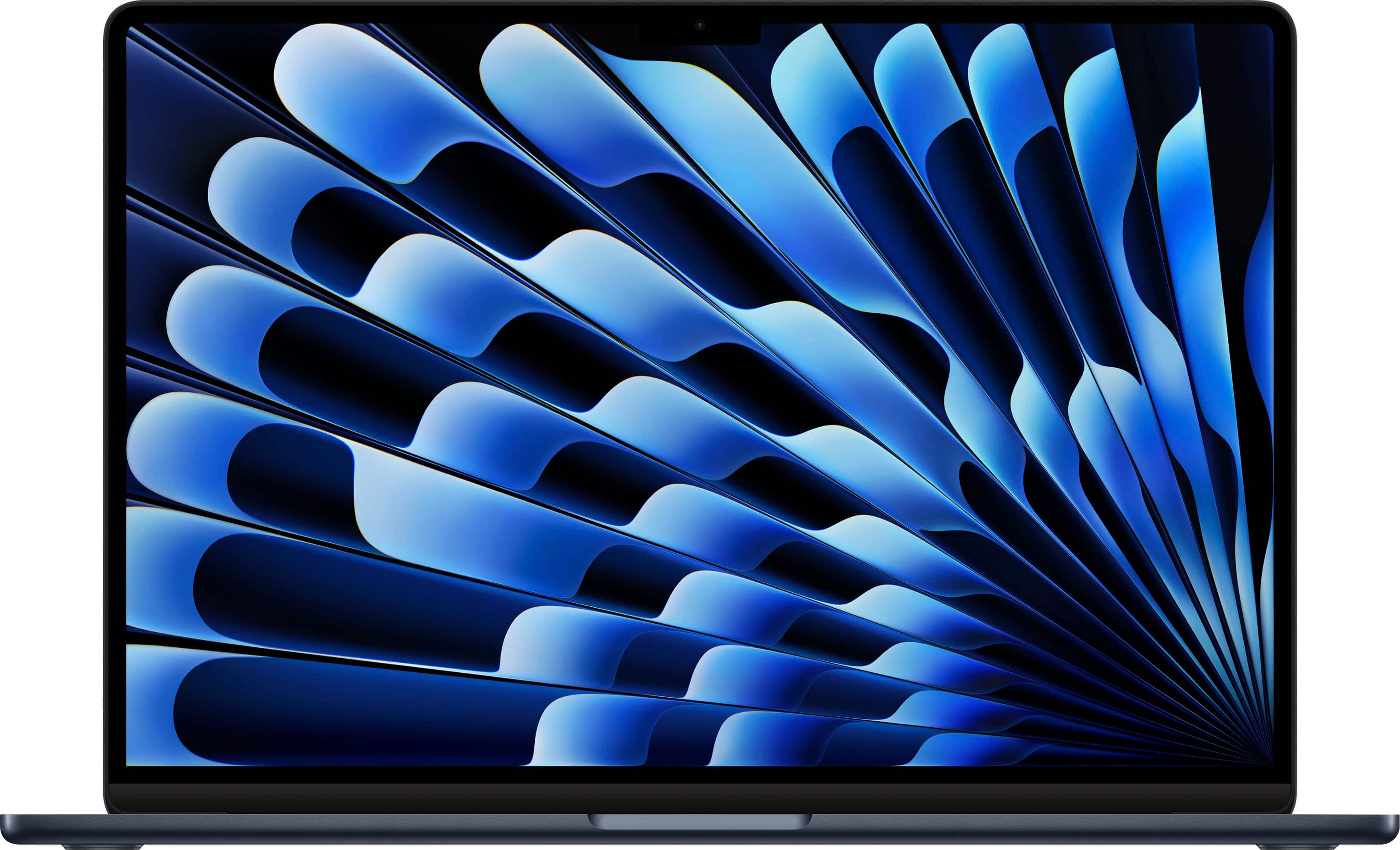
Q: QuestionOld and not tech savvy. My main concern is ram. Will the m2 and better cpu help since my current m1 13 air is always near its limit. I know you can but the upgrade but not wanting to at this time. Mostly wanting more screen and better memory.
Asked by Oldandstupid.
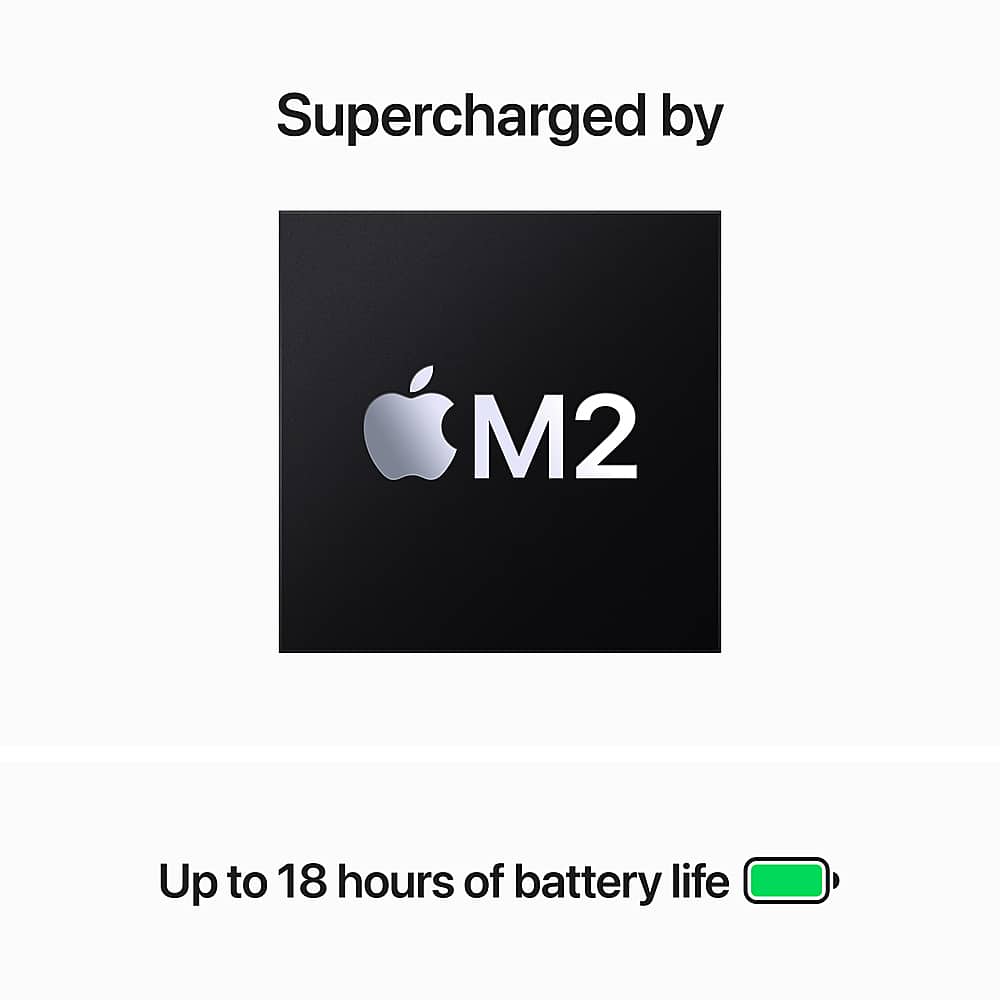
- A:Answer The M2 certainly provides enhanced processing speed especially when paired with 16GB RAM. I would say it depends on what you are using the MacBook for. If you intend to use it for every day tasks such as Microsoft Office applications, internet browsing, streaming, etc. then the 8GB RAM should be sufficient enough. If you intend to do a little more such as video editing, photo editing, or any substantial rendering then I would recommend the M2 with 16GB RAM. Any professional video editing software, photo editing software, or other advanced software, I would look into the M2 Pro editions. Hope this helps!
Answered by Michael
Q: Questionwhy Only 8GB of RAM the system has configurations up to 24GB? Storage up to 512?
Asked by Ulissesortega.
- A:Answer When it comes to higher configurations, you must buy directly from Apple. This is not just at Best Buy but most other licensed Apple retailers.
Answered by Jwalt
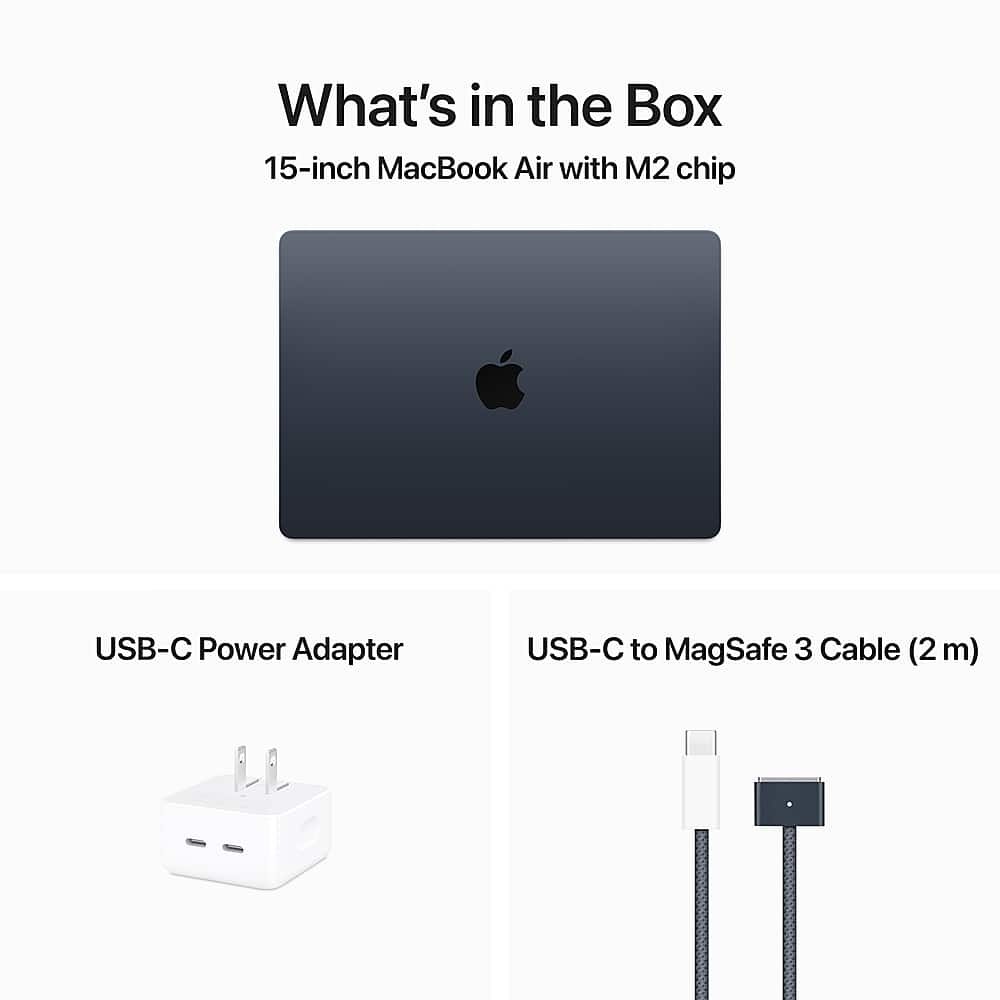
Q: QuestionDoes it come with 30W charger or 70W?
Asked by Anonymous.
- A:Answer 35W dual usb-c block.
Answered by Djmarvelcincy
Q: QuestionWill this be the best upgrade apple made of laptops???
Asked by Ysko.
This question was asked about the related product: Apple - MacBook Air 15" Laptop - M2 chip Built for Apple Intelligence - 8GB Memory - 256GB SSD - Starlight
- A:Answer The answer to your question can be very subjective. For example, if you are upgrading from a previous MacBook Air with an intel chip, this new model will be a MASSIVE upgrade. This new model should last for several years, regardless of what you may use it for. (Causal, work, content creation, etc).
Answered by Jwalt
Q: QuestionTrade in deals?
Asked by Trade.
- A:Answer If you check under the “payment options” of any of the new MacBook Air pages, you should see a box that says “ Save when you trade-in a similar device.”. Click that to see what value you may receive towards a new MacBook Air.
Answered by Jwalt
Q: QuestionDoes this have a speaker
Asked by Anonymous.
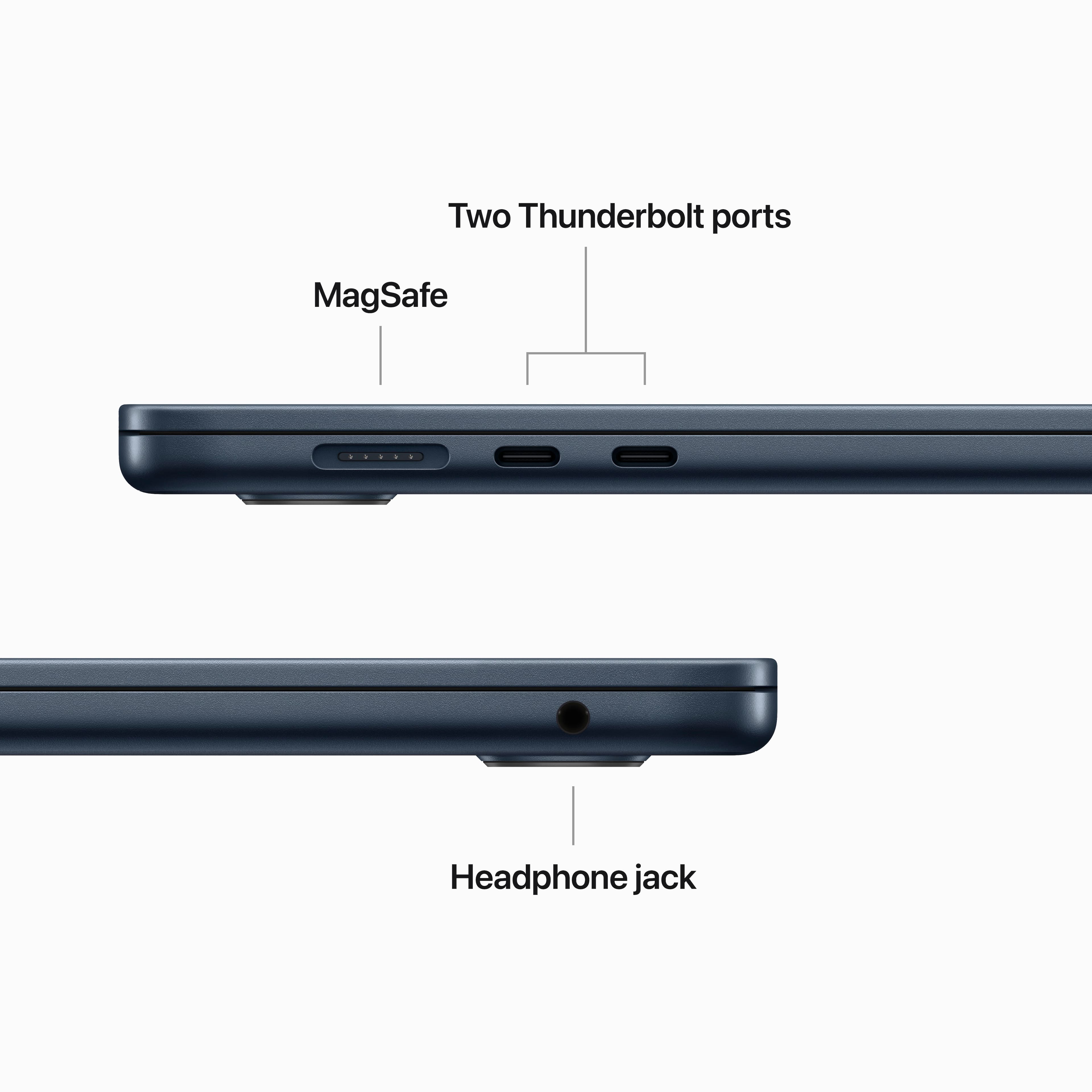
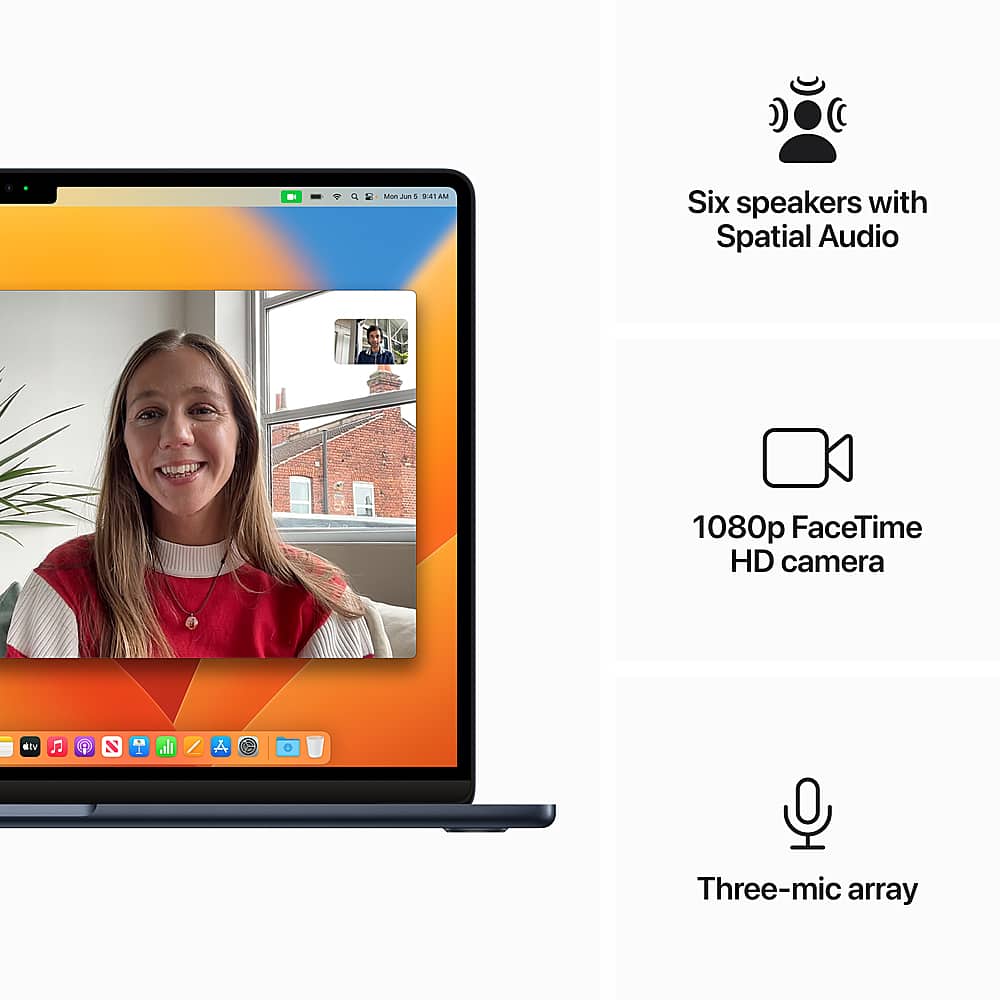
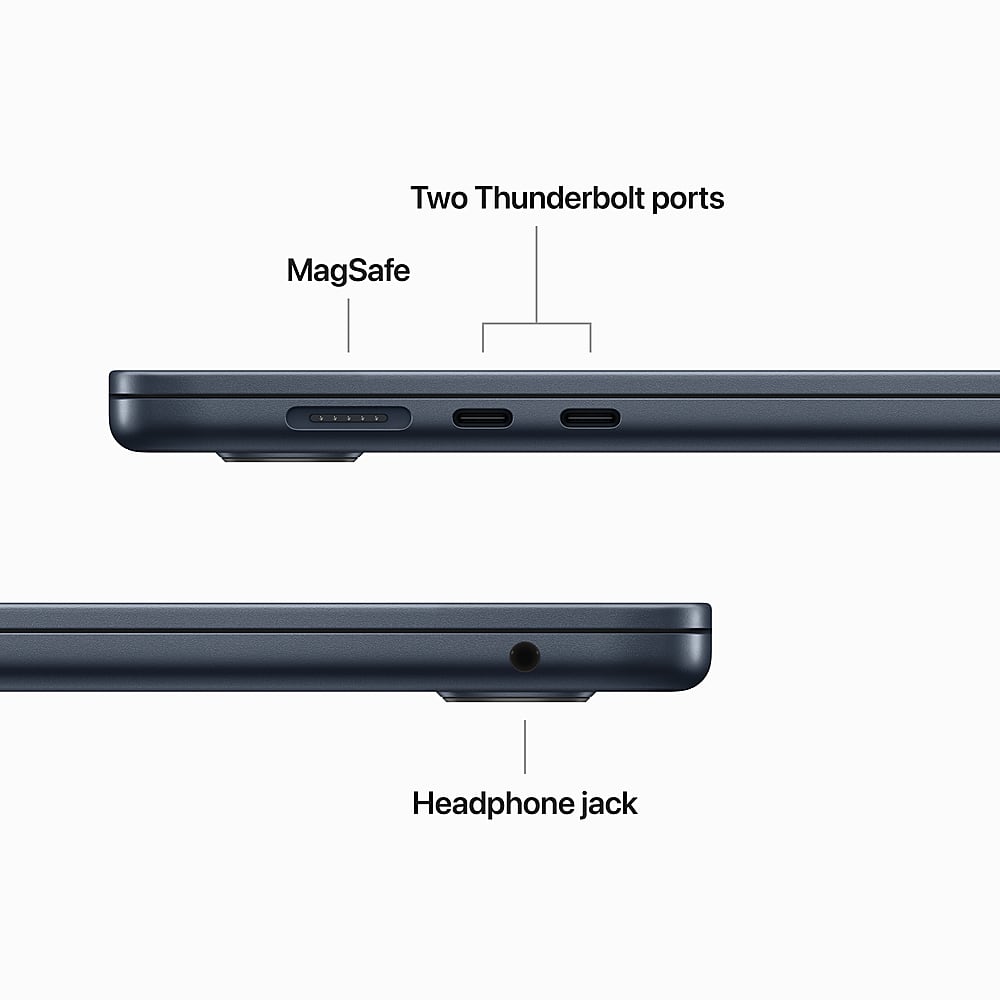
- A:Answer Hello! Yes it has internal speakers, which at first, there seems to be non (as most times they are easy to note with small holes up and down or vertically across (this is in reference to most PC laptop models ive seen). But don't fret, it has speakers and a headphone jack 3.5mm on the side (right hand top). I hope this helped you in clarifying your question as well as clearly answering it. Kindly, Will
Answered by WillBreault
Q: QuestionDoes this have a numeric keypad?
Asked by 8thGenRon.
- A:Answer No, this MacBook does not have a numeric keypad.
Answered by Jwalt
Q: QuestionCan I use a flash drive with this computer?
Asked by Harmony.
This question was asked about the related product: Apple - MacBook Air 15" Laptop - M2 chip Built for Apple Intelligence - 8GB Memory - 256GB SSD - Starlight
- A:Answer Of course, but you'll probably need an adapter or hub since this only has USB C ports.
Answered by Susie
Q: QuestionCan I add internet service to this device? Not talking about Wi-Fi from home but actual internet service from my phone provider?
Asked by GirlyV.
This question was asked about the related product: Apple - MacBook Air 15" Laptop - M2 chip Built for Apple Intelligence - 8GB Memory - 256GB SSD - Starlight
- A:Answer No, there is no cellular service on any MacBook.
Answered by Susie
Q: QuestionCan this drive 2 external monitors or just 1?
Asked by Mega.
This question was asked about the related product: Apple - MacBook Air 15" Laptop - M2 chip Built for Apple Intelligence - 8GB Memory - 256GB SSD - Starlight
- A:Answer Apple has listed in the specs that the new 15” MacBook Air models can support up to one 6k external display.
Answered by Jwalt
Q: QuestionHow would this compare to the last gen?
Asked by Ibbyh.
- A:Answer It’s still the same, the only real difference is it’s bigger, has better speakers, and the base model has 2 extra gpu cores(8 on the base 13” model vs 10 on the base 15” model)
Answered by RubenV
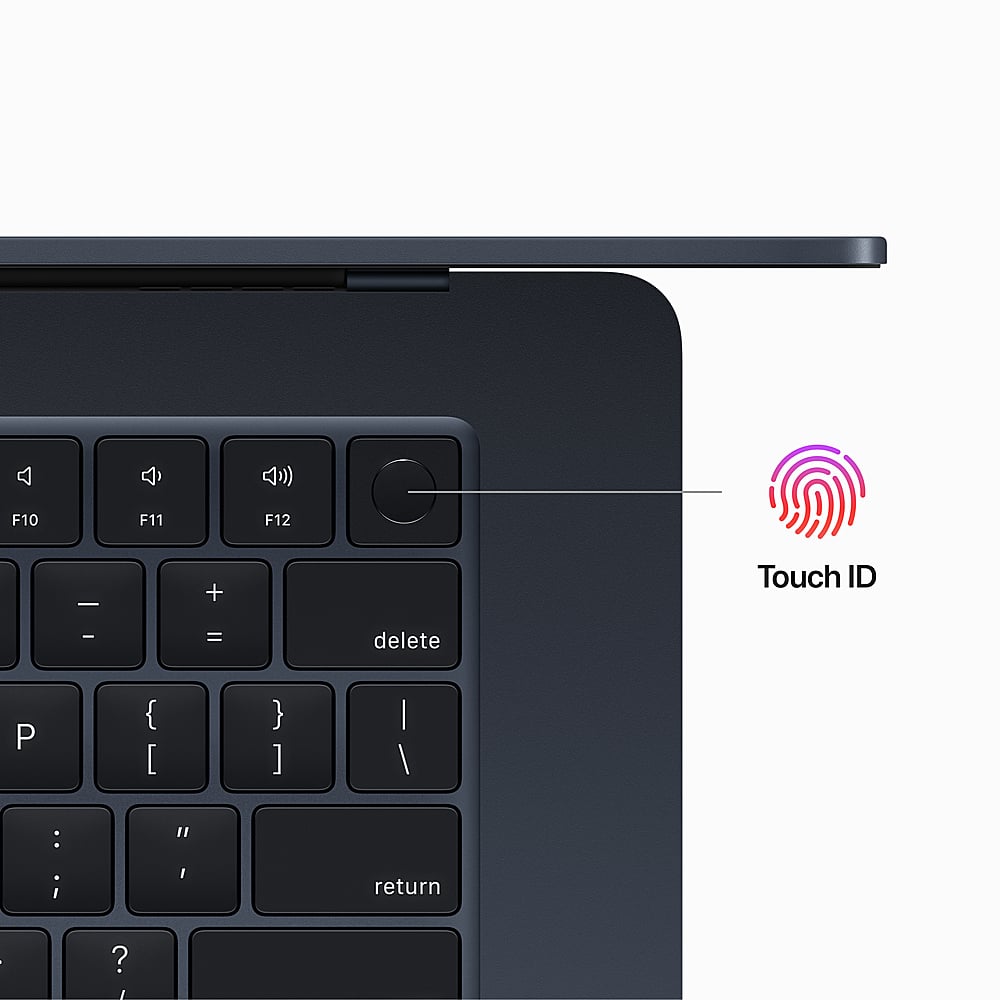
Q: QuestionDoes this have Touch ID?
Asked by Liv.
- A:Answer the fingerprint touch ID is in the upper right corner of the keyboard
Answered by butters1976
Q: QuestionWhat is the maximum ethernet speed for the 2023 MacBook air 15" 16GB/512GB?
Asked by Anonymous.
- A:Answer 10 Gbit/s
Answered by TaleshC
Q: QuestionAfter I pay how many days I have to pick up at the Store?
Asked by Marcela.
- A:Answer 6 days to pick up b4 they put your items back
Answered by Anonymous
Q: QuestionIs this Mac laptop comparable with an EPSON EcoTank ET-2800 printer?
Asked by Penguin.
- A:Answer Yes it is
Answered by MarieK
Q: QuestionDoes this have a usb and a SD slot
Asked by MarianaH.
- A:Answer No the MacBook has a few usb c ports and a newer MagSafe port. Laptop can be charged via usb c as well. Use a decent hub for any extra accessories
Answered by maz94protege
Q: QuestionIs this Apple MacBook Air compatible with Brother printers?
Asked by PicNic.
- A:Answer Yes
Answered by DuaneE
Q: QuestionDoes it charge via USB-C?
Asked by donteatboogers.
- A:Answer This device can charge using usb-c or apple's MagSafe charger that comes in the box. I do not recommend charging using the usb-c port since there are only two available for use.
Answered by LeeroyJenkins
Q: QuestionDoes this come with a backlit keyboard?
Asked by Kori.
- A:Answer Yes it does. Also the brightness is adjustable in the keyboard settings, can be off.
Answered by Screech
Q: QuestionI have been a MSFT/IBM computer user for years with tons of business files in Word, Excel, Outlook, Adobe (PDF), etc. How do I transfer all of these files off my Lenovo computer to this Apple computer? I do have the account with MSFT 365
Asked by ChrisnDestin.
This question was asked about the related product: Apple - MacBook Air 15" Laptop - M2 chip Built for Apple Intelligence - 8GB Memory - 256GB SSD - Starlight
- A:Answer The Apple setup process offers to transfer files from your old computer to the new MacBook Air. You have to install a transfer support program on the old computer and then connect the two systems to the same WiFi network. You then select what to transfer. Since my important files are already on Google drive and/or MS One Drive, I skipped that step in the Apple setup and then installed the software to mount those drives as network locations.
Answered by Screech
Best-selling MacBooks
- Black Friday Deal$749.00Your price for this item is $749.00
- Black Friday Deal$649.00Your price for this item is $649.00
- Black Friday Deal$949.00Your price for this item is $949.00
- $1,449.00Your price for this item is $1,449.00$1,599.00The comparable value for this item is $1,599.00
- Black Friday Deal$1,149.00Your price for this item is $1,149.00
- Black Friday Deal$949.00Your price for this item is $949.00
- Black Friday Deal$1,349.00Your price for this item is $1,349.00
- Black Friday Deal$1,749.00Your price for this item is $1,749.00
- $1,874.00Your price for this item is $1,874.00$1,999.00The comparable value for this item is $1,999.00
- Black Friday Deal$2,189.00Your price for this item is $2,189.00
- Black Friday Deal$1,149.00Your price for this item is $1,149.00
- $1,649.00Your price for this item is $1,649.00$1,799.00The comparable value for this item is $1,799.00
- Black Friday Deal$2,099.00Your price for this item is $2,099.00
- Black Friday Deal$1,349.00Your price for this item is $1,349.00
- Black Friday Deal$2,539.00Your price for this item is $2,539.00
- Black Friday Deal$3,099.00Your price for this item is $3,099.00
- Black Friday Deal$3,499.00Your price for this item is $3,499.00
- $399.99Your price for this item is $399.99$699.00The comparable value for this item is $699.00
- Black Friday Deal$2,799.00Your price for this item is $2,799.00
- $429.99Your price for this item is $429.99$1,299.99The comparable value for this item is $1,299.99