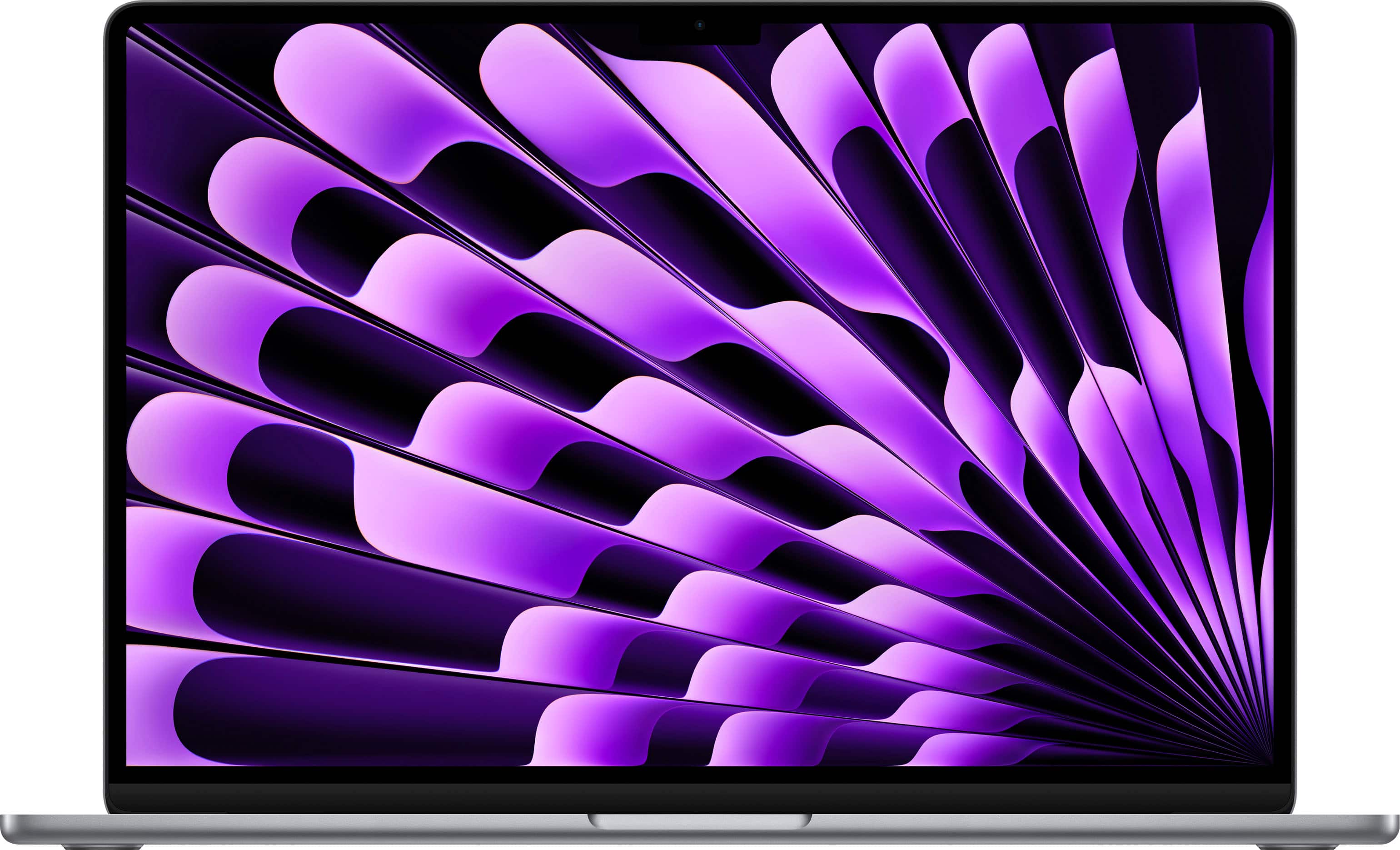
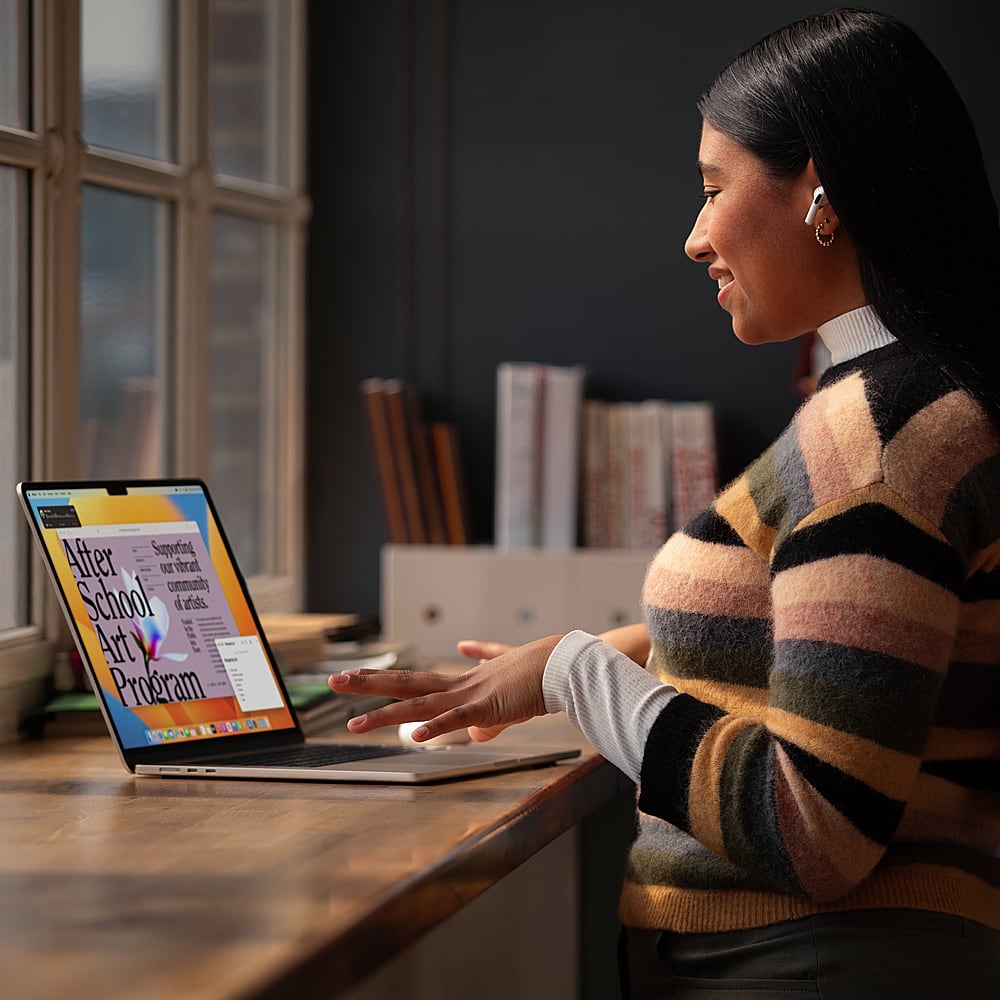
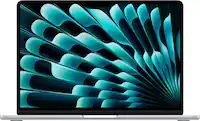
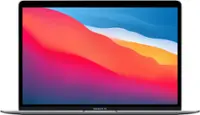
A:Answer Yes! I both print and scan regularly from my laptop. Printer and scanner are both Epson, they auto-update, have never had a problem with either. I use my laptop for writing, organizing, meetings, and TONS of graphics.
This laptop is great and it's a little workhorse. I continue to be completely pleased with my purchase. Of course, I'm biased, Apple/Mac all the way, wouldn't have anything else, never have, never will. And they just keep getting better. This is one company that actually seriously listens to its users and incorporates what they hear as the go forward.