A:AnswerIf you're using up to date creative suite software and not throwing too heavy of tasks at it, it runs fine. I use After Effects heavily and it hasn't been a burden at all. Personally enjoying the laptop so far!
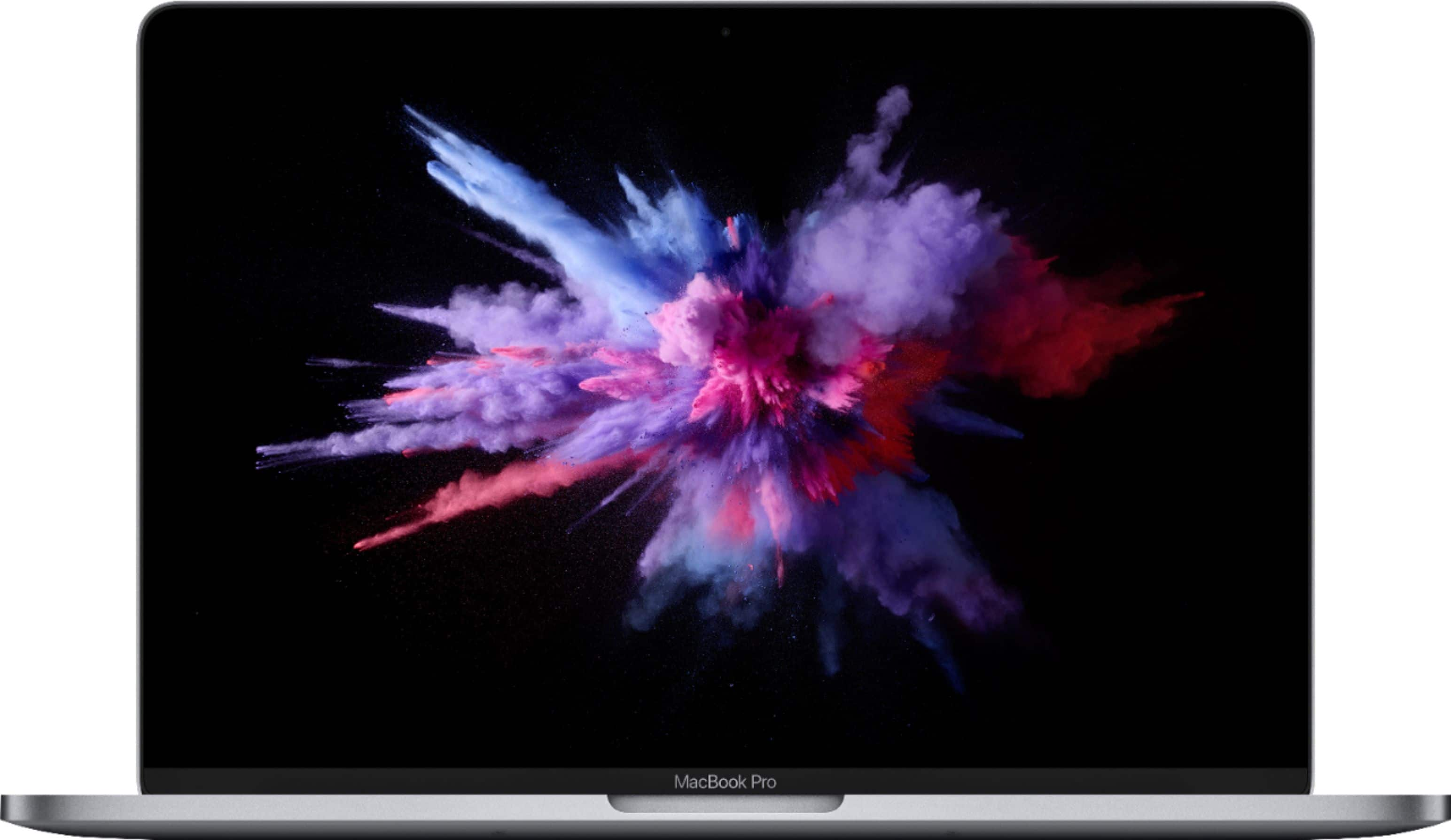
A:Answerno it does not come with a DVD player, this MacBook Pro is far too thin and would not be able to contain one, same thing goes for all newer MacBook models in the Pro, air and regular category. But there is another solution if you'd like to have a DVD player with your MacBook, apple sells a USB superdrive that can be connected to any MacBook Pro, MacBook Air, and regular MacBook.
A:AnswerNo I Do Not Think It Will Be In Warranty Now If a You Are Just Joing On A Trip Maybe But If you Stay There Perminate I Don’t Think It Would Last.
A:AnswerAs I understand it the RAM is soldered onto the motherboard, so if you require more than the standard 8 gigs of RAM you need to purchasr the MACBook with your desired amount. Similarly, if you need more HDD space you either need to purchase a unit with your desired amount or replace the SSD drive after purchase. A better option might be to use an external drive.
A:AnswerOne must do a bit of in-depth reading about how illustrator is used, as IT only does what it’s “partner” asks.
SO... if the student expects to just put basic info n’ expects project to be done by the device... that will lead to major frustration n’ disappointment.
Preparing, reading, lite research on how to use this format is a must to attain quality results... all of this innANY project is SOLEY up to n’ with correct information for the computer to use.
SO... if one does not do or wish to extend any effort to help with a project... perhaps “He or She” needs to rethink staying in their desired program n’ get a job n’ learn what life is really about..