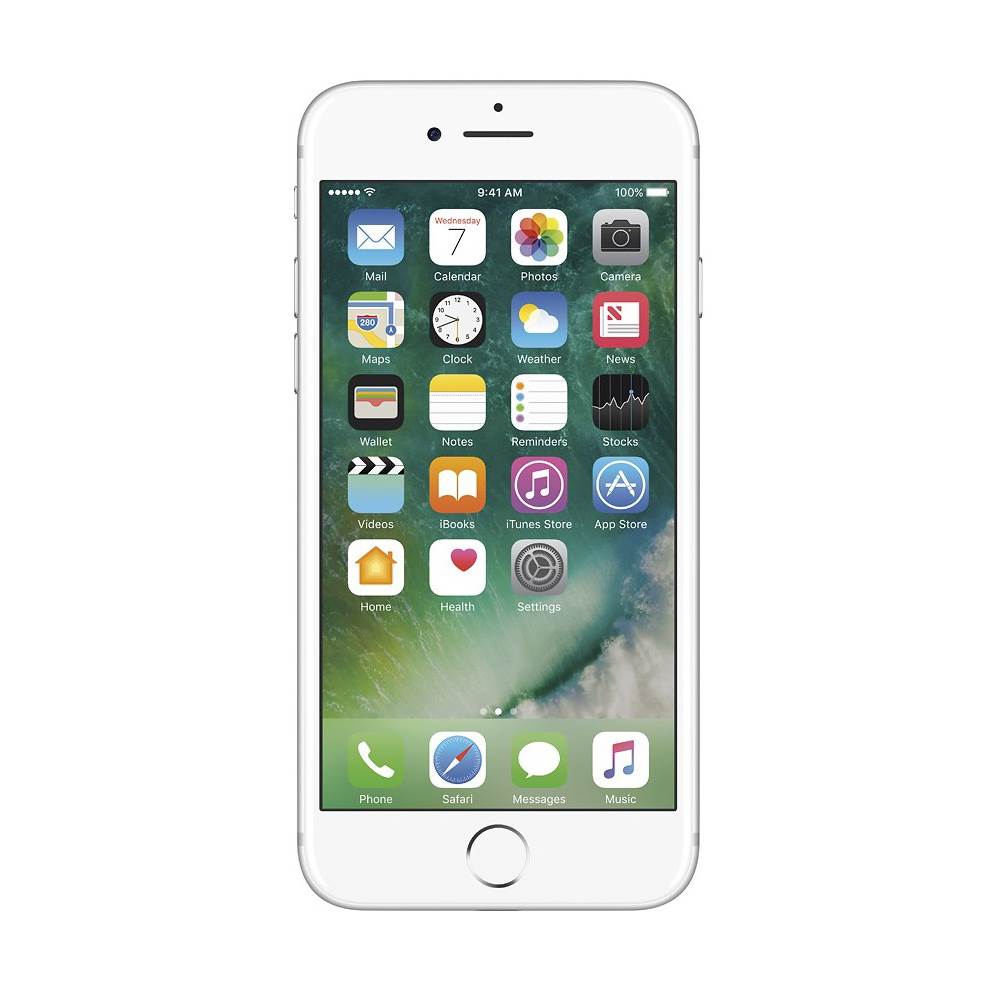
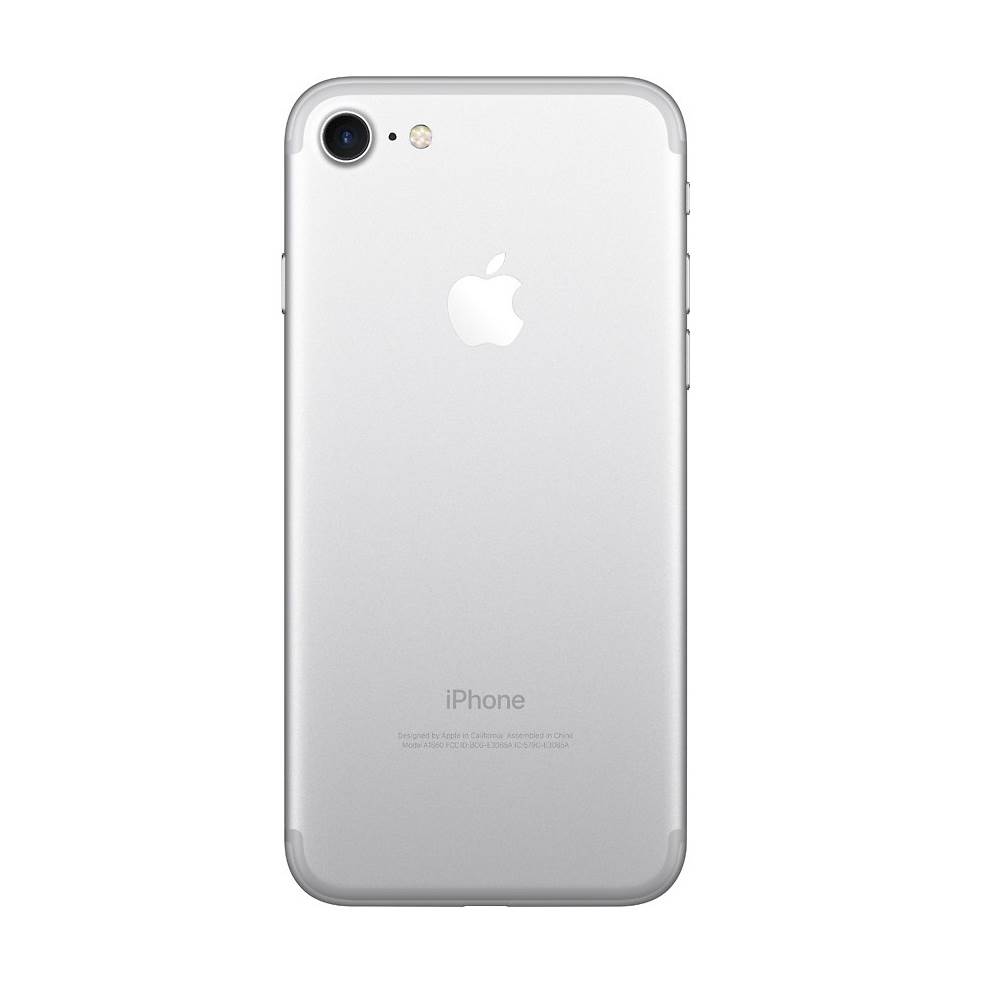
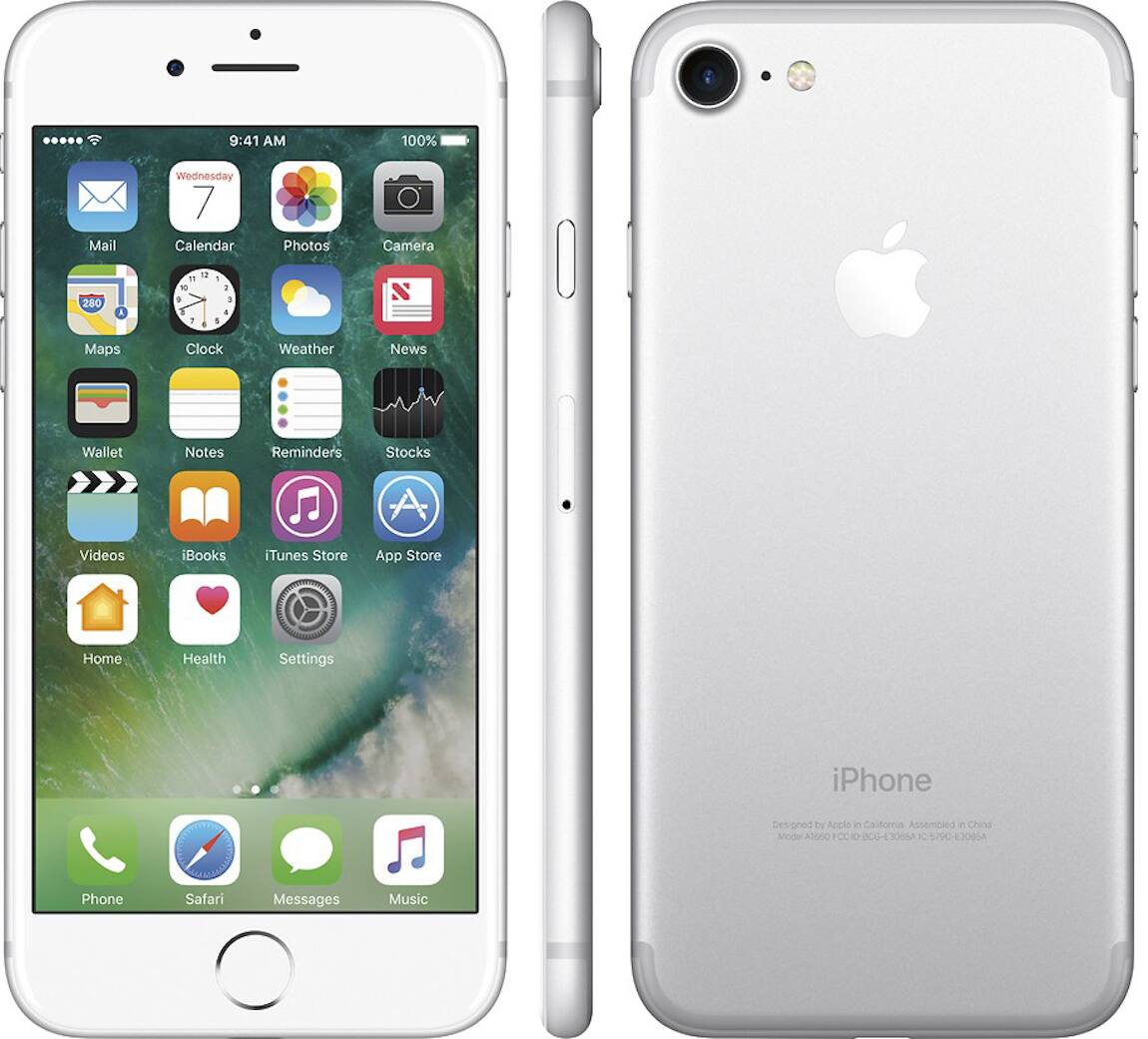
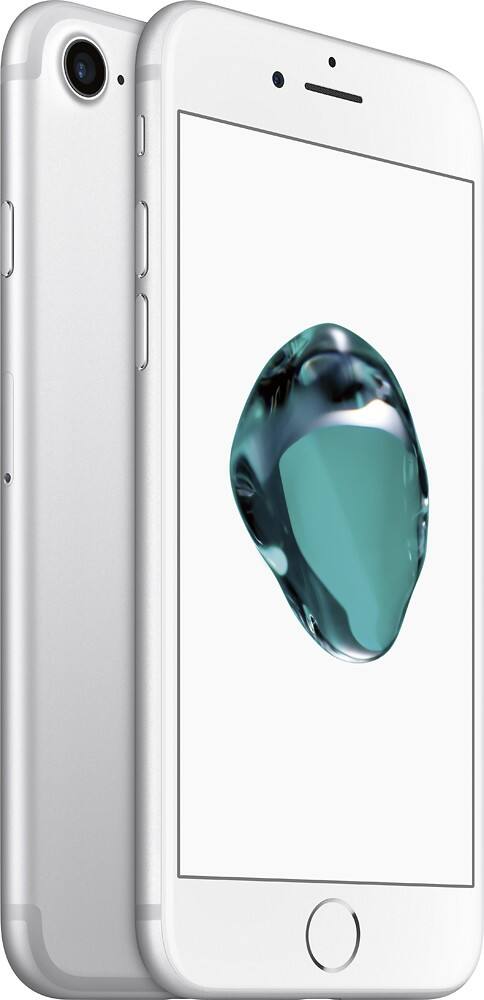
A:Answer Yes, so long as you already have a pre-existing iPhone simply go into settings, tap on your username, tap on iCloud, tap on iCloud back up and then tap on back up now. Once that is accomplished you can then turn off Find My, sign out of your pre-existing iPhone, and then erase and reset it to factory settings. Once that is done simply set up your new phone using your newly created iCloud back up and all your data will appear on the new phone. Insert your metro Sim card into the new phone and you should be up and running and making calls as usual. If you are going from android to iPhone with your new purchase you will be able to select the import data from android option during the initial set up but I don’t know how messy that will be because I have never done it before I’ve always gone from Apple to Apple