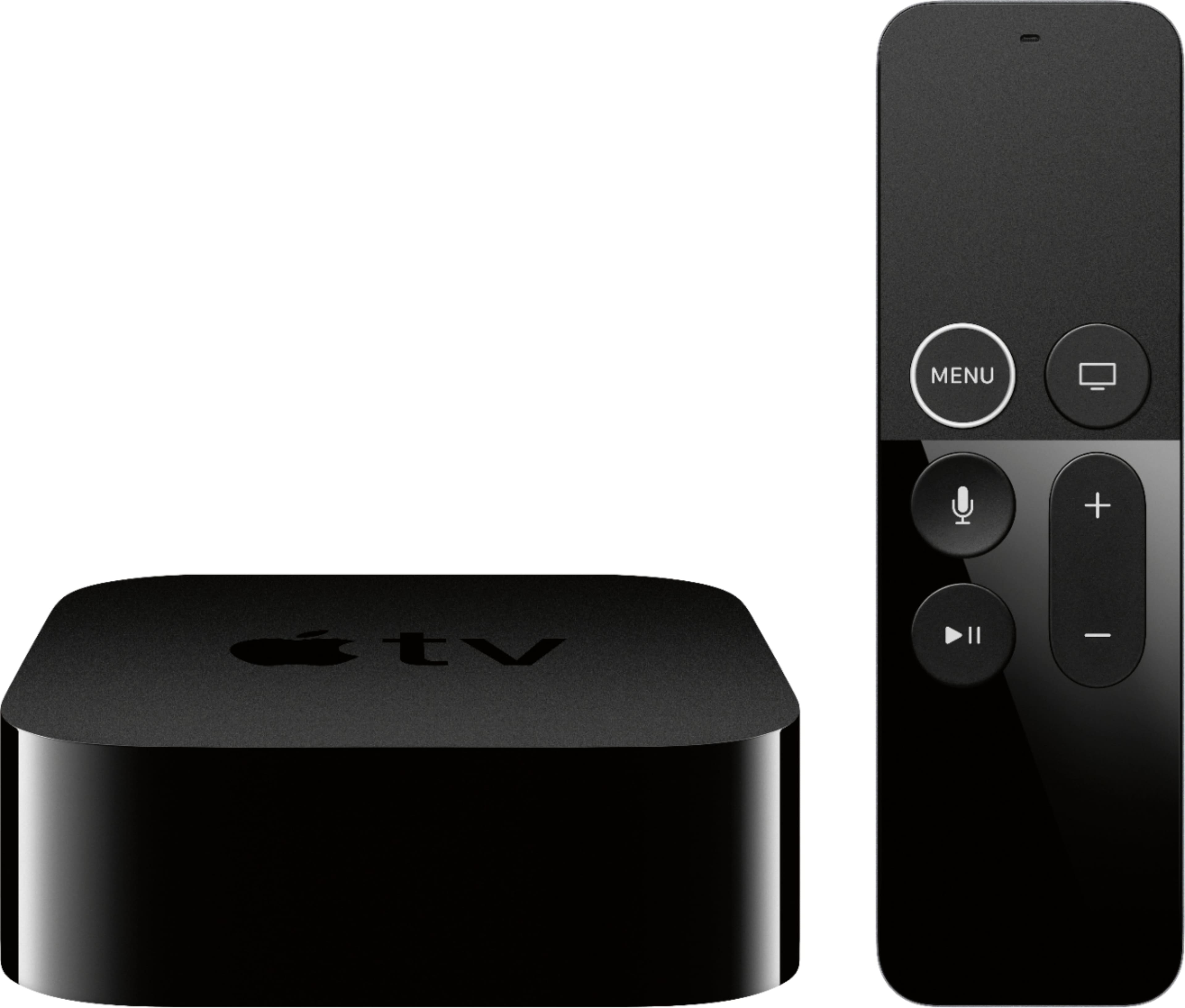
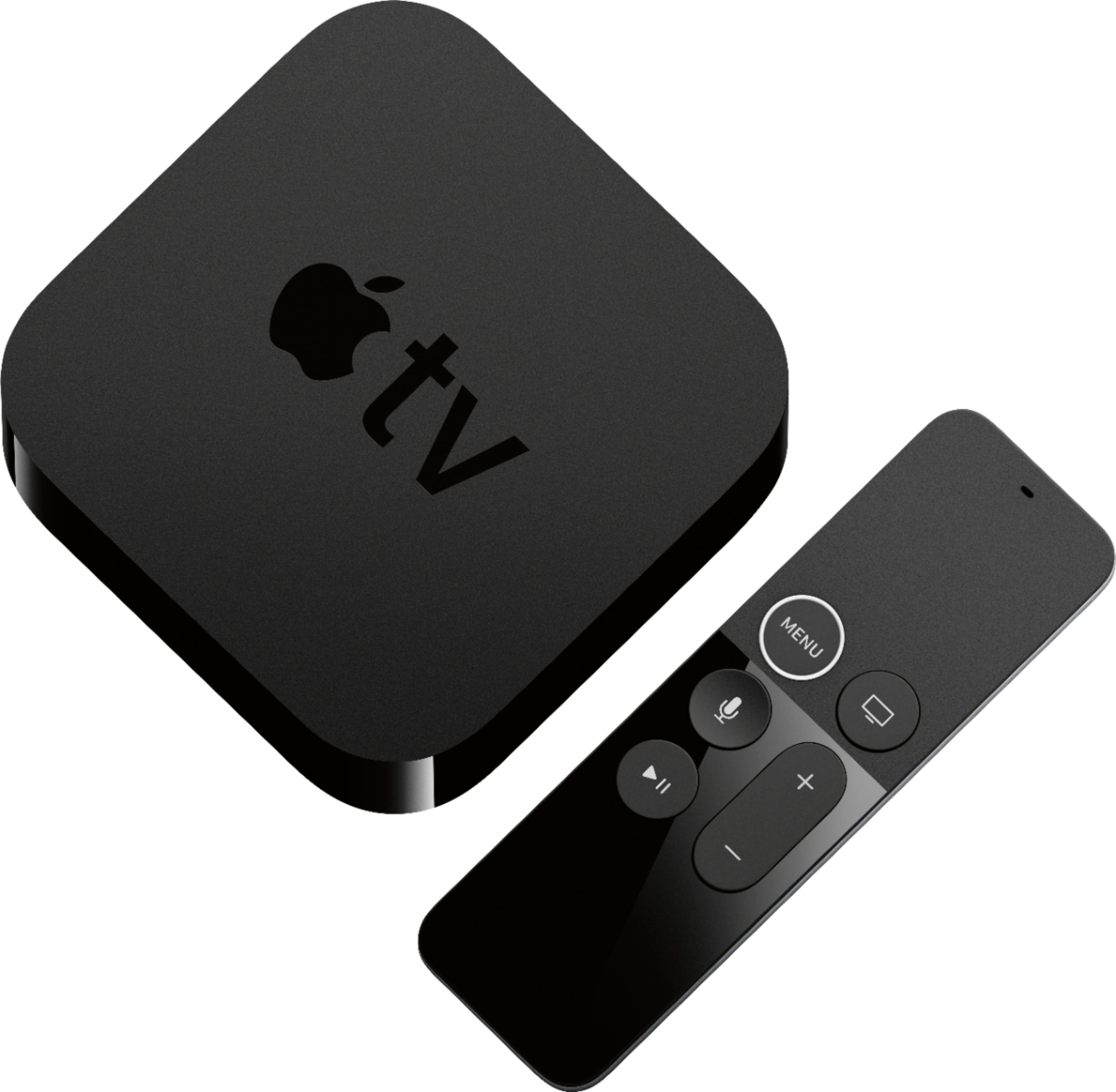
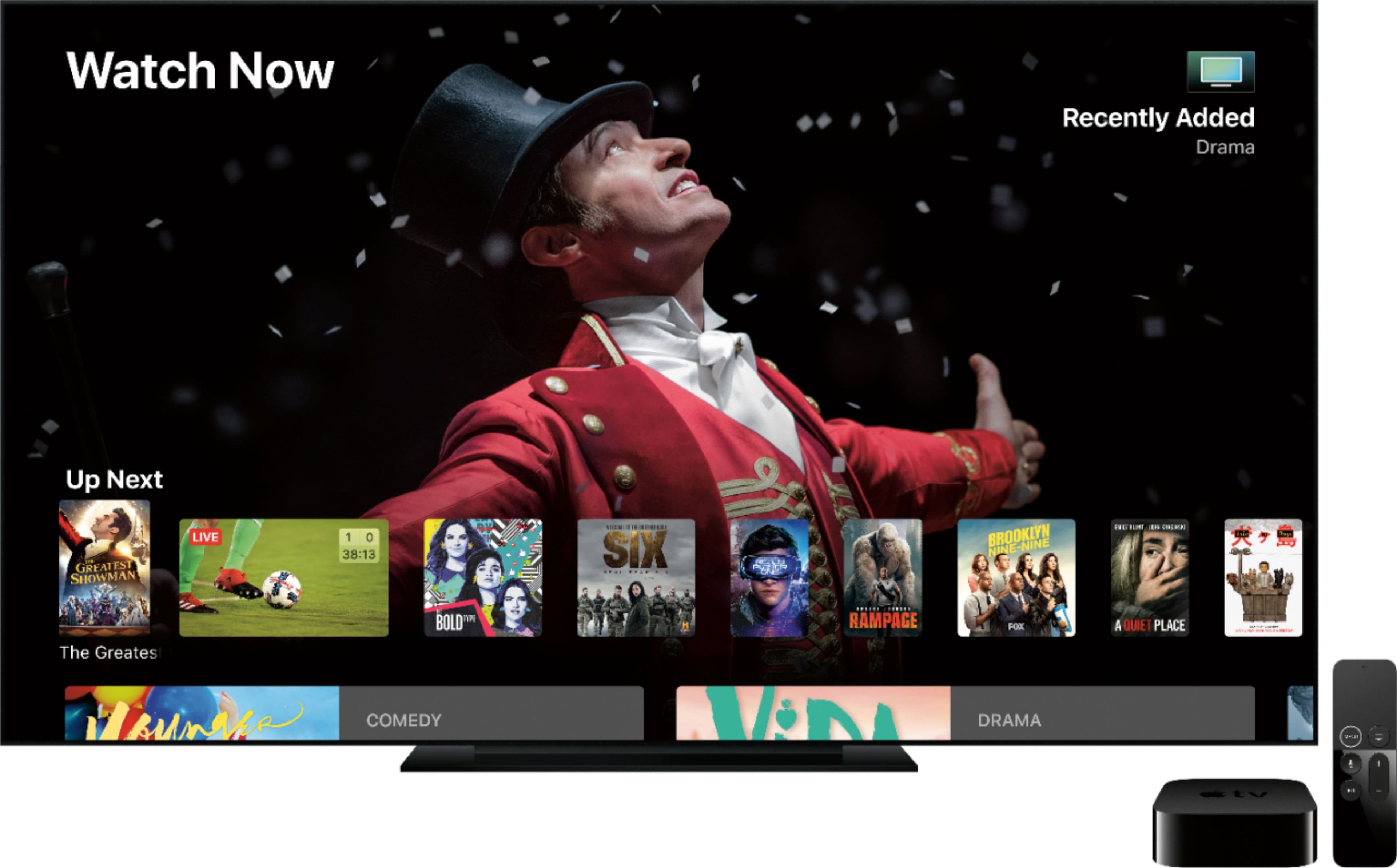
A:Answerthe one and probably only benefit to the appletv is being in the apple ecosystem. if i hadnt bought 30-40 kids movies from the itunes movie store, i probably would never turn on my appletv. but i did, so im stuck. if you really just watch netflix or hulu or other smart tv app, you dont need it.
its also nice to be able to "cast" your iphone or ipad or laptop to the tv if needed. but its not necessary for most.
A:AnswerYes, you can use the Apple TV4K on a non-4K television. However, If you aren't planning to upgrade to a 4K TV anytime soon, you can save yourself a little money by getting the "regular" Apple TV 4.
A:AnswerFaster processer, better internet connection, cooling fan to keep things running better, I have on 1080P TV and it is worth the difference in price.
A:AnswerIf the broadcast is in 4K then yes. If not, the Apple 4K TV will stream in its native resolution and your tv will upconvert the signal from HD to near 4K resolution.
A:AnswerNot long at all I’ve actually owned my Apple TV for over a year & I’ve charged my remote 1 time & i’m at 30% now! Not sure about a notification as mine is still charged but if you press the microphone button and say battery level it will tell you or go into the settings!
A:AnswerThe Apple TV 4k will detect your TV properly and output the correct signal for it. It also will stream the correct content for your TV from its various sources so you don't needlessly run up your data usage with content your TV can't display properly. The Apple TV 4k works with TVs all the way down to 480p video resolution.
This also applies to people that have 4k TVs without HDR capability - the Apple TV will stream the SDR 4k content instead of the higher-bandwidth HDR 4k content.
A:AnswerDisney+ is not loaded on the box but you can use the app store to download it. Being able to download apps is my favorite part of the Apple TV. Also I just bought mine and it came with a year of AppleTV+ free.
A:AnswerI have mine connected to my Visio atmos sound bar then to the tv through the hdmi arc port. Did a little research and this is supposed to be the way to do it. Check audio setting on Apple TV after and atoms should be available
A:AnswerNo, you don’t need to have a line of sight for the remote to work correctly.
This remote is made to work via a Bluetooth transmission. Meaning as long as you are within a certain range of the device itself the signal will reach.
If you’re one for a neat and tidy, more concealed setup, I’d recommend the “TotalMount” hookup that hides the AppleTV behind your TV. The remote will still work 100%, and you’ll get a cleaner looking setup.