A:AnswerOne is made by Amazon and the other is made by Apple.
Apple TV is actually better quality. Interface, OS, ease of use, plays well with the IPhone (not required), oh and has the most content for Dolby Atmos and Vision.
A:AnswerYes a Dolby atmos sound bar needs a signal from atmos content. The Apple TV can send the sound bar the atmos signal. Most sound bars require you to shut off internal tv speakers.
A:AnswerYes (and contrary to that one claim it does. It does NOT have to be an iPhone, that’s irrelevant).
BUT your cell phone plan has to support tethering (and your phone too for that matter), and a lot of plans limit streaming video’s resolution, which would look worse on a tv since the screen is bigger and better. AND practically it’s probably not Realistic as streaming video uses a lot of data, way more than is practical with most cell phone plans.
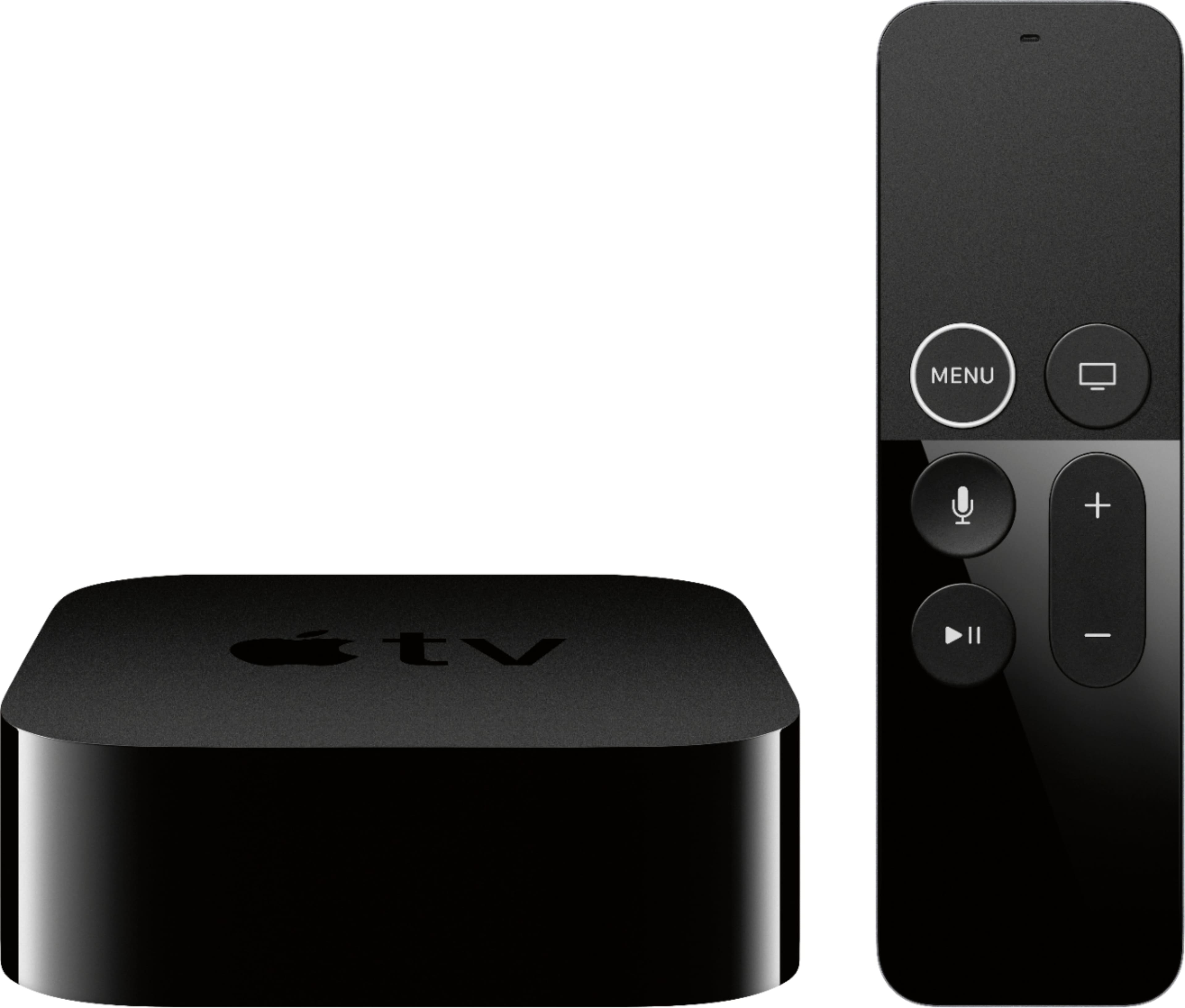
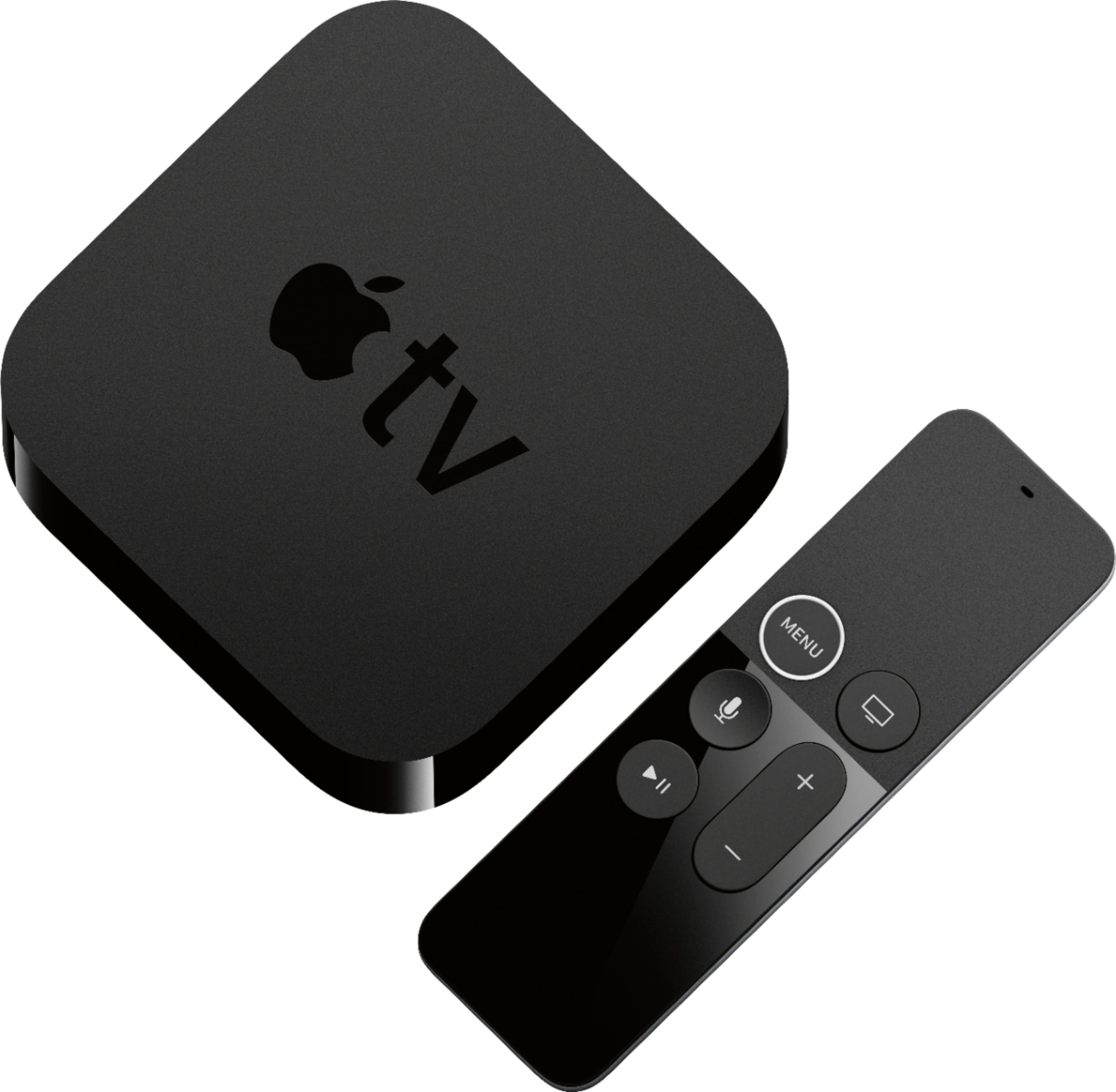
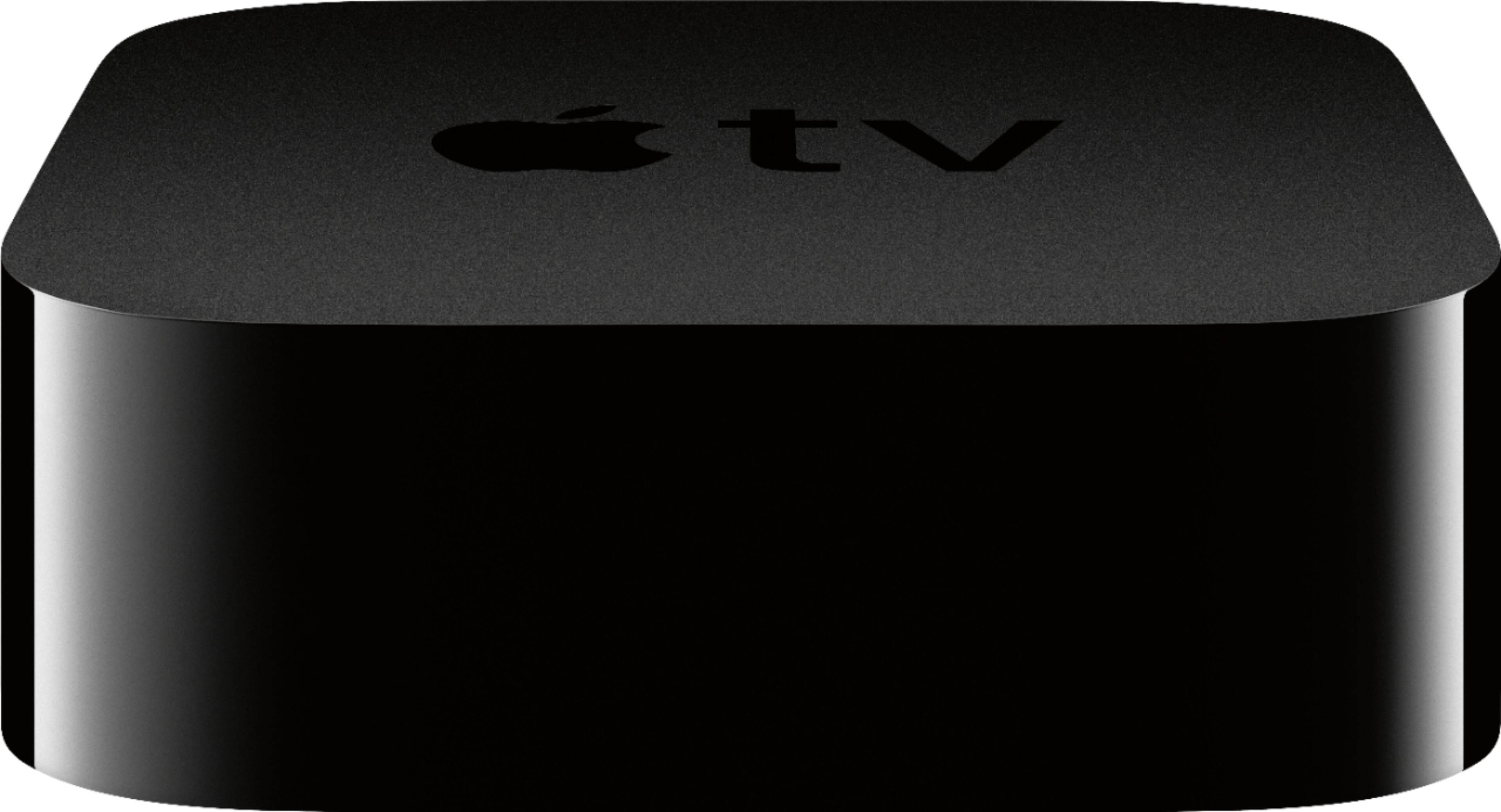
A:AnswerThe Apple TV is not battery powered. It does include the power cord. The remote is battery powered, and it is rechargeable with the included lightning cable. It charges pretty fast and takes a long time to get to 0%.
A:AnswerNo as long as you get Apple tv4k and have high speed cables. I got Apple TV almost only for Disney plus since it’s the only way to get atmos sound and it looks and sounds as great as streaming can but physical media is always better
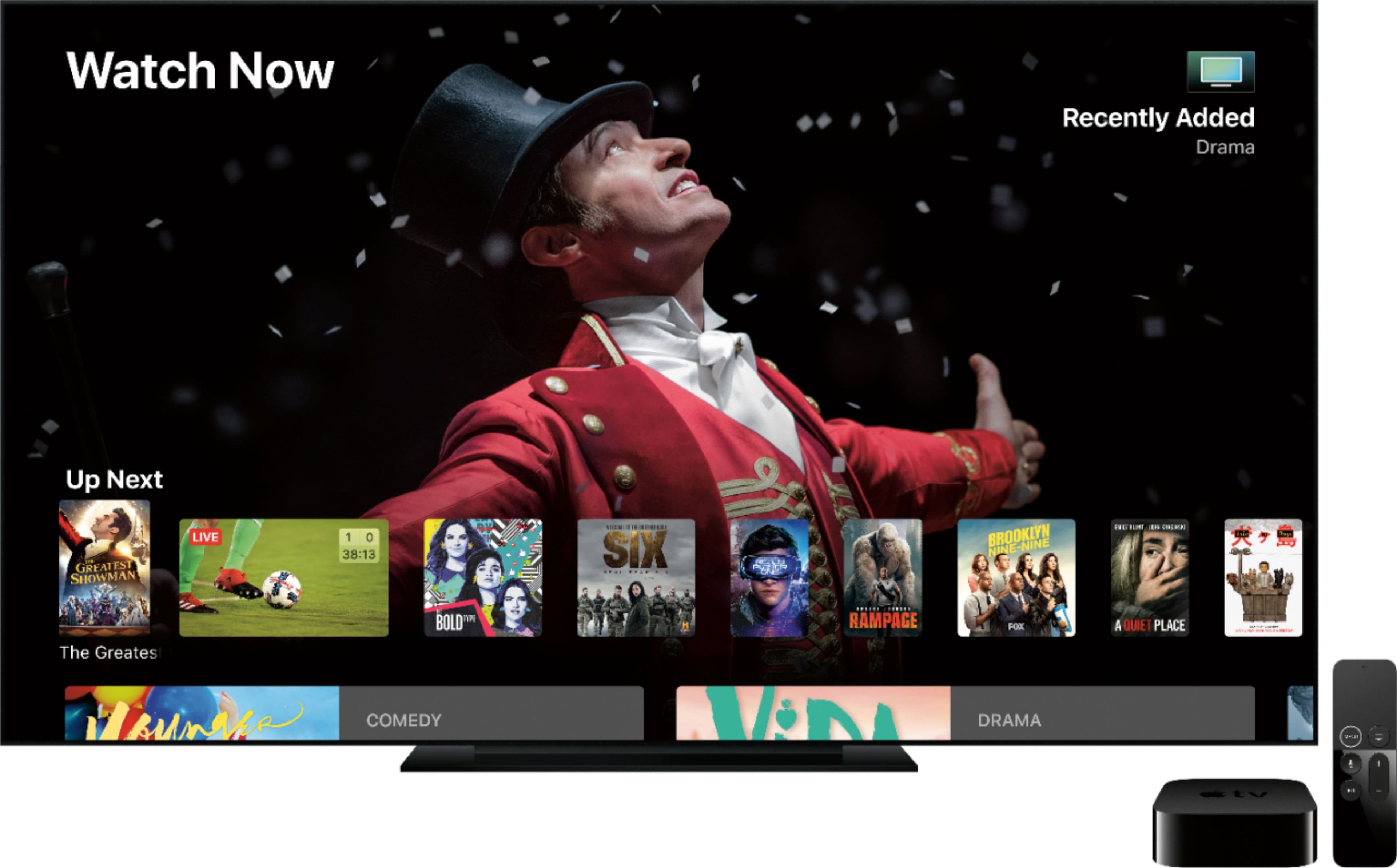
A:AnswerApple TV is not a streaming service. Local channels are not accessible through Apple TV. One has to subscribe to a streaming service that includes Live TV. I have an indoor antenna with which I can view CBS and NBC, ABC, and FOX live. I subscribe to CBS All Access and view NBC, ABC, and FOX shows through Hula (regular, not Live) usually one day after shows are aired. I use Apple TV to access Hulu, but one can access it through a smart TV, One might be able to view the local PBS station with the antenna if the station is within range of the antenna. To stream PBS on Apple TV, one has to be a Passport holder, and one would have to subscribe to a streaming service that includes Hallmark to view Hallmark.
A:AnswerPut your iTunes in the cloud and then you can pull it down from anywhere with Apple TV, without any additional monthly expense. Only expense is additional space that might be needed in your I cloud account.
A:AnswerYes, you have to have the internet for the Apple Tv to stream.
I had a client want to do something similar. My advice would be to make your iPad a personal Hotspot by turning that feature on (System menu > Personal Hotspot). There you will find the direction to connecting other devices to your iPad's wireless internet, along with password. Find the Network menu on your Apple Tv and have it search wifi to connect to your iPads WiFi ID. then your Apple Tv will operate as intended and allow you to still your your iPad for other things like checking emails, etc.
T
A:AnswerI use the ARC HDMI slot on my TV and sound-bar without any problems. It worked instantly when I plugged in the HDMI cable. In fact, it works so well that I never have to turn off/on each device individually. I just turn off/on my Apple TV and both the TV and sound bar detect the video source and turn off/on automatically.
A:AnswerYes, it does screen mirroring! You just have to go into your control center on your iPhone and click on the screen mirroring button and then select the Apple TV from the window that pops up.
A:AnswerShould work fine. You will still benefit the 4K viewing you just won’t see the deep colors that HDR provide. It automatically sets the display to your TV. It may downgrade if the video itself is not 4K or 1080p
A:AnswerIf you don't have a 4k tv then you don't need to purchase an apple 4k. The other thing to think about is if you want to download apps to you apple tv. If you have kids or a different app you like to use to watch shows or play on then get an apple tv with storage. If not then just use stick with the cheaper older version because it will do the same thing. You can still rent HD movies. Just make sure your HDMI cable can handle the HD setting you want
A:AnswerNothing. You could only use it to access iTunes paid content. Best to join Netflix, Hulu, Amazon etc for content. All 3 would cost less than $30/ month. Sling, Direct TV Now etc can add live channels cheaply and you could add an antenna if broadcasts are available in your area
A:AnswerIn a word, yes. I’m not entirely sure about an NFL subscription, for whatever reason the NFL and Verizon are constantly in bed together so you may or may not be able to get an NFL Network subscription. As far as MLB goes, yes you definitely can get an MLB subscription and see so much baseball and baseball only that you’ll begin to think your TV turned into an exhibit at the baseball hall of fame. Now I will say from experience, the most bang for your buck would probably come from a subscription to Sling TV, DirectTV Now, or some other similar service in that they operate somewhat like cable service does, but no where near the price. I personally have DirectTV Now, pay under $40 a month and have about 80 channels, most football, baseball, and other sports included.