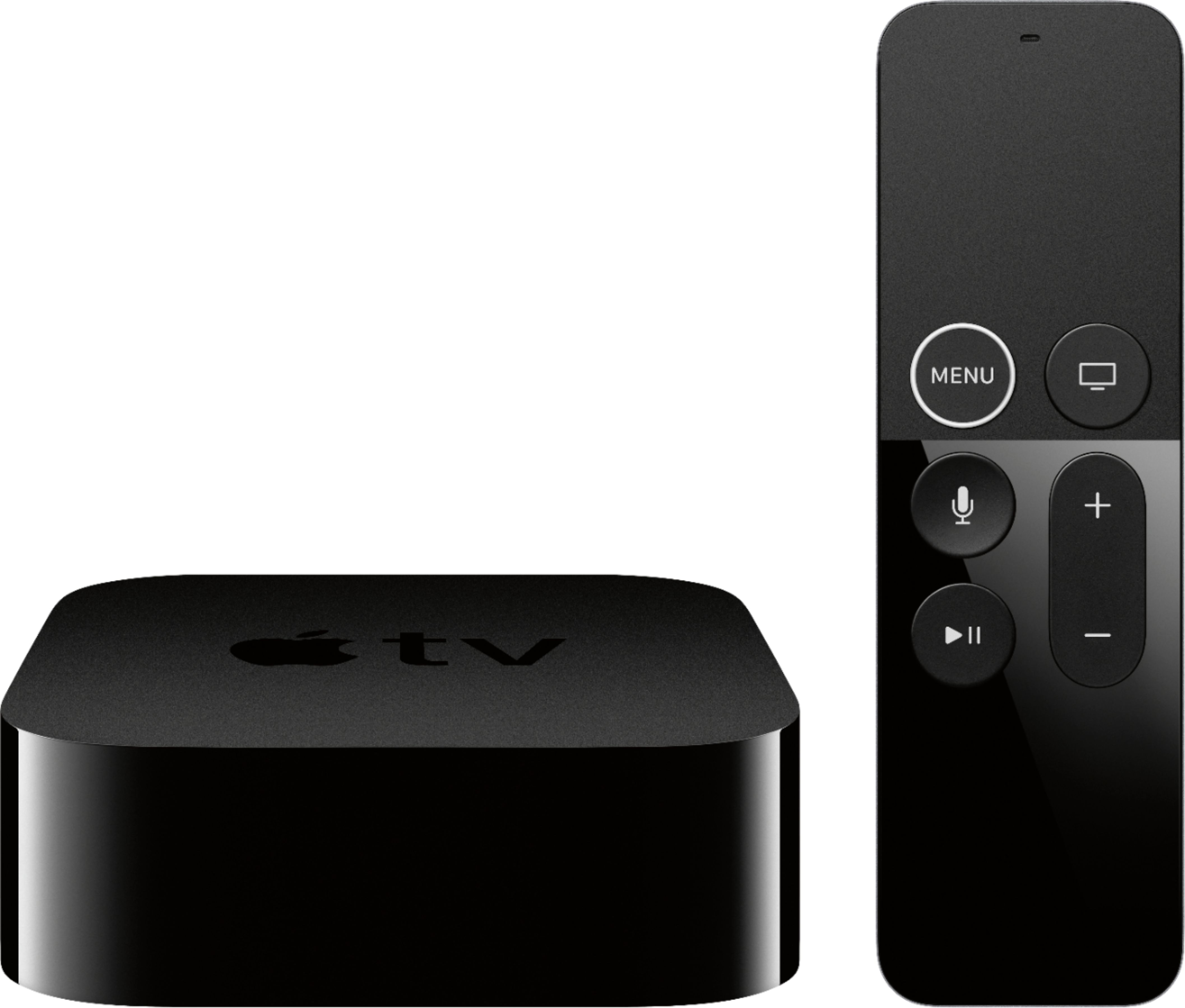
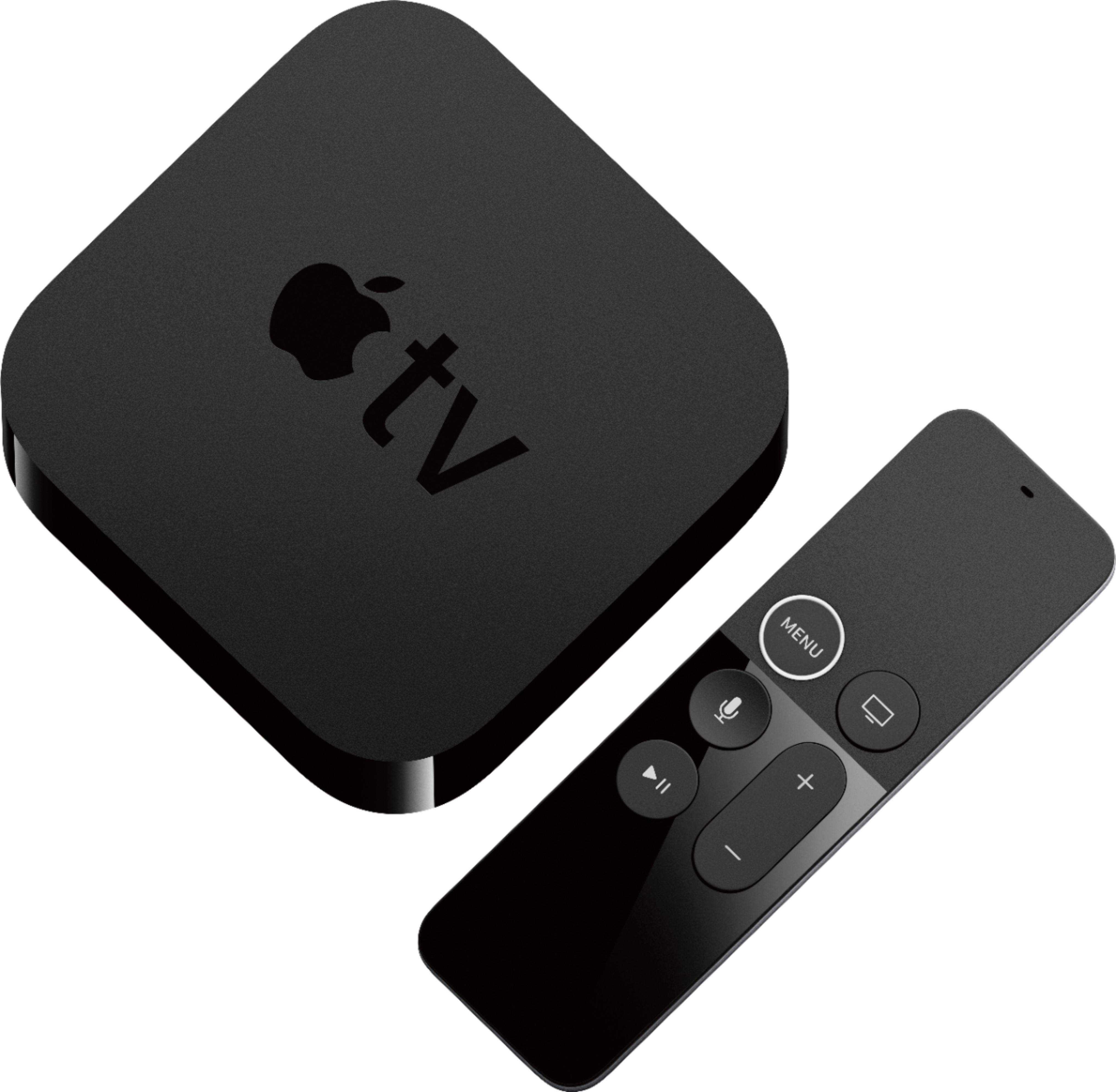
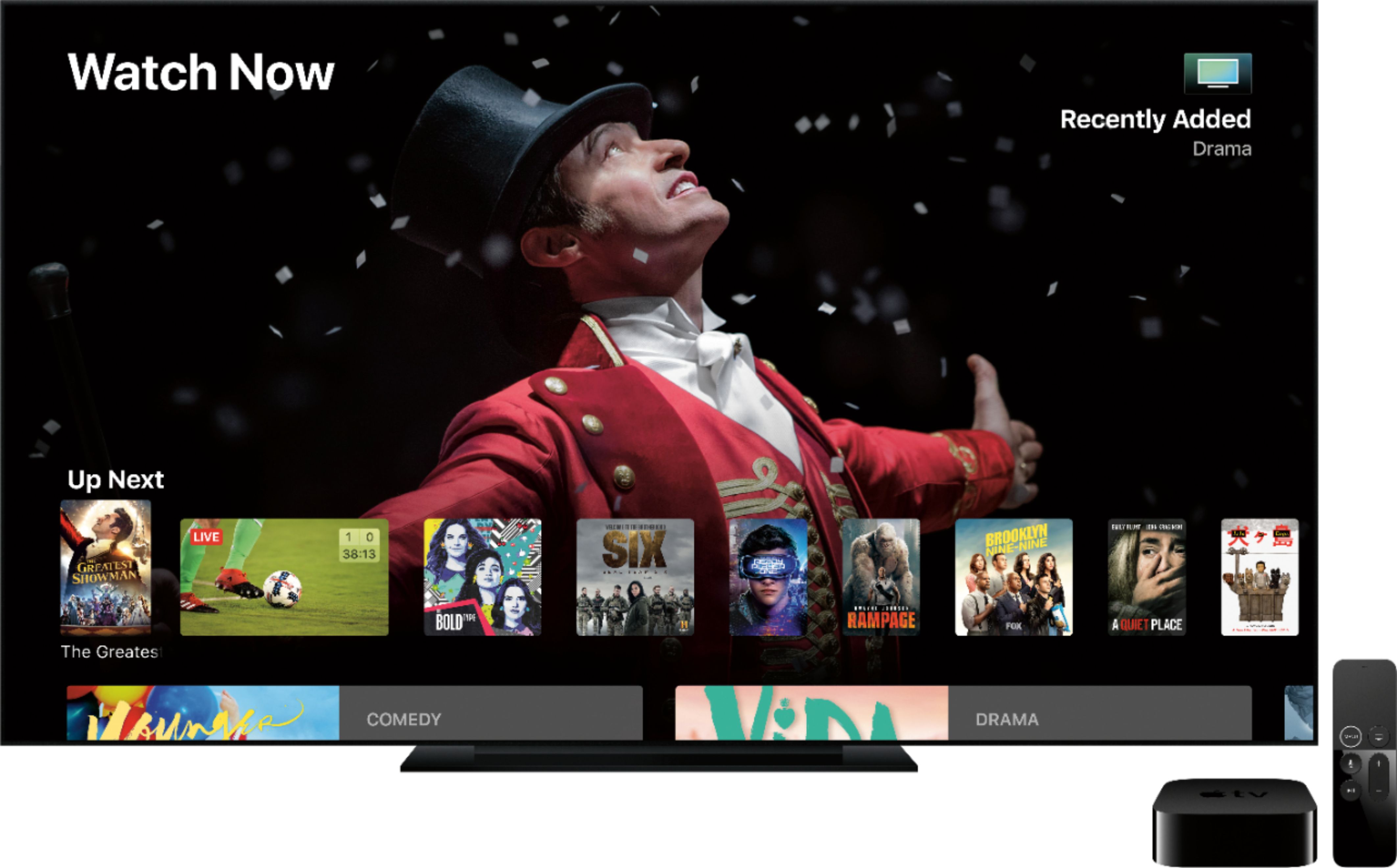
A:Answer The Apple TV is a streaming device onto which you can download a variety of apps from various networks, Netflix, Amazon Prime, etc. plus a variety of game apps that can be played on your TV. Whether you can get local channels depends on which streaming service you subscribe to. You'll need to research those. There are no monthly fees for the device itself. Some apps and streaming services such as AT&T TV, Fubo, Netflix, etc require a subscription to use. Others are free or use your satellite or cable subscription to authorize play. It requires fast enough internet to stream programming. I have boost internet service through Comcast and am very satisfied with the streaming. There's no buffering, glitching or pauses.