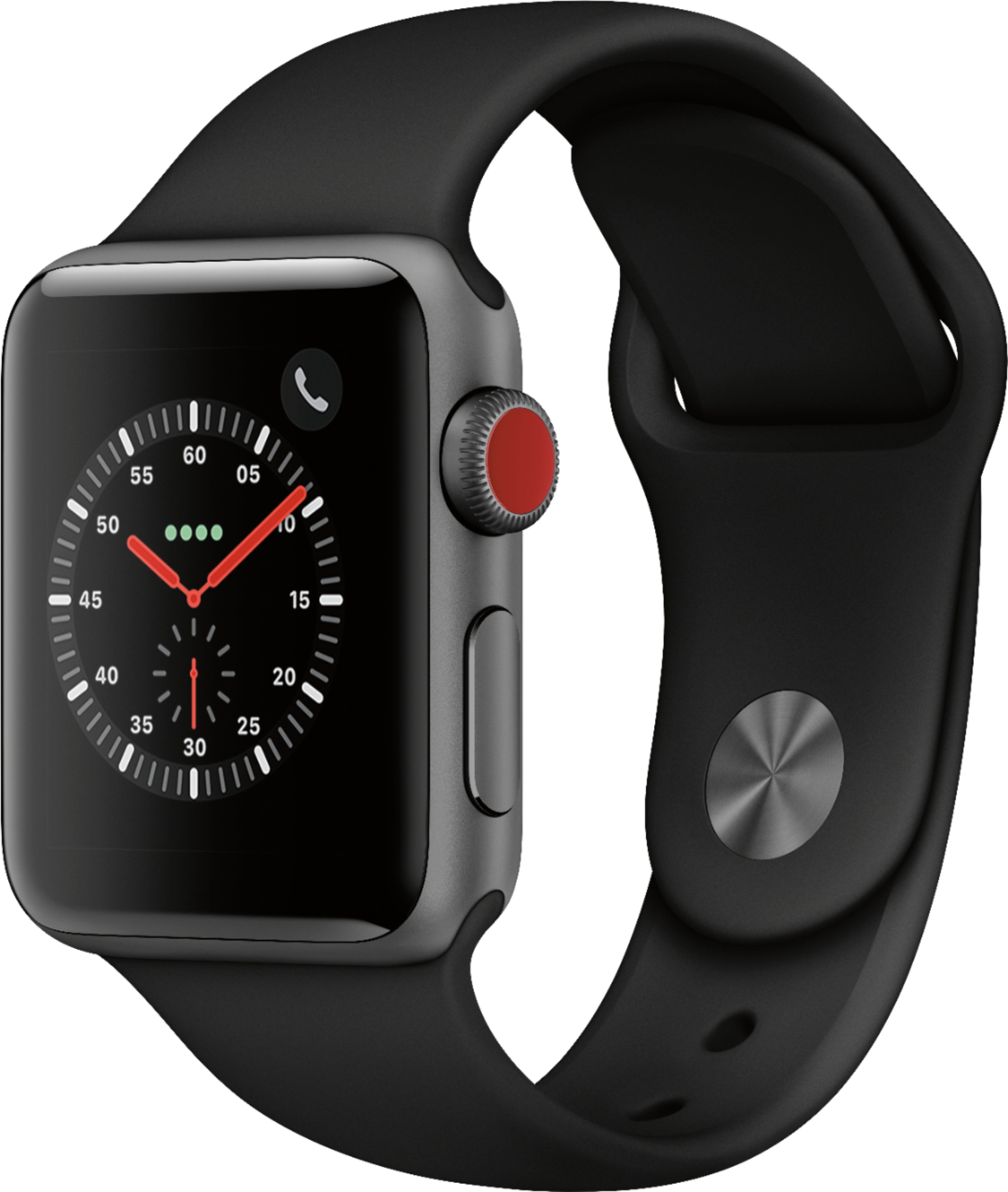
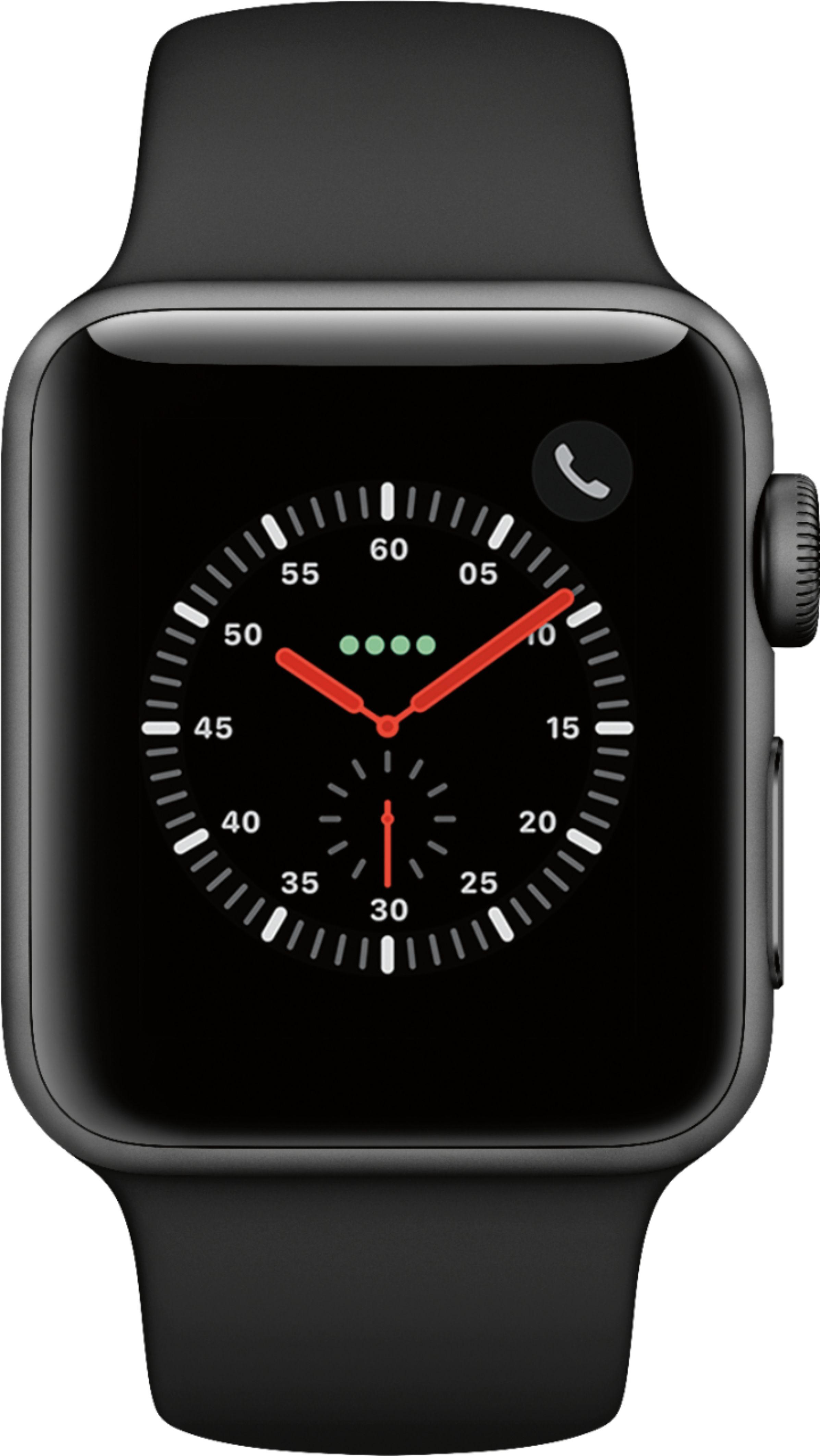
A:Answer The Apple watch is waterproof as long as you click on the raindrop that's on the menu screen. Just slide your finger up from the bottom of the screen and you'll see symbols for battery percentage, wifi, airplane mode, etc. You might have to scroll up again to see the rain drop. Tap it before you swim or shower and it locks all controls. So if you want to track your activity you have to set that before you tap on the drop. Then to unlock the watch when it's dry turn the dial on the side of the watch until it beeps.