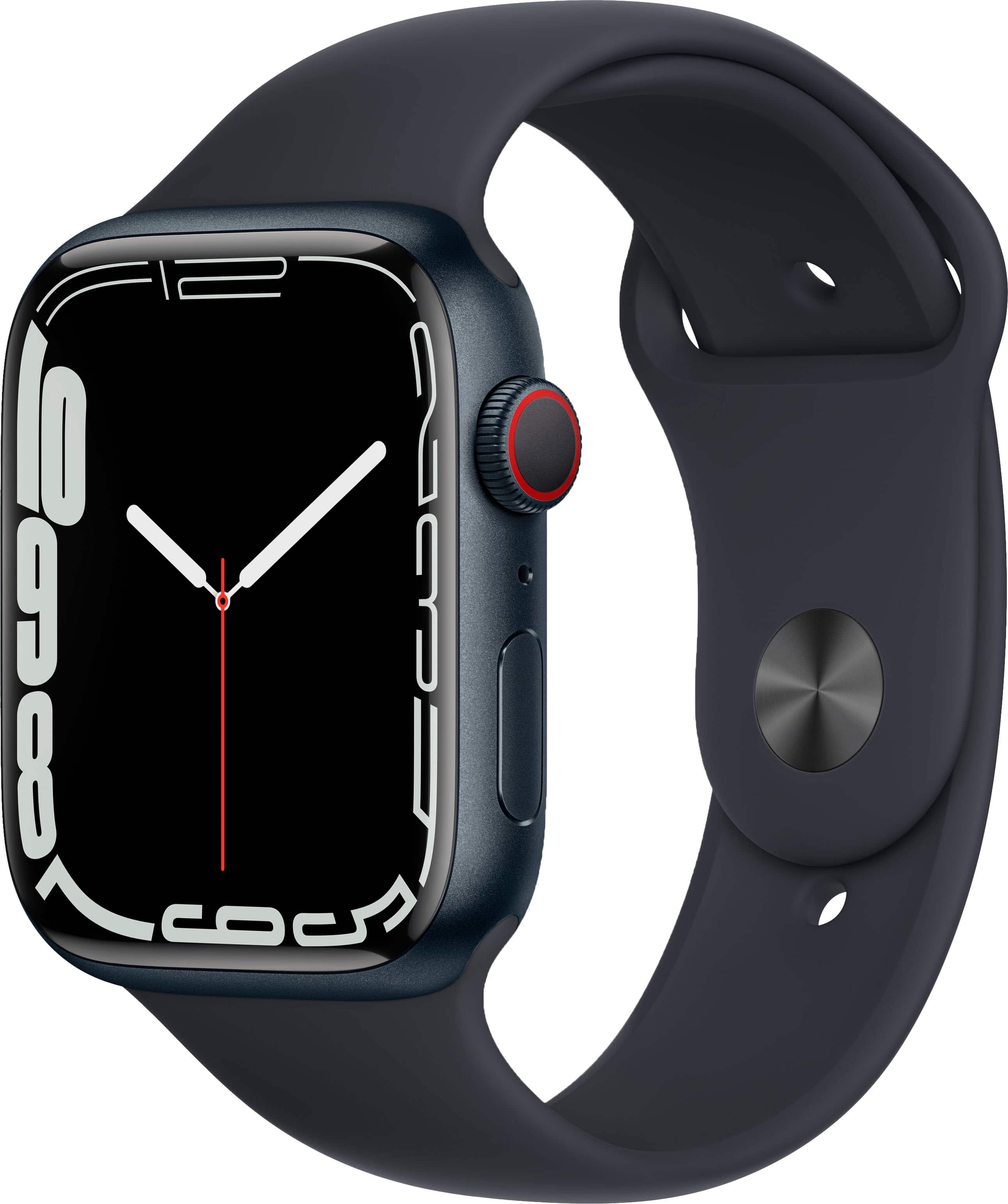
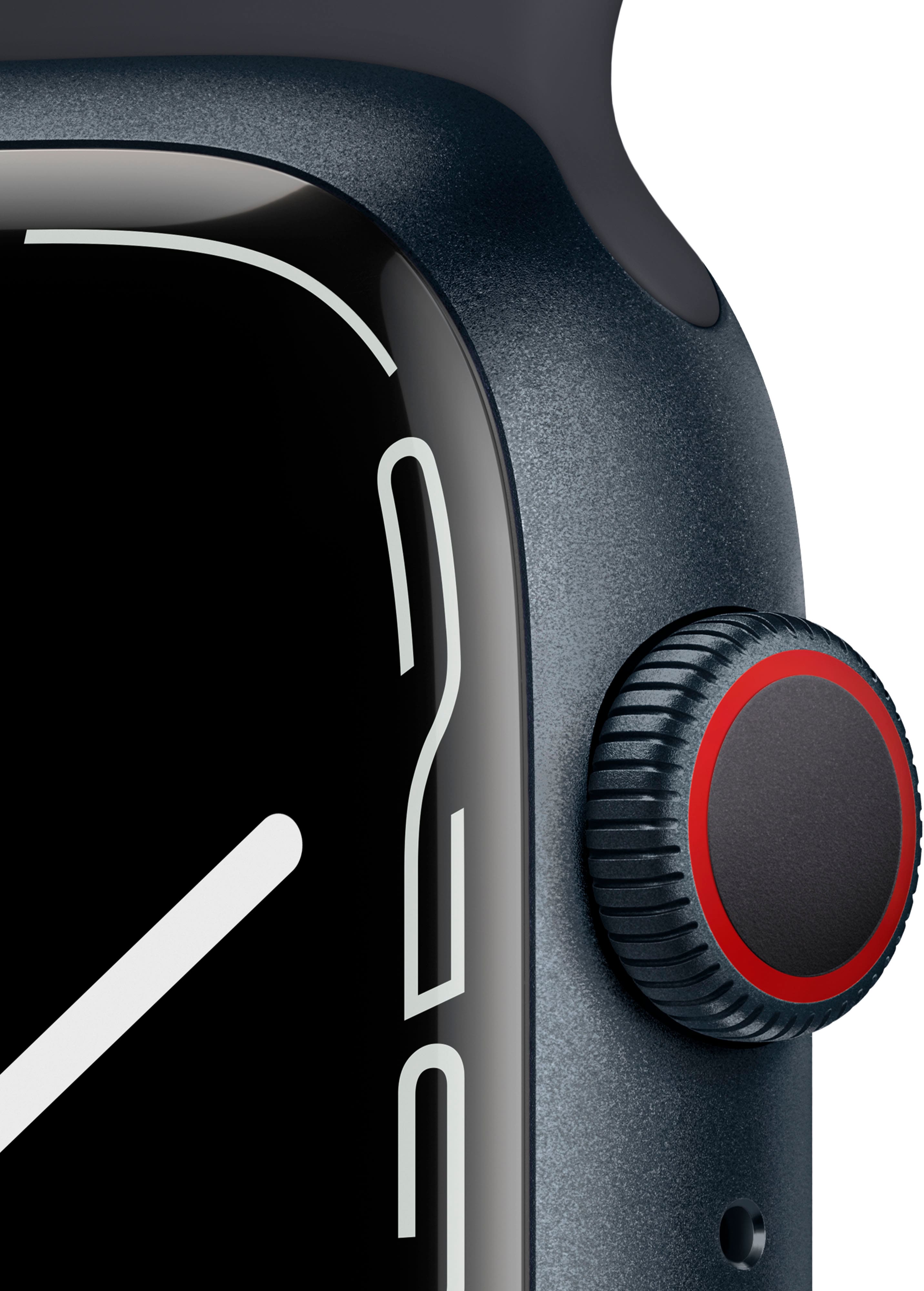
A:Answer Yes, to take an ECG using an Apple Watch with ECG capability, you would open the ECG app on the watch, place your finger on the Digital Crown, and wait for approximately 30 seconds while the watch measures the electrical signals of your heart. Afterward, you would receive a result indicating whether your heart rhythm appears normal or if it shows signs of atrial fibrillation (AFib).