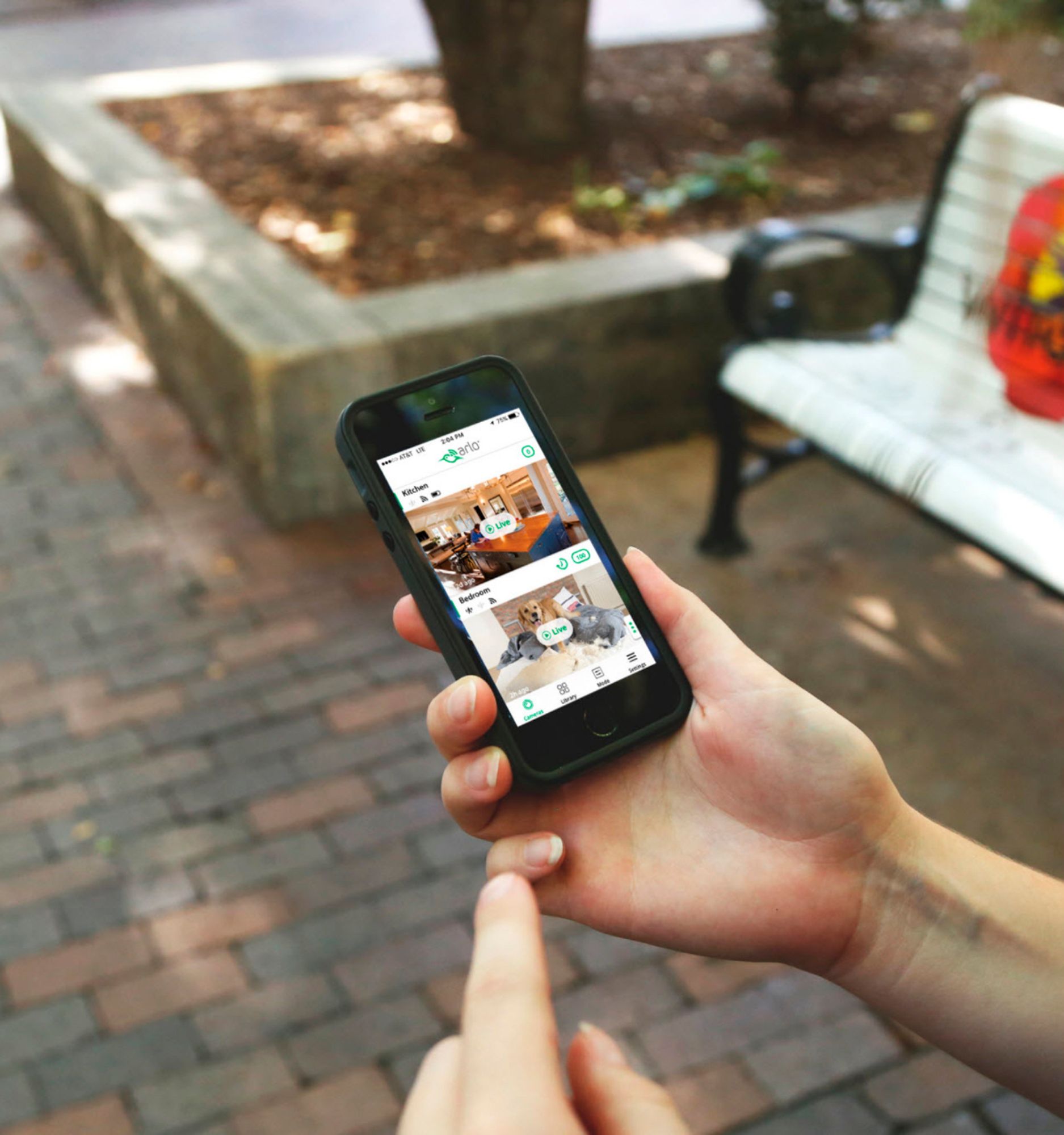
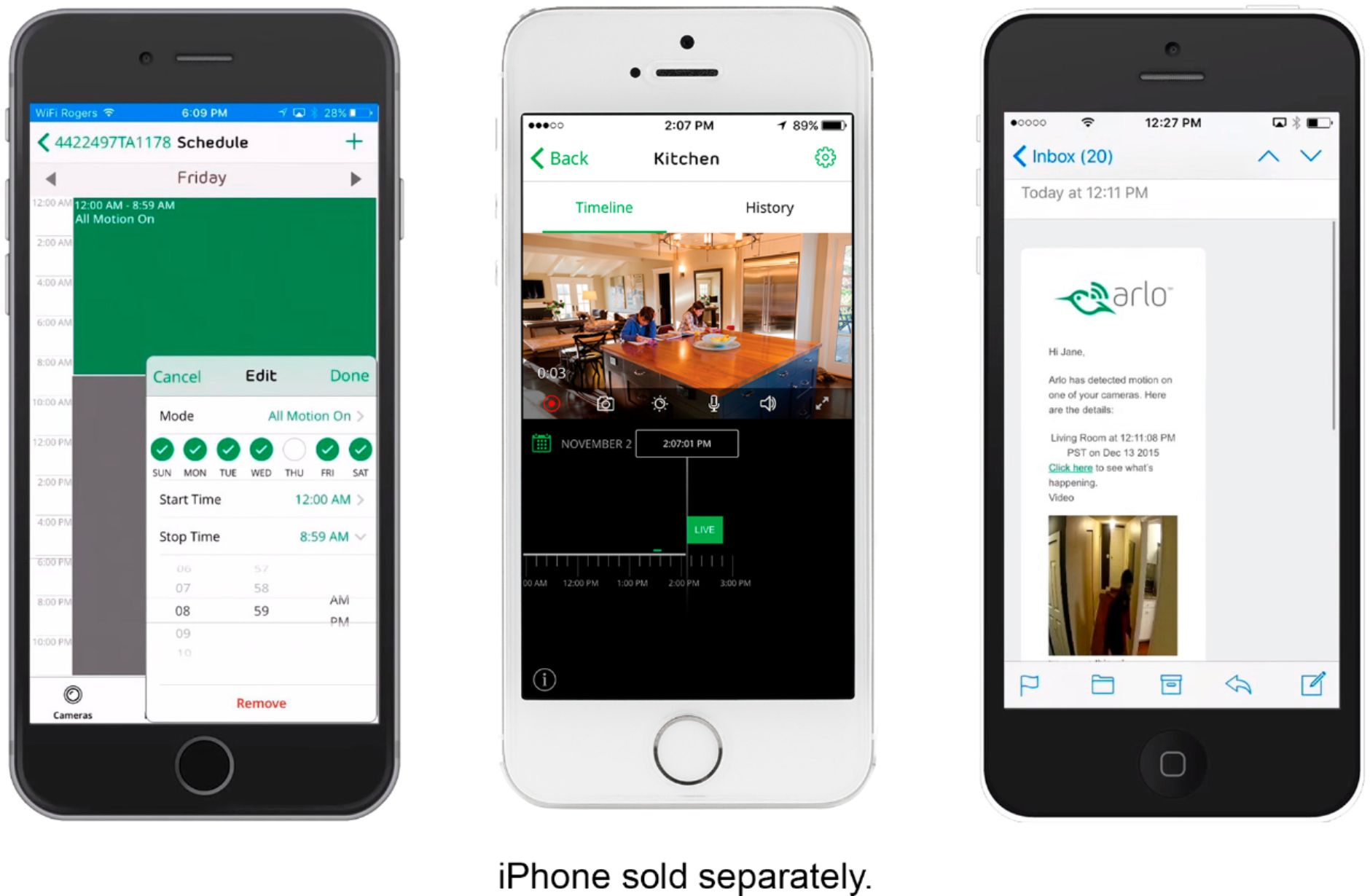
A:AnswerArlo Pro will not let you use Geofencing and the schedule at the same time. Geofencing is only usable w/a smartphone, Geofencing is in the options on the cpu site but sadly you can't click onit.
A:AnswerI feel this would be better suited for the conditions of an outdoor porch area due to the fact that it's plugged into power. The biggest complaint of wireless cameras and extreme cold is that you have battery issues. You can expect minor issues with extreme cold or hot conditions with any electronic piece of equipment. Good thing is with best buy and their warranty if you have an issue just return the u it for a new on, I always add it to all purchases. I find if I have it I have nothing to worry about but if I don't I'll have an issue just outside the window of manufacture warranty. Hope this helps you make a decision!
A:AnswerThe short answer is no. Unfortunately, because when viewing live view, you actually connect to Netgear servers, which then routes video back to you ...this lag is experienced from inherent network latency. This is well documented as a customer compliant on Arlo message boards, but Netgear as of date has yet to update their software to allow users to directly connect to the cameras (such as Motorola Baby video monitors do). At best Ive seen my lag average about 7 seconds.
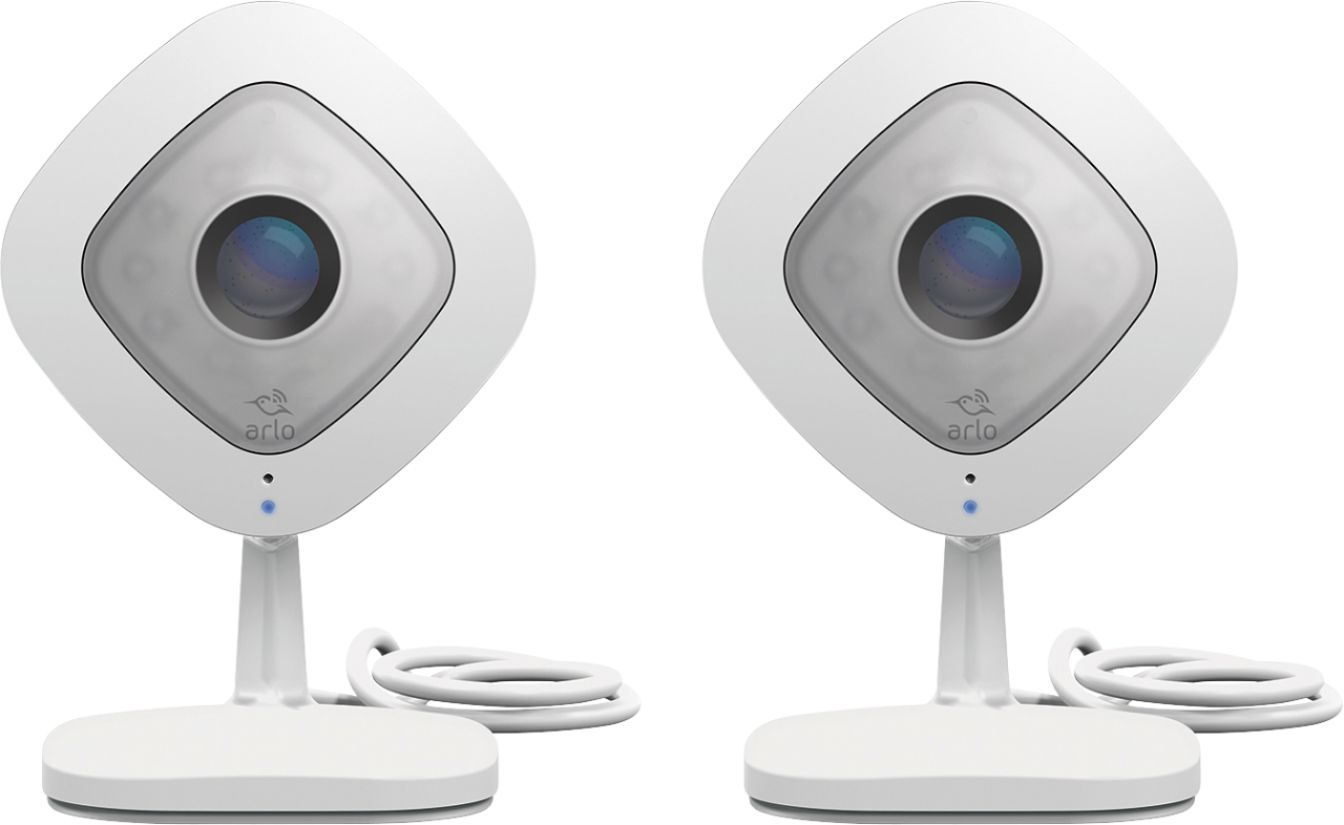
A:AnswerYes, you may disable the camera's audio by going to the camera's settings>Audio Settings then disable microphone and speaker. You may also create activity zones where the camera would only detect motion in the created area. Please check this link to learn more : https://kb.arlo.com/1001908/. ^RM