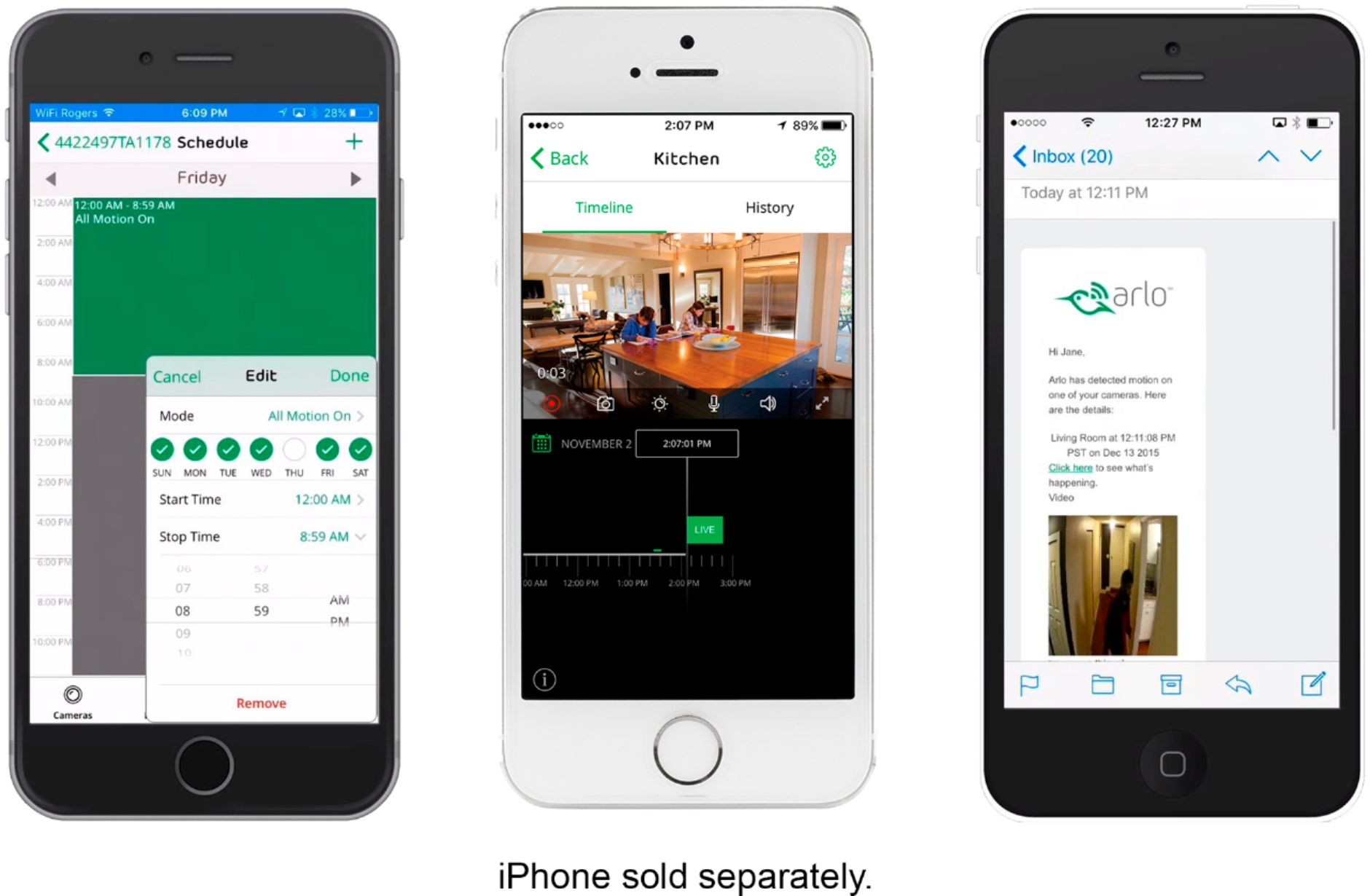
A:AnswerWhen you are viewing the live stream of the camera, there should be a microphone icon on the screen. When you tap and hold you will be able to speak through the camera.
One thing is that there is a delay between you talking and the camera so if someone is speaking back you may miss some of it.
A:AnswerNot sure. The beeps from the toaster don't set it off but flipping open the top of the vitamin bottle does. It also sends alerts after sneezes but the sound from the television doesn't affect it.
A:AnswerProbably but the cost would be prohibitive. The Jetpak would have to be on all the time (as it is with wifi) because it would need to record from the camera(s) on demand. IF your Jetpak is turned off, it could not record the motion or sound activity. WiFi is never off (unless your physically turn it off) so when there is motion or sound the camera turns on automatically. We have had the cameras for a few months and they work really well, but we have WiFi
A:AnswerSeveral seconds to several minutes, can depend on phone connectivity. The phone application and arlo/netgear network also need to be up and running...
A:AnswerGo to “mode” in your app and hit “disarm”. You can still check live views from your phone but it won’t pick up movement or sound and record or send alerts. When you leave and want it to record again go back and choose “armed”.
A:AnswerNo, you can add it to the same account/app, but this particular version will require a constant WiFi connection and powers source. Netgear does make an Arlo Go camera that has its own cellular connection that works great.
A:AnswerCold/Heat do not effect the camera unless it's beyond the cameras spec range of working temp. IE- below negative 4 the cameras don't work anyway.
It is NOT waterproof or water resistant, so there's that. But yes, you could use the Arlo Q outside if you chose to.