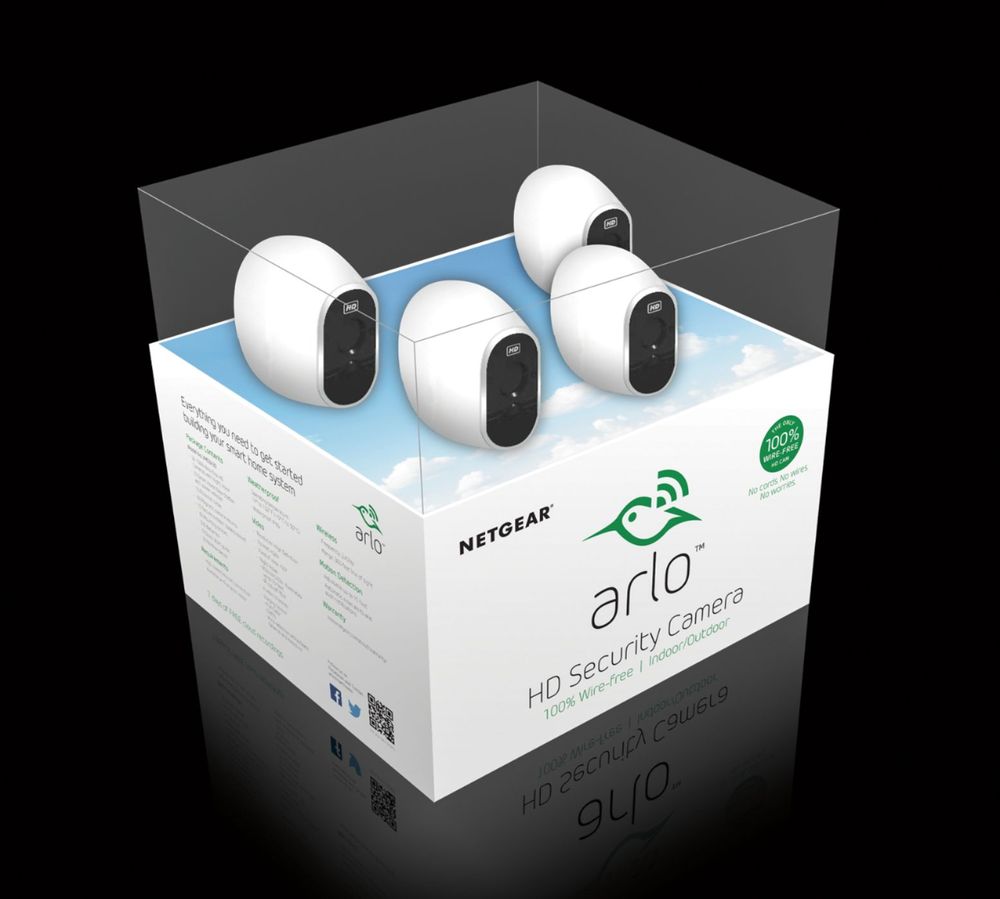
A:AnswerNo, sad thing is that is is quicker that my internet. I have a wireless router (netgear) and run the Arlo 4 camera and never have a glitch, you don't need a central location either.
Before I mounted ours to the house, I logged in and checked the signal strength and walked around to the approximate position I wanted them and that way I knew I wouldn't have a problem
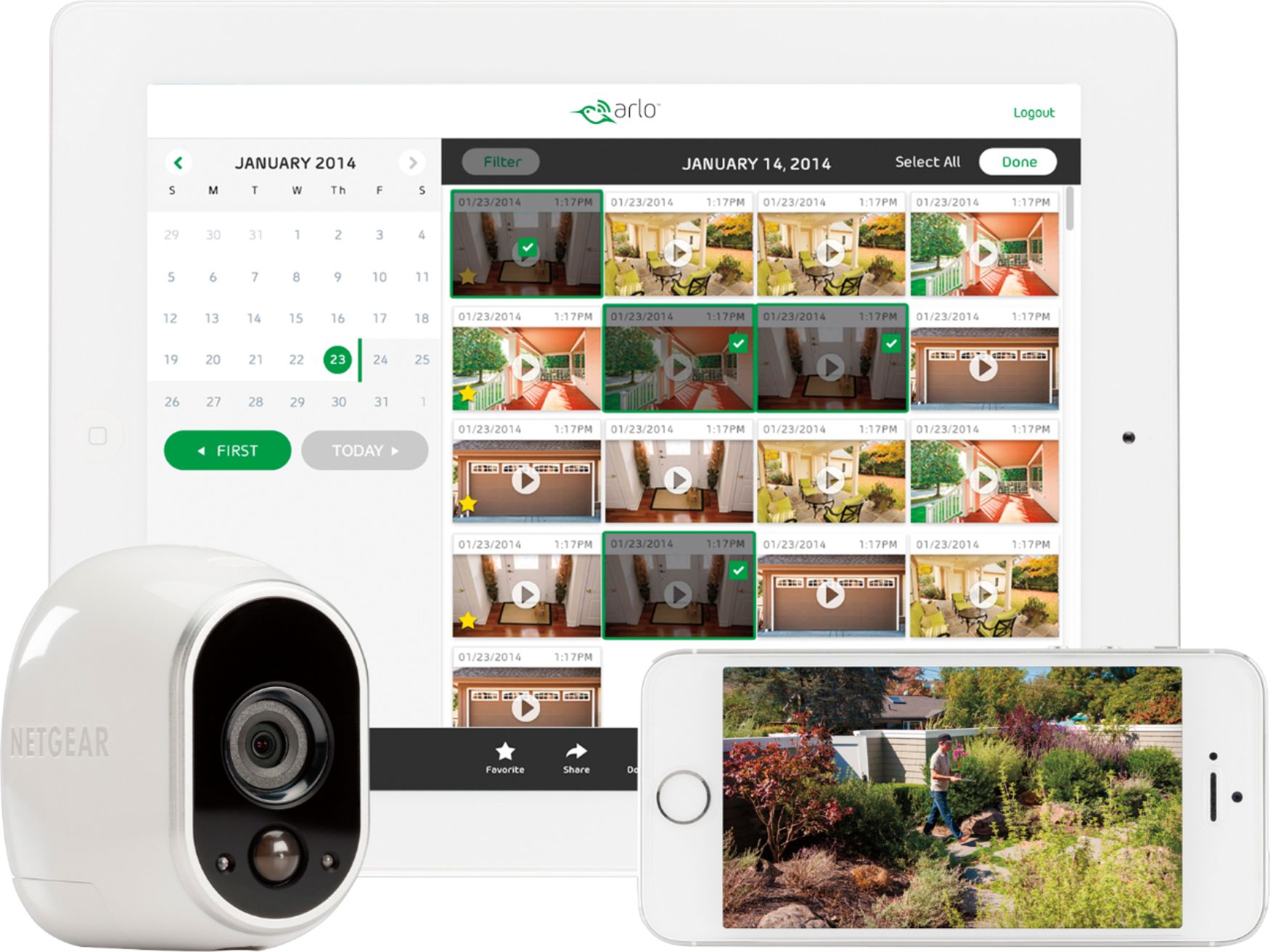
A:AnswerYes, when you add friends you give them access to specific cameras.
Your phone could have access to all cameras and your friends phone could have access to the cameras that you choose. We are limiting our friends access to only certain cameras. Hope this helps.
A:AnswerWe recommend reaching out Arlo support for assistance at 1 (408) 638 3750 or visit http://bit.ly/2Hx22a1 for more ways to contact Support. Thanks! ^RM
A:AnswerMy wife and I have the credentials to log in. We just set it up, I did not receive a notification when she logged in. I am not sure how many people can have access.
A:AnswerYes, you will have to give them 'grant them access' through the Arlo App, so yes, they are allowed to see and what you can see. Also, once the notification comes up on your phone that it has detected motion, you can view it, but if the other person also gets the notification, once they sign in, they 'knock you out' and you'll have to sign in again to view the video.