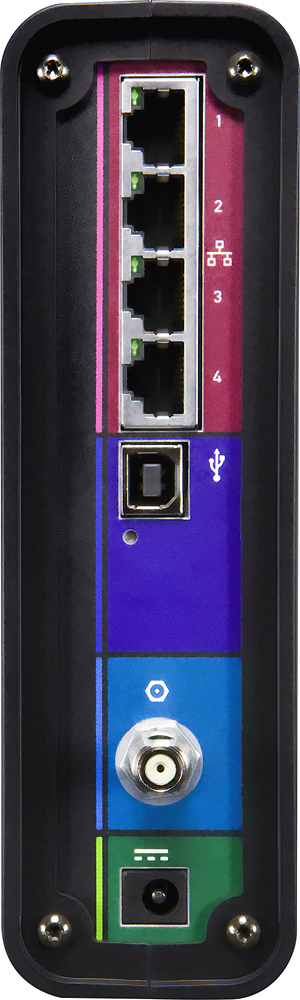
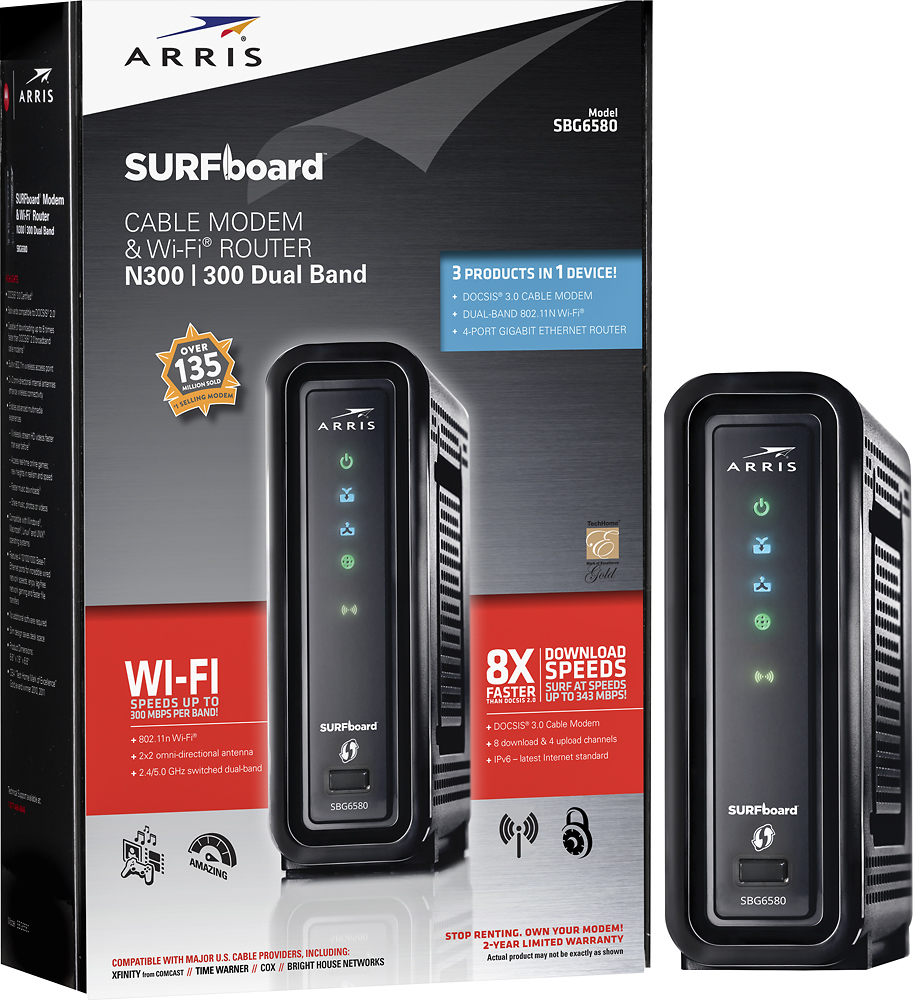
A:AnswerIt depends on your preferences. The starting signal is provided by a coaxial cable that connects to the modem like it would to a tv. From the modem you can then connect four Ethernet cables to be connected to computer, printers, etc... Price differences on the cable isn't that different either. 50 feet of coaxial cable cost $39.99 and 50 feet of Ethernet cable cost $29.99. You also would have to consider that the Wi-Fi signal is stronger the closer you are to it so if you use Wi-Fi more when your down in the basement when the modem is upstairs then the signal won't be that strong. So put the modem where you would use Wi-Fi the most to get the best signal out of it or if not using Wi-Fi then I would recommend putting the modem close to your Ethernet connected devices to use one long coaxial cable and then up to four short Ethernet cable instead of one short coaxial cable and four long Ethernet cables.
A:AnswerThis model has problems with packet collisions on the LAN side. I was unable to stream video from my HDHomerun TV tuners connected to the gigabit Ethernet and transferring video files between computers was taking way to long.
A:Answeryes but it would be smart to just save your money and get the non-wireless version which matches the same speeds, i am using it now and i am in no way disappointed by the reliability and performance
A:AnswerYes. Login to the router as admin, click the wireless link on the blue bar at the top of the page. Click the dropdown beside Wireless (the first dropdown on the page) and select Disabled and then Click Apply.