A:AnswerI know Asus answered already, but I think it all depends on what kind of programming you are doing. I am working with Python scripting and ArcGIS analysis. I researched the minimum specs required to run those, and discovered I needed more power (i7) and more memory (8GB). I would recommend you research the minimum specs you need for your particular programming needs and go from there.
A:AnswerI haven't tried WoW, but it plays Minecraft perfect even on a second monitor with many programs running. One reviewer said it will play Skyrim as well so I bet it could handle WoW.
A:AnswerIn order to play dvd's on Windows 10 you have to install an app. It's not this particular computer, it's the Windows operating system. As for the error message with Microsoft office, try resetting the computer back to factory setting.
A:AnswerYes it would work fine for a small business. I would definitely make a disc image in case the hard drive ever crashes. And back up all you're personal and business info onto an external hard drive
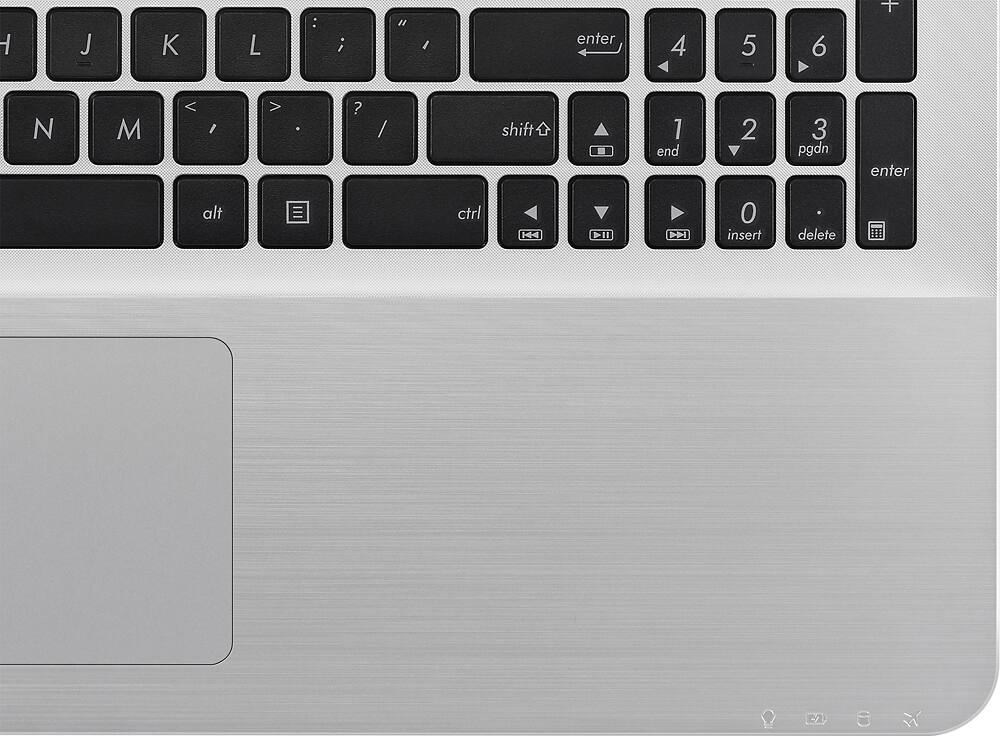
A:AnswerOn the lower right hand of the screen you will see the ^ button, click on that and then double click on Asus Smart Gesture icon. Click on the Set all to default box on the lower left of the screen then click on Apply. I had to do that the first time I used the laptop after an update and it enabled two finger scrolling again. Hope that helps