A:AnswerIt comes out with 3 or 4 screws after removing the bottom plate. Asus recommends against it but I don't see it is any different than changing RAM or the hard drive. If you are not comfortable doing those, I would avoid doing it yourself.
A:AnswerBoth model numbers have the same hardware specification, it does support 1920 x 1080 display resolution and the battery life is approximately 4 hours.
A:AnswerIf you sign up for a Best Buy account you get a lot of unique discounts just for signing up, and you get notified when sales start and things like that.
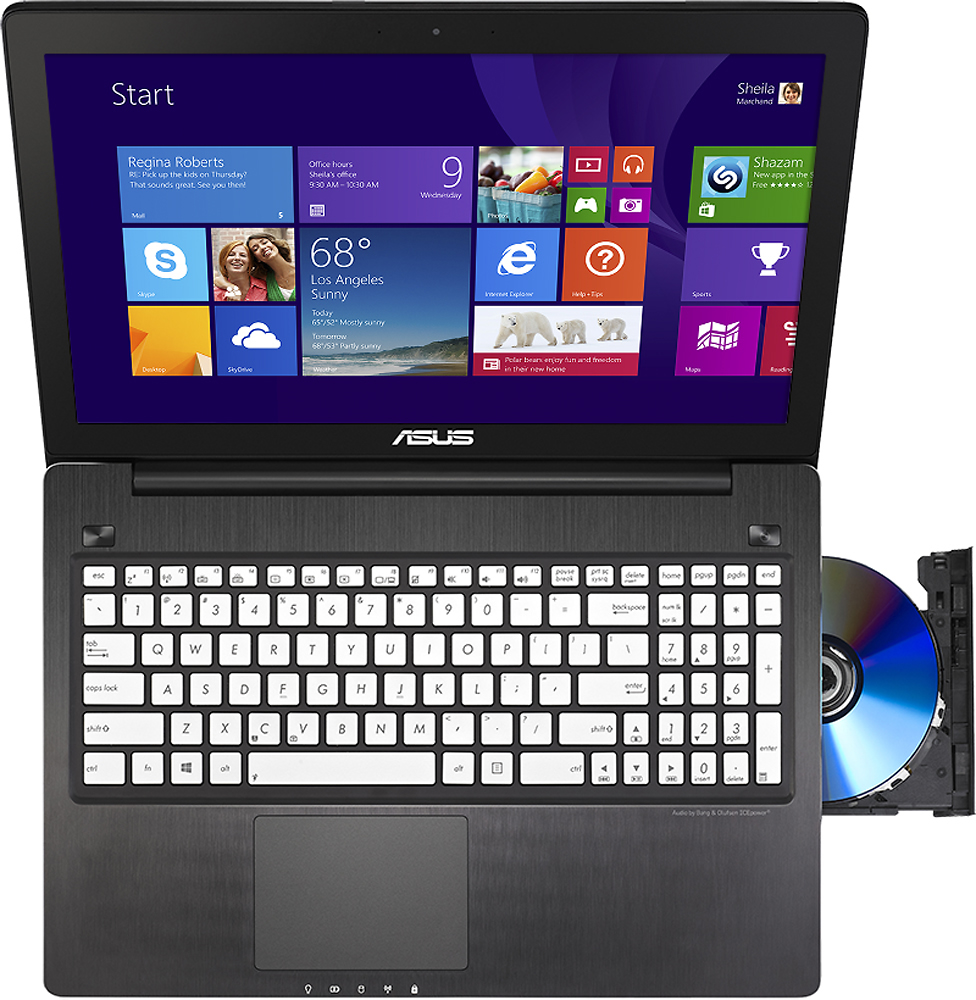
A:AnswerIt comes with Nuance Dragon Assistant. Fresh Paint and Pinball FX 2 touch-screen apps for Windows 8. 30-day trial of Microsoft Office 365 Home Premium.
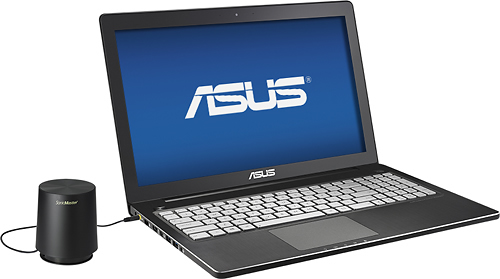
A:AnswerIt has four internal front facing speakers. The sound quality is pretty good considering that it is a laptop, but the subwoofer really helps the overall sound quality. I leave it on my desk at home because it doesn't fit in my laptop bag. Hope this helps.
A:AnswerYes. To maximize this go to Nvidia control panel>3d settings>display optimization or something along those lines and it should say "single display performance mode" or multi. I believe it is on multi by default but just in case it is not you can change it. You have to restart the computer for the changes to take effect.