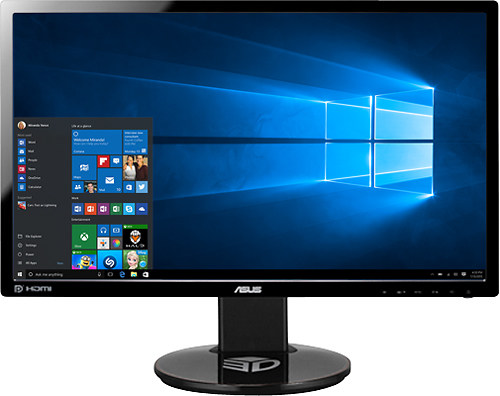
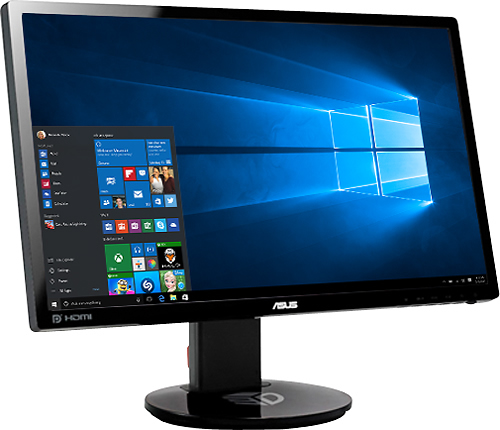
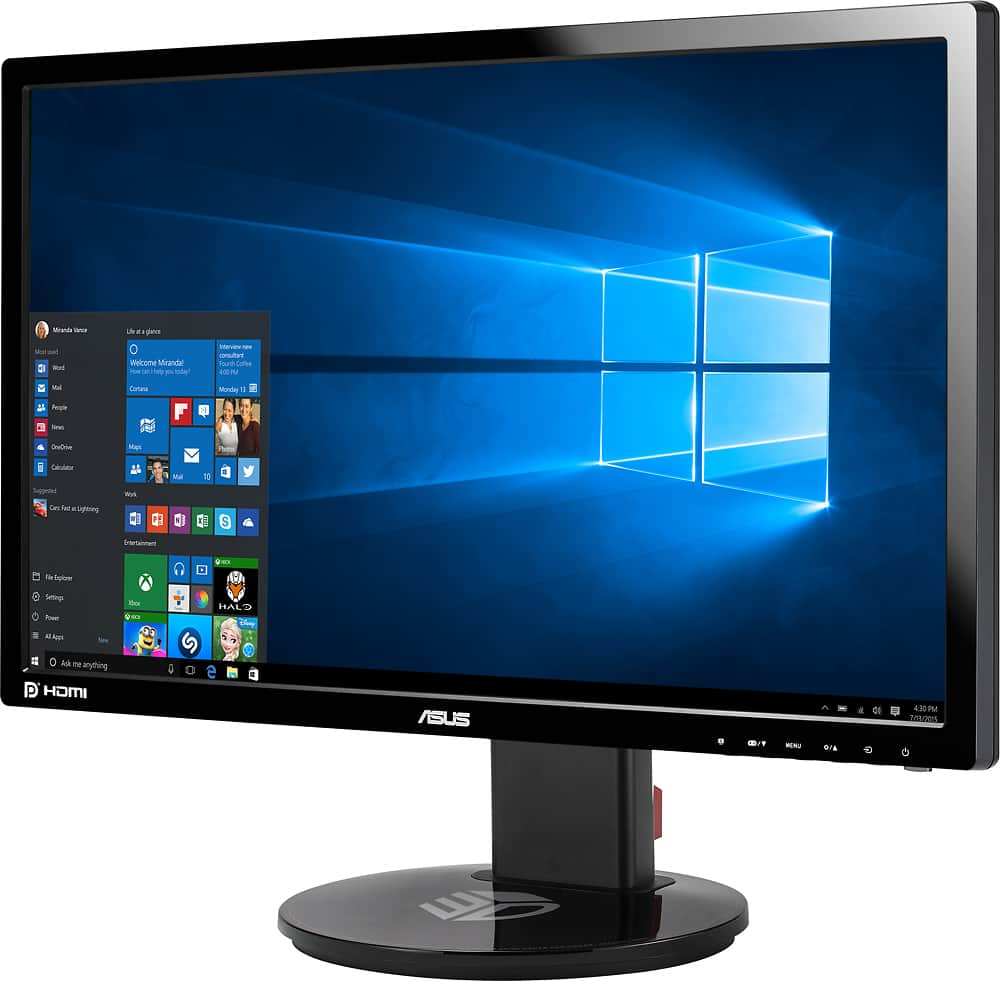
A:AnswerThis monitor only comes packaged with a Dual-link DVI cable and a power cable for the monitor.
It also supports HDMI or Displayport connections but you will have to use a separate cable. (recommend using a display port if your computer supports it in order to fully use the high refresh rate).
There is no cable or connection of any kind that would connect to a Hard Drive. This is a display.
A:AnswerAccording to reviews on you tube in order for G-Sync to work on this Free-sync panel you NEED to use a Display port cable that is NOT INCLUDED with the monitor Asus only give you a DVI cable to connect it up.
A:AnswerIt does come with a DVI cable which will do 144 Hrz. but a display port cable would be needed if you are using a Nvidia card. If Asus would have just included a display port cable all problems would have been solved at hook up. Dvi cable works for 144hrz..Free sync monitor and Nvidia card to work properly together, display port cable is needed.
A:AnswerBe sure the Xbox is connected via HDMI and that the external speaker is connected to the Xbox. If you’re plugging the external speaker directly into the monitor you’ll have to change the sound d settings to allow the speakers to work properly
A:AnswerOccasionally, I get a no signal notice on the monitor. I unplug the monitor from the 120V power, then while it’s unplugged, press and hold the power button in for 60 seconds. This resets the monitor. When I plug it back in, and turn it on, it works.
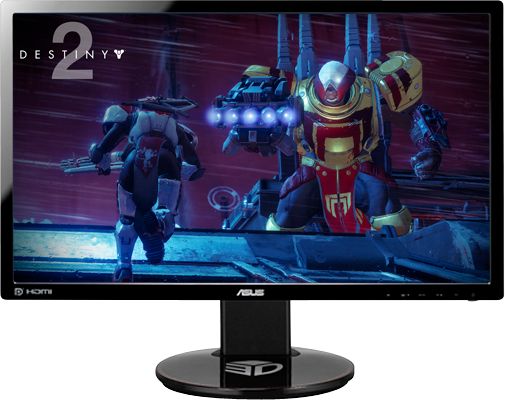
A:AnswerYes it will work with the PS4 slim. I've used the PS4 slim and PS4 Pro with this monitor and it works great, no glitches and you get sound through the speakers without having to change any settings (the HDMI cable sends both the video signal and the audio signal).
Enjoy!
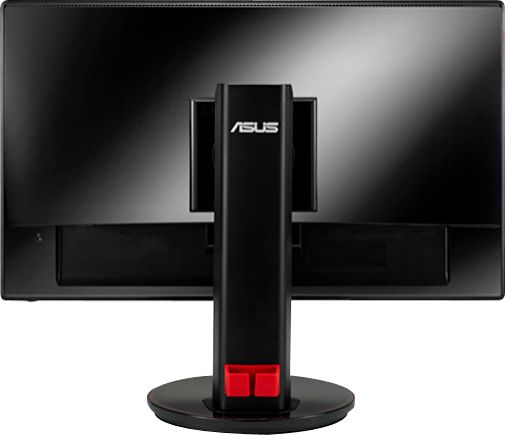
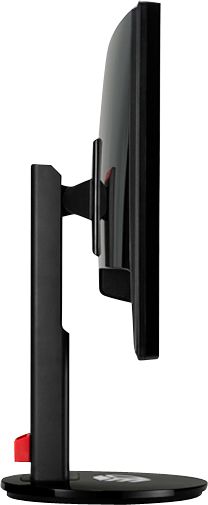
A:AnswerThe stand looks to be fairly solid and has a lot of mobility on its own, so I had to look at mine to see if it looks like you could remove the stand it comes with. It looks as though there may be a way to remove the bolt covers from the back of the unit, but unsure about the hole measurements you will need for the other mount. I would suggest emailing Asus with your question to be certain.