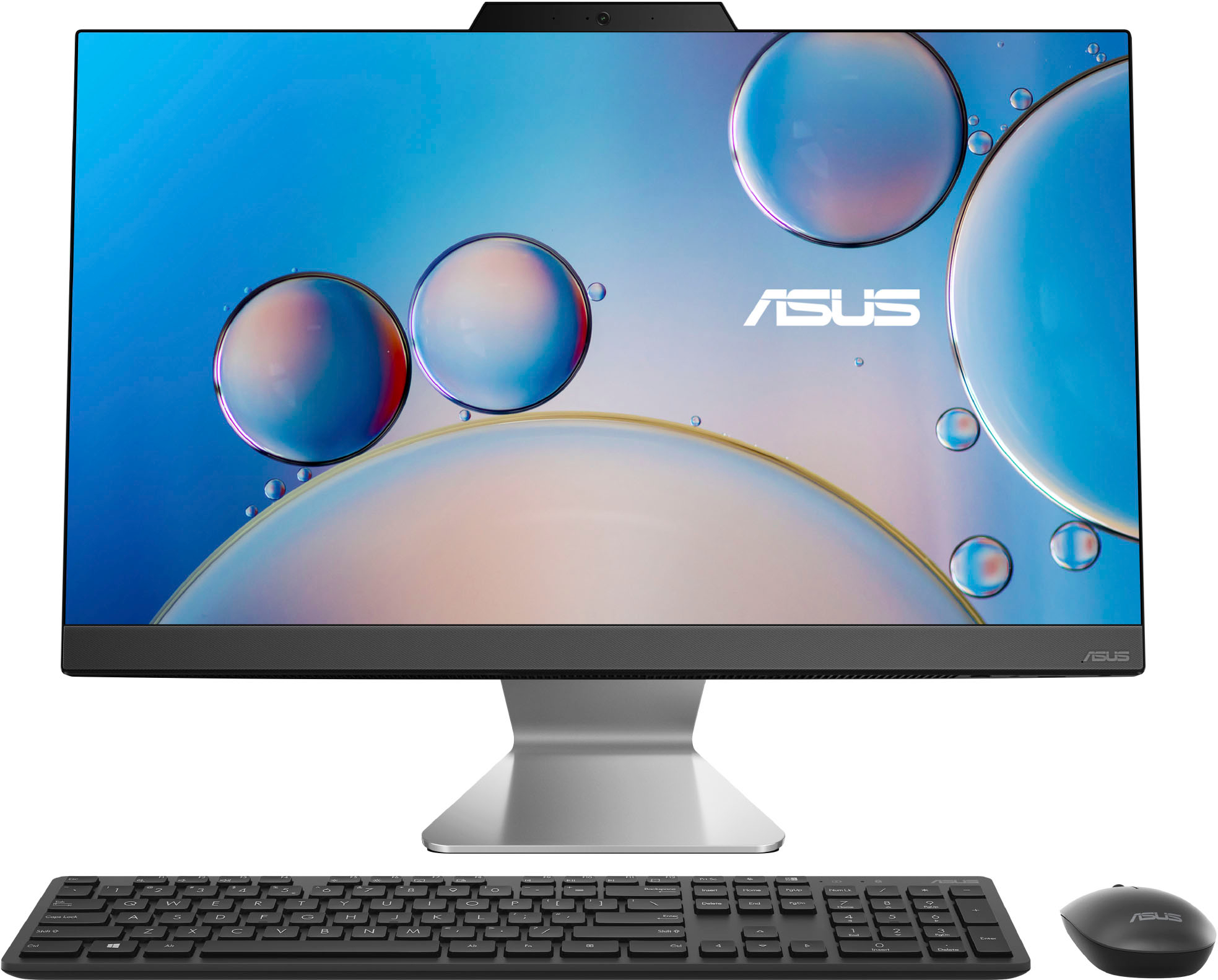
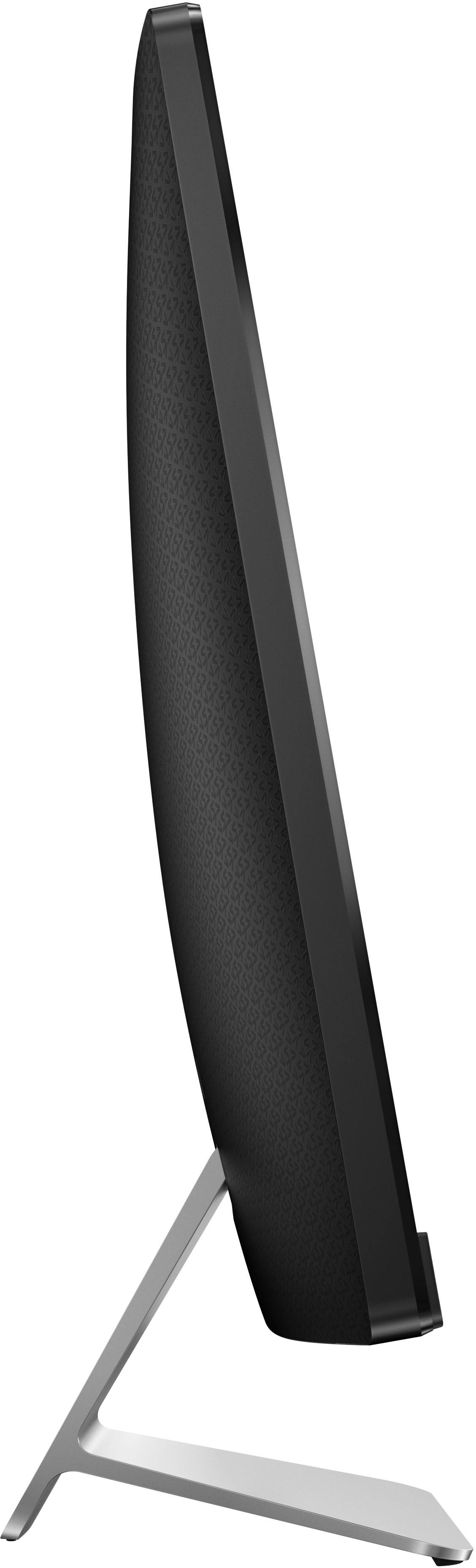
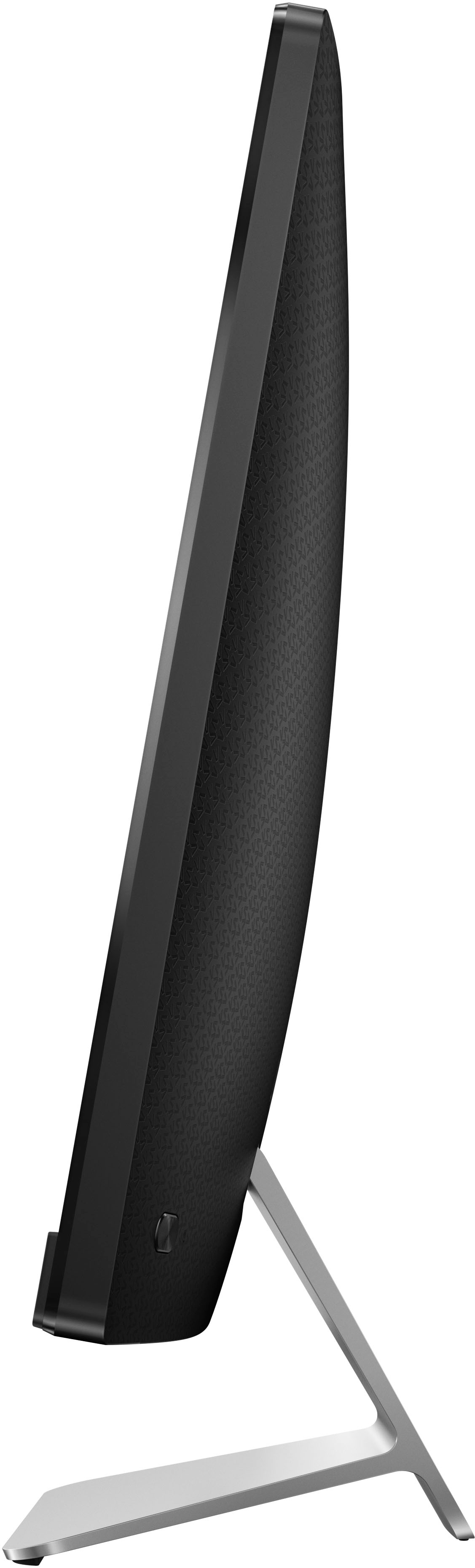
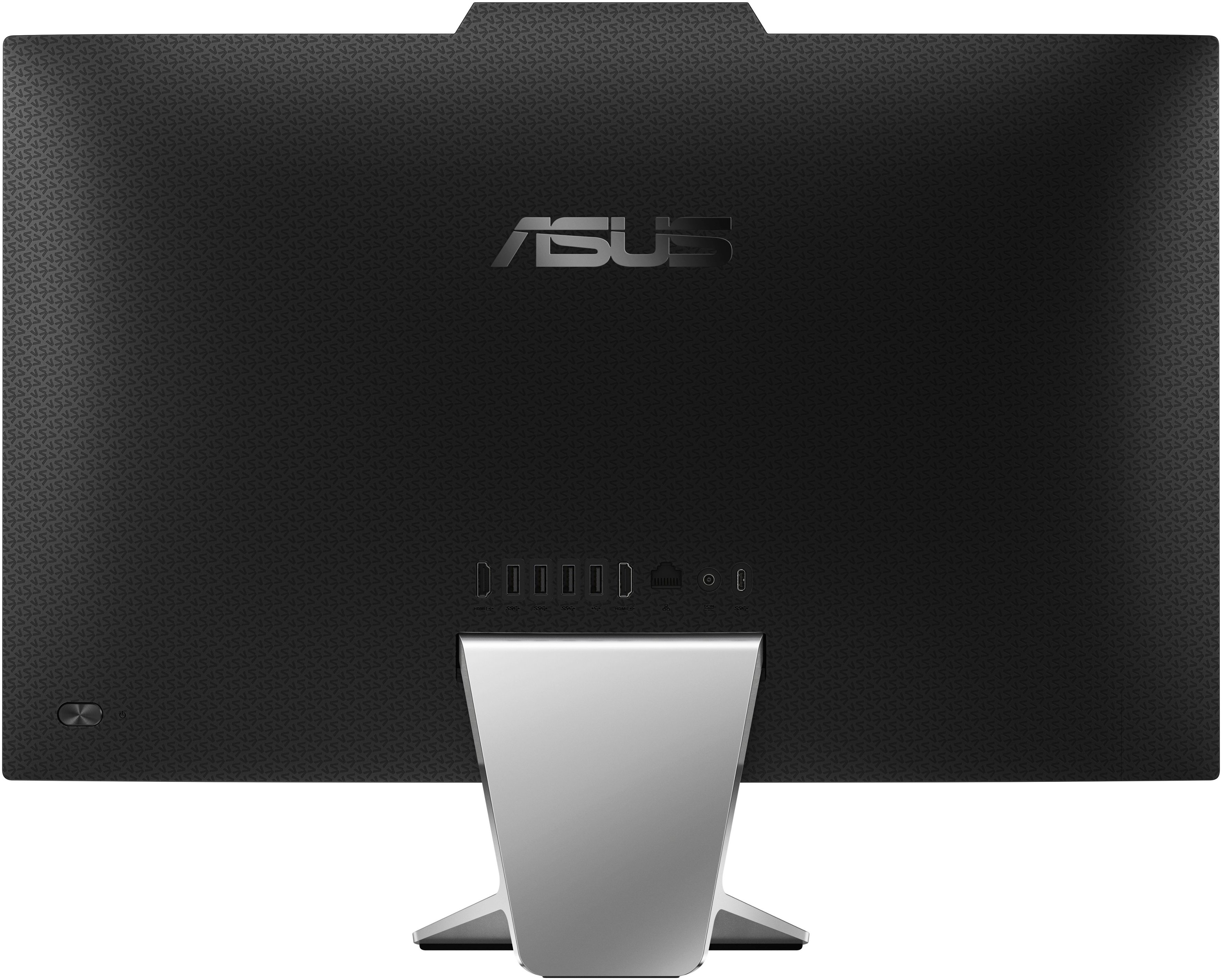
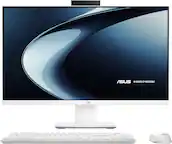
A:Answer Tony, there are 4 screws at the bottom of the device. Once you have those removed, you'd need to pry the screen from the rear of the device. You cant just pull it off, there's cables for the power, speakers and USB port. If you are determined to do this, you'll need to remove all the screws connected within; the memory is located on the bottom of the motherboard. There's also a 2nd SATA slot, you'd see the foam that is supporting the cage around the motherboard. Good luck!