A:AnswerThat depends on your providers upstream carriers signal to noise parameters, usually you dont want the upstream going any higher than 51, check all the connections( every line in the house) and make sure they are tight on the connector(box, modem, splitters etc,)if you’re still having issues it’s most likely a company issue
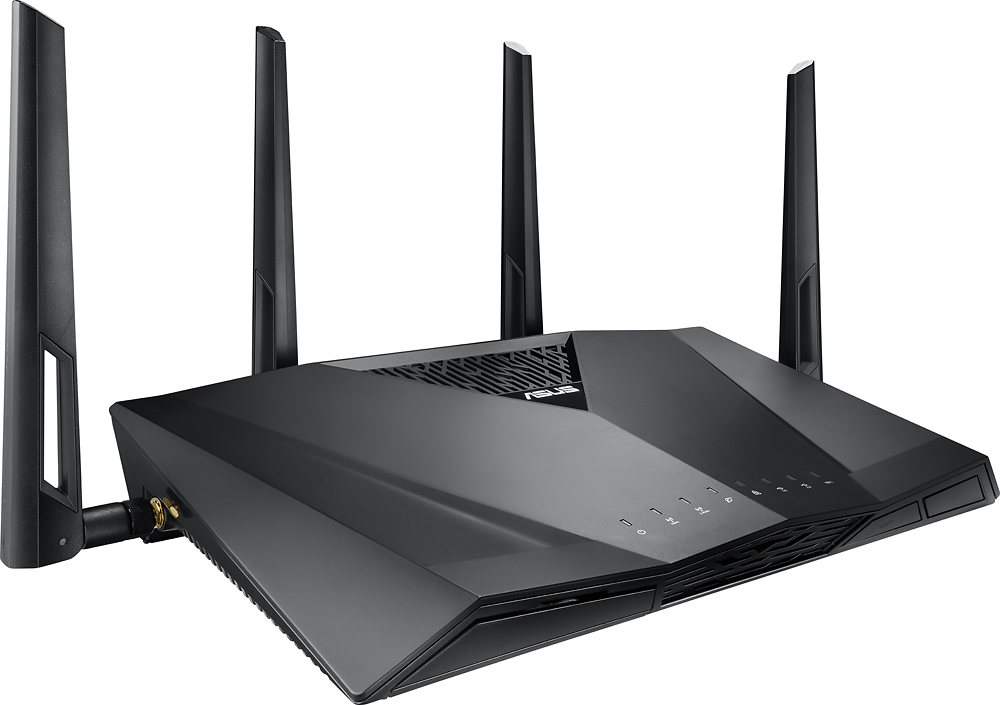
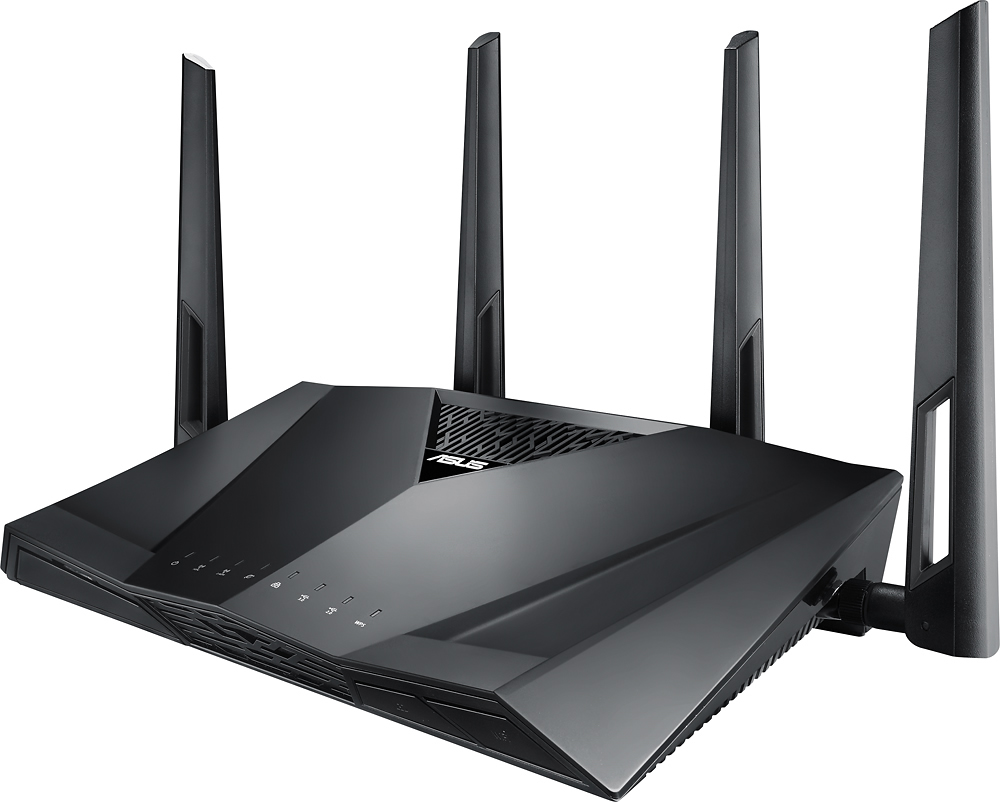
A:AnswerThis device is a mesh network/router. The speed of your internet depends solely on you cable provider. Contact them and ask what speed you are paying for and how many devices you can place on your network. I have Spectrum and pay for 100Mbs. I purchased this system and have a 3300sqft home with several devices connected. (3 TVs, two wireless thermostats, security system, one iMac, one laptop, Nintendo switch, 3 iPhones and an iPad. I don't notice have any issues with my wifi speeds.
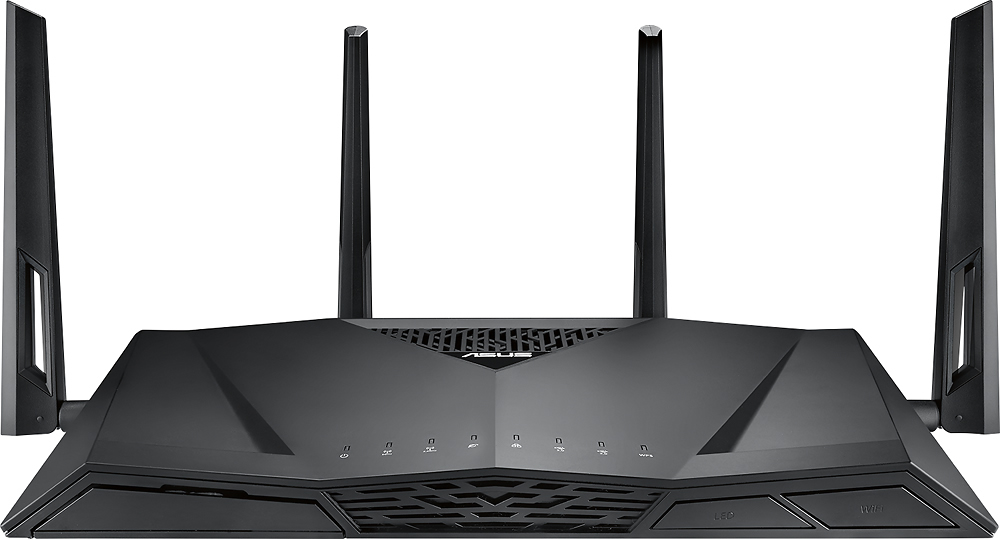
A:AnswerThe Ai Mesh is specific to Asus brand routers. Most of their newer ones can be configured to be in a mesh setup. The network extenders should work fine, you just have to re-pair them back up with the new router.
A:AnswerYes it does. You need to put in your PPPoE credentials (call CenturyLink if you don't have this), and then most likely need to set the WAN VLAN to 201 (this is under "IPTV" in settings). Works excellent on my CenturyLink gigabit connection and took just a couple minutes to set up.
A:AnswerThe device supports UPNP which is probably what you need. It supports a gaming mode that as well and has a couple "optimize for xbox" tick boxes. I've used it with a PS4 (and PSN / PSN chat while gaming) and PC's though, so don't have direct experience with xbox on it.
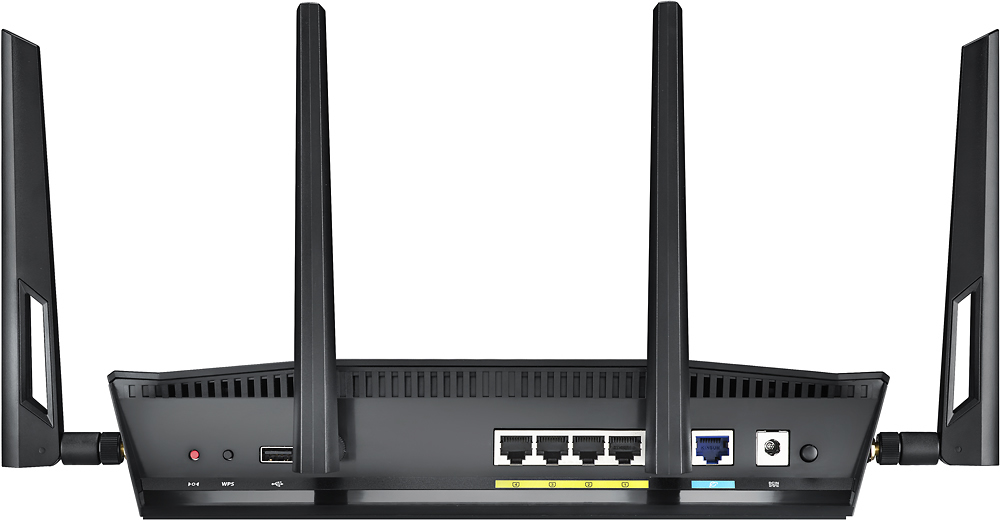
A:AnswerI think the usb port is for NAS drives. Hence you would need to cable up to the wan port. You may need a converter if your device outputs to usb for the network interface. Last time i checked such converters (usb to 100base-t) do exist, although not very common.
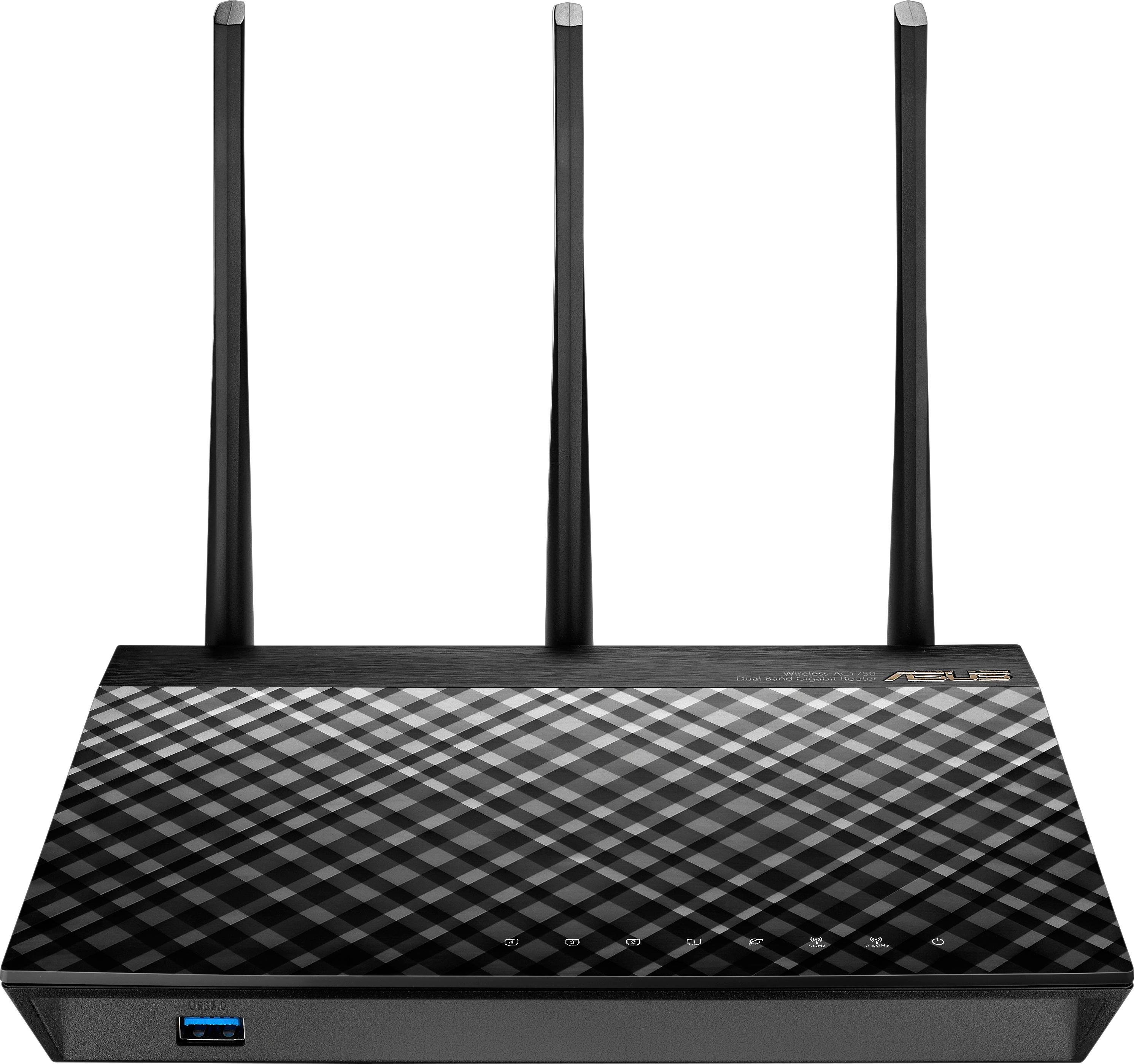
A:AnswerYes, this WiFi router will work with DSL, however, it is overkill since DSL speeds are considerably slower than what this item will support. I would suggest a lower cost WiFi router for your solution. The Asus RT-AC1750 is a very good WiFi router that is about $150 less than the AC3100 as of 01/02/17. See the photo and recommended products I've listed.
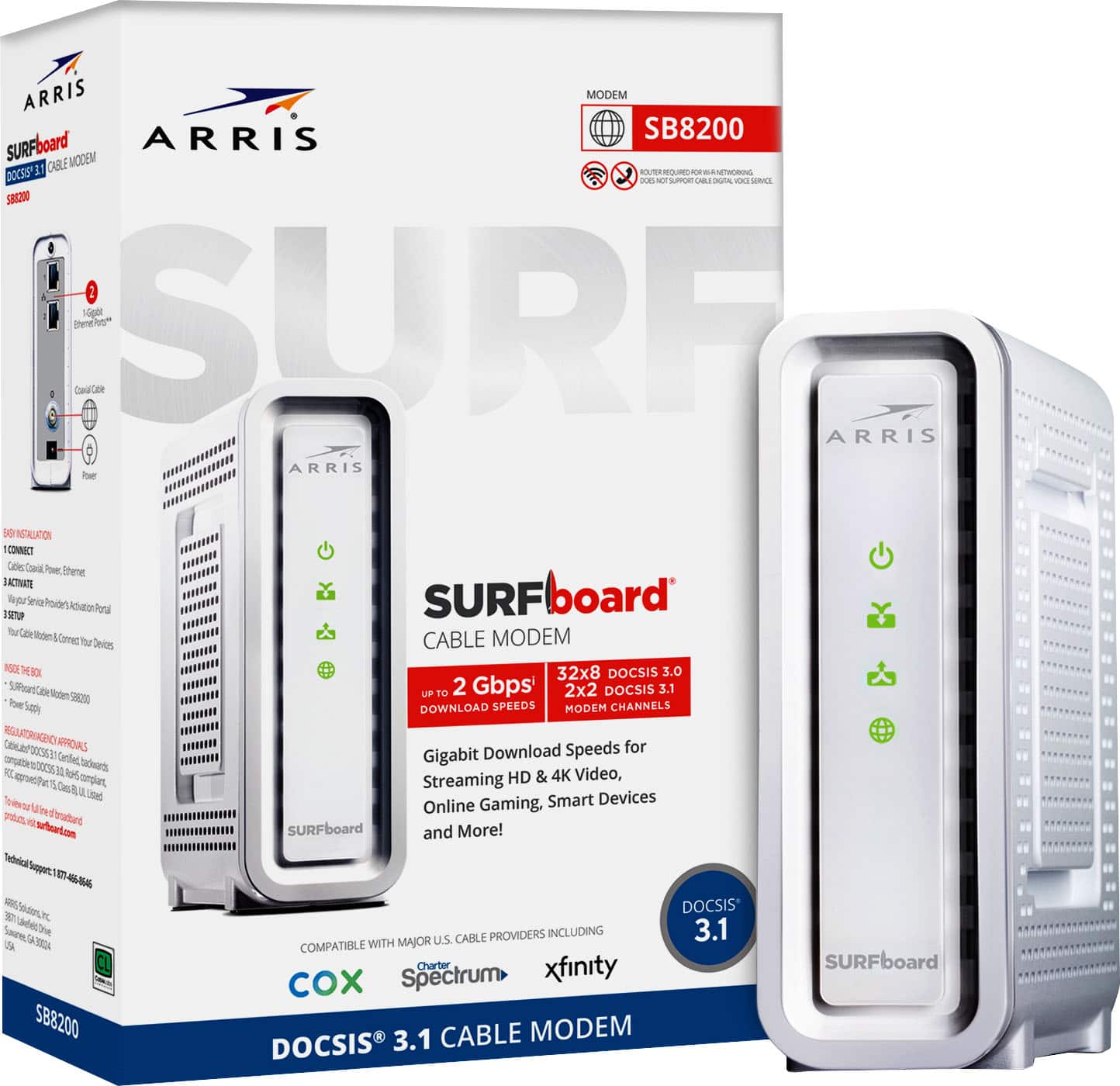
A:AnswerRouters have no issues working with internet, it's your cable modem that needs to be working with Xfinity or any other ISP provider that allows your cable modem to have access to the internet. I have Xfinity and I have this router and i have absolutely no issues of any kind. If you are using an Xfinity cable modem from them or their all in one cable modem with phone, you can end of with issues because they do control how you access the internet. i have an Arris Cable modem from best buy no wifi built in, it's the newest one that has 32download streams SB6190. i have 10 times more devices on it and using the internet and i have nothing that slows down. i also am downloading at 800 plus megs without having to upgrade any internet package.
A:Answerthere is a setting under wifi. Keep in mind, though, that even if you find the setting and change it, the change will not be saved. There is a bug in the updated firmware that prevents you from saving changes to settings.