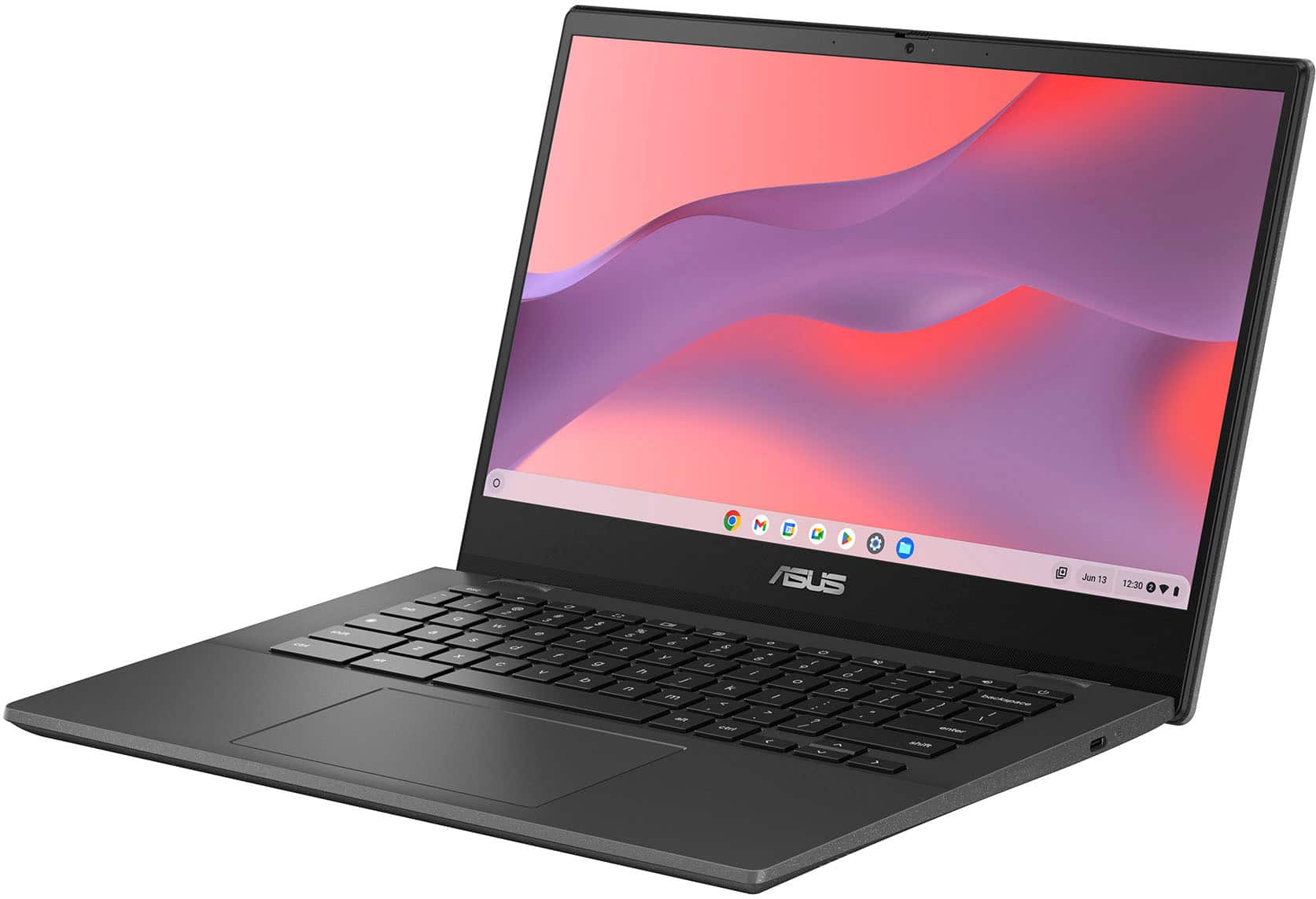
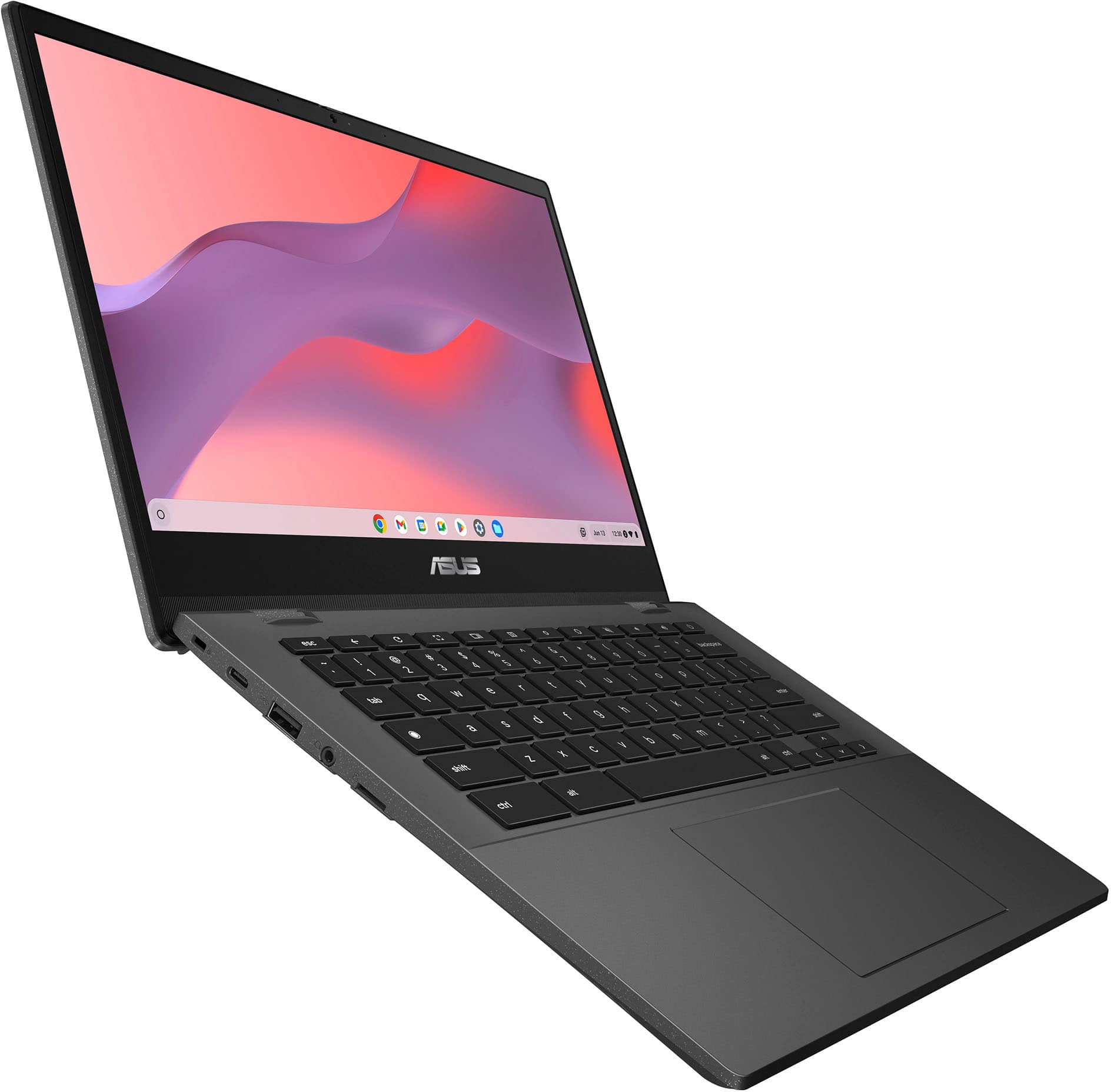
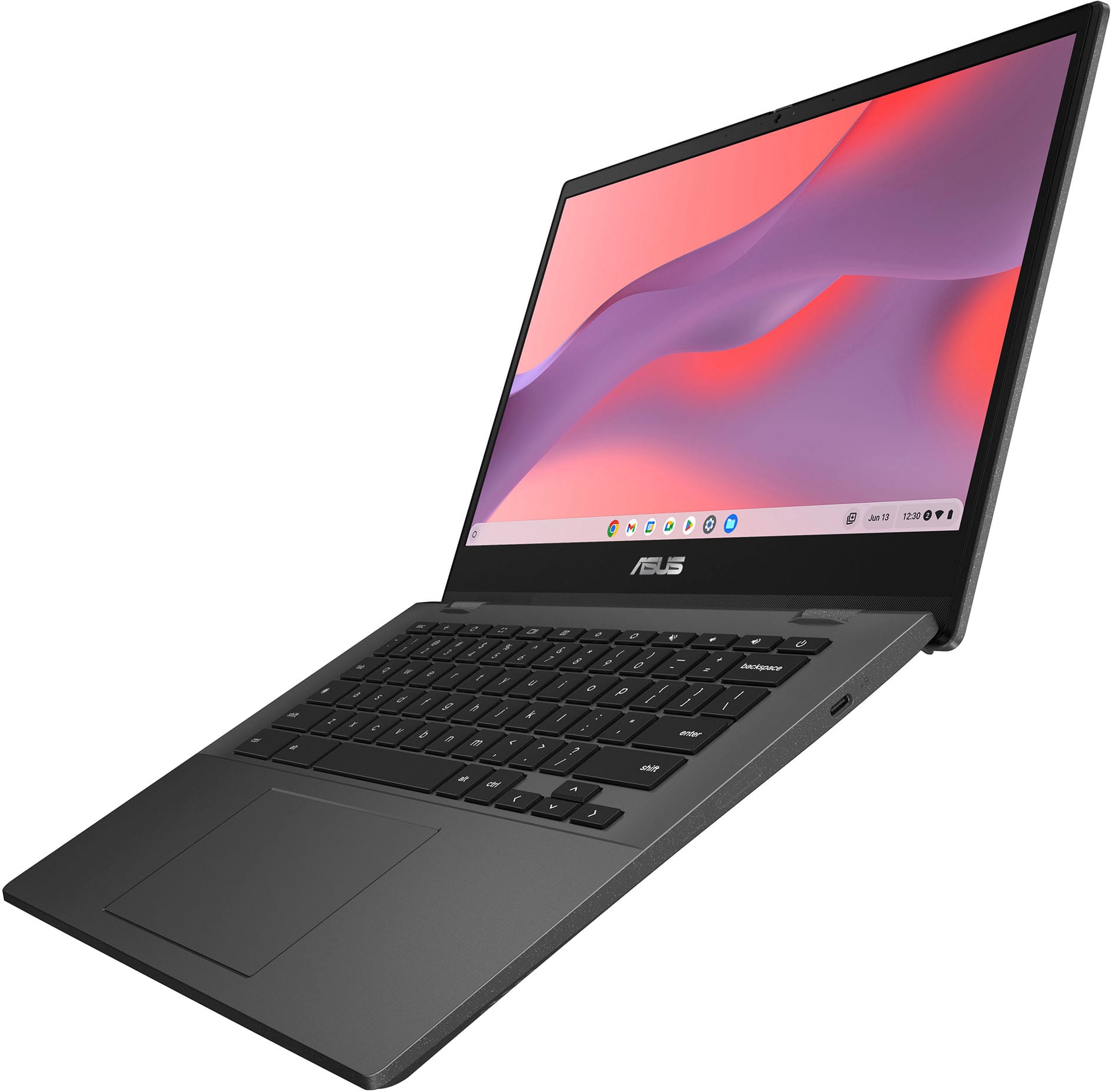
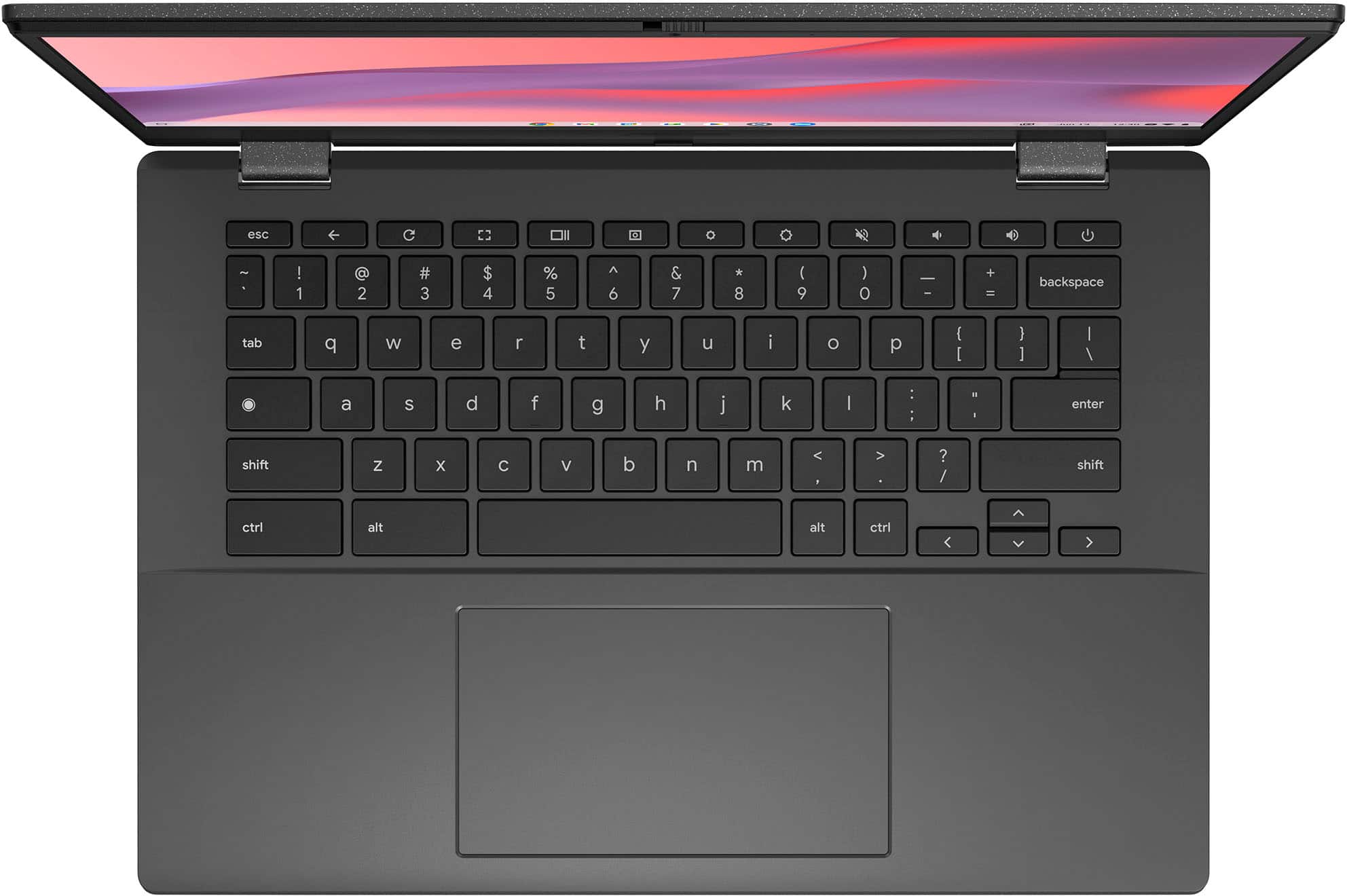
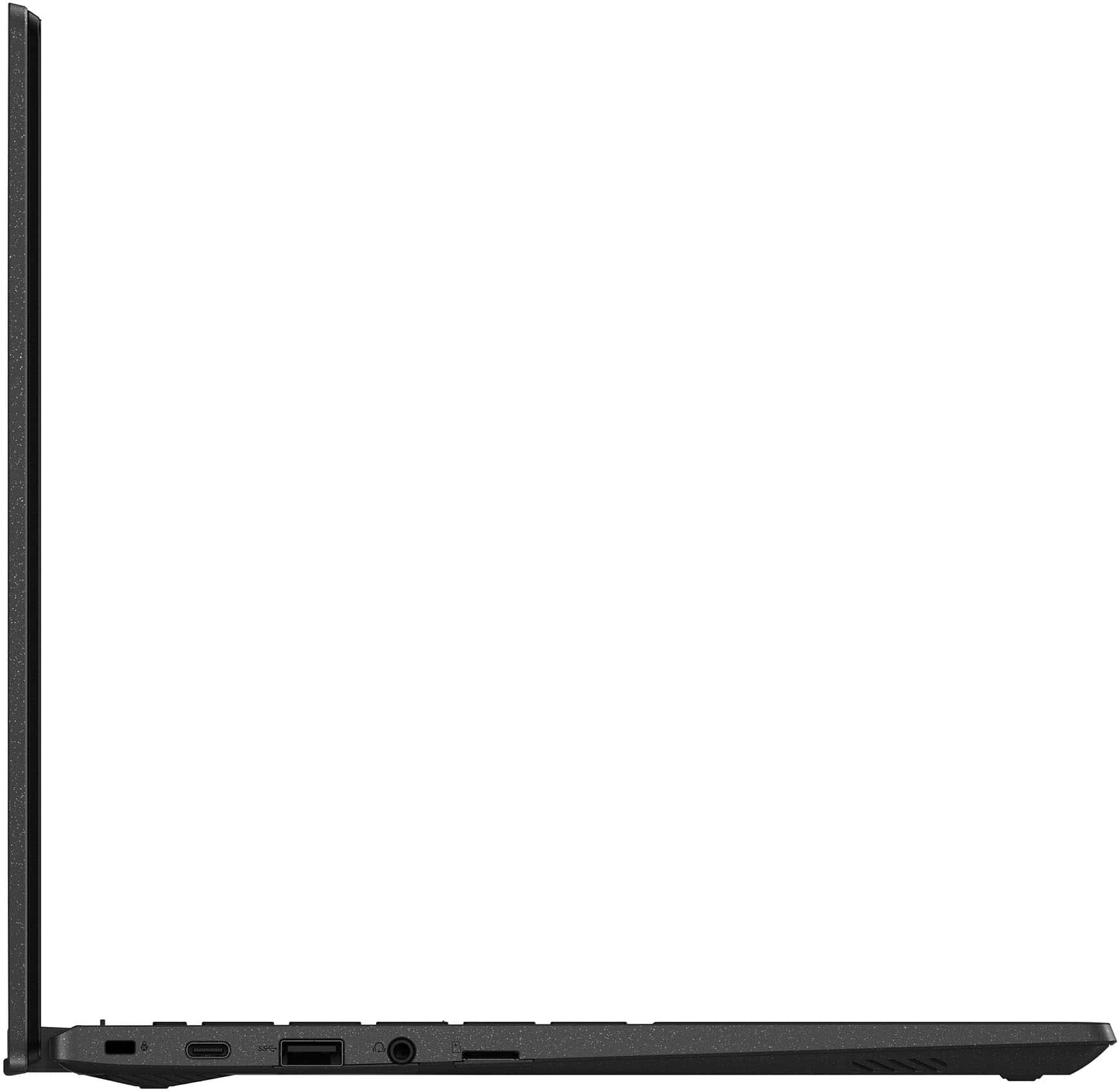
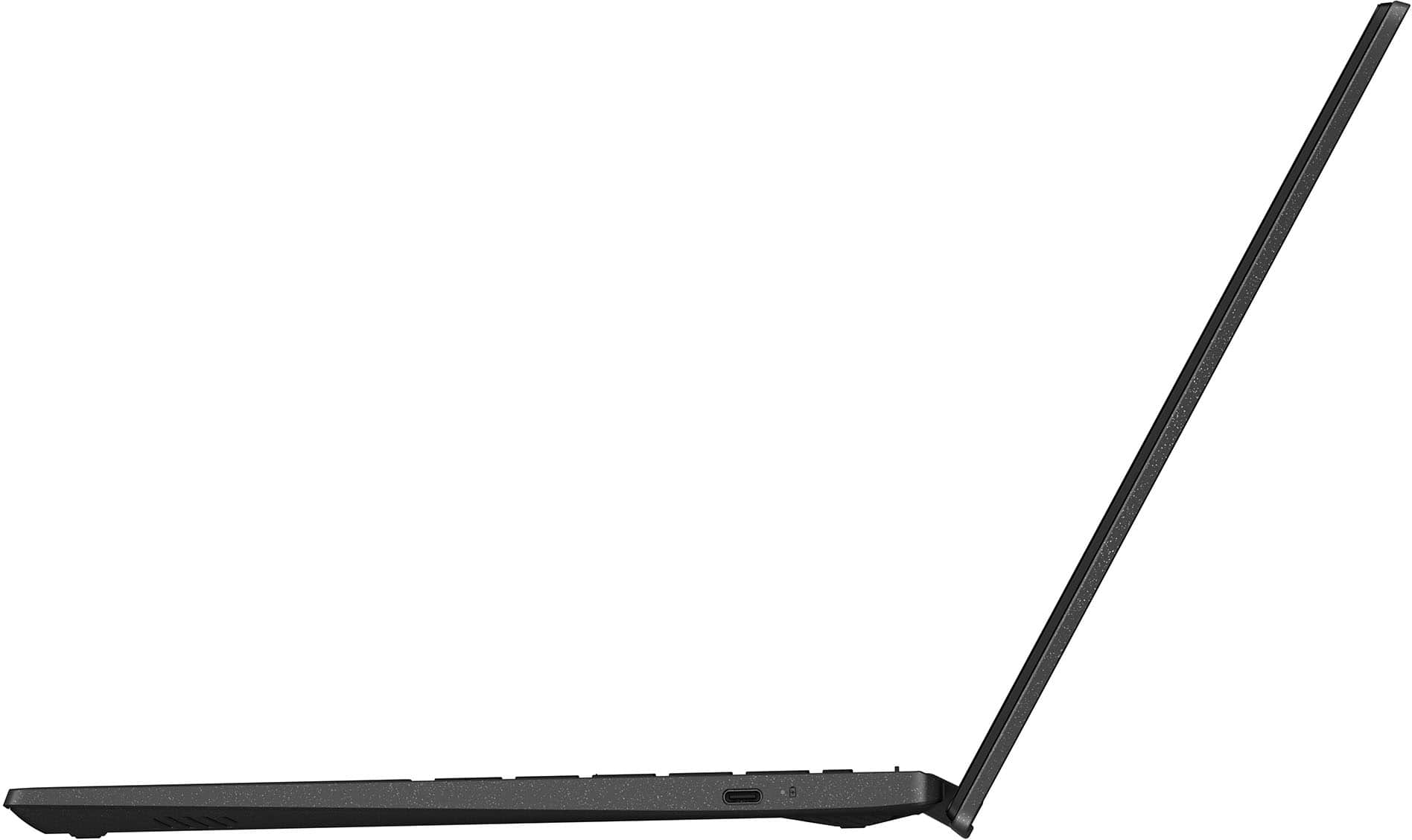
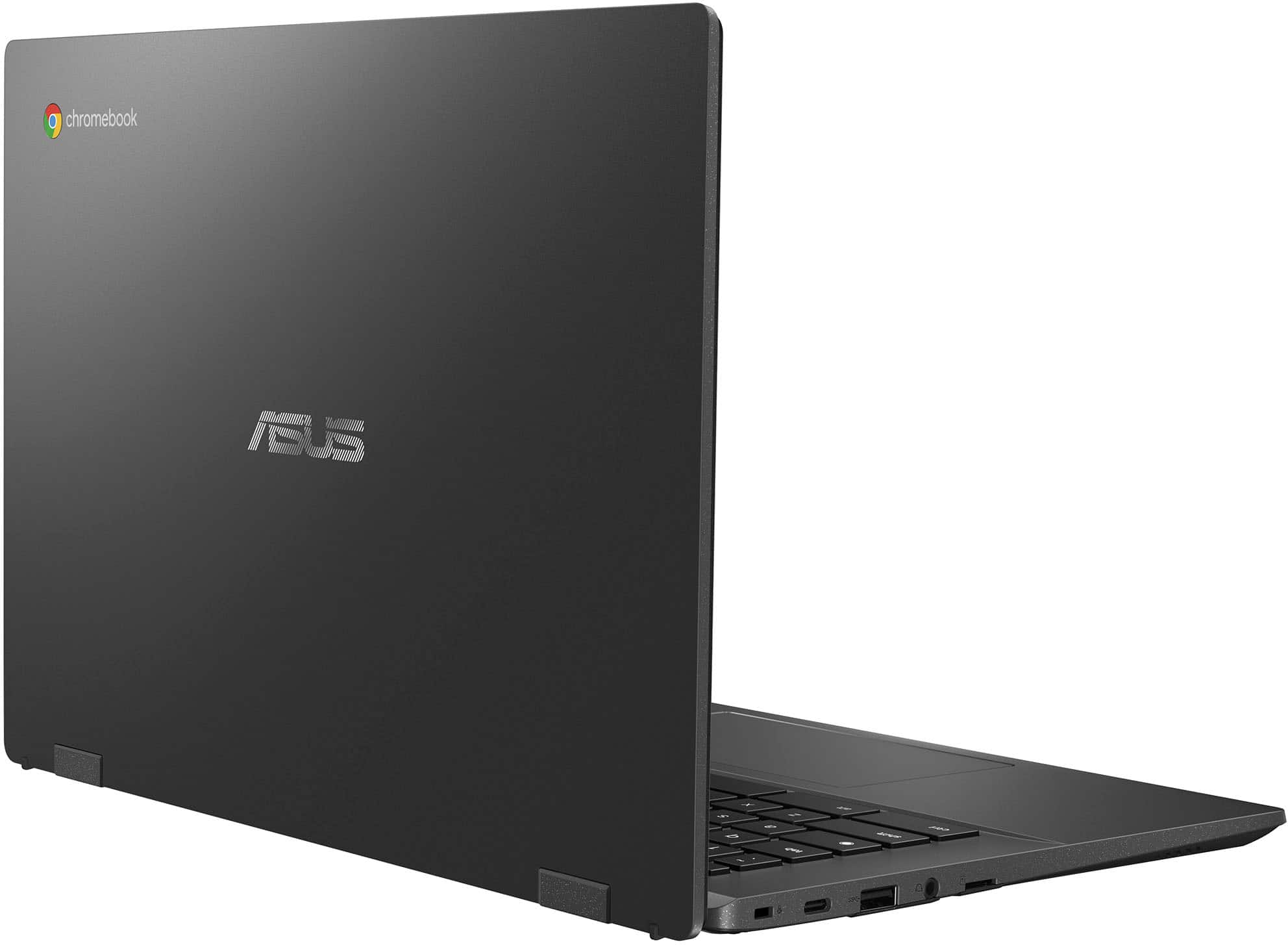
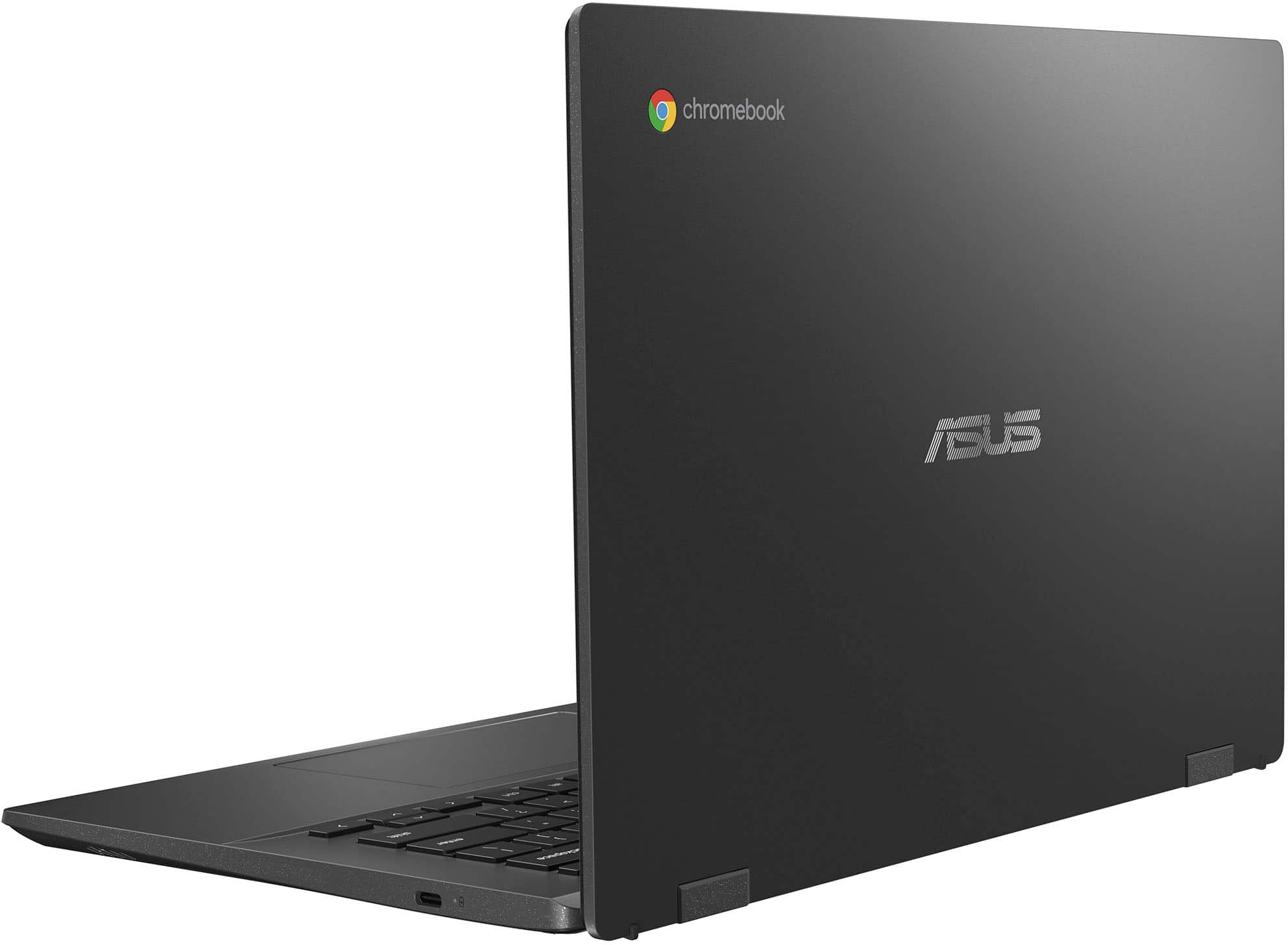
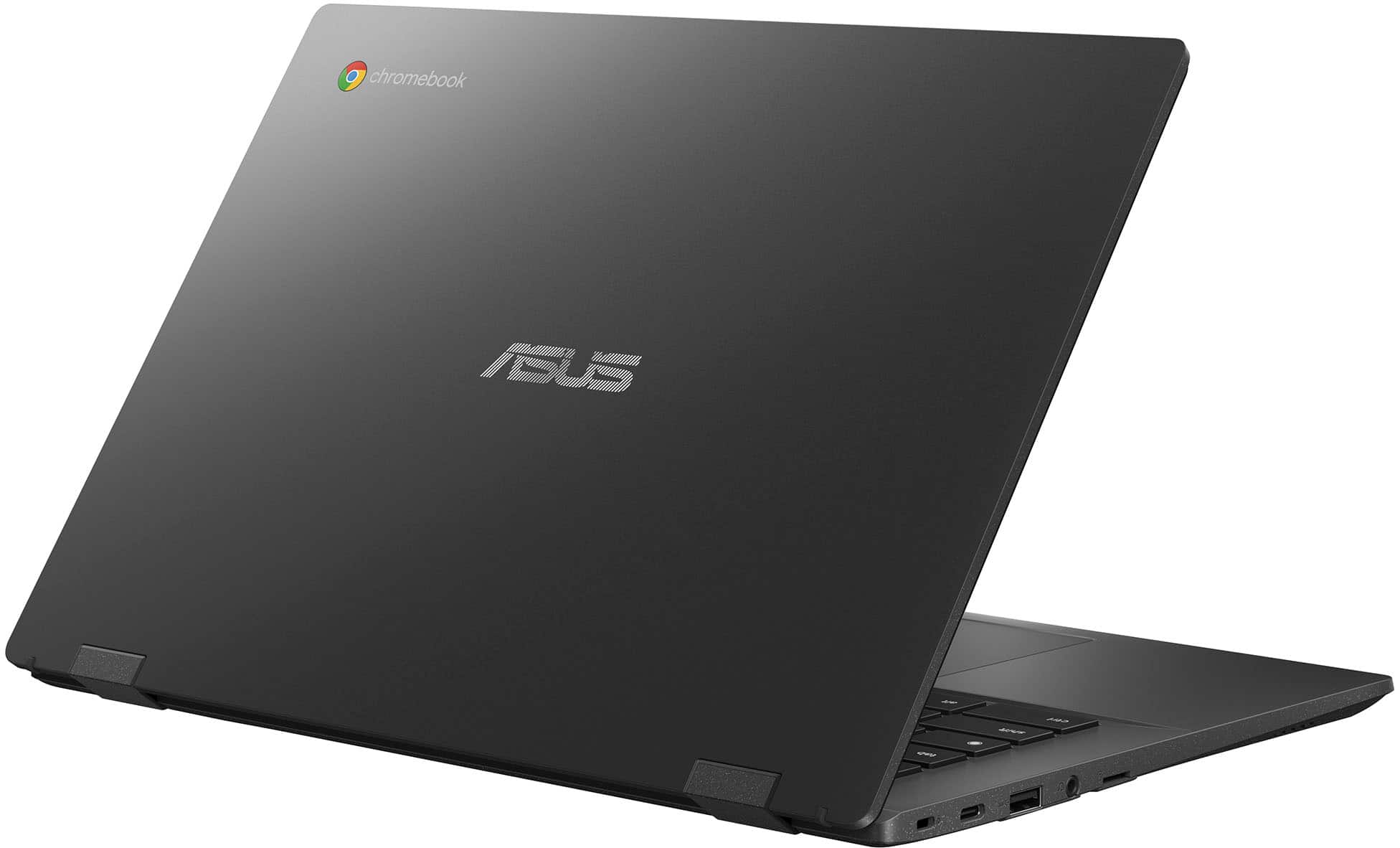
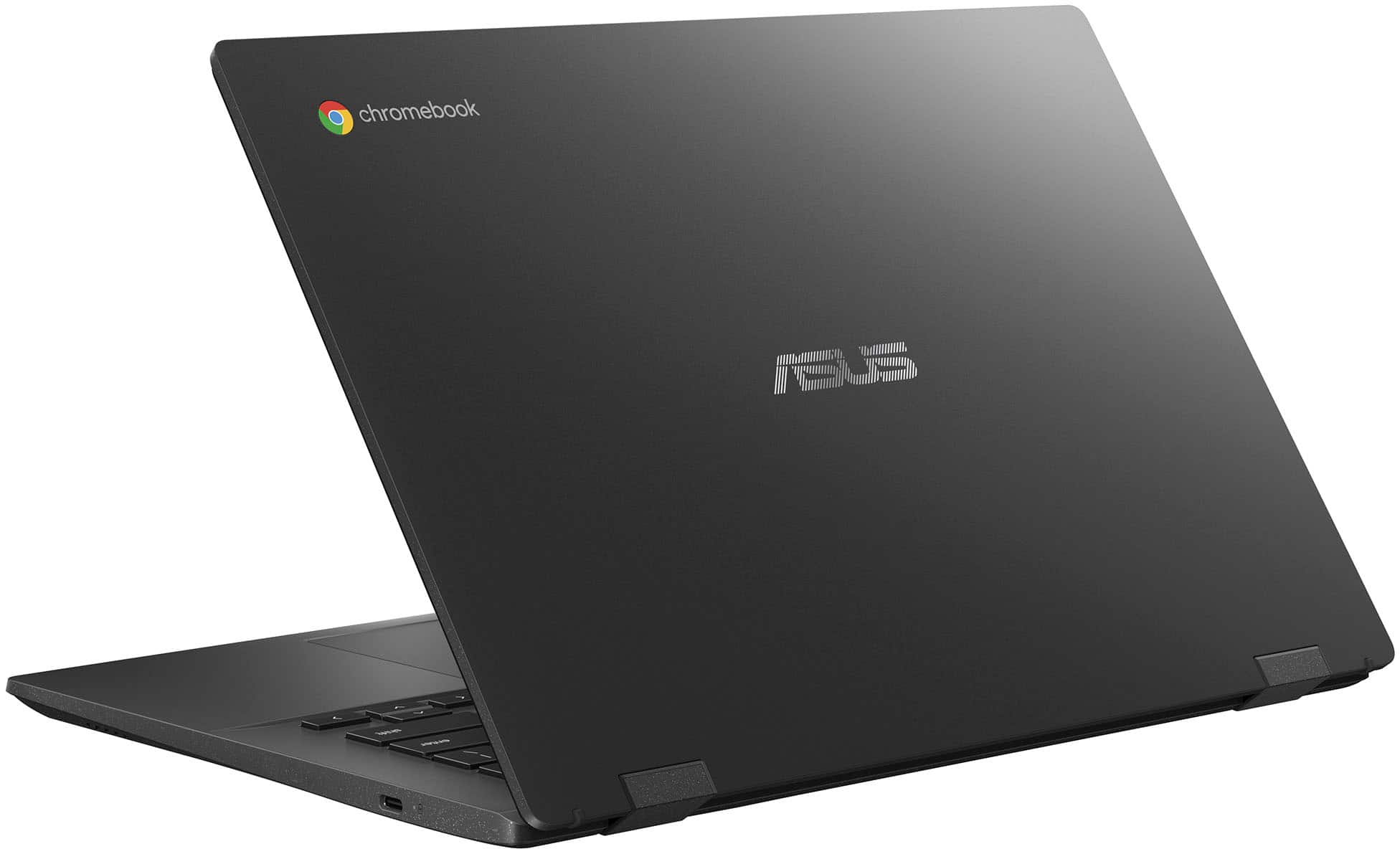
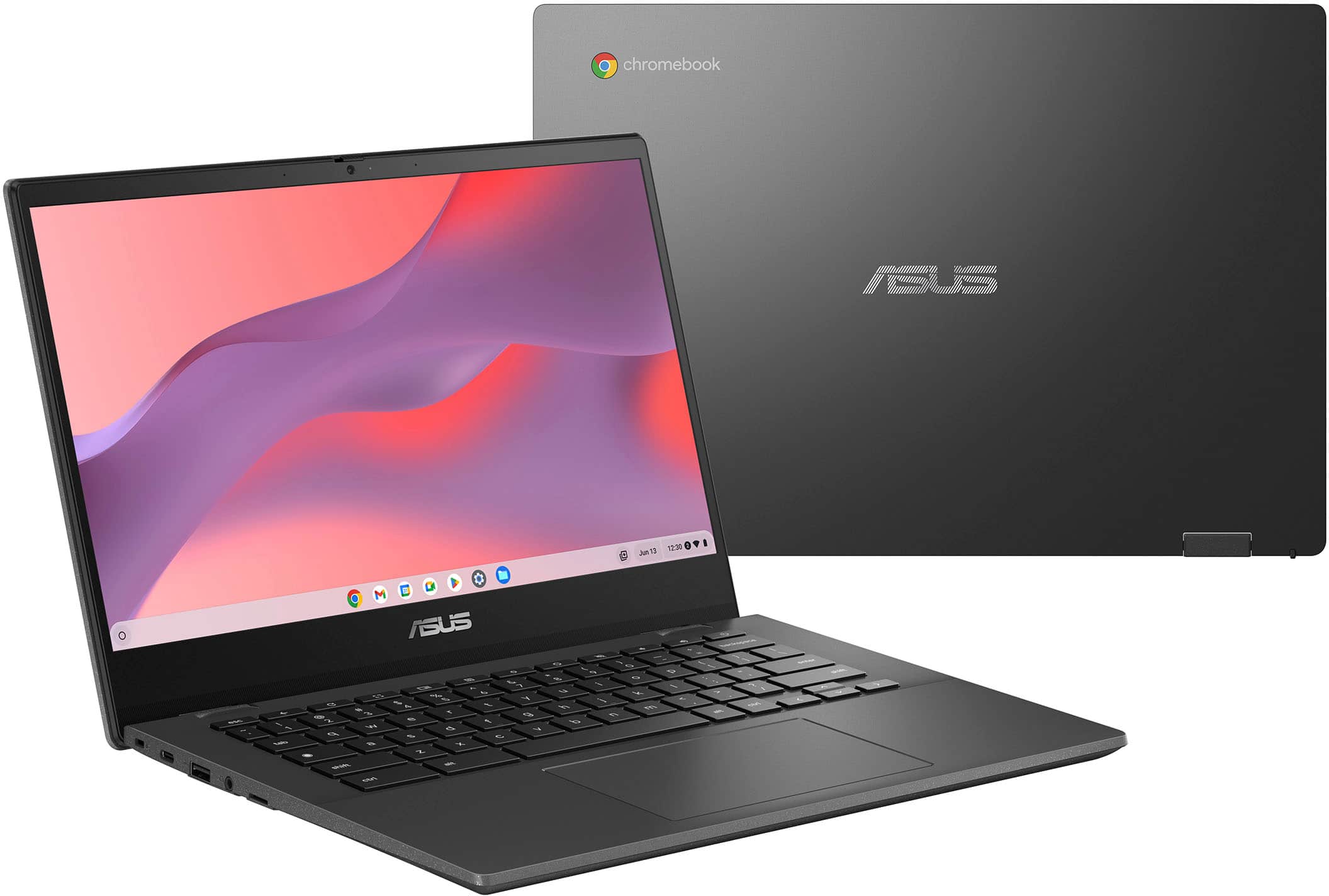
A:AnswerThe ASUS CM1402CM2A Chromebook is not recommended for college students who need access to full desktop applications, as it runs Chrome OS, which limits compatibility with software commonly used in academic programs. A Windows laptop would be a better fit for broader academic requirements.
A:AnswerYes, you can use a powered external hard drive. Just plug it into the USB port (or a compatible USB hub), and the Chromebook should recognize it in the Files app. Make sure the drive is formatted in a compatible file system (like exFAT, FAT32, or NTFS read-only).
A:AnswerNo, this device does not run Windows 11. It runs ChromeOS, Google’s lightweight operating system designed for web-based apps and Android apps from the Play Store.
A:AnswerThe ASUS CM1402CM2A (Chromebook CM14) runs ChromeOS, which primarily uses Google Chrome as its default browser. However, alternative browsers such as Opera can be downloaded and used if they are available and compatible through the Google Play Store.
A:AnswerThe Google Auto Update Expiration (AUE) date for the ASUS Chromebook CM1402CM2A is June 2033. This means the device will continue receiving ChromeOS updates, including security patches and new features, until that date.
https://support.google.com/chrome/a/answer/6220366?hl=en#zippy=%2Casus