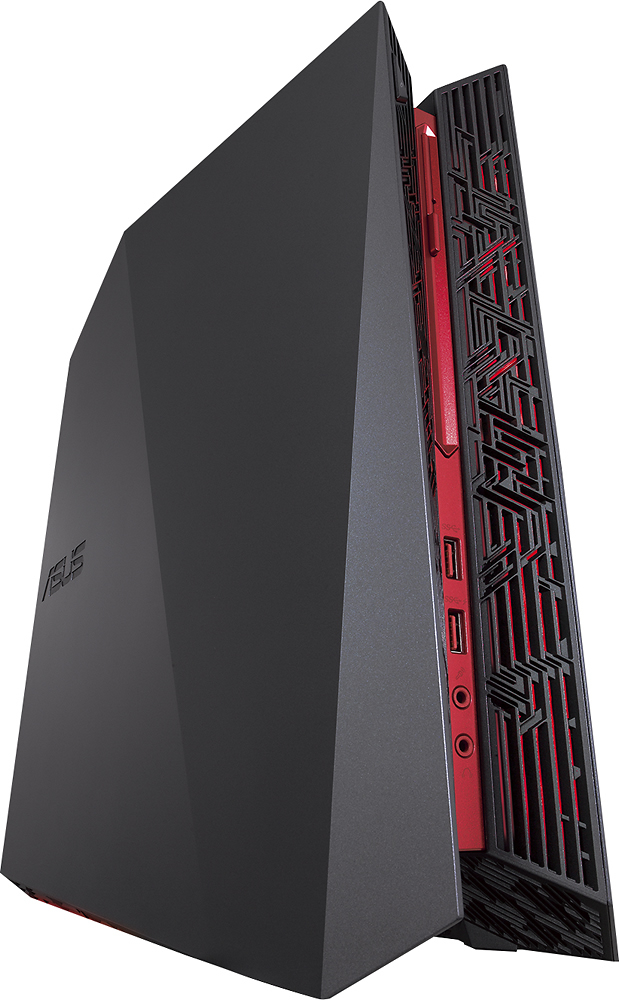
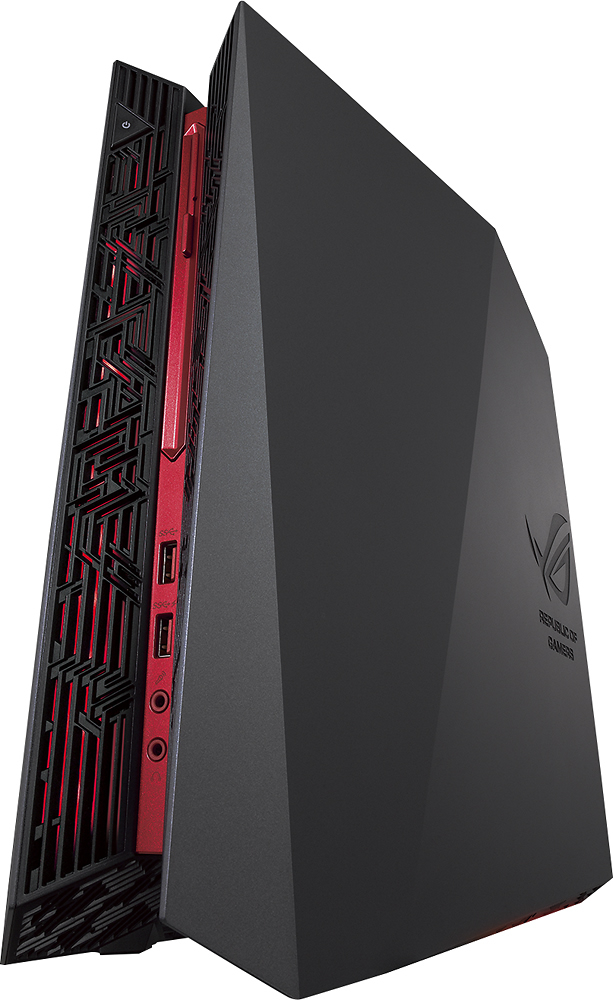
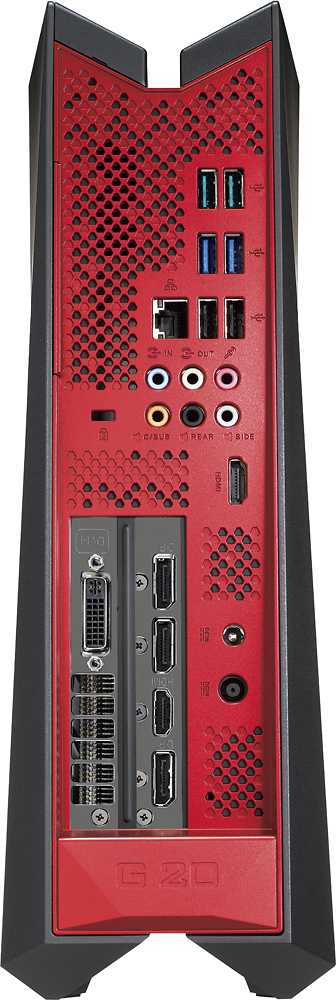
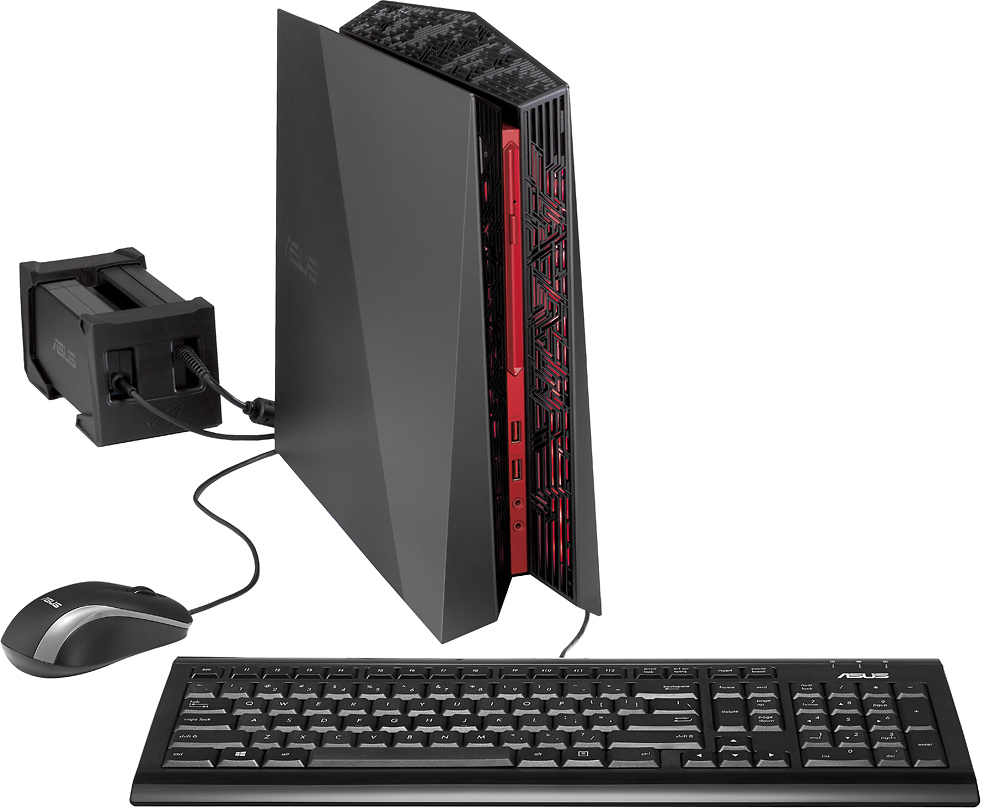
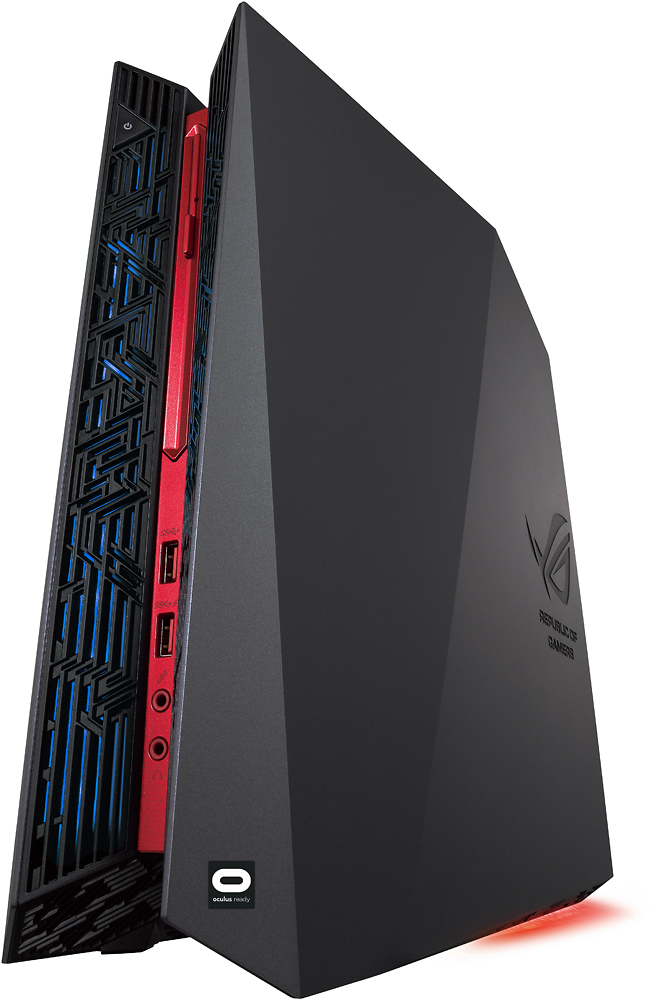
A:Answer YES you can install a 2.5" SSD and keep the existing 3.5" HDD, The 3.5" HDD is in the bottom half, underneath the graphics card (which is in a metal cage - and can be replaced itself - I put a GTX 1080 in there). The top half of the machine has a cage with space for a 2.5" drive - SSD or otherwise. There are SATA power and data connectors for it right under this cage. There is even a SATA data cable in the accessory box the machine comes with. The SATA power cable I *THINK* is already inside the machine (it's been a couple of weeks since I did this). HOWEVER here is the bad part. In order to physically get the SSD into the cage, you have to completely remove the CPU cooling assembly. Unfortunately the cooling assembly blocks you from being able to move the SSD cage enough to be able to actually get the SSD in there. It's a VERY infuriating part of the design. I tried several things to get the SSD in there without removing the CPU cooler before I relented and removed it. But once I tool the cooler assembly off, I was able to pull the cage out enough to get the SSD in there and get it connected. It's a bit fiddly, and if you have a child or someone with small fingers, you might want them to help you :-D Putting the CPU cooler back on, I actually cleaned off the existing thermal paste (using isopropyl alcohol [can get from Staples etc] and cloth) and then I applied new thermal paste. If you've built a PC you will be used to this. You can try reassembling without renewing the paste - I heard some people have done that with no issues.
In summary, it's NOT trivial but it's totally possible.