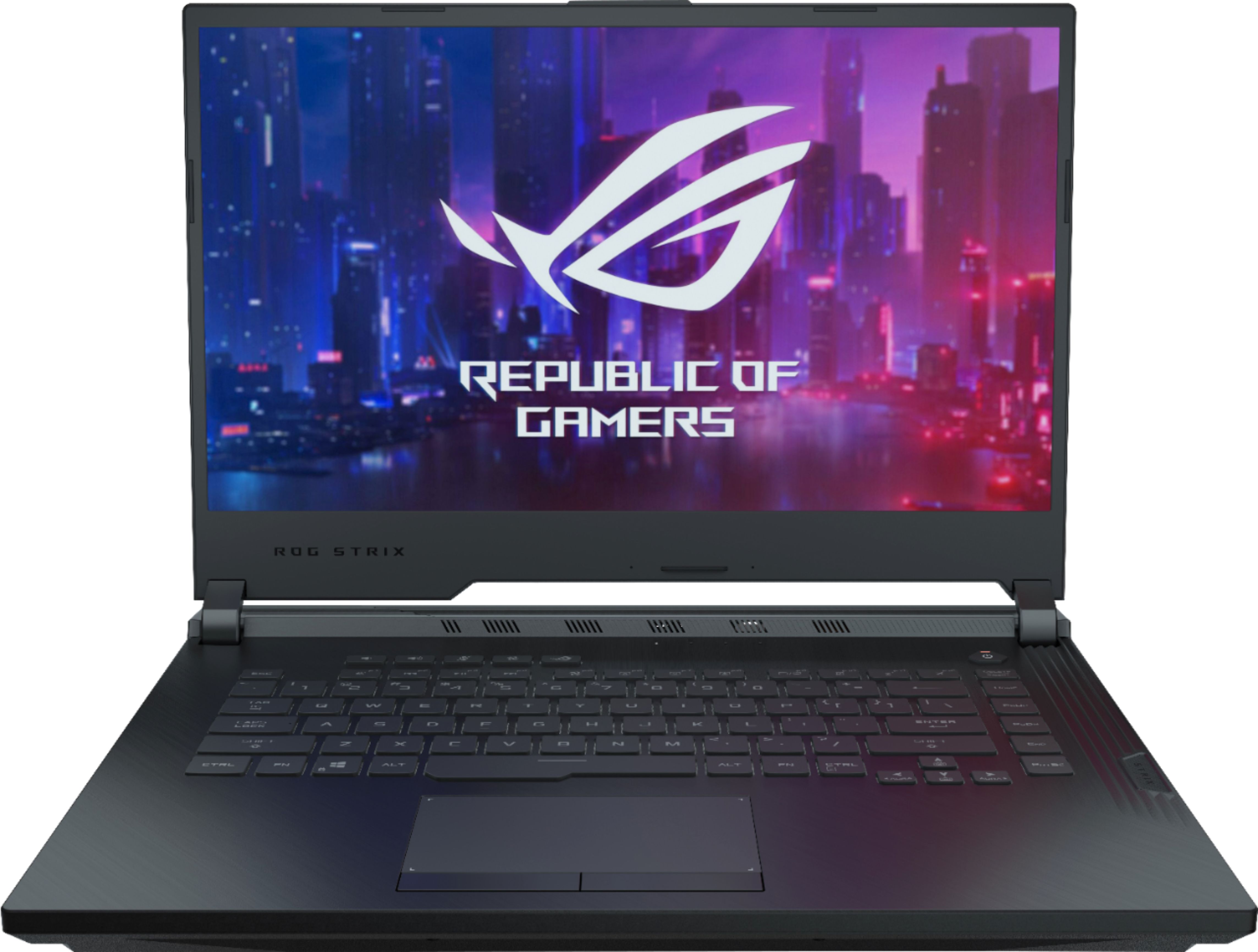
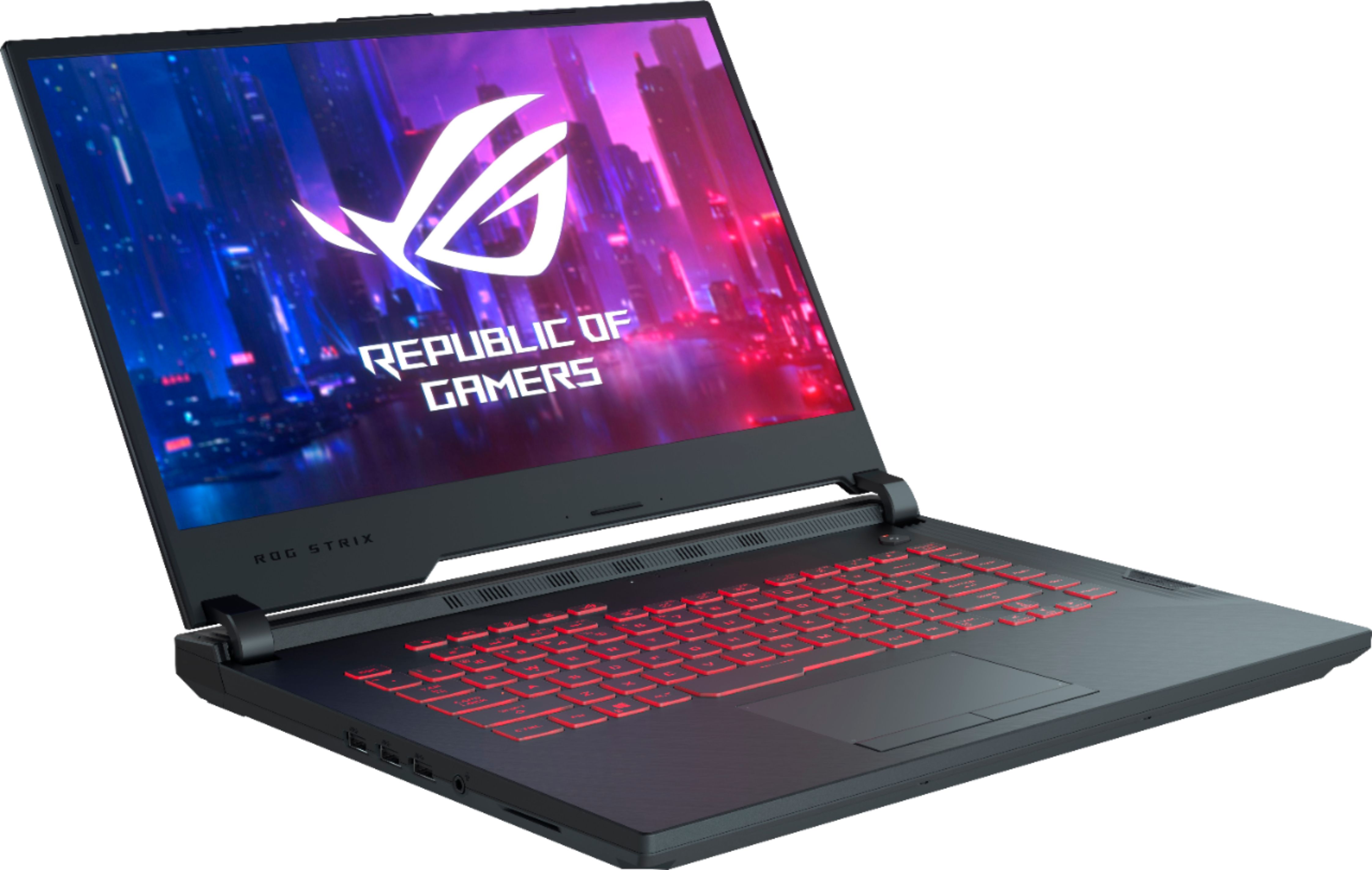
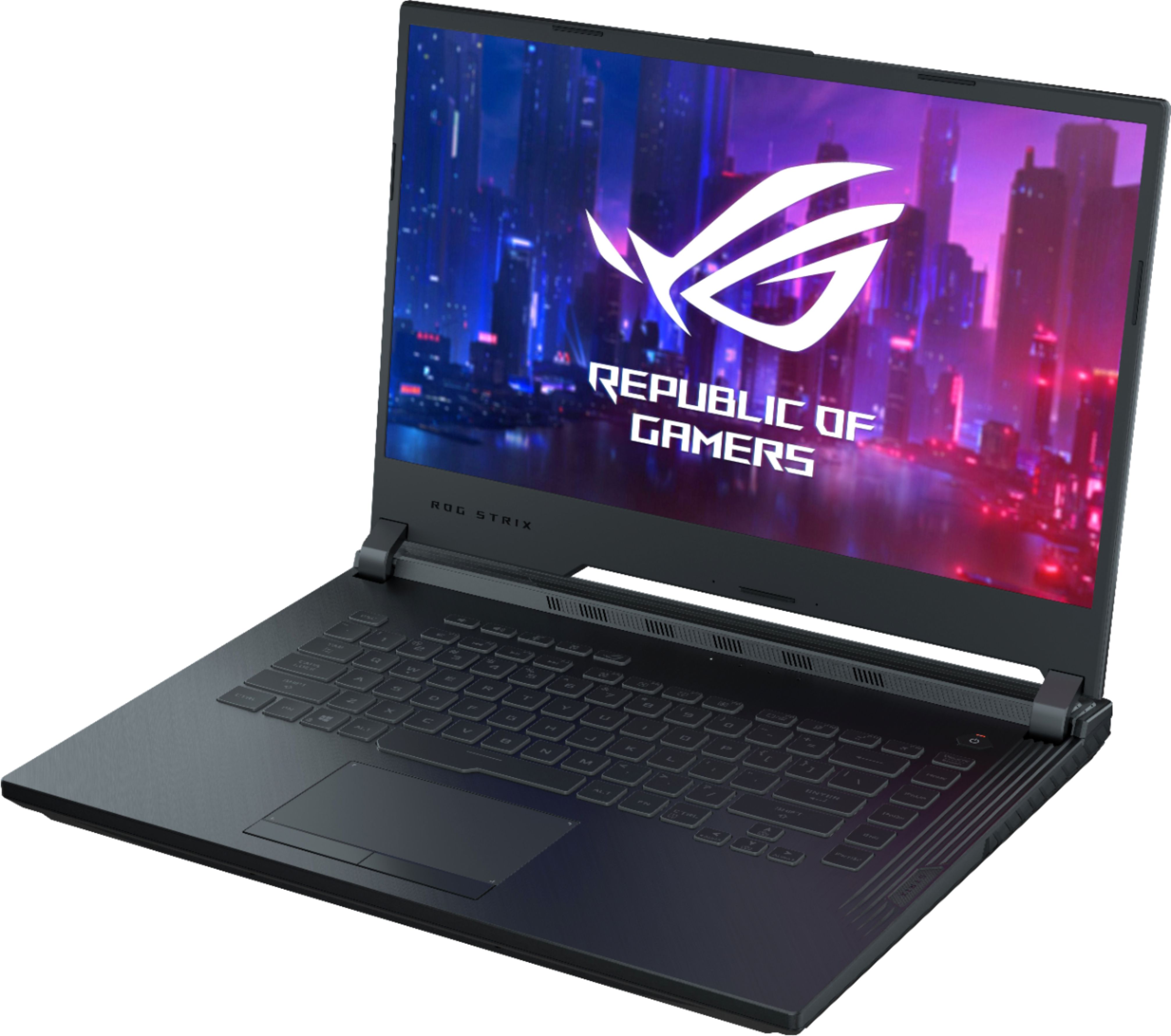
A:AnswerThis laptop is now 759.00 at best buy right now! Get your butt down to best buy and make those kids happy. Just kidding, but its a great tool to make sure homework and chores are done as no computer unless everything has been finished lol
A:AnswerWondering the same thing... Was told when I bought the kids their computers & Rift that I would have no issues... Now, day after Christmas come to find out nothing connects and all boxes open.... I want my $$ back!
A:AnswerA display upgrade is not possible. We offer similarly priced models with a 120Hz display. An example can be found here. https://www.bestbuy.com/site/asus-rog-zephyrus-g-15-6-gaming-laptop-amd-ryzen-7-16gb-memory-nvidia-geforce-gtx-1660-ti-max-q-512gb-ssd-metalic-hairline-black/6335912.p?skuId=6335912
A:AnswerNot sure. What games are you using? Did you change the in-game settings, or the computer settings? Try to press the Windows key and the letter “V” (changes the display mode). If that doesn’t work, try seeing if the brightness limit is on or off.
A:AnswerThere are two slots for ram on the board. There was one eight gig stick installed with the second slot open. I maxed the ram at 16 gig by installing a matched pair of eight gig sticks. The flight simulator program that I am running on this computer is Xplanes and it appeared to work perfectly prior to the upgrade. Why did I upgrade you ask? Thinking forward, I did not want to get into a situation with a program that needed more than eight gig of memory to run and since a memory upgrade is so cheap and easy on a laptop it’s a no brainer. About the graphics chipset, you will just have to read the reviews and see if it’s suitable for your needs.
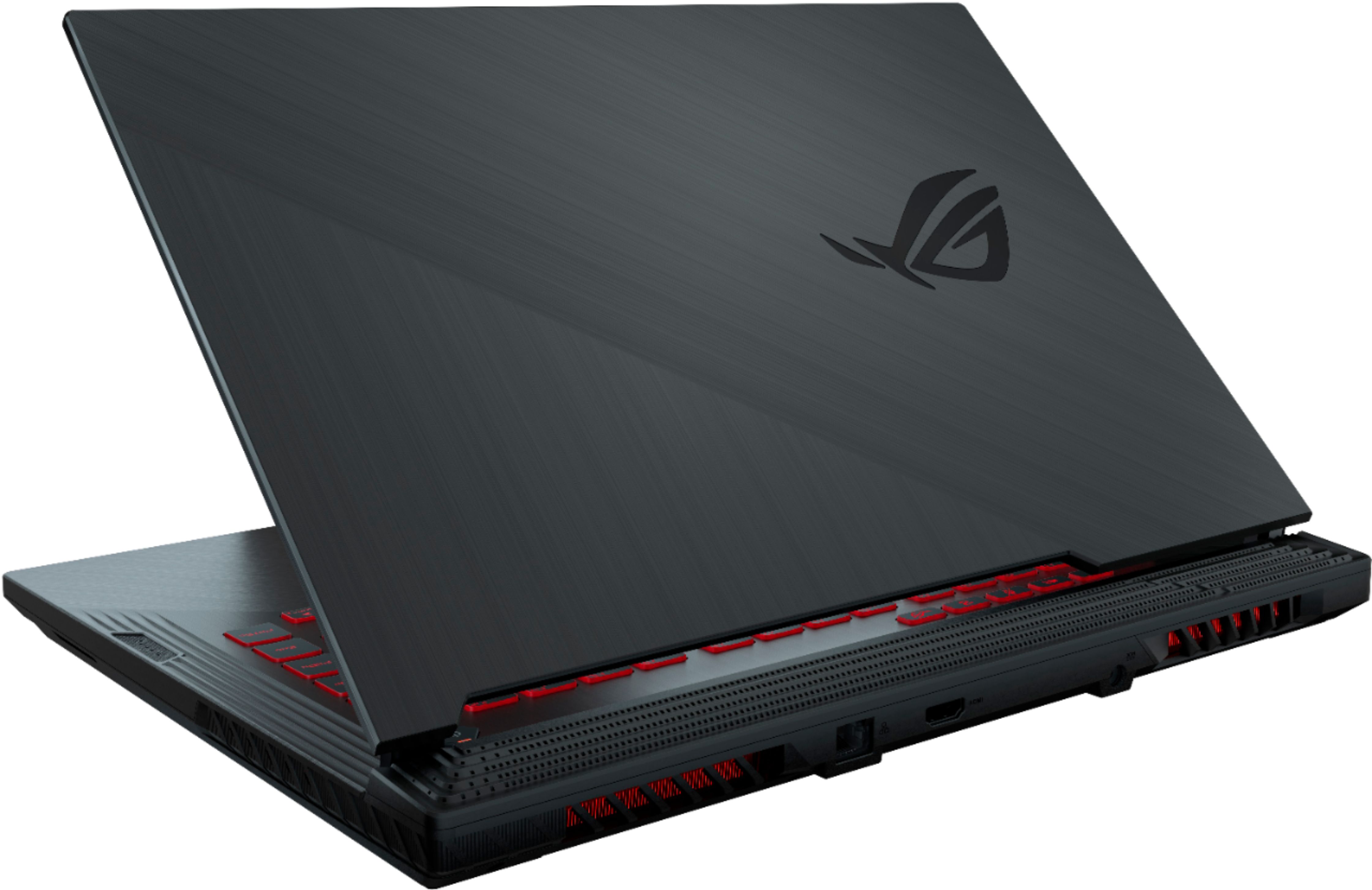
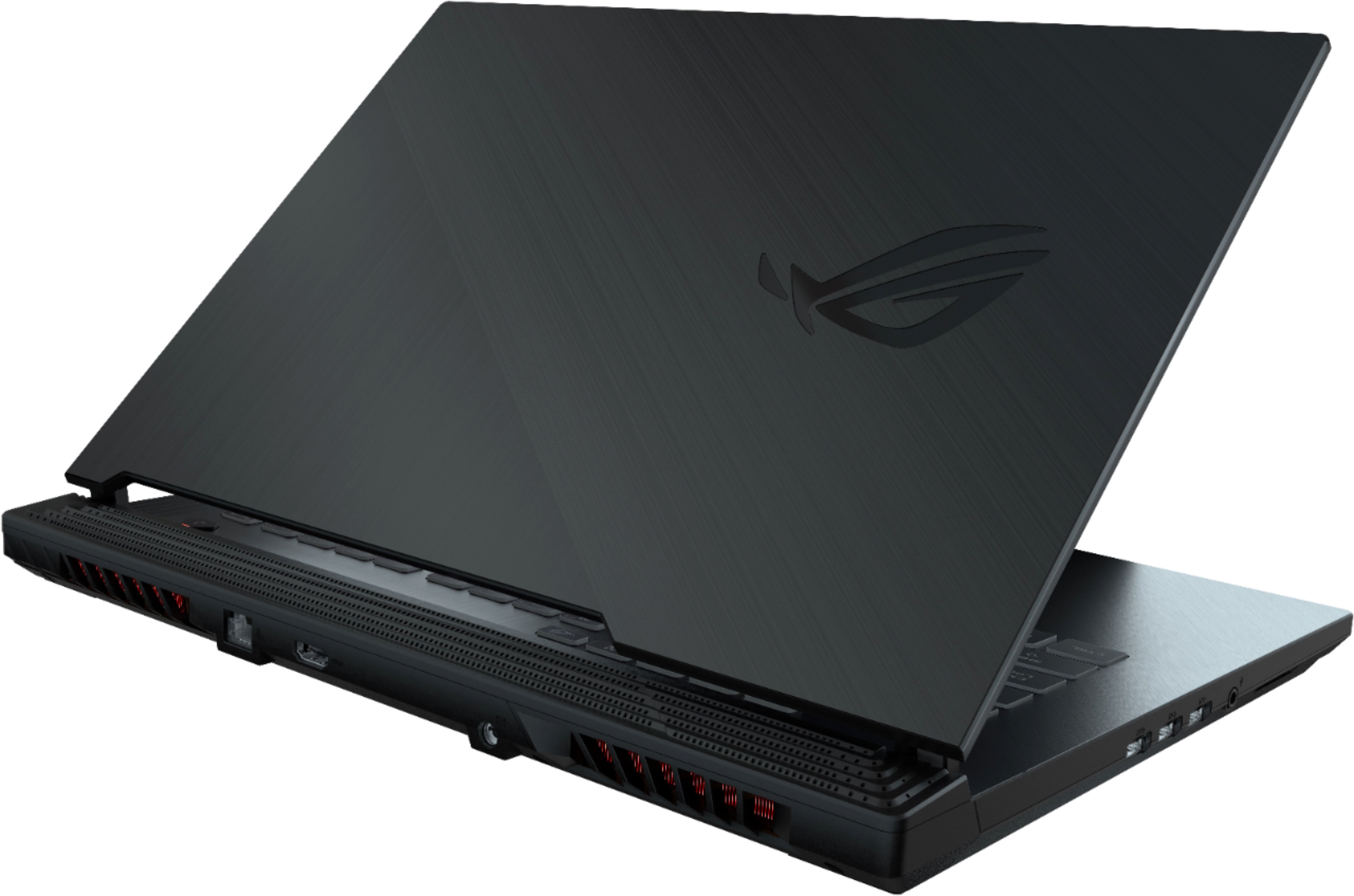
A:AnswerI, personally, haven't tested it with VR but keep in mind that the HDMI is on the middle back of the laptop and the USB ports are on the middle left side of the laptop. The distance between the HDMI and USB might be a deal breaker if you are into VR.
A:AnswerEvery time I experience this issue, it's a WiFi issue. It's not your laptop. Check your connection on your other devices as well; is it slow? Reset your router and try again. Hope this helps!
A:AnswerDepending on the size of the SSHD firecude, you should be able to add it into the laptop without any issues. The laptop, when purchased does come with an extra SATA connector to plug in another hard drive.
A:AnswerThere are two slots.
One is already populated with single channel 2666MHz memory.
Mine came with SK-HYNIX memory, but if you buy one it might be different.
Model # HMA81GS6JJR8N-VK
A:AnswerI bought mine a month ago and immediately added another 2666hz 8gb RAM, and a Samsung 500gb SSD with no issues. It comes with the Intel pcie nvme ssd installed as the boot drive and every thing is super fast.