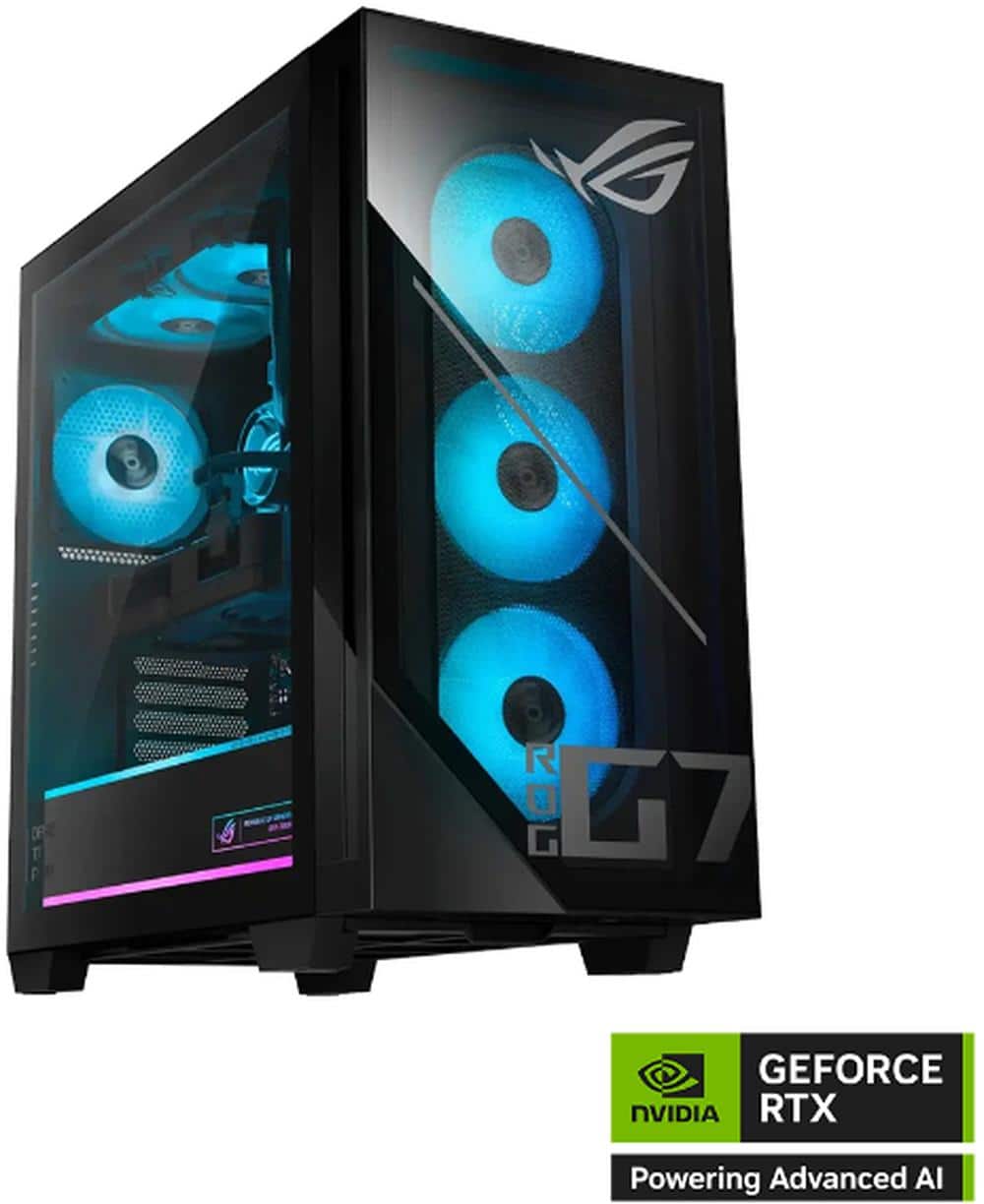
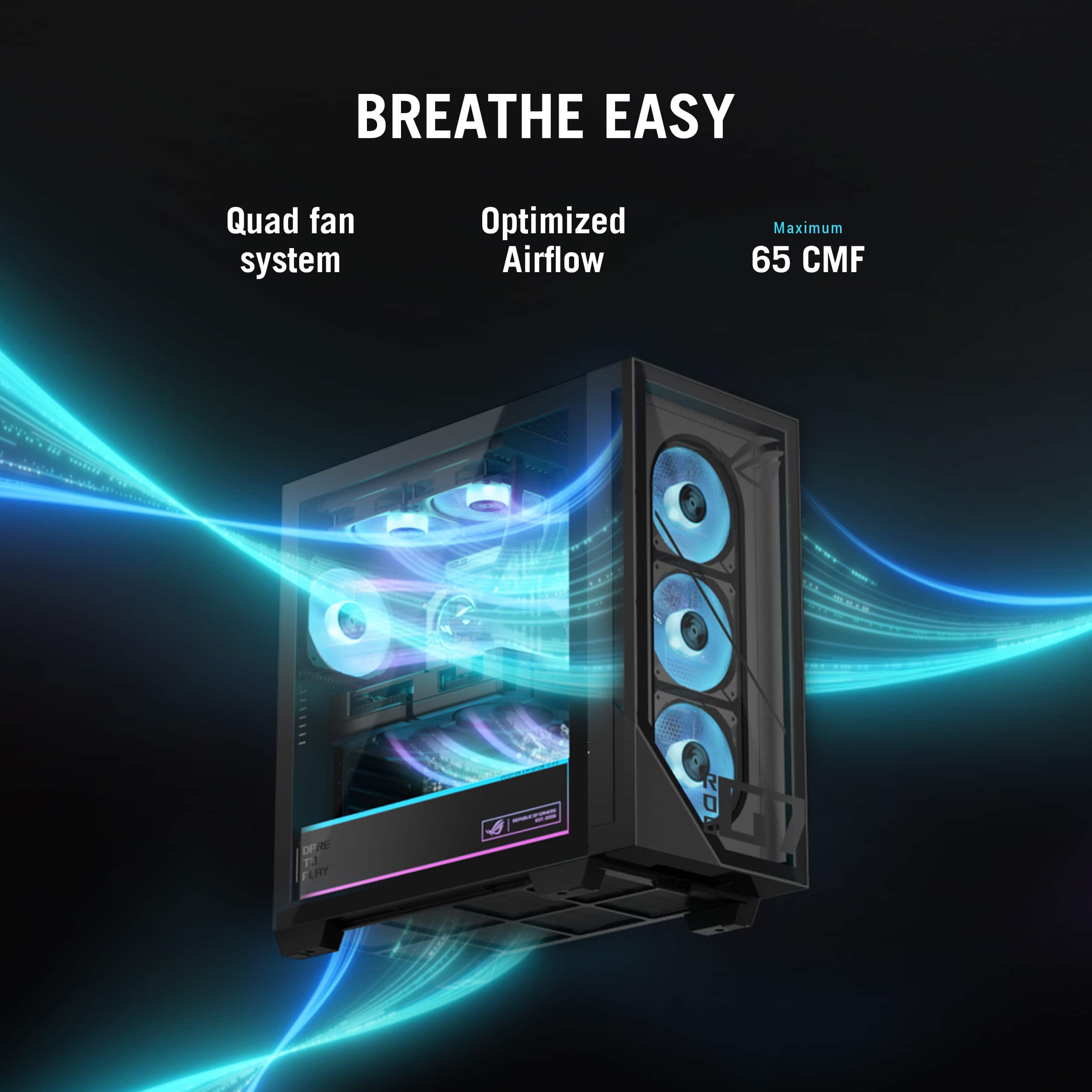
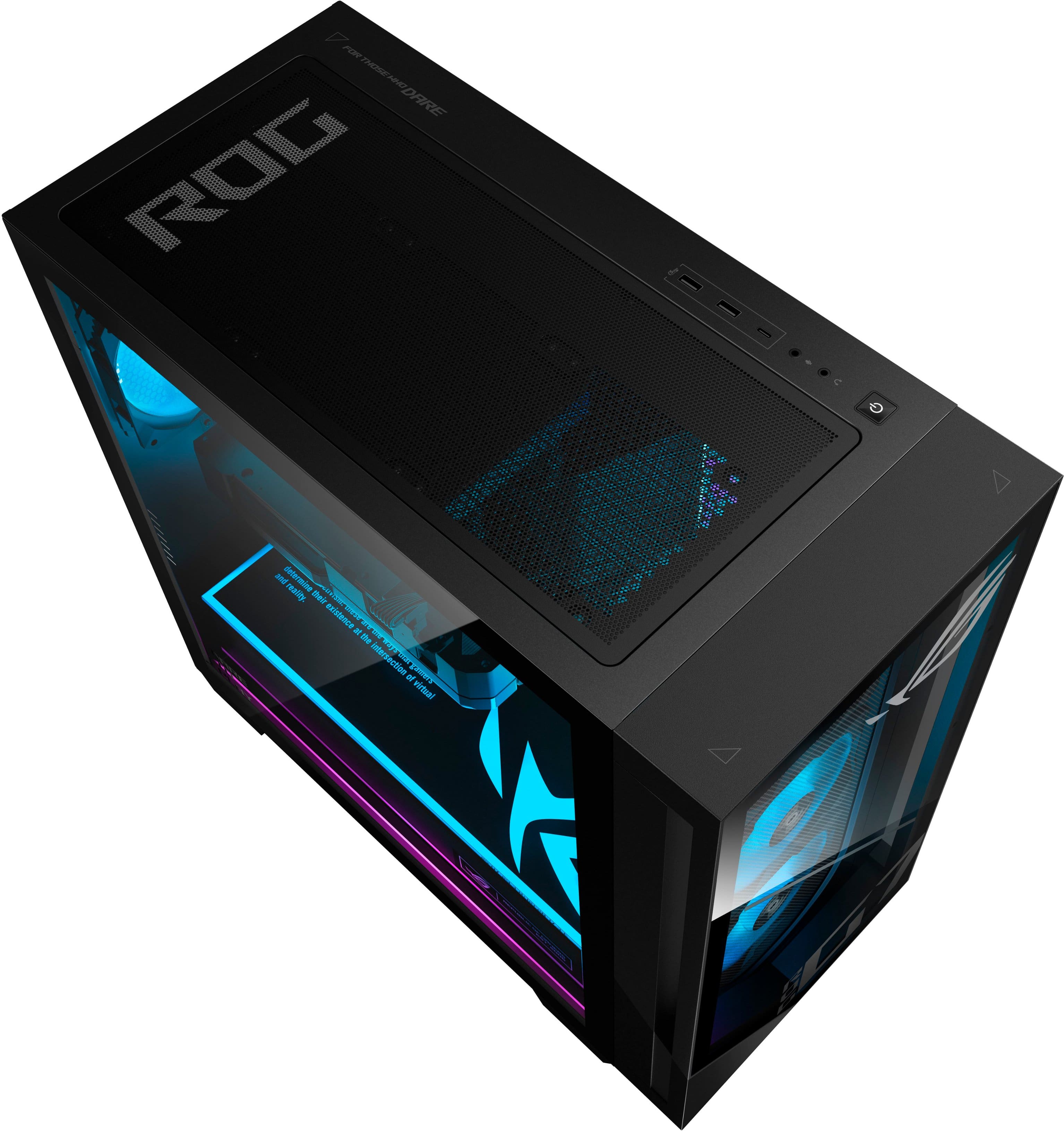
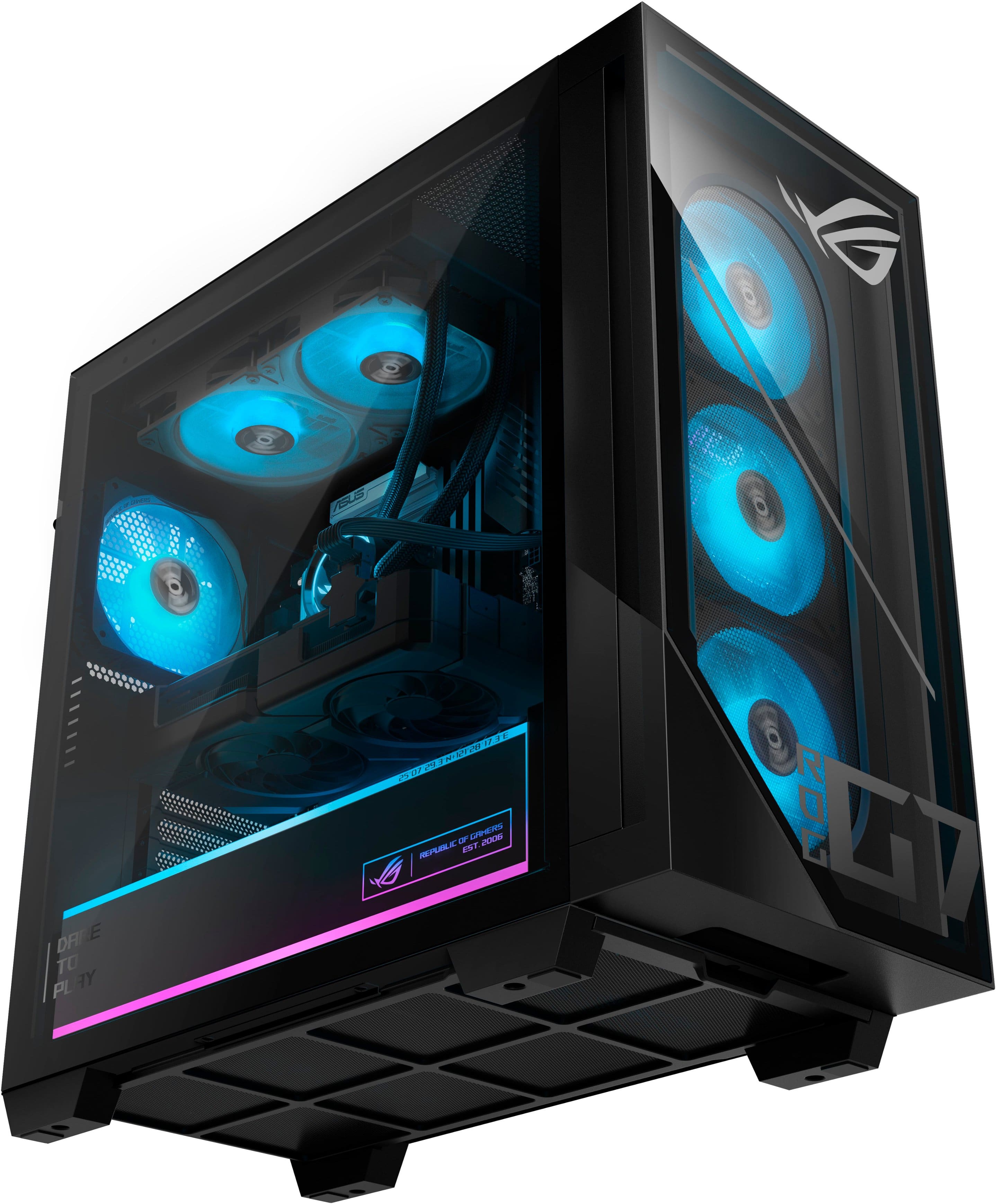
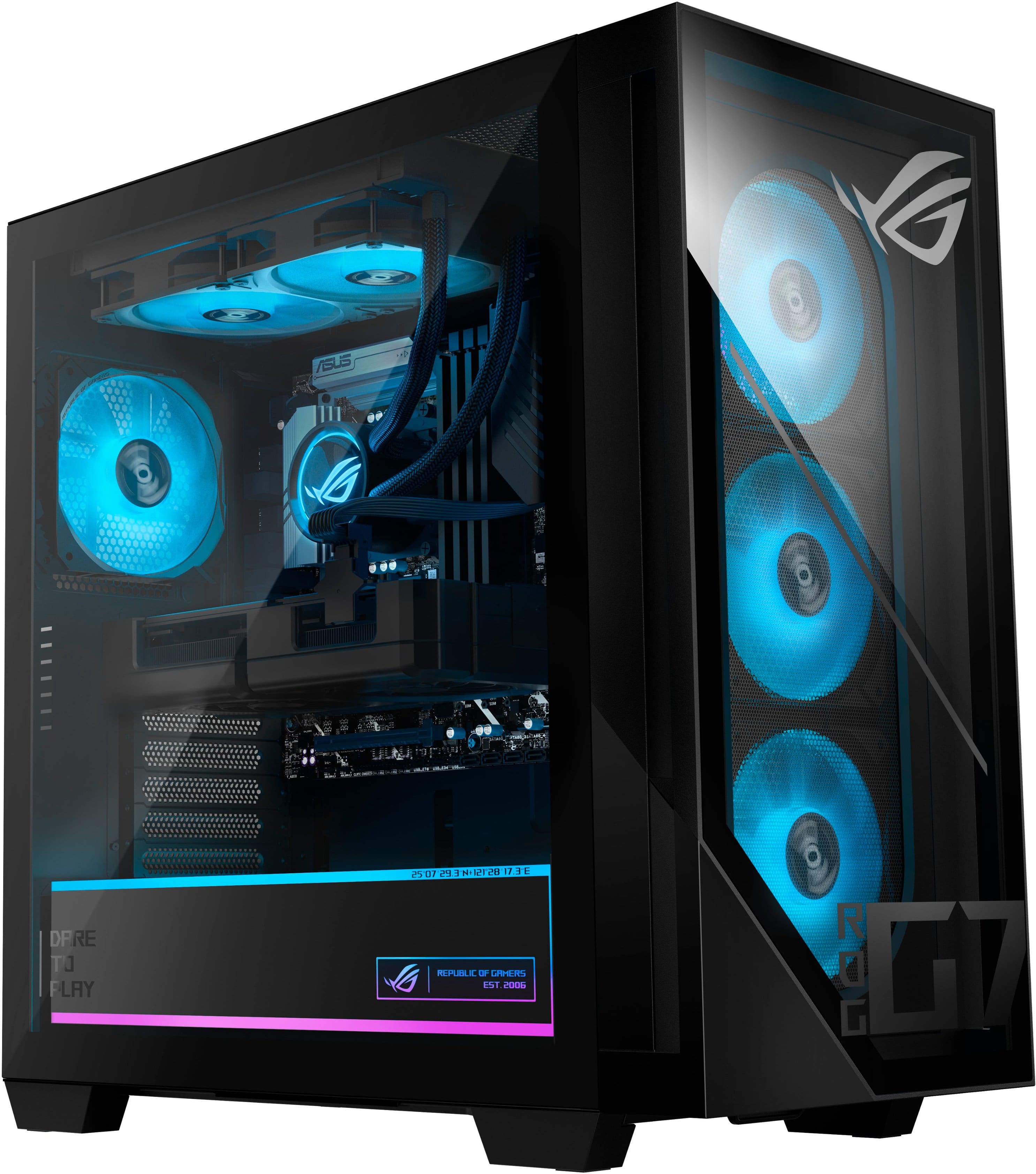
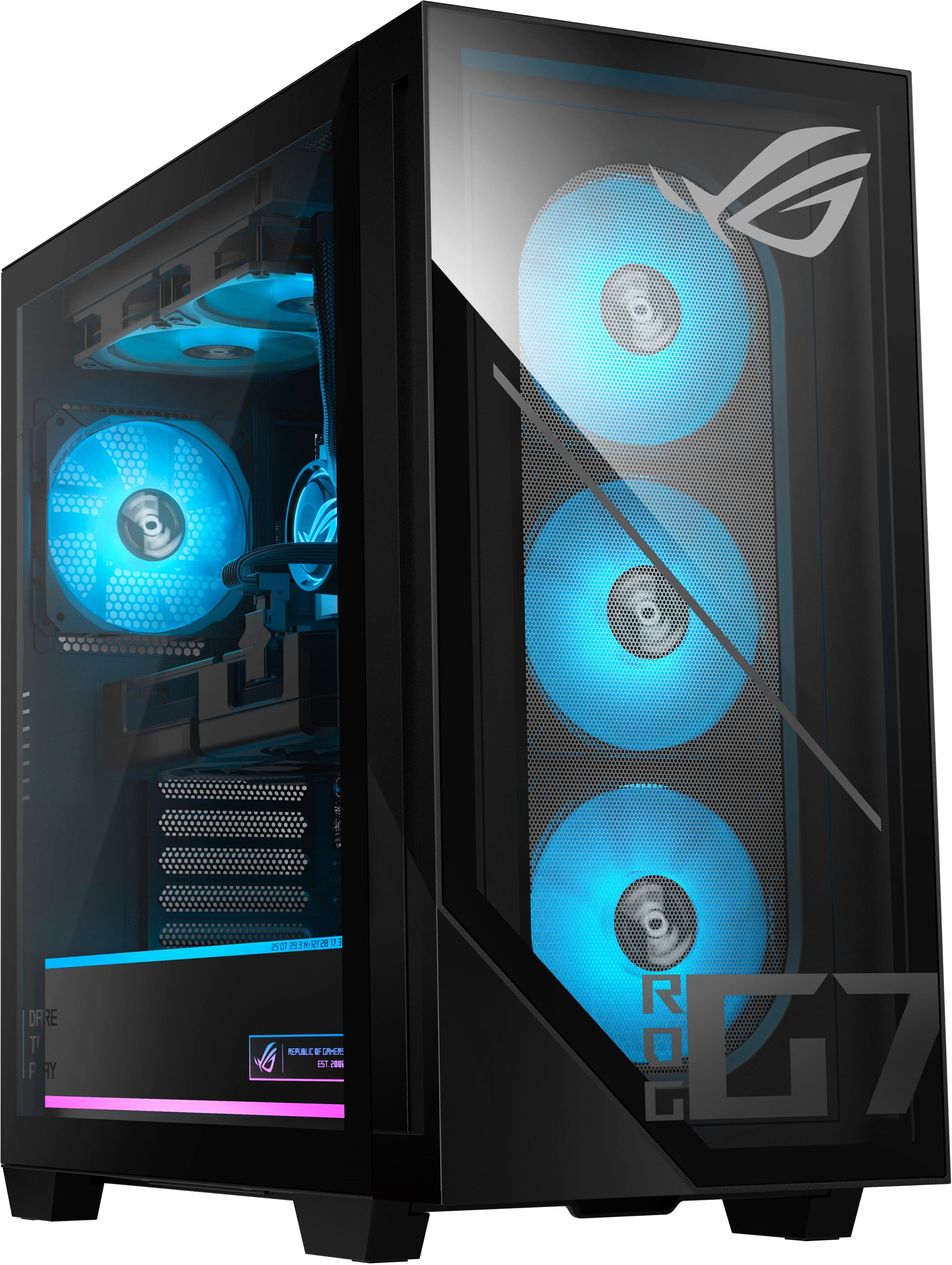
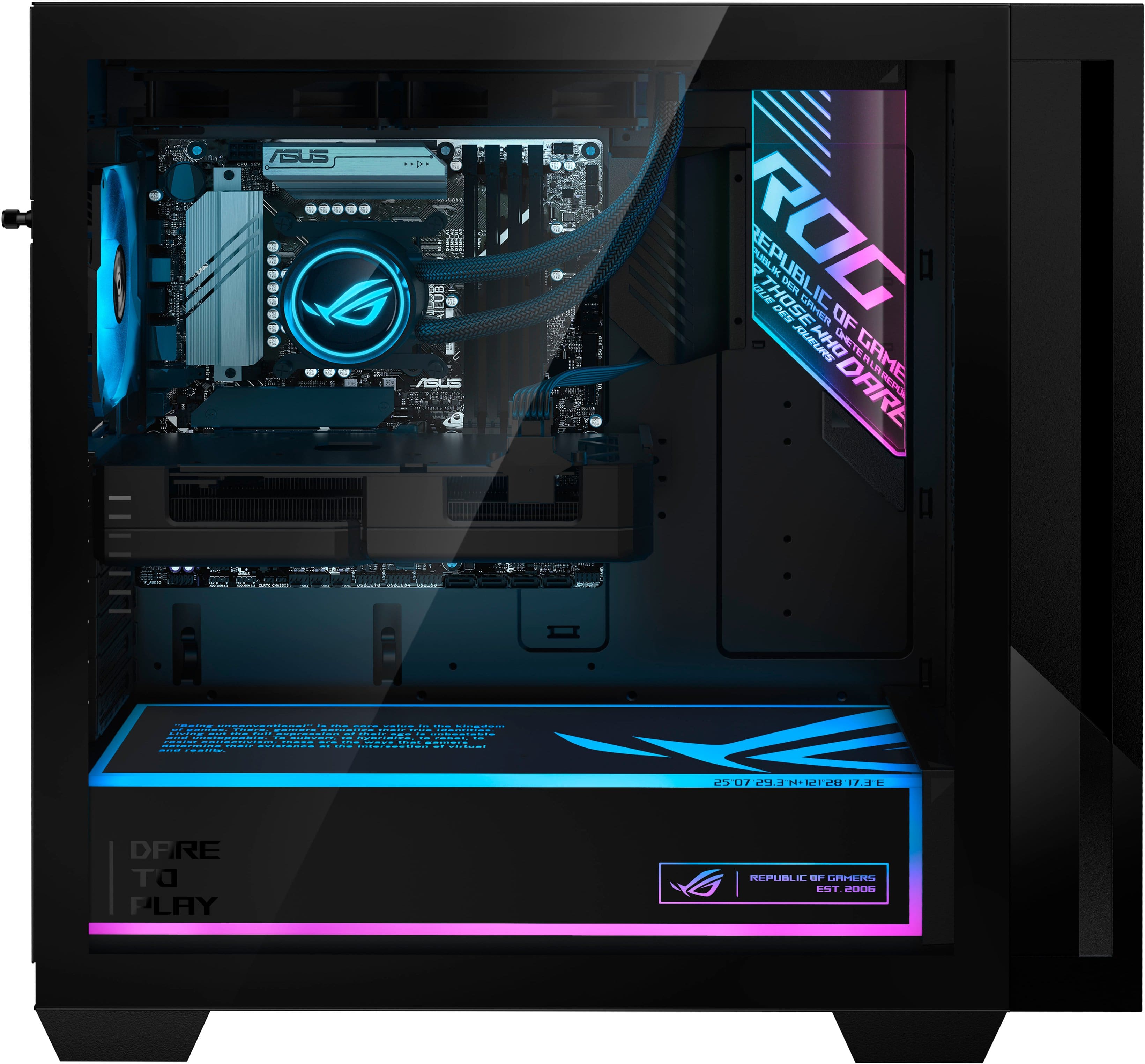
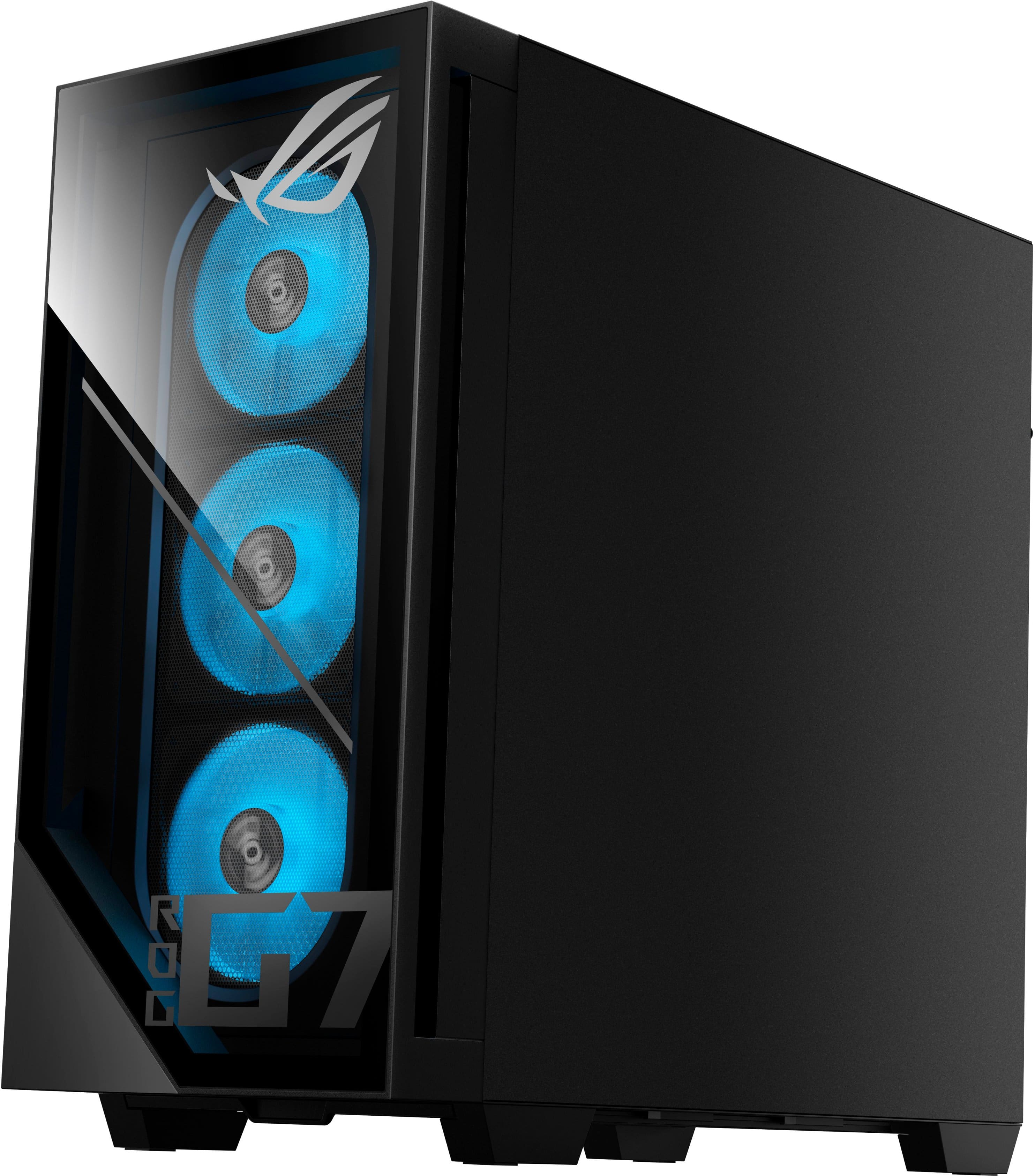
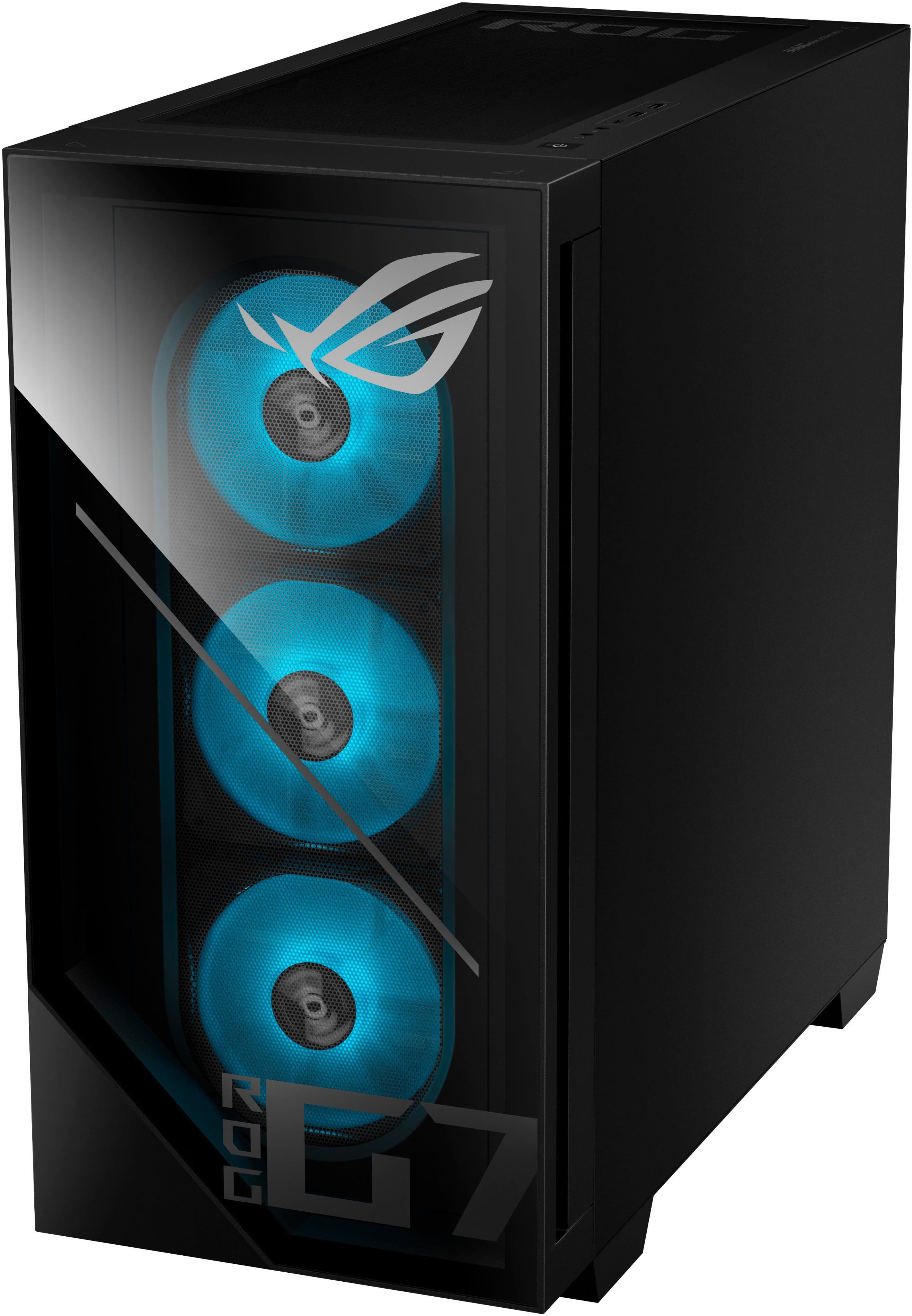
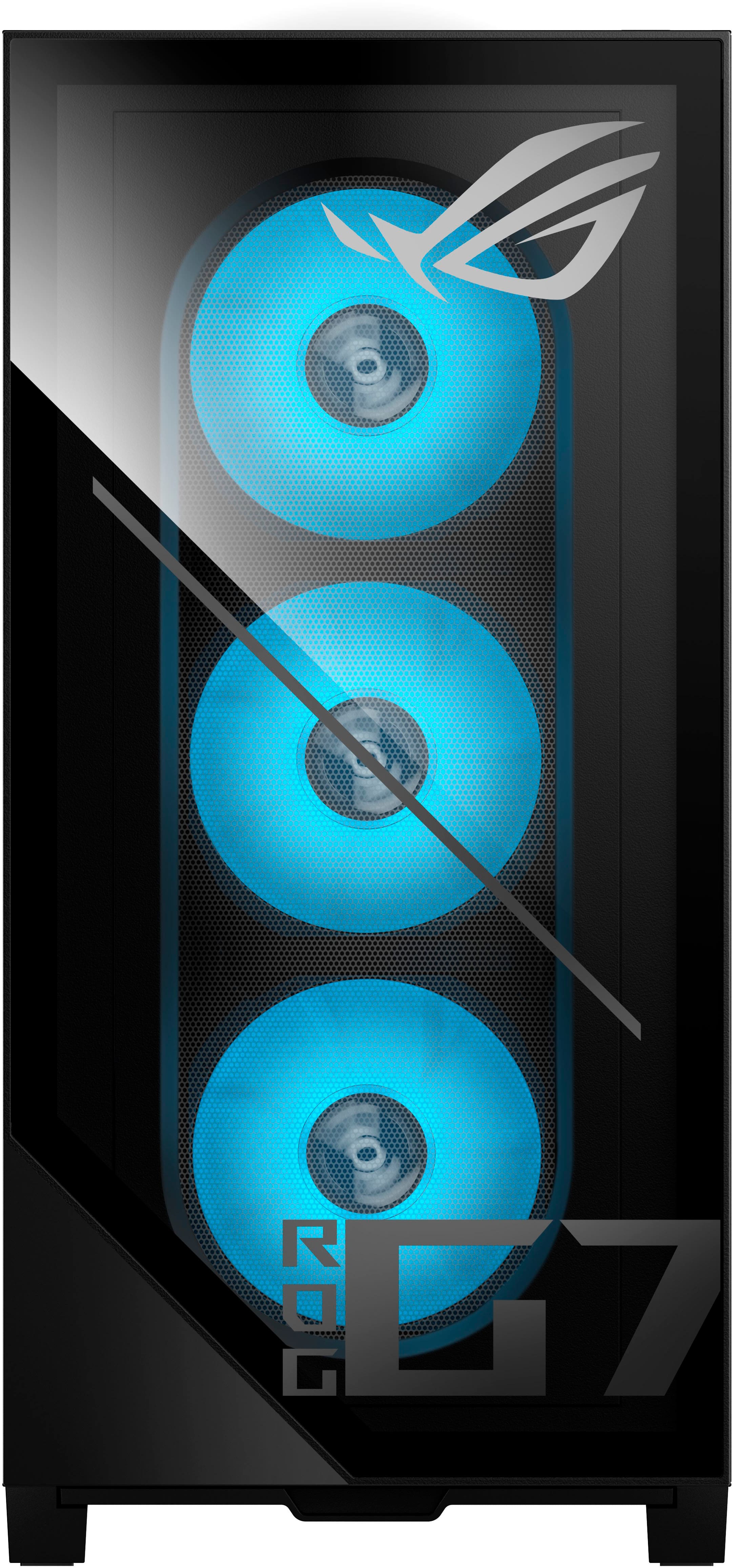
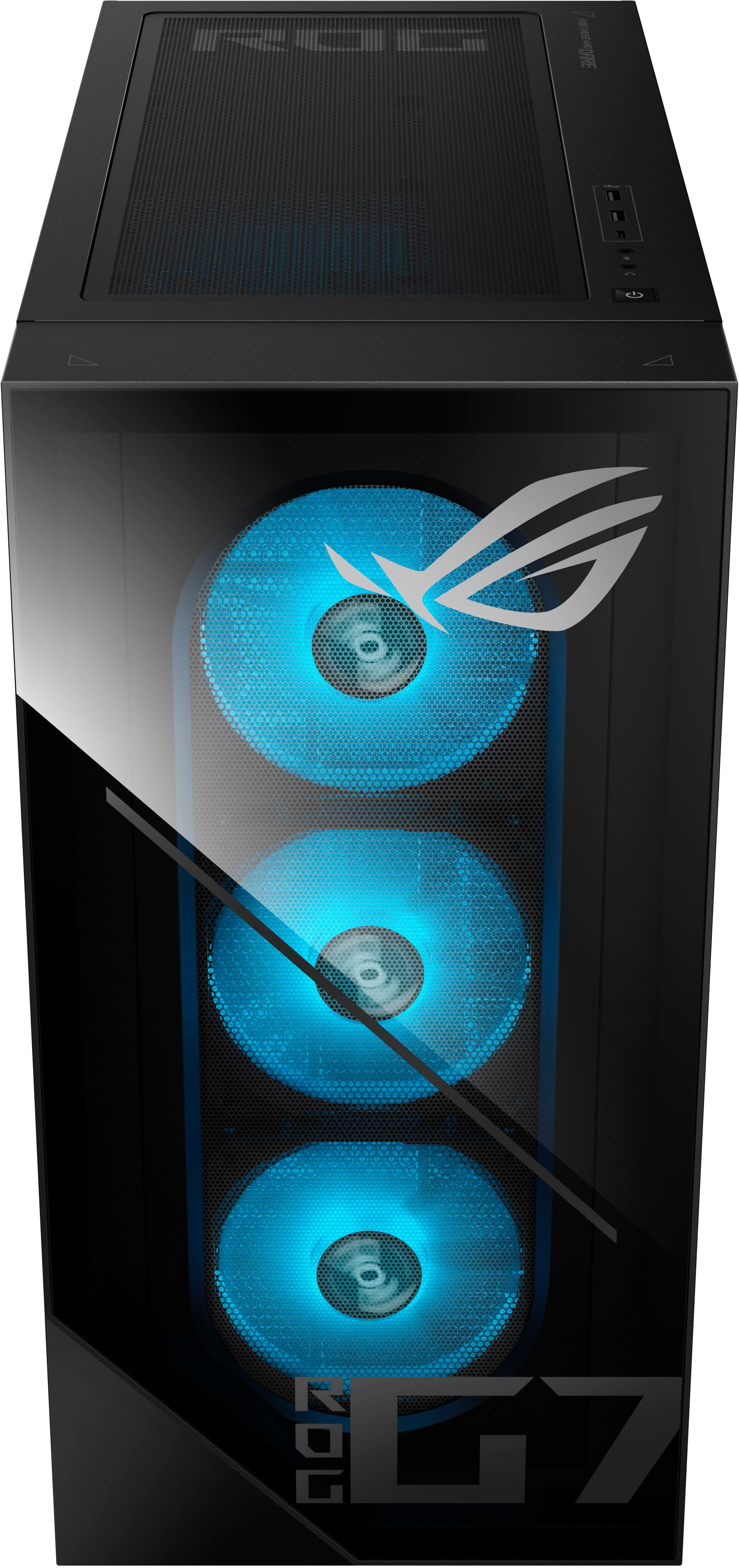
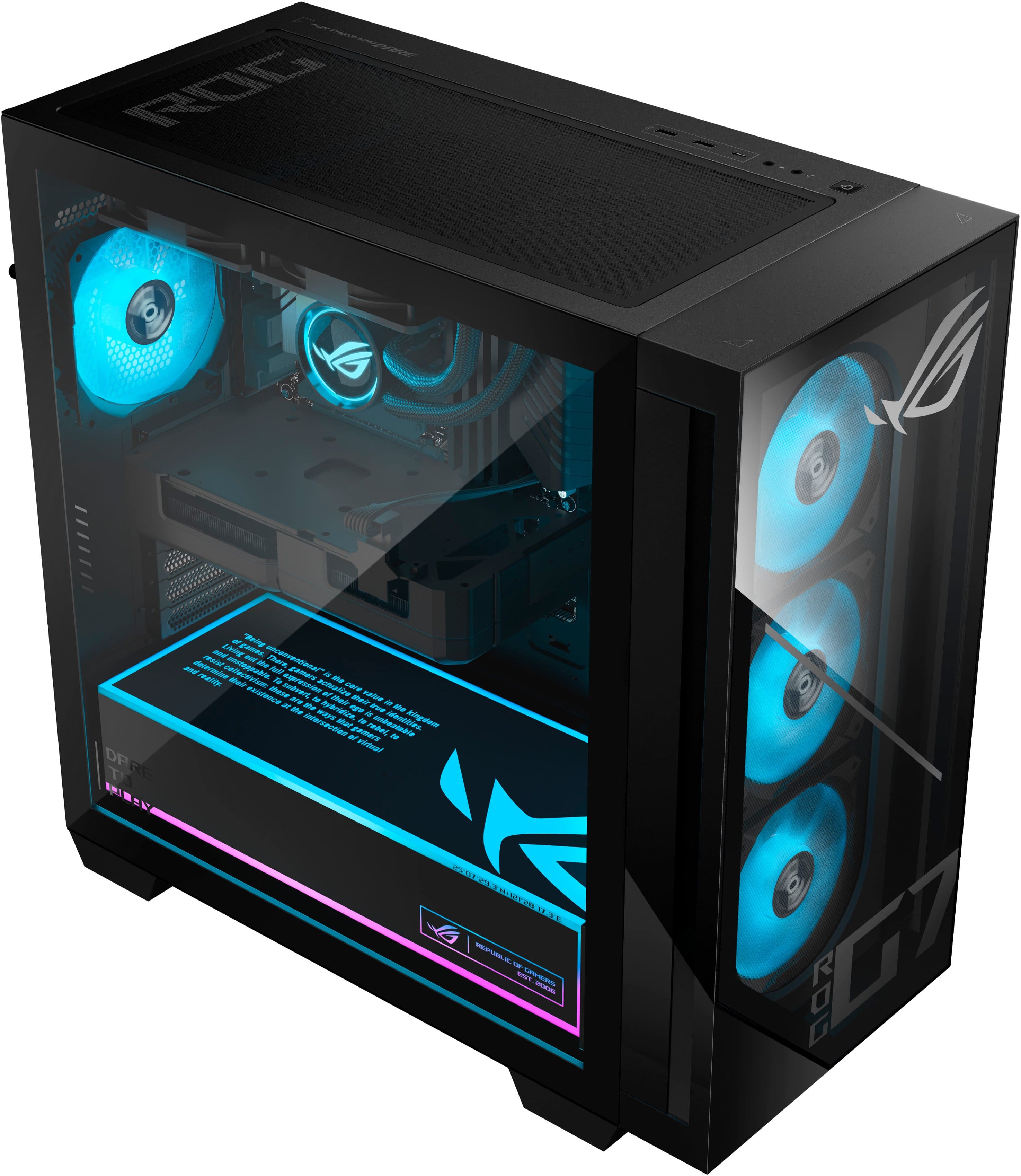
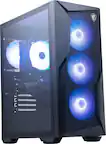
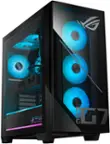
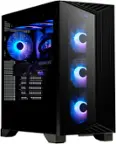
A:AnswerYes, you can control the RGB lights on this PC using the Armoury Crate utility software. Install the latest version of Armoury Crate to access the Aura Sync utility.
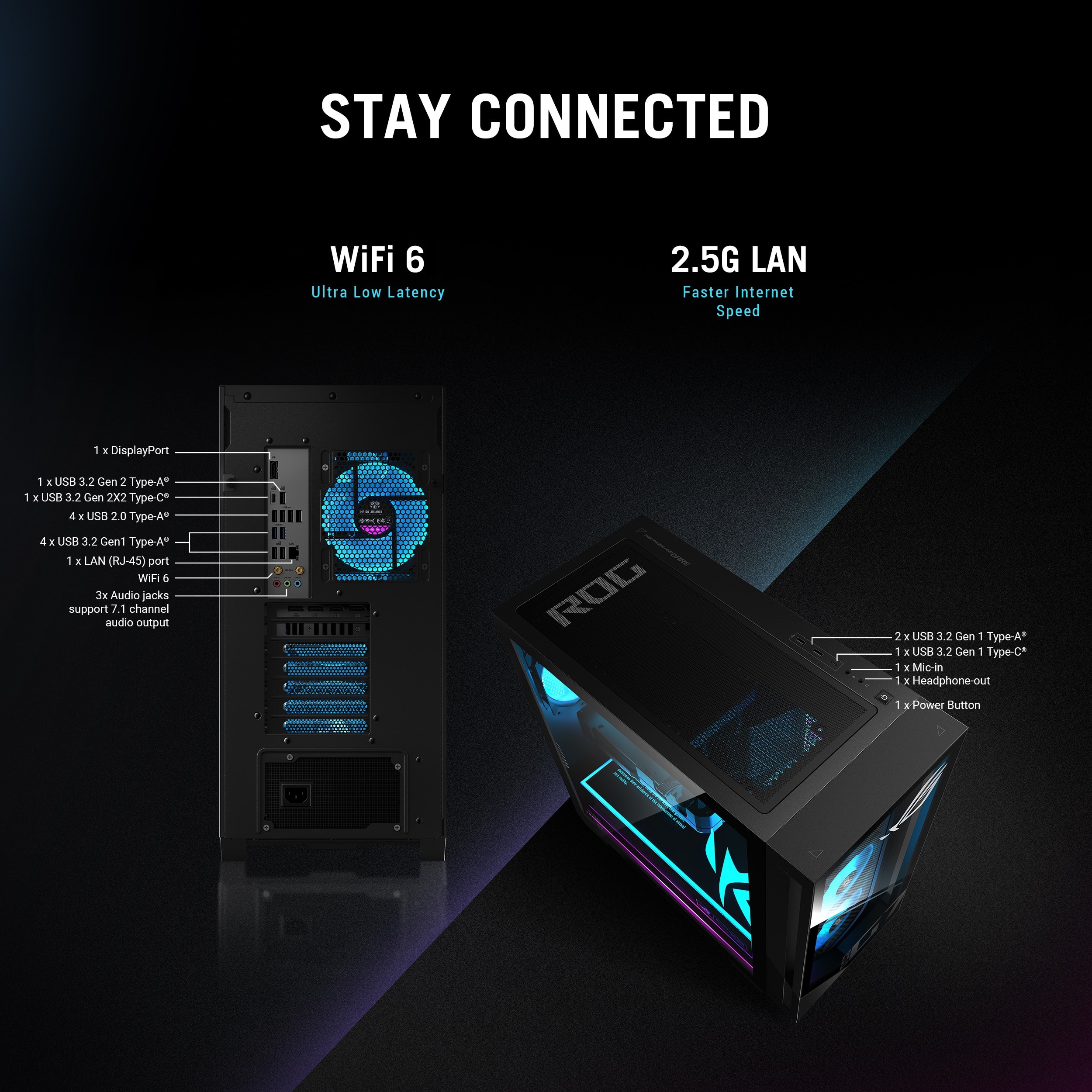
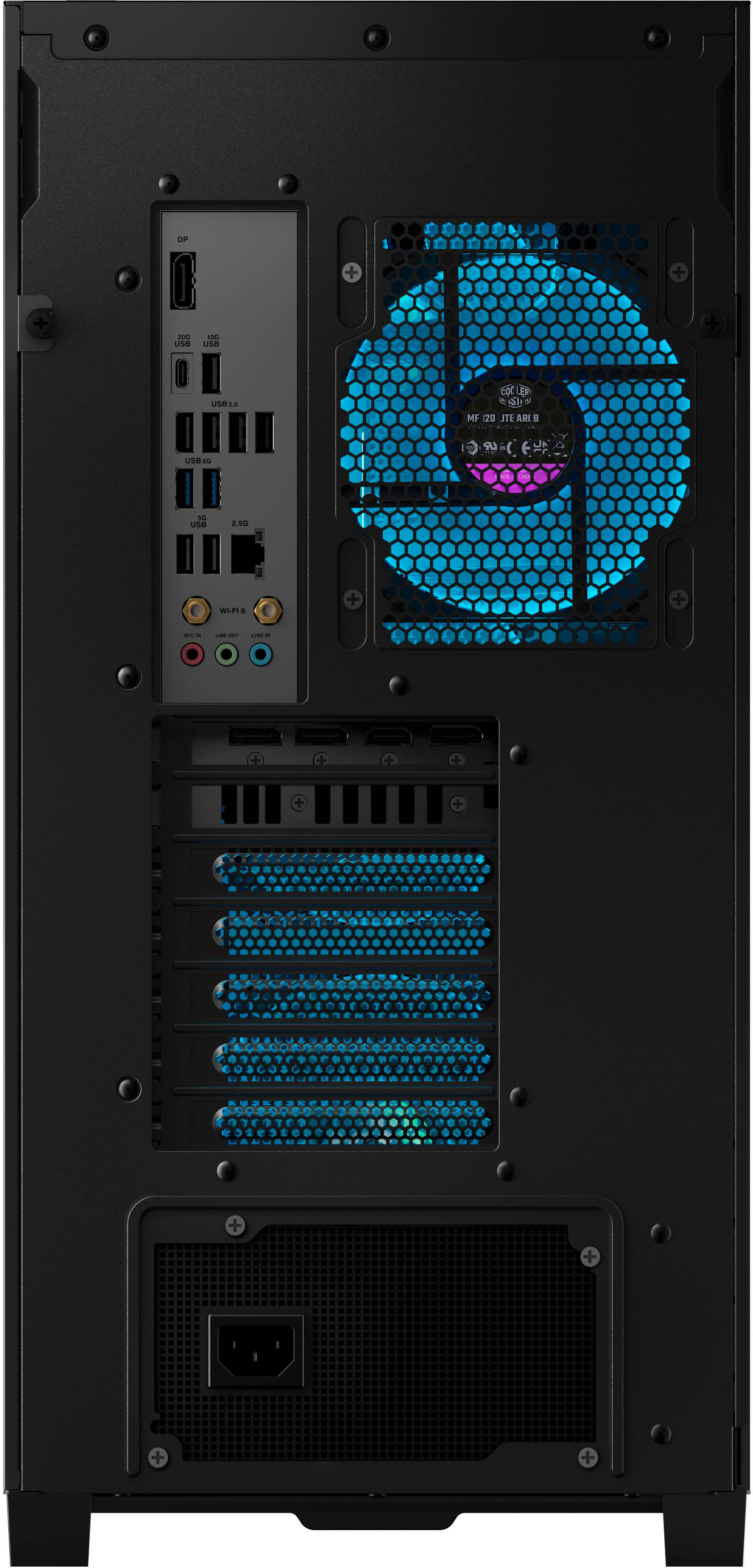
A:AnswerThe ASUS ROG G700TF gaming desktop features 4 DisplayPort 2.1 outputs and 1 HDMI 2.1 output on its GPU. While you can physically connect up to 5 monitors, the system supports a maximum of 4 active displays at once.
A:AnswerThis really depends on the type of connection your headset is using. You would also need to check if your default communication device is set correctly.
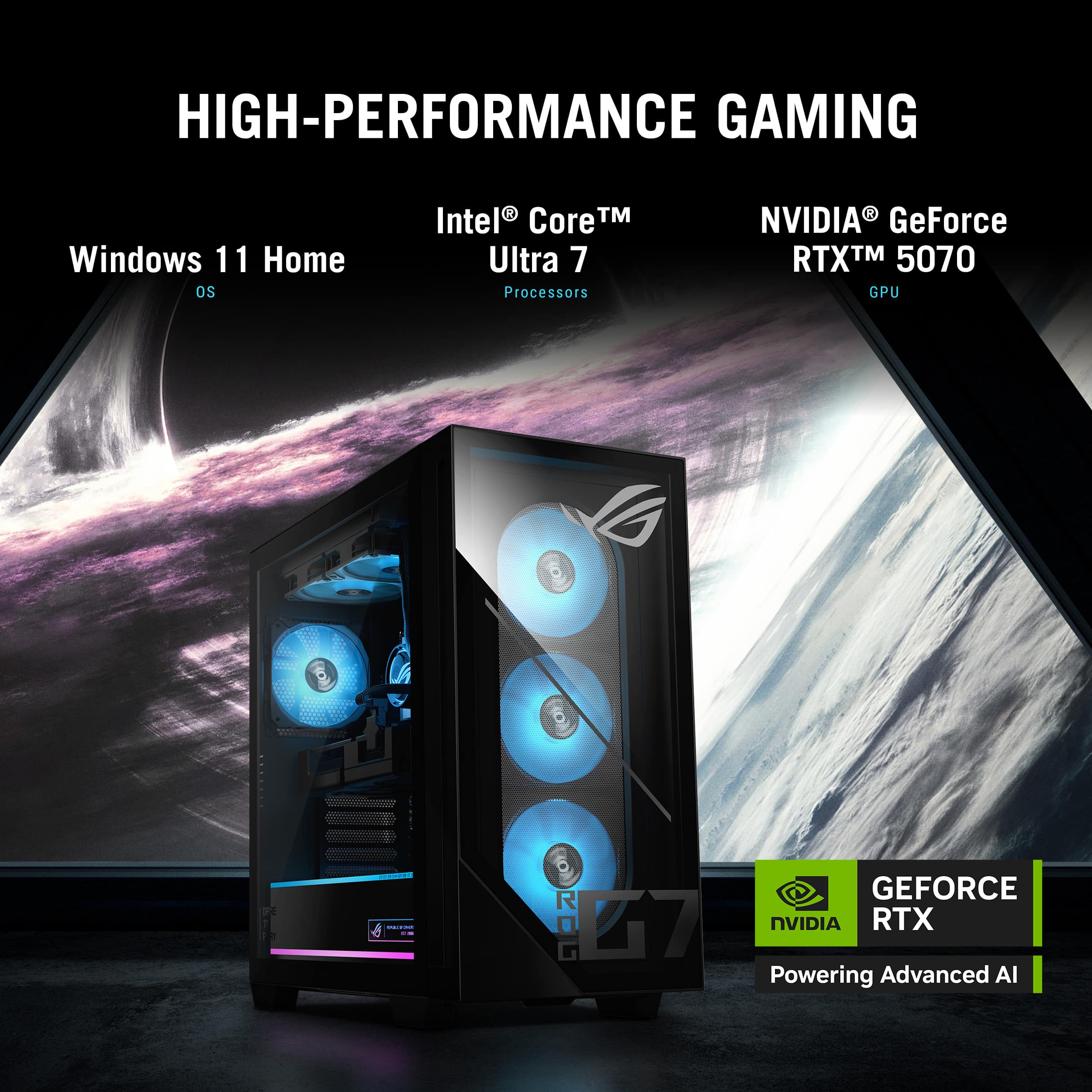
A:Answerthe ultra 7 265KF is the fastest. Since it does not have the useless graphics core of the 265K on chip. its base clock is even faster than the ultra 9 285K because the 285K has more cores == more heat == slower base clock.
A:AnswerYes, I'm not too sure how to turn them off manually in the bios but I downloaded Asus Armoury and shut them off through this app. Shouldn't have to install everything but deffinetly makes the lights not work as they should all the time. sometimes i need to restart the pc to get the lights to turn on period when this is installed.