A:AnswerThe easiest wat to increase the storage size of the PC is by connecting an external USB drive. You need to take it to a certified PC technician or shop if you intend to add internal storage.
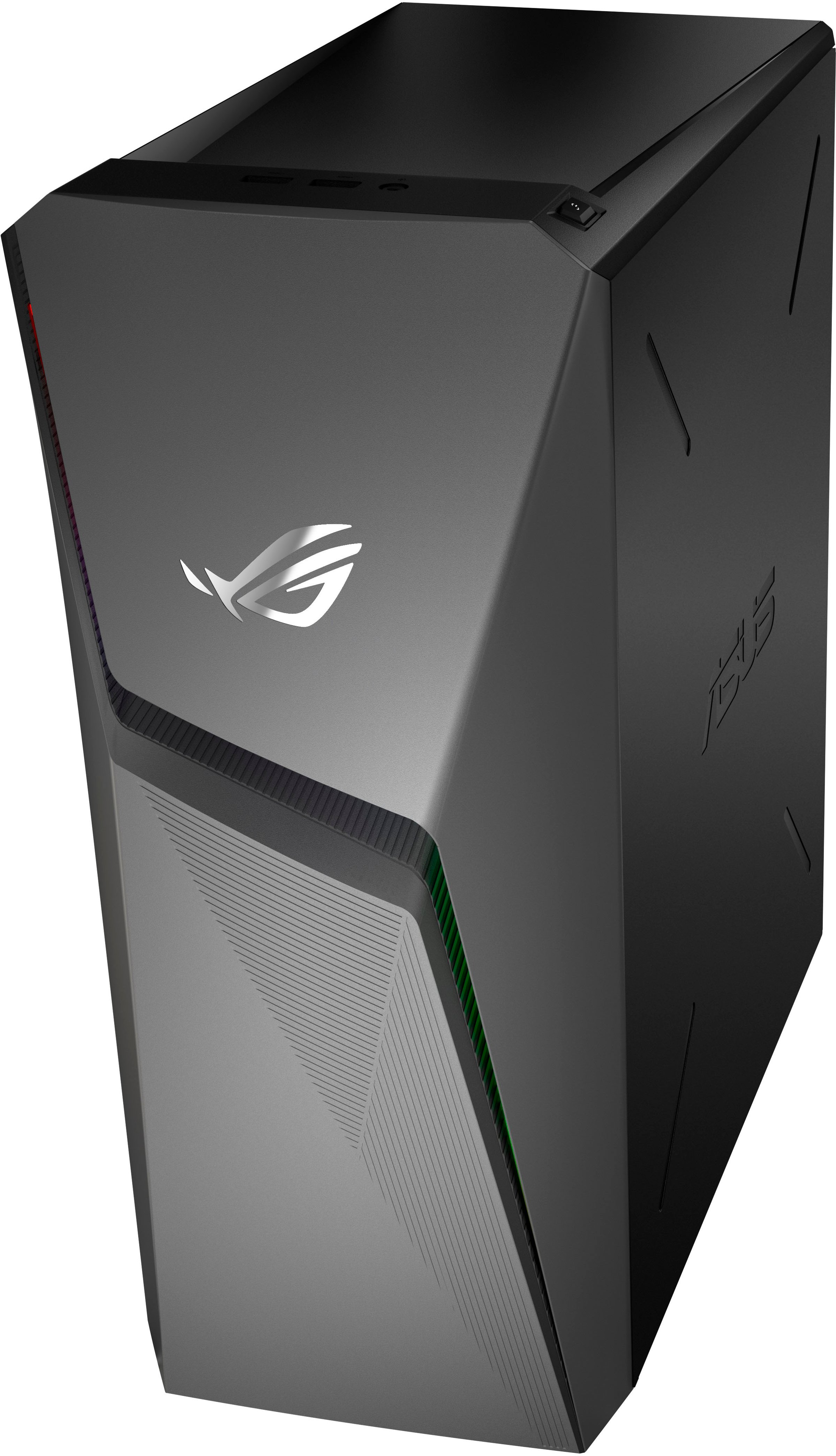
A:AnswerCorrect, you will hear the sound from whatever I’m watching/playing on my monitor when you plug in a headphone into the audio port on the tower or PC.
A:AnswerDepends entirely on your resolution and settings in the game.
For 1080 resolution you can expect approximately
120+ fps at low or medium settings
80 or 90+ fps at high settings
60 fps on ultra settings
A:AnswerYes. Besides the Ram, which is at the required spec, it is all above what is needed.
CPU Intel Core i5 3470 @ 3.2GHz / AMD X8 FX-8350 @ 4GHz.
GPU NVIDIA GTX 660 2GB / AMD HD 7870 2GB.
RAM 16GB.
HDD 72GB + 8GB.
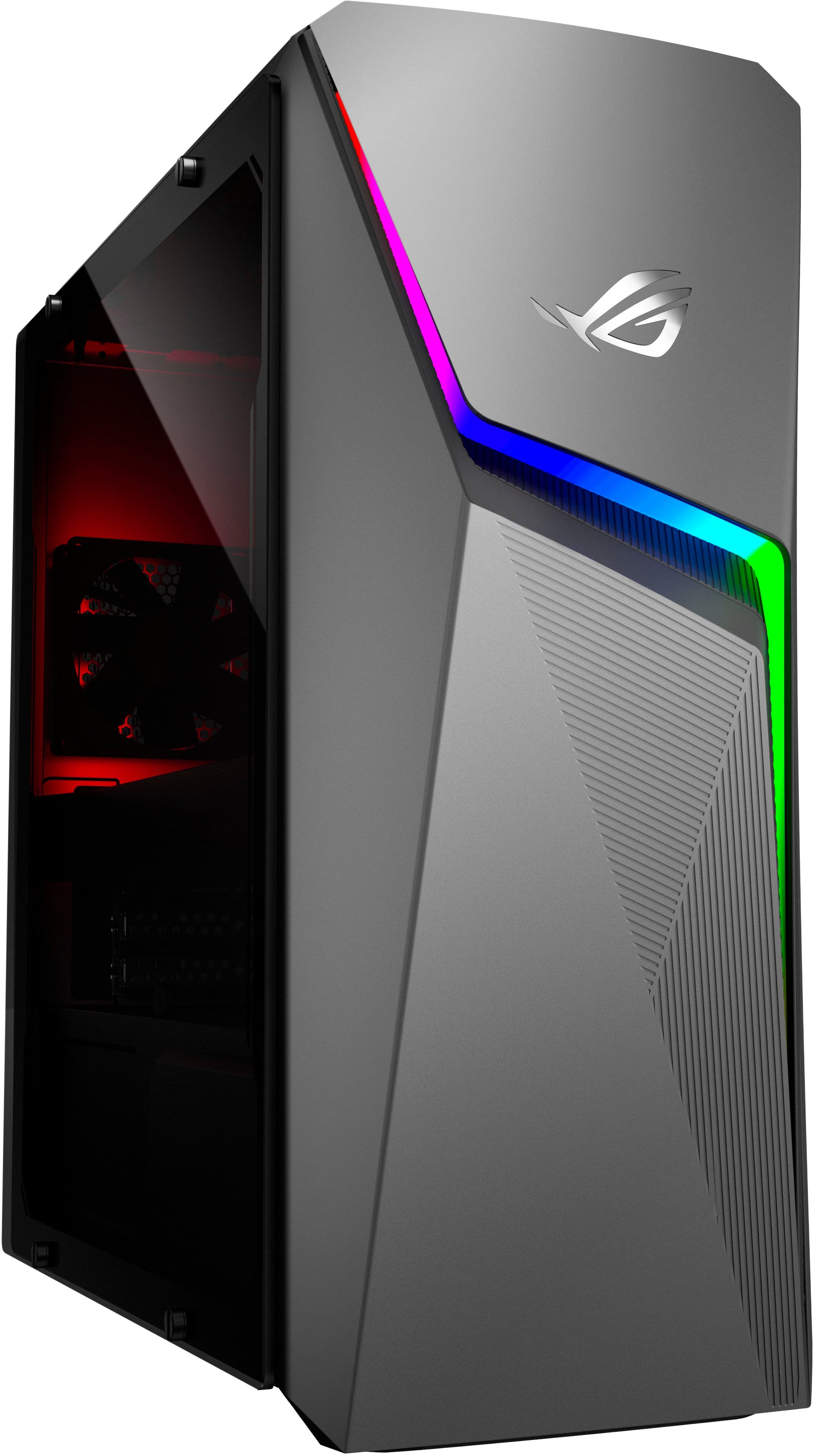
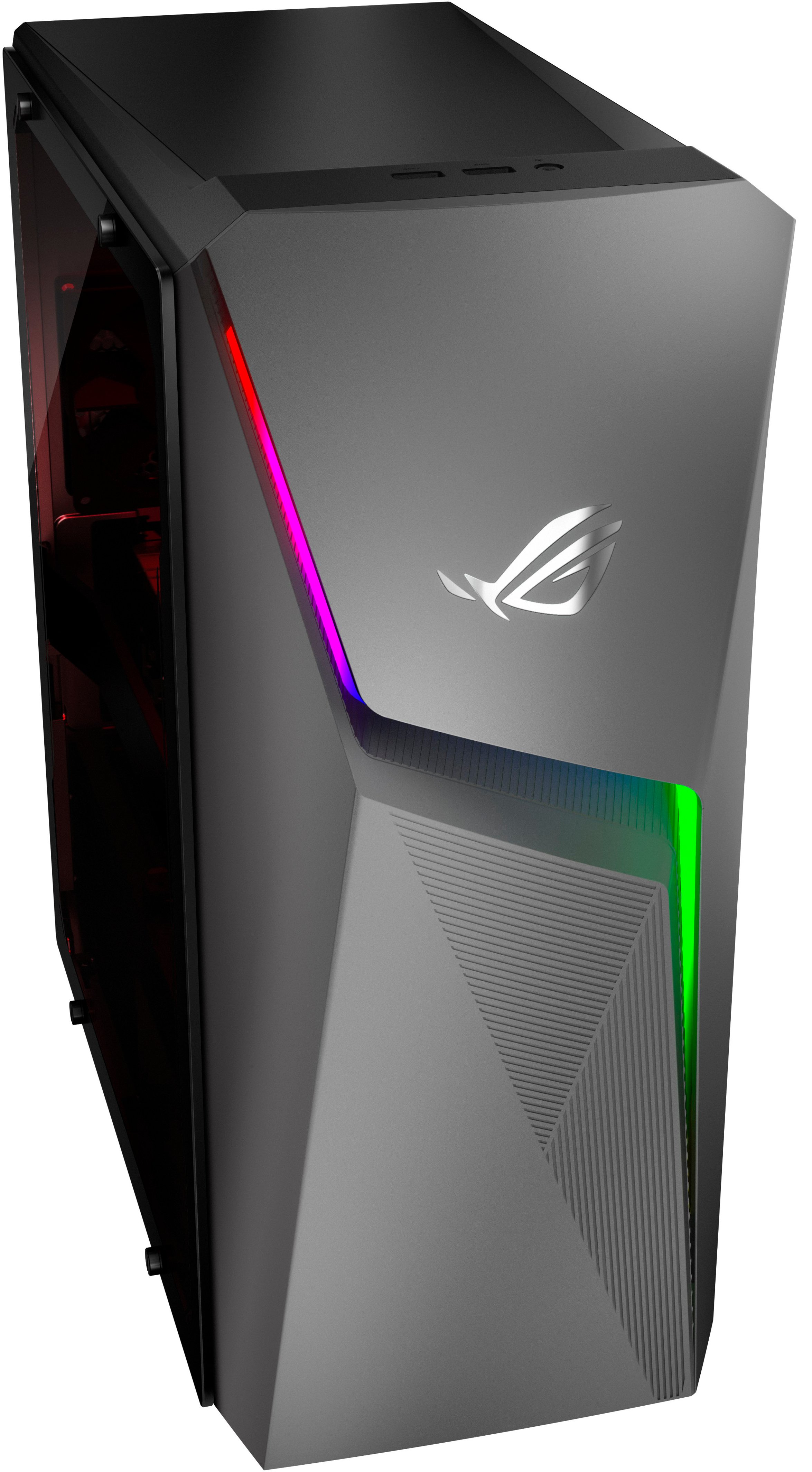
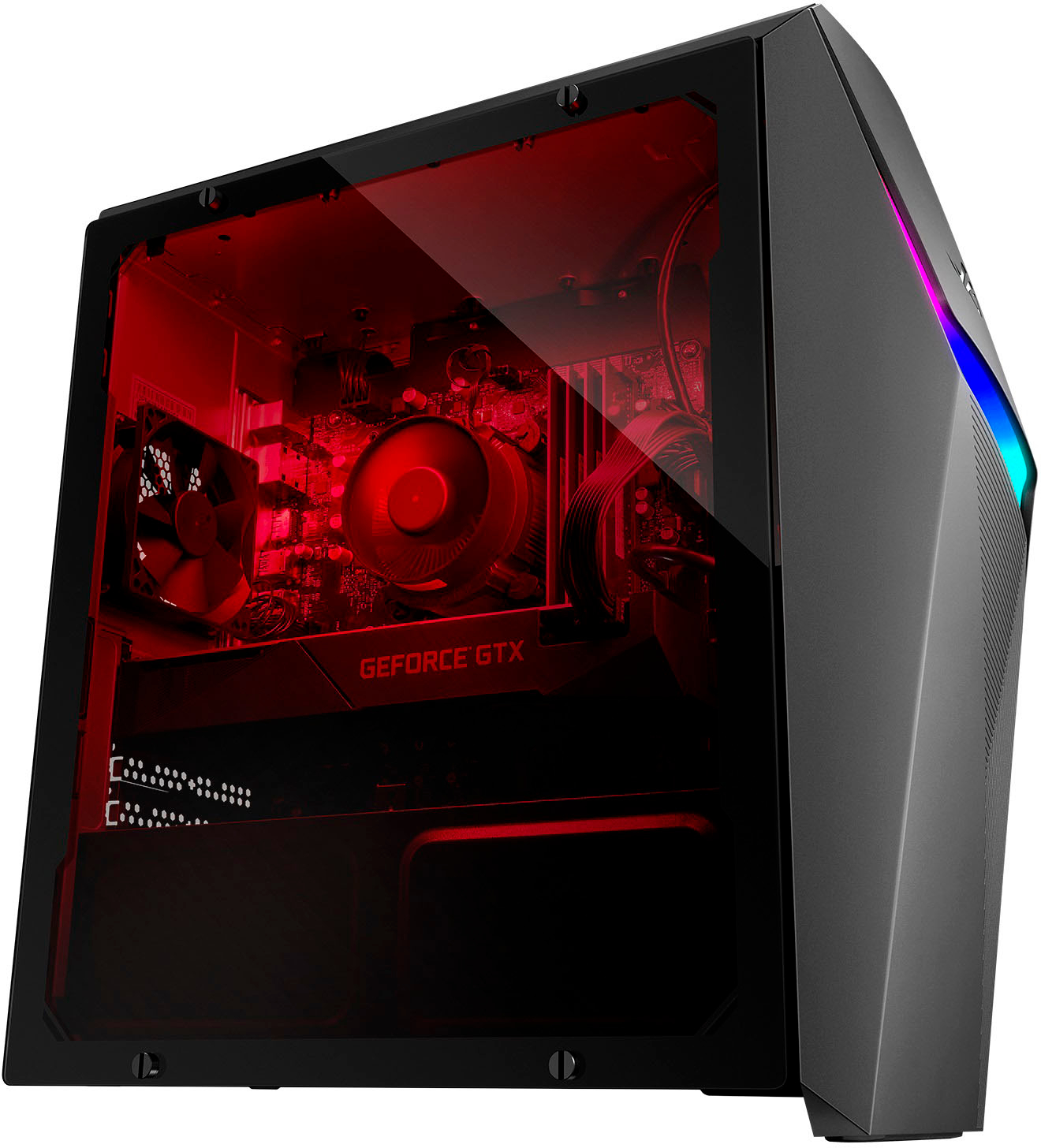
A:AnswerThe case has RGB lighting that can be controlled with the included Armoury Crate software. It's not red by default; it shuffles through the entire color spectrum.
A:AnswerYES it does!!!......
(A:Answer It doesn't have a MUX Switch, it comes with a dual-channel RAM, it doesn't support HDR, it comes with a built-in WIFI and HD 7.1 Channel Audio and DTS Headphone X technology)
Answered 2 months ago by ASUS Answers........
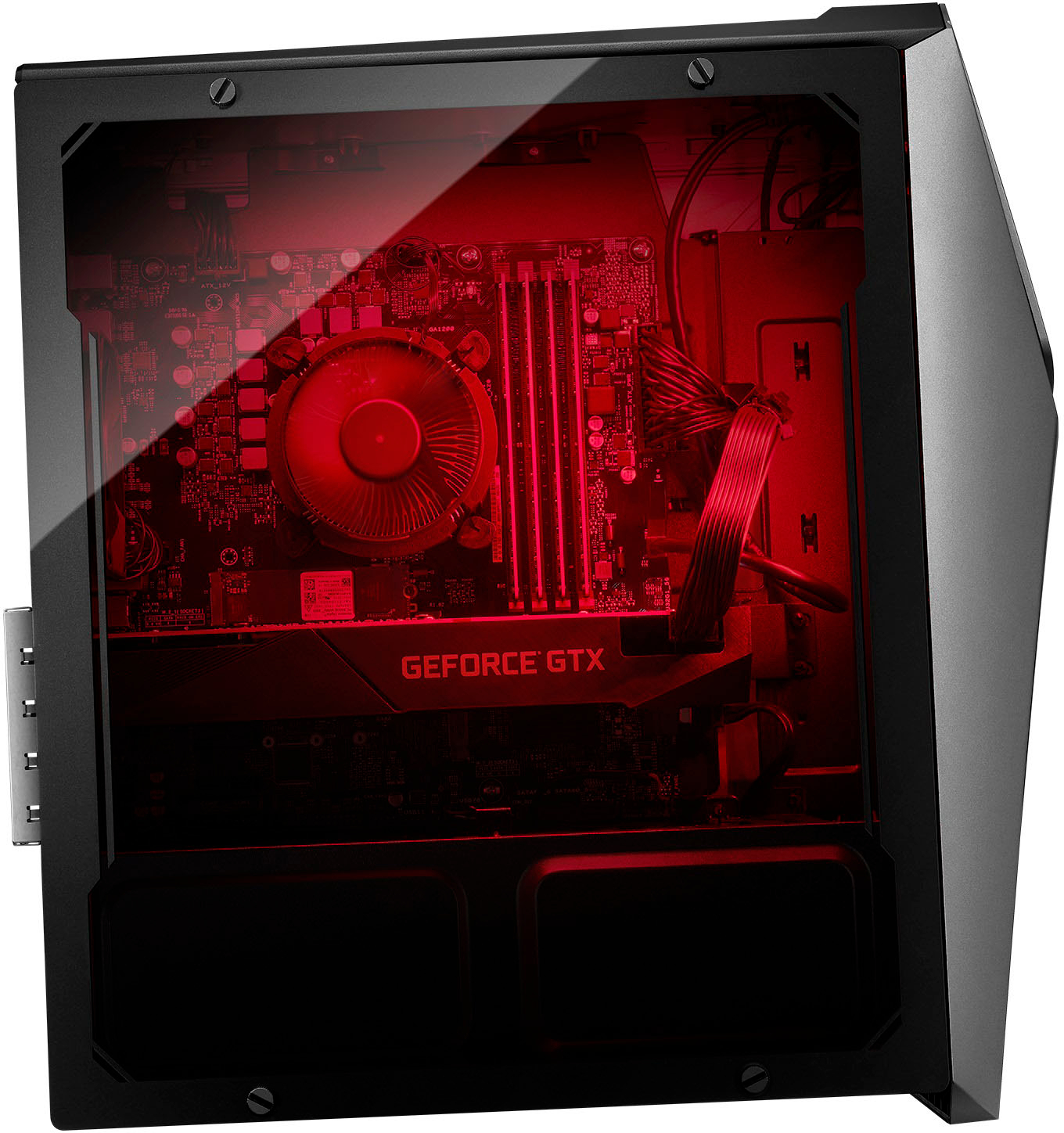
A:AnswerYes to 1 and 3. Just take off the panel lift 2 buttons above the ram and take the ram stick.
There’s Bluetooth. Just connect the monitor to the Xbox. Unless I’m missing some cool features. (I don’t play Xbox)
A:AnswerThere is an empty M2 Gen3 slot. I installed a 2TB M.2 2280 NVMe PCIe SSD. It also has room for one 2.5" and one 3.5" SATA drives. Mine came with a SATA cable and modular power connectors. The MB supports six SATA devices. It has USB 3.1 if you choose to use external storage.