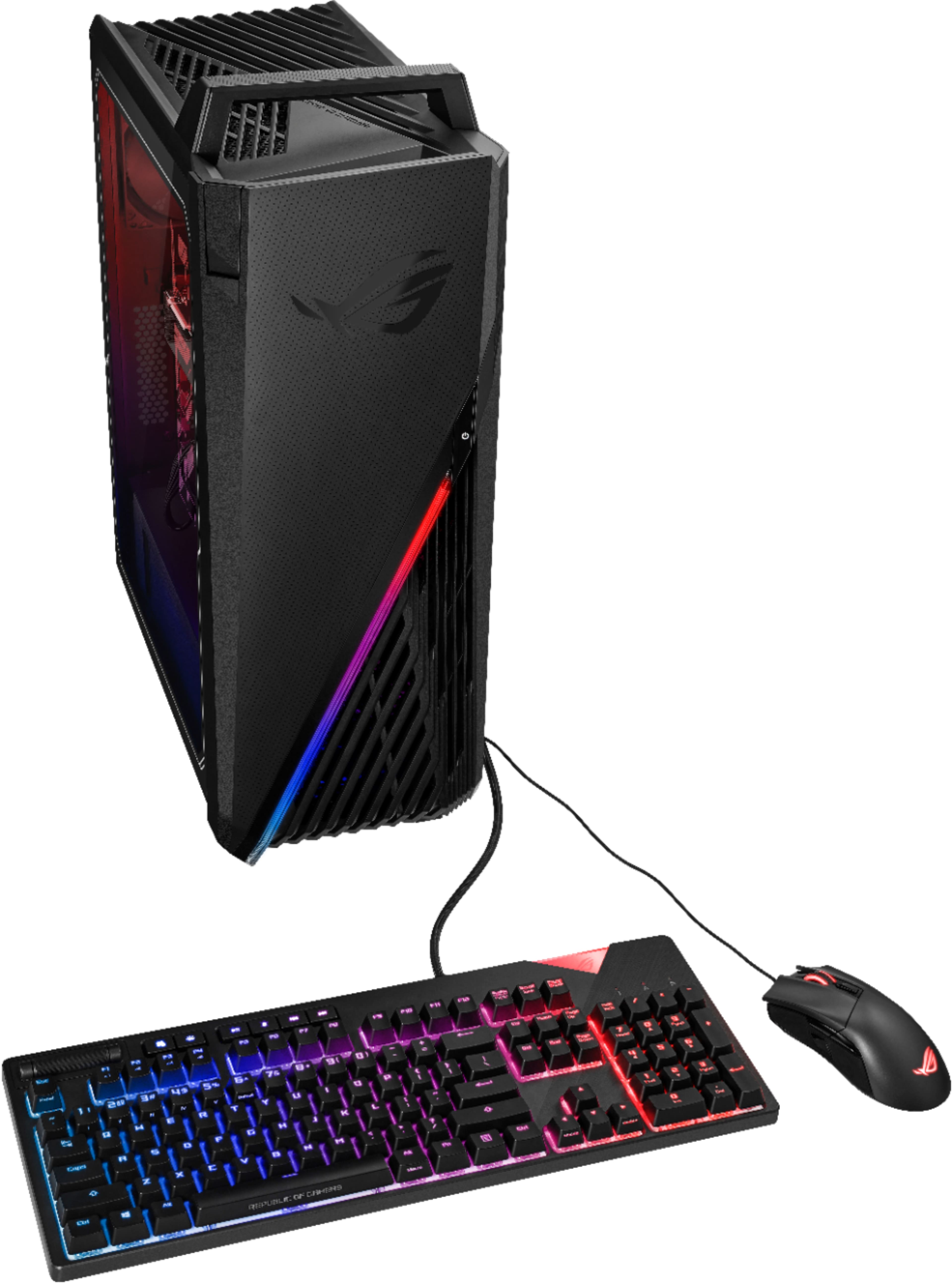
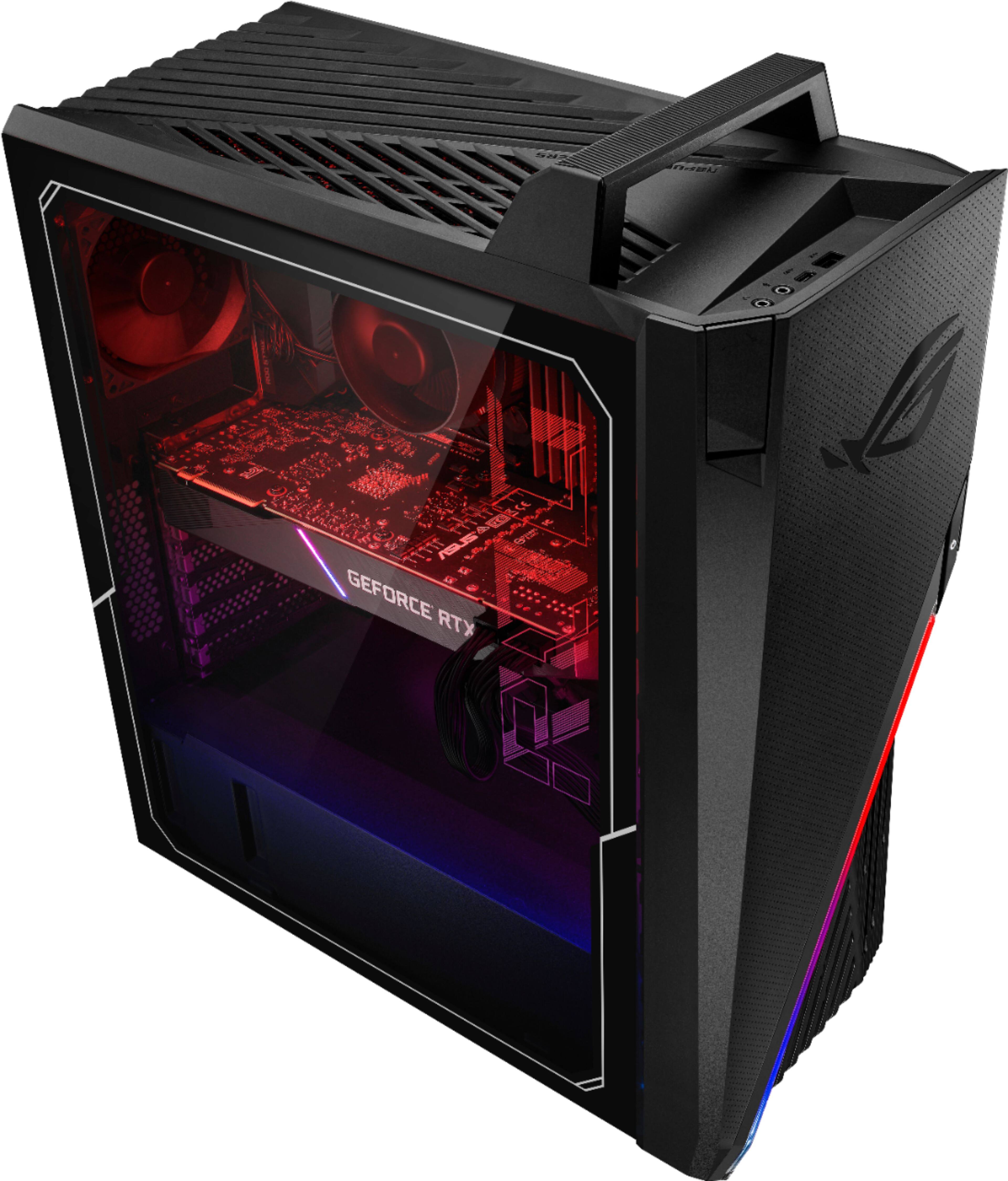
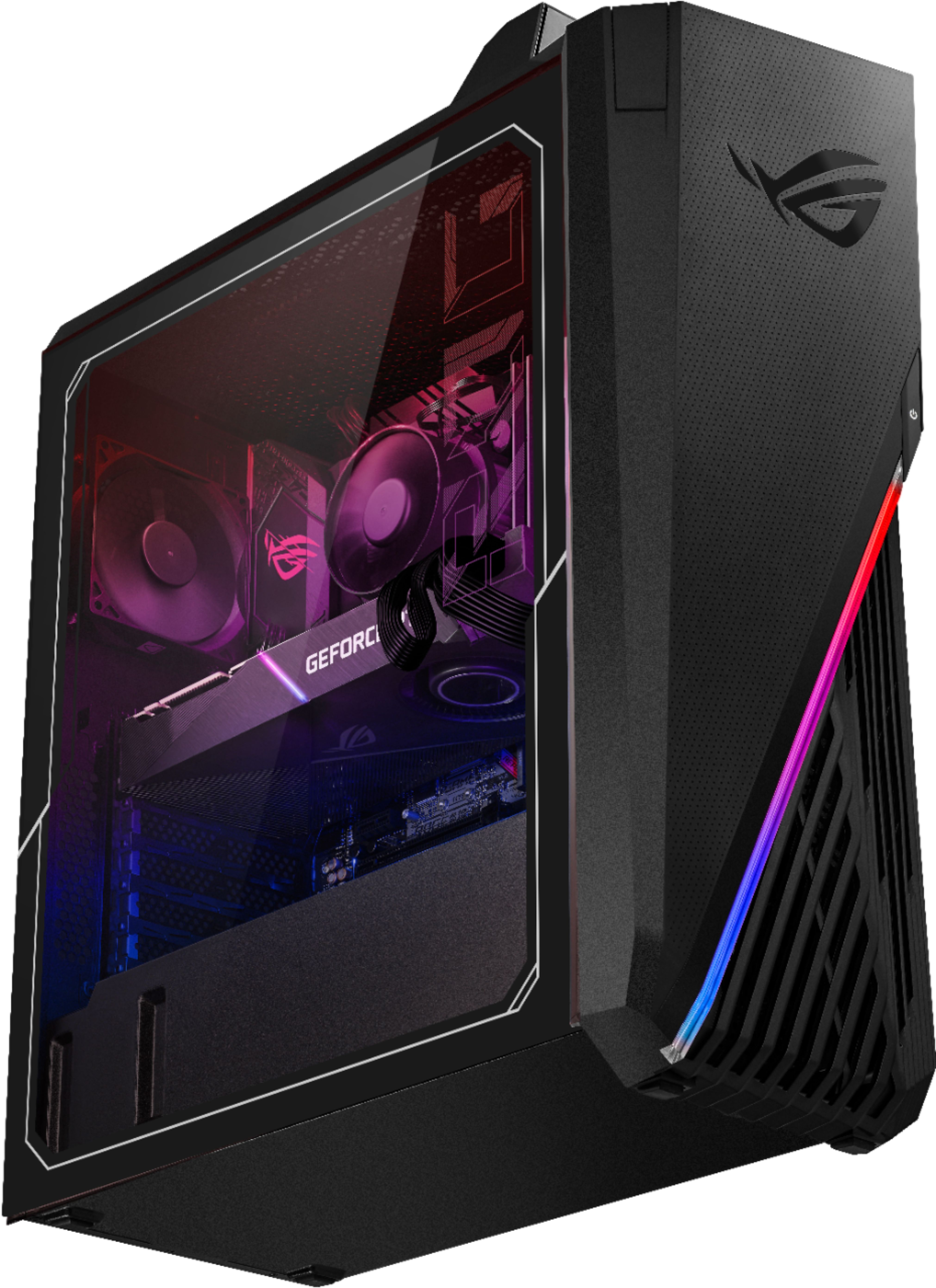
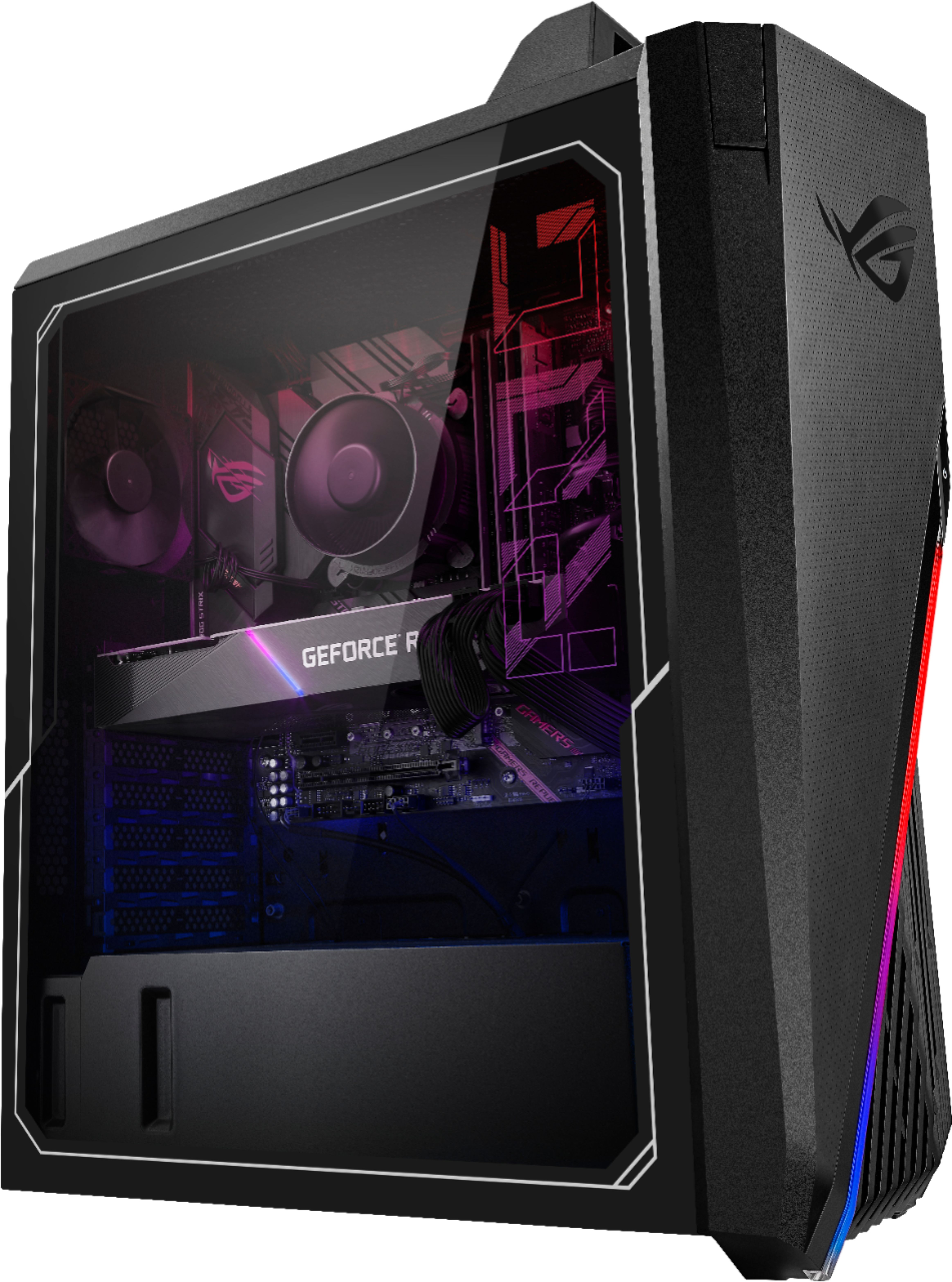
A:AnswerShut off frequently when it is overheated with the original cooler . Even just couple tasks. So I have to buy a better cooler to stop the overheating. And u also need get 80mm fans for cooling. It will be way better than what I got now.
A:AnswerYou need to update the BIOS to the July 2021 or newer versions. Go in after that, go to advanced mode, AI Tweak section, scroll down and there's a spot to set the DRAM speed manually to 3200mhz. Be careful not to alter the settings much more than this.
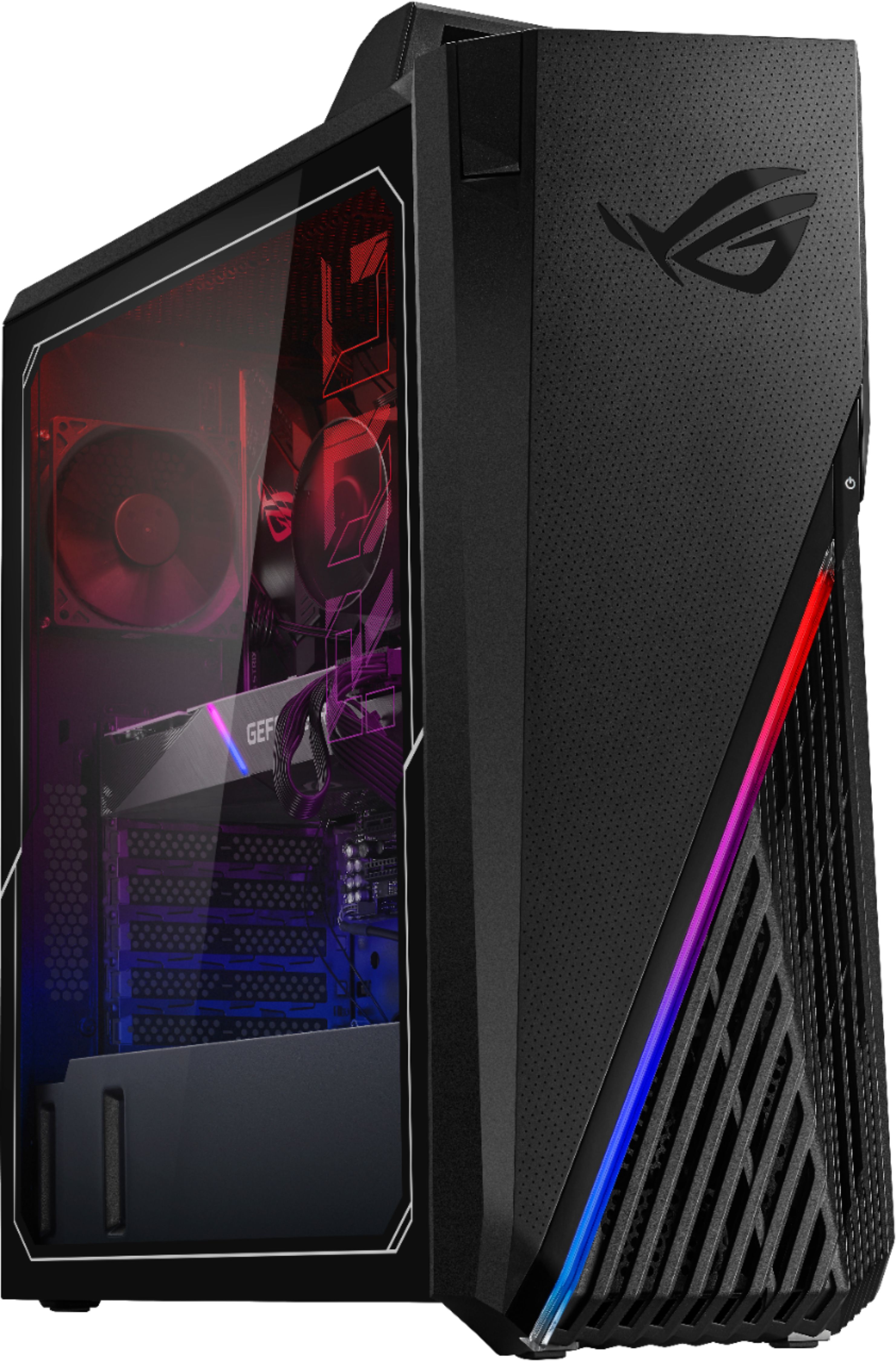
A:AnswerThere is room to install a second NVMe SSD on the motherboard, though it's poorly placed under the video card. There are also cables included to hook up a SATA SSD if you'd like, but room for one within the case is minimal.
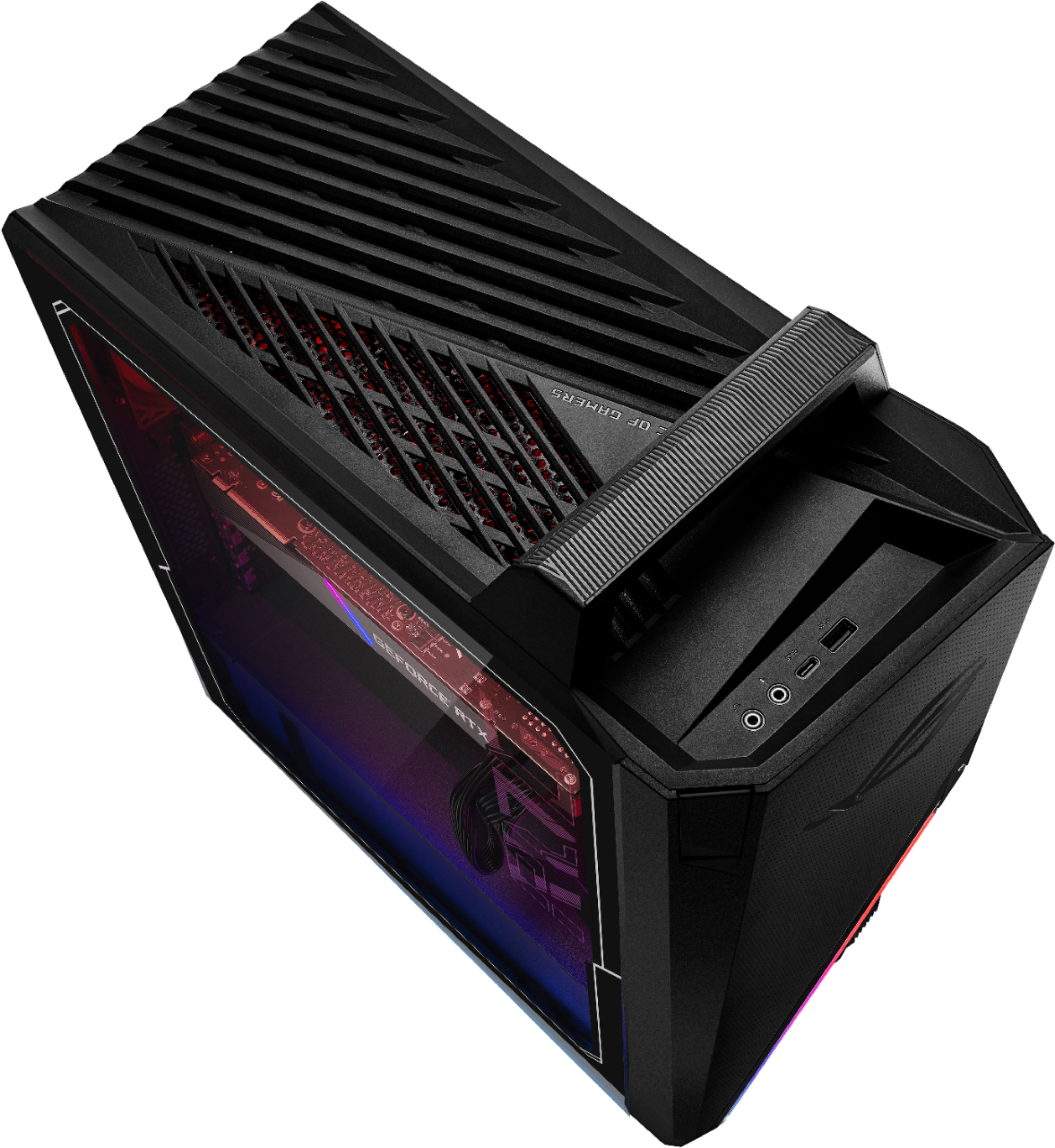
A:AnswerThe unit comes with the following ports:
Front I/O Ports- 1x Headphone
1x MIC in
1x USB 3.2 Gen 1 Type-C
1x USB 3.2 Gen 1 Type-A
Rear I/O Ports-1x RJ45 Gigabit Ethernet
1x HDMI 1.4
1x Display port 1.2
5 x Audio jacks
6x USB 2.0 Type-A
1x USB 3.2 Gen 2 Type-A
1x USB 3.2 Gen 2 Type-C
A:AnswerActually a question that depends on your preferences if u use armory crate which comes installed on this pc u can still over lock f letter processors to a certain limit but be scarce u could damage if oc too much especially in this case I don’t recommend trying. Unless u move cases get better cooling first and the power supply isn’t the best either Idk if I would trust oc tbh u might be best off not