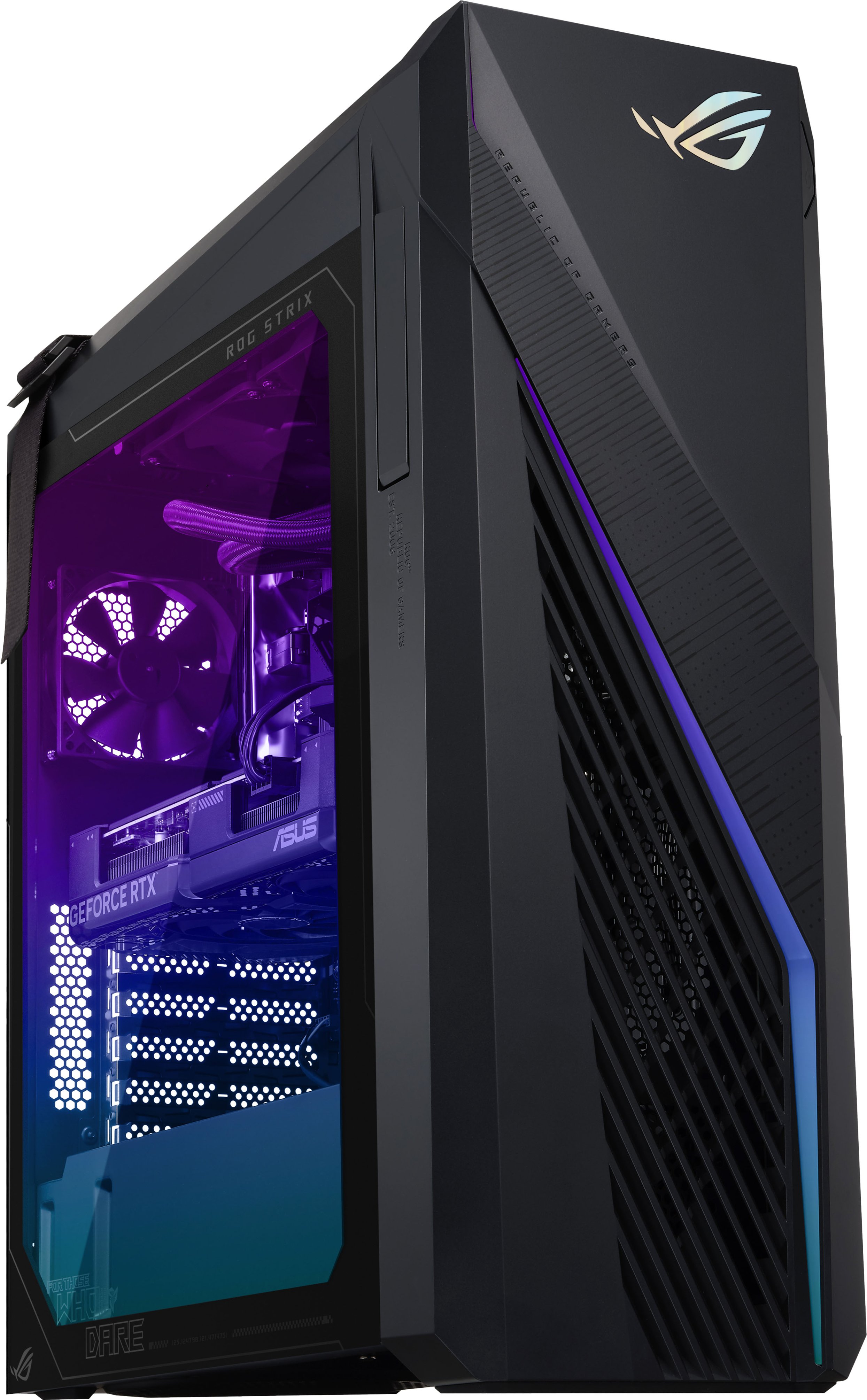
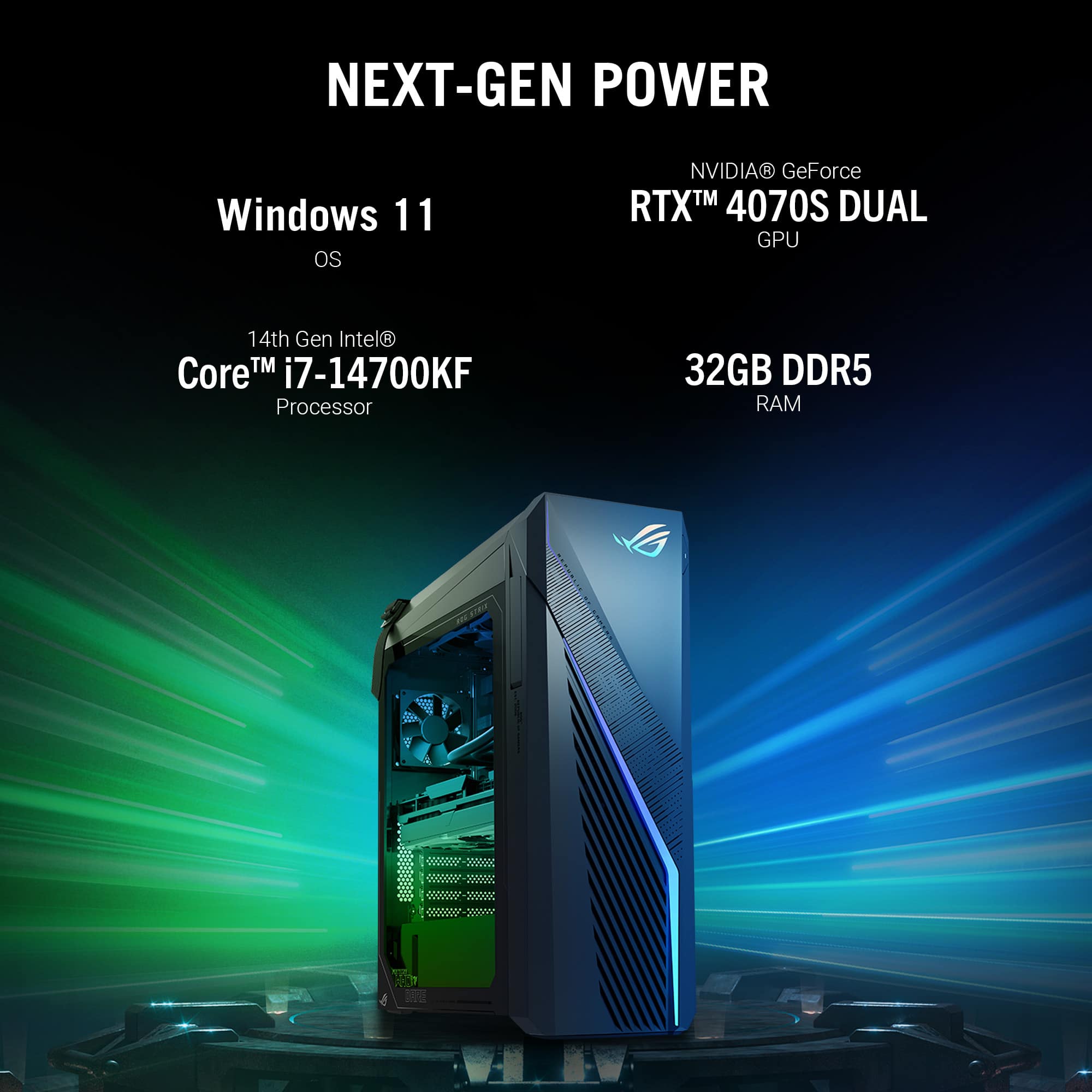
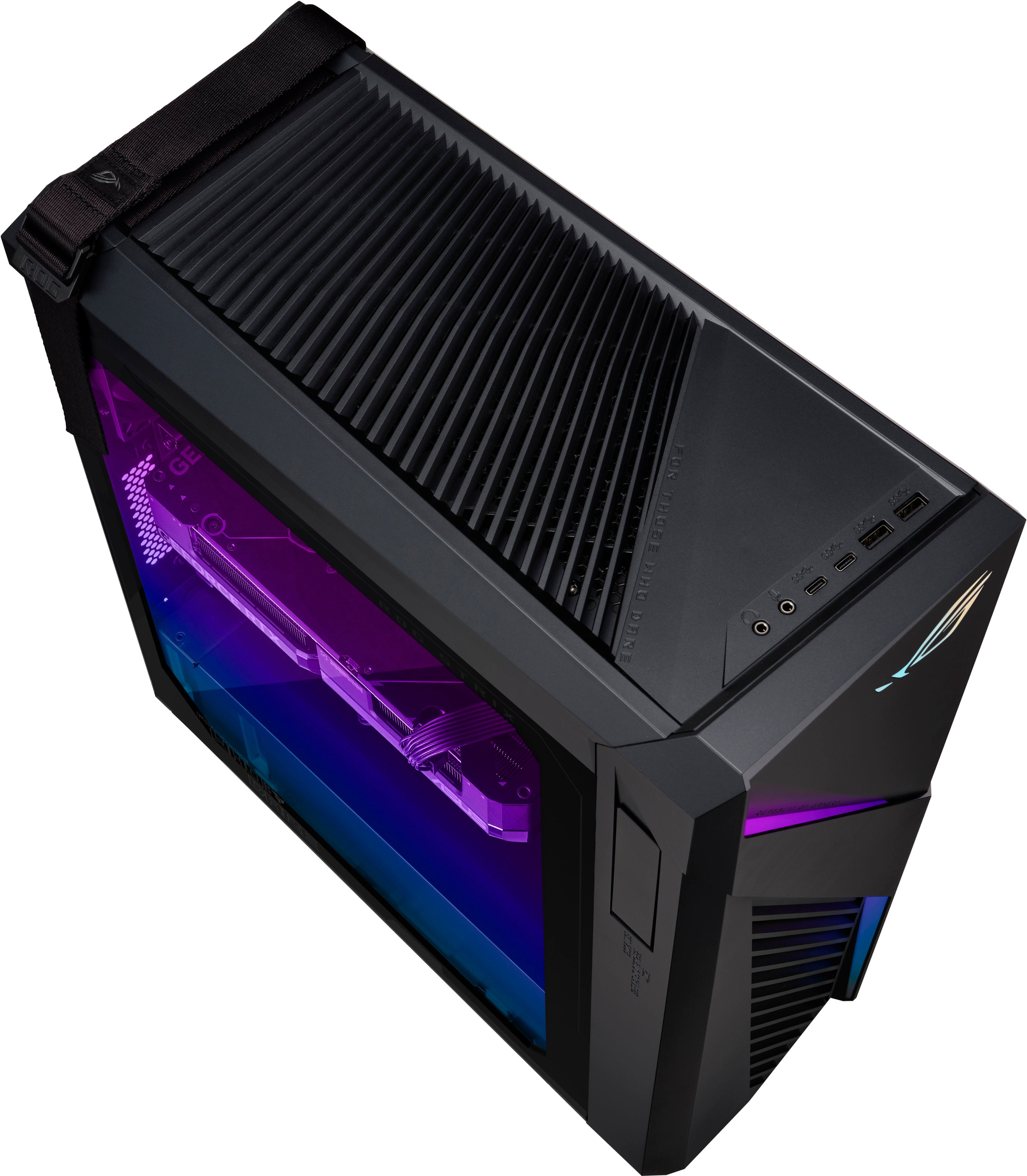
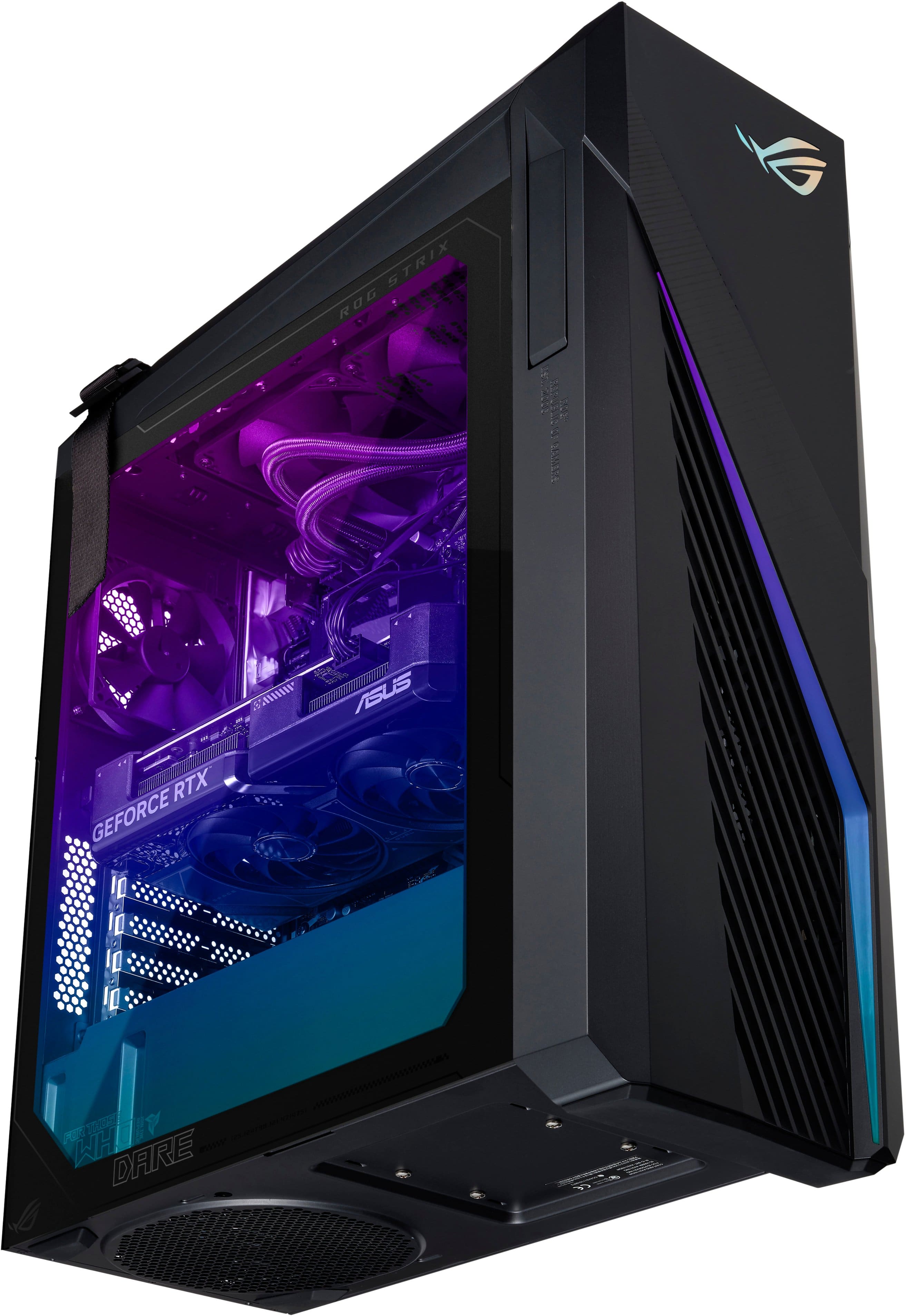
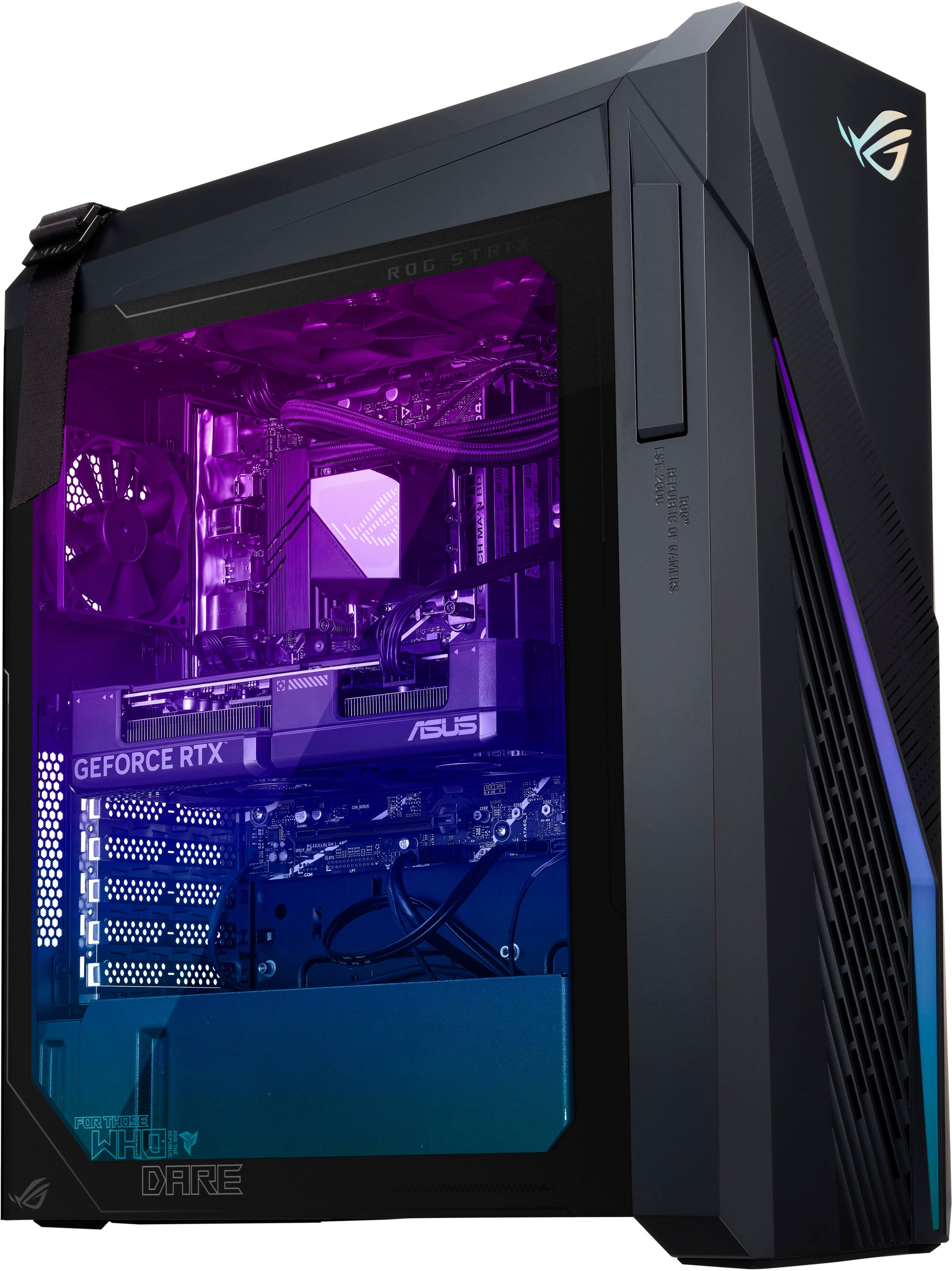
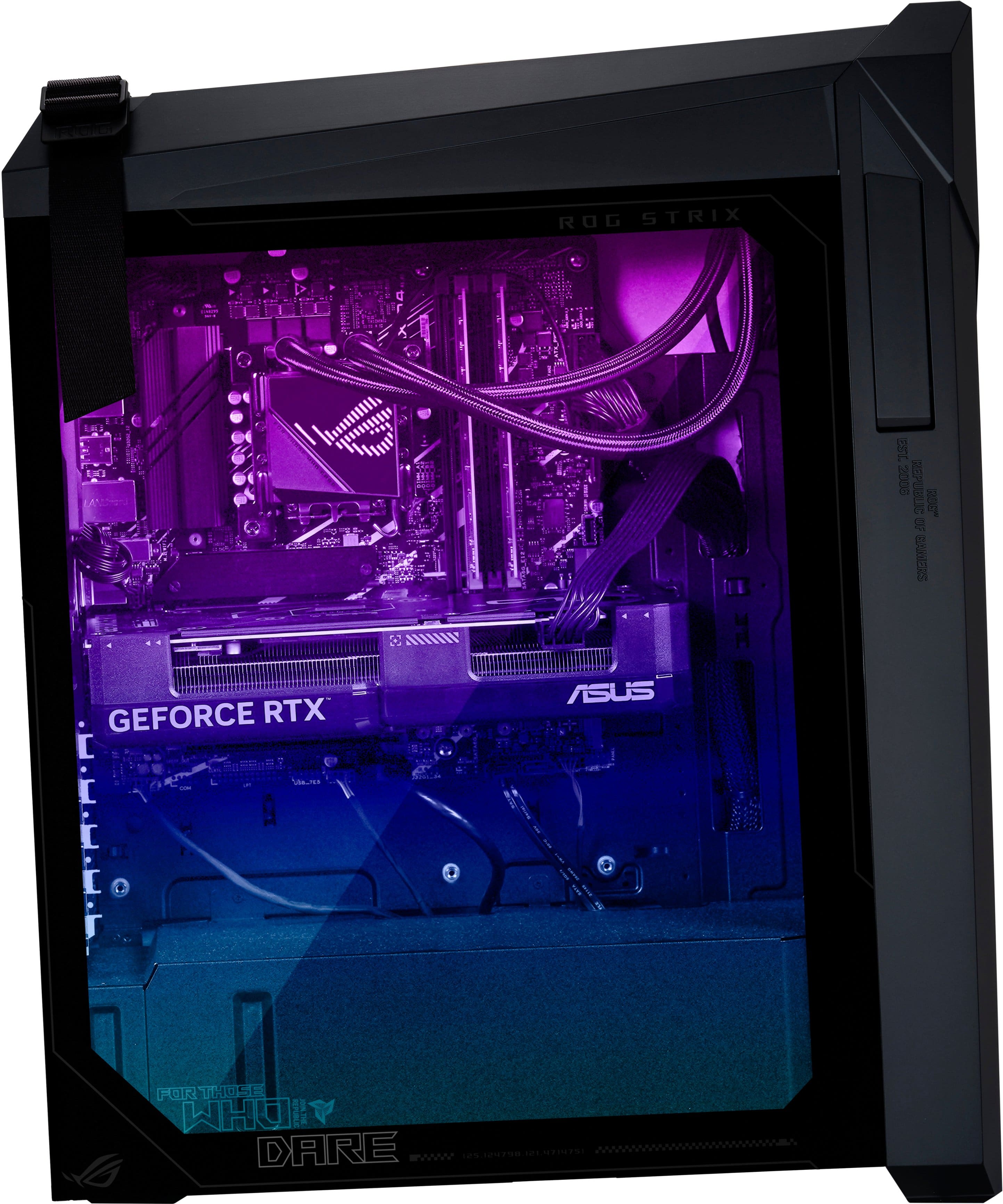
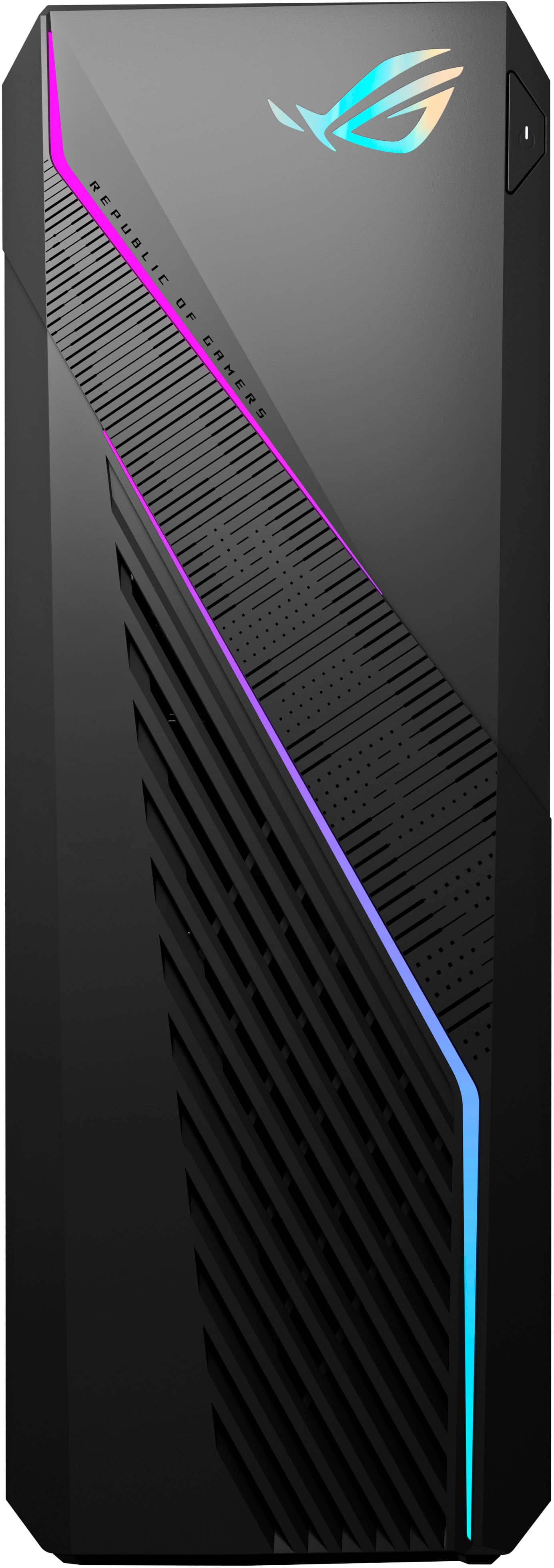
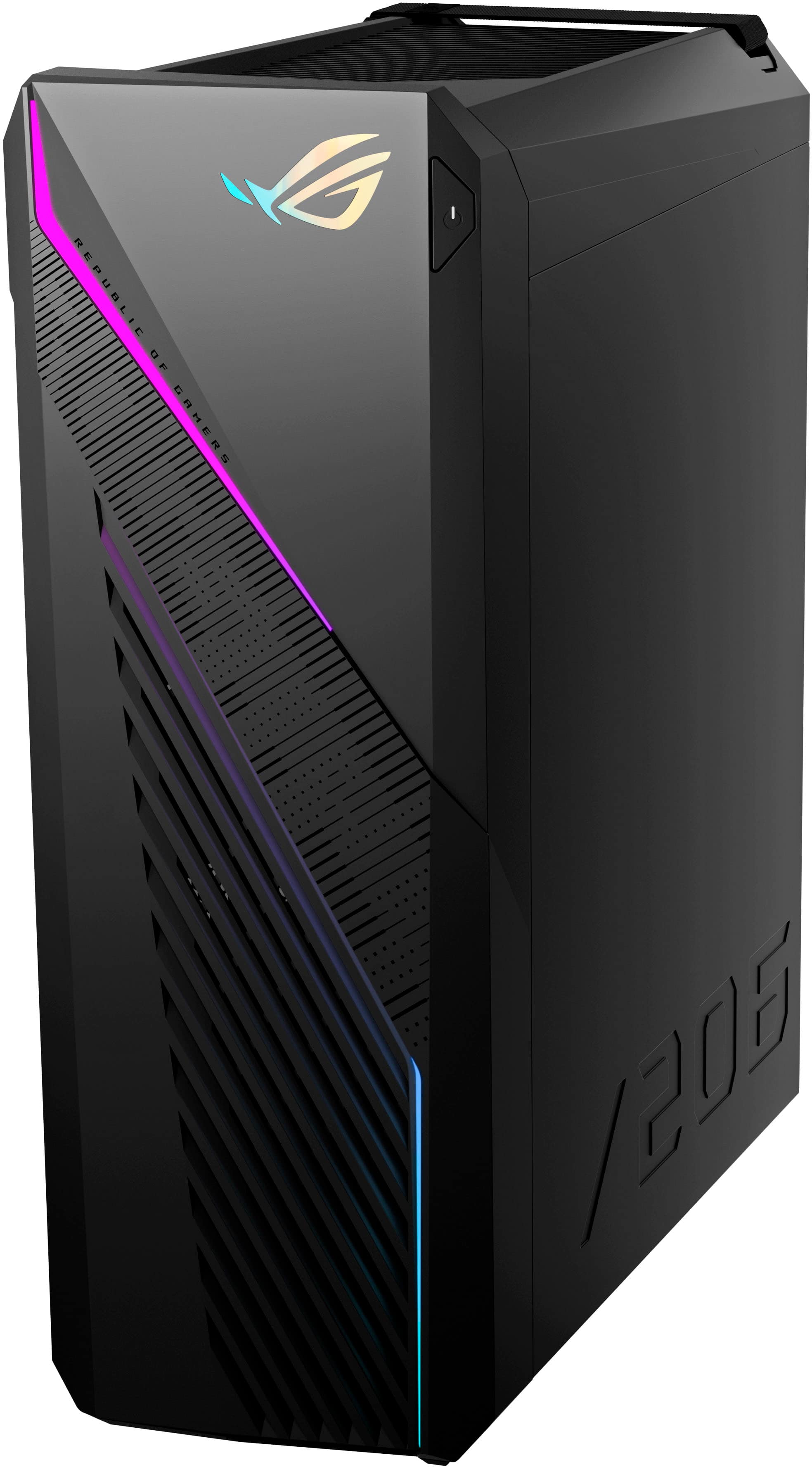
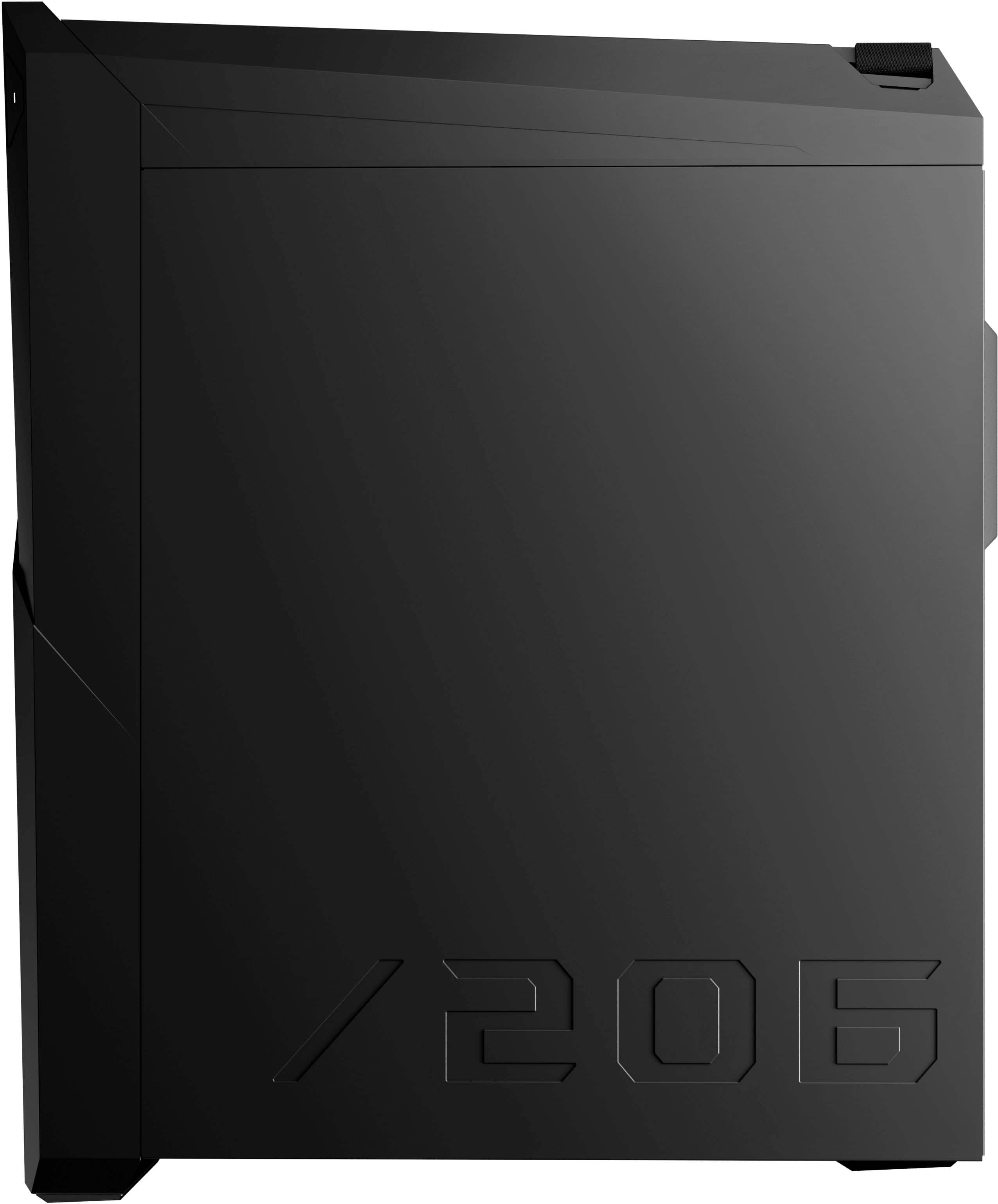
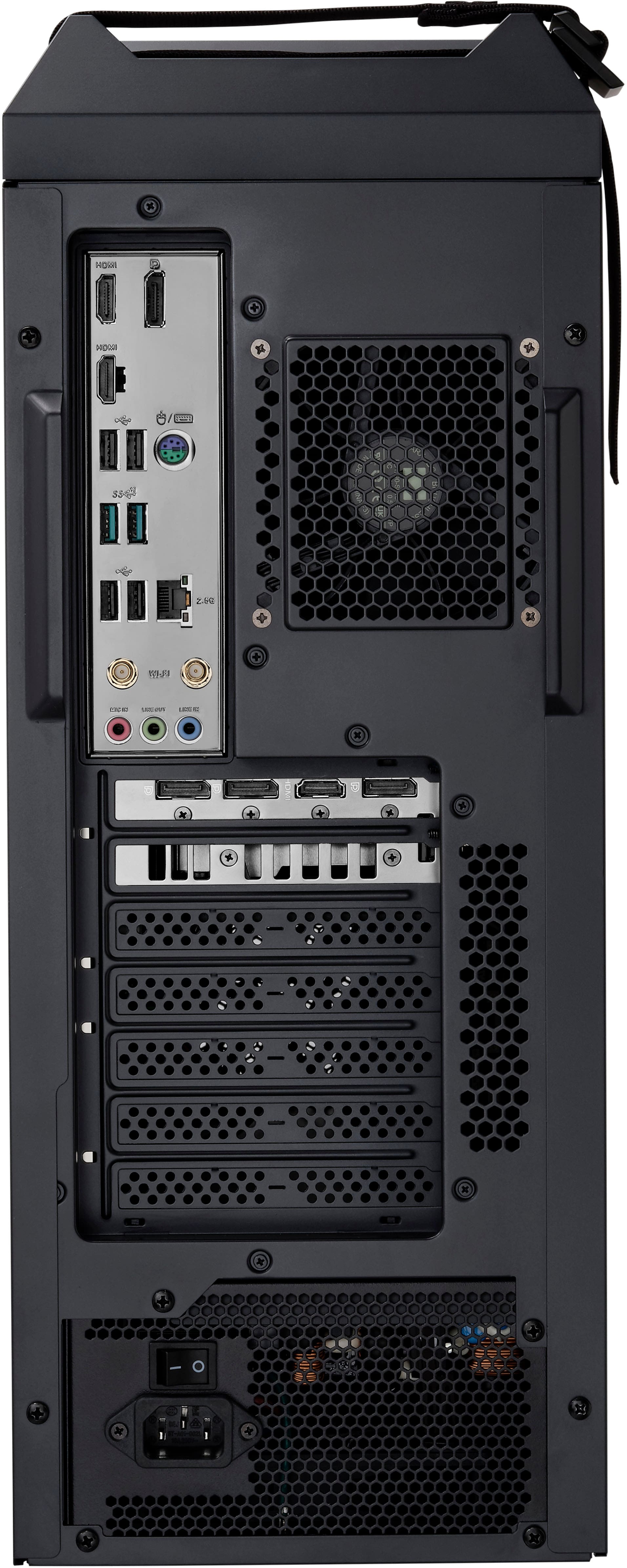
A:AnswerThis desktop PC comes with an Intel i7 14700K and a 32GB DDR5 RAM and supports WIFI 6E(802.11ax), which is backward compatible with older WIFI version, 802.11a/b/g/n/ac.
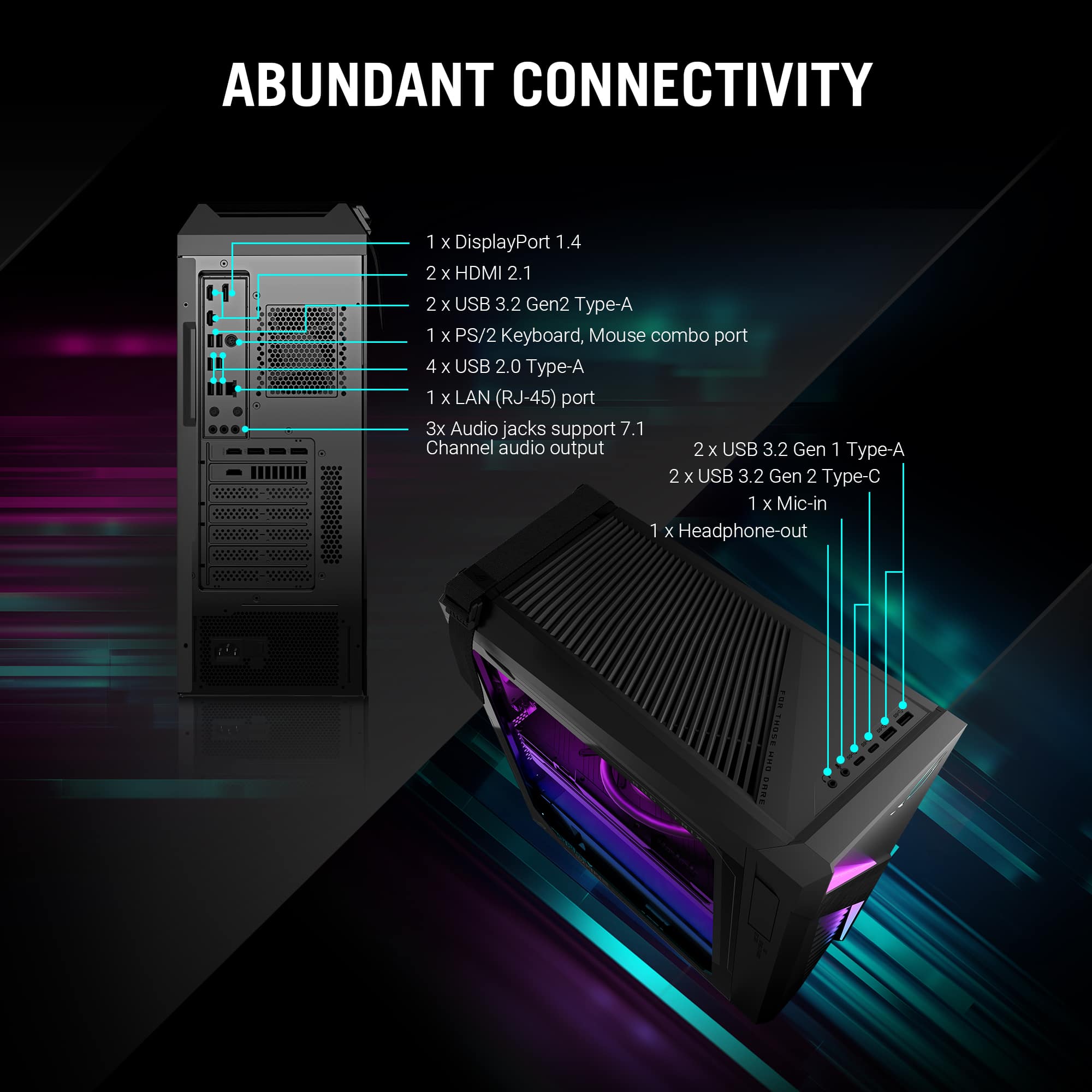
A:AnswerThis PC has available PCIe slots. However, ASUS doesn't provide hardware modification/customization support, please do it at your own discretion.
A:AnswerTurn pc on. Log on. Press and hold power button. Press power button again to turn on. Hopefully, BIOS offered. Enter BIOS. Go to Boot tab. Boot Configuration. Set Fast Boot to Disable. Set POST Delay Time to 10 sec. F10 to save.