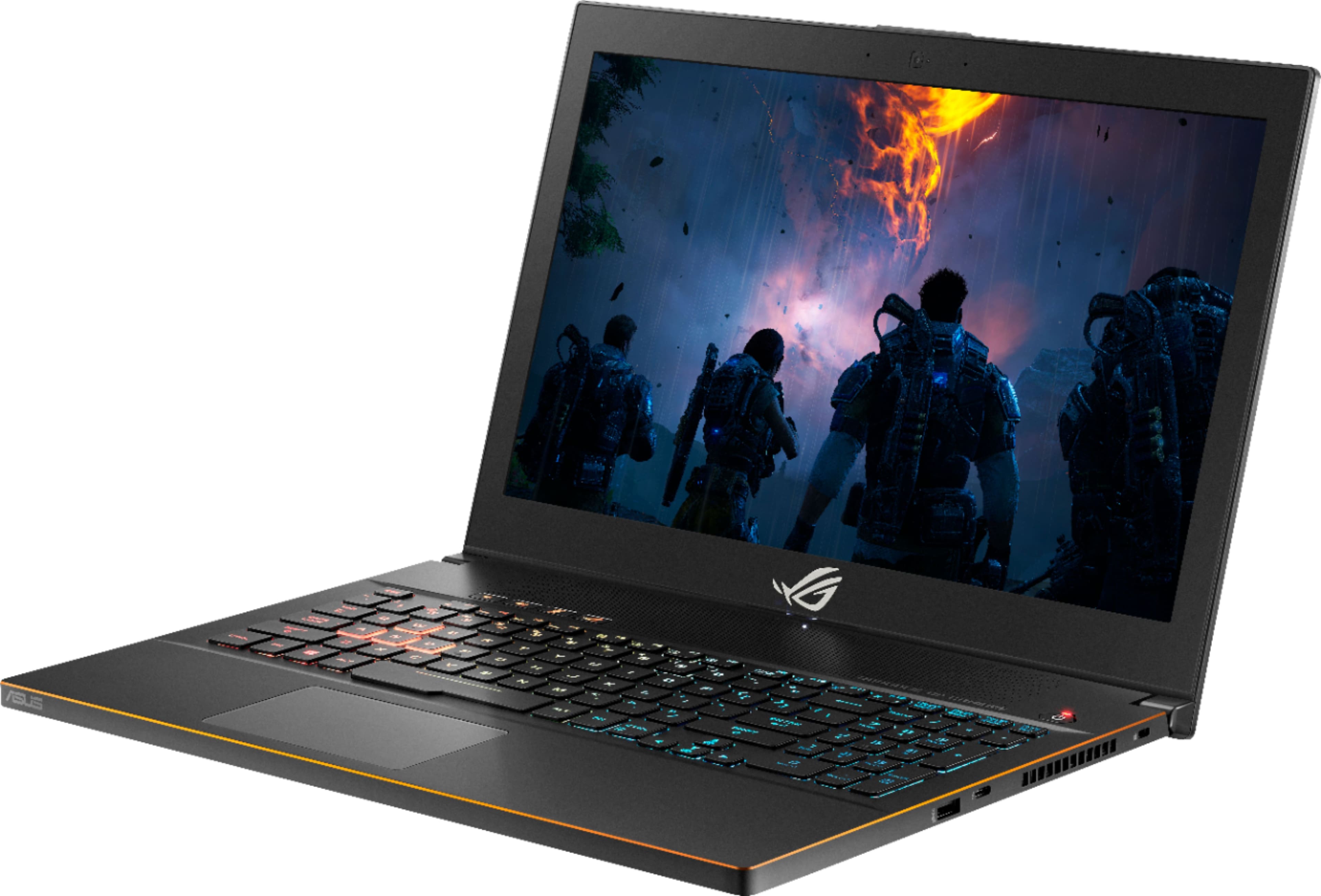
A:Answer I think it's both pulling and pushing air from the side vents. Kind of like a revolving door.
If you undervolt, it shouldn't get too hot. I was able to lower temperatures by as much as 10-15 degrees (Celsius), depending on the game, by undervolting. Intel has a tool called XTU that will do that for you. Google some guides on how to do it. It is perfectly harmless to your machine and to its in-game performance, and will help extend its life. At 120 FPS in Rocket League, max settings, I only peaked to around 75 degrees with undervolting. But again, your mileage may vary, depending on the game.
The heat from the side vent did not bother my hand with my mouse. I do tend to use a wireless mouse, so I didn't have to worry about the cord getting hot. Still, it seemed reasonable. The hottest air seems to come out the back, hence I think the side vents are a revolving door for air.