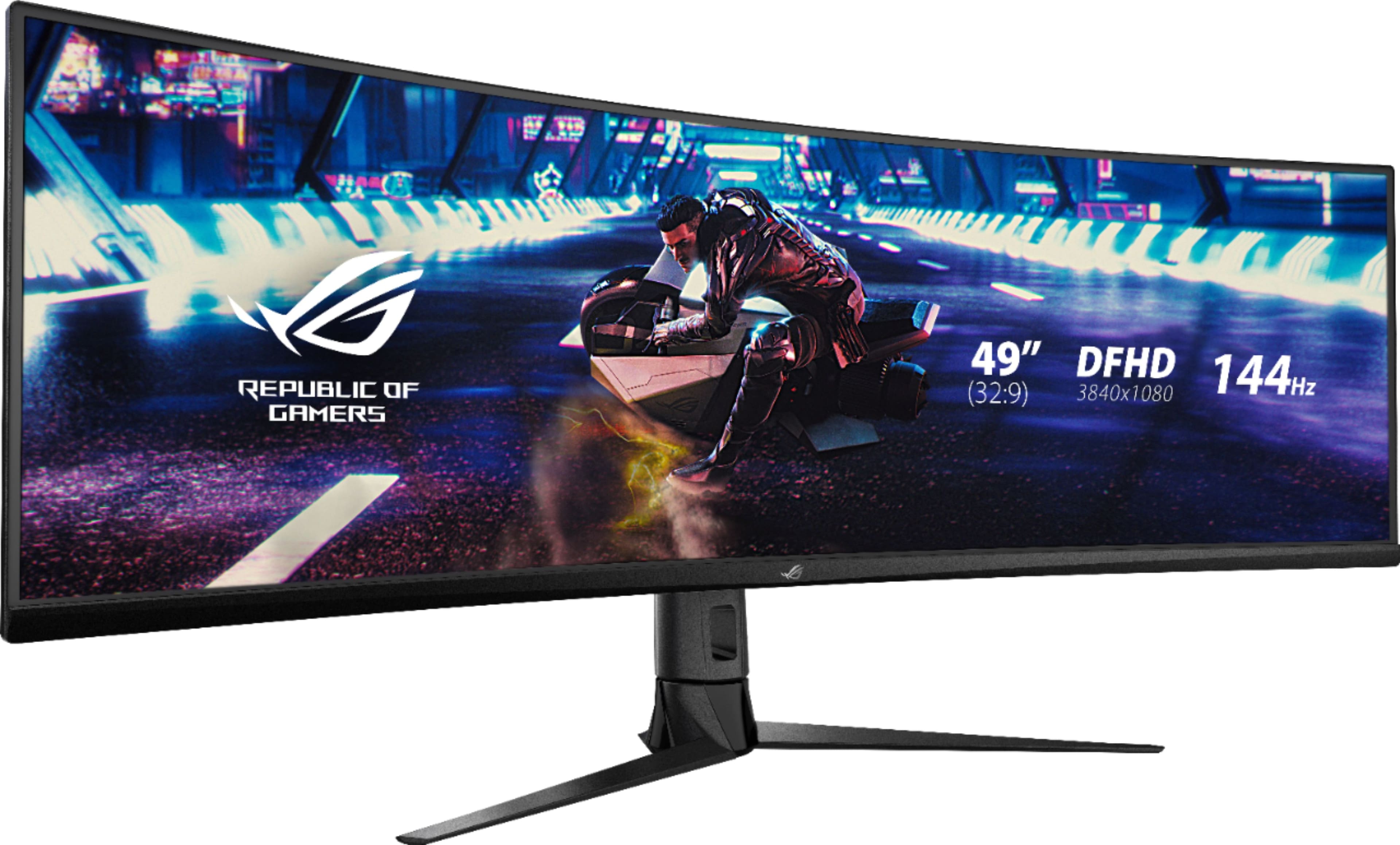
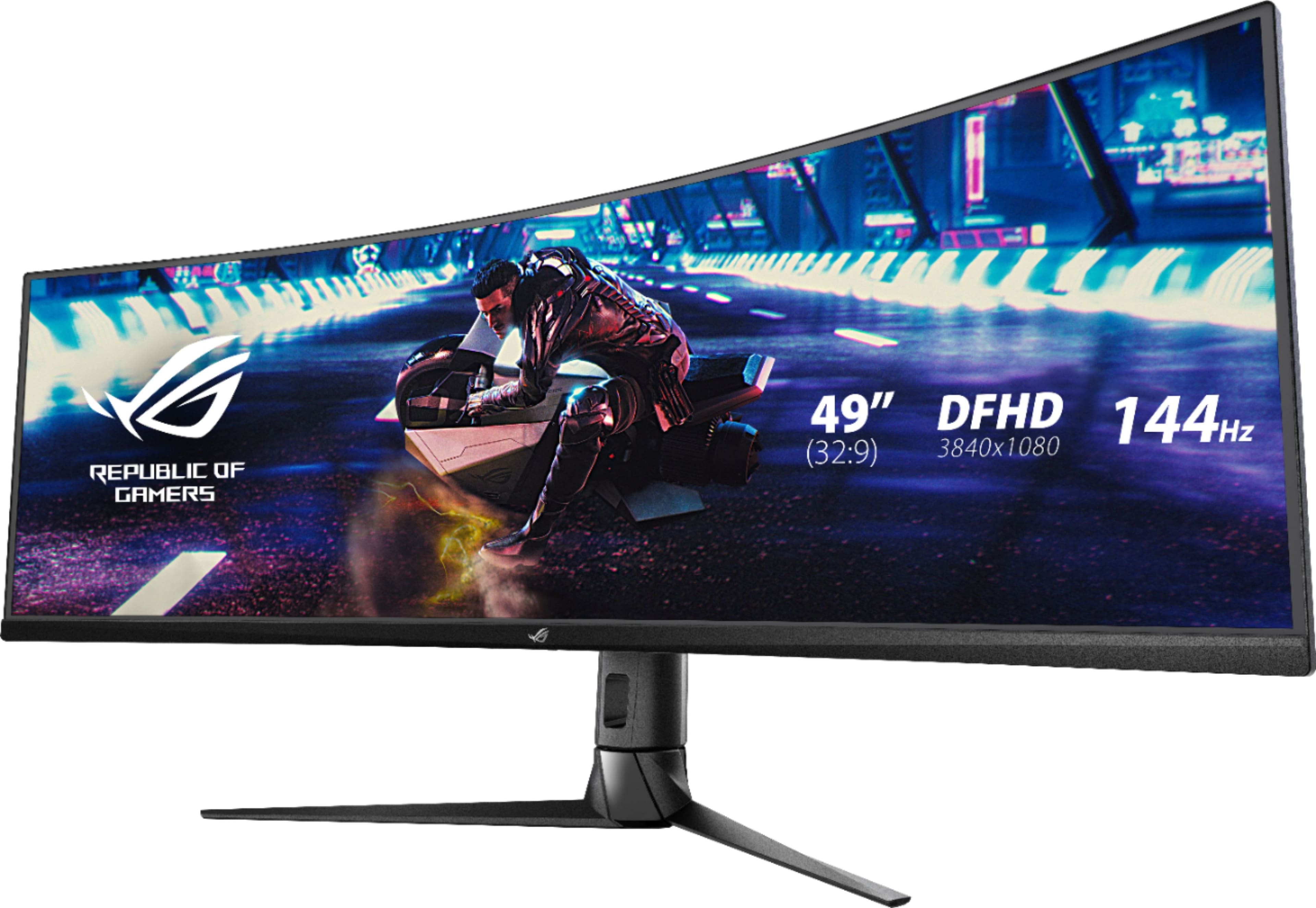
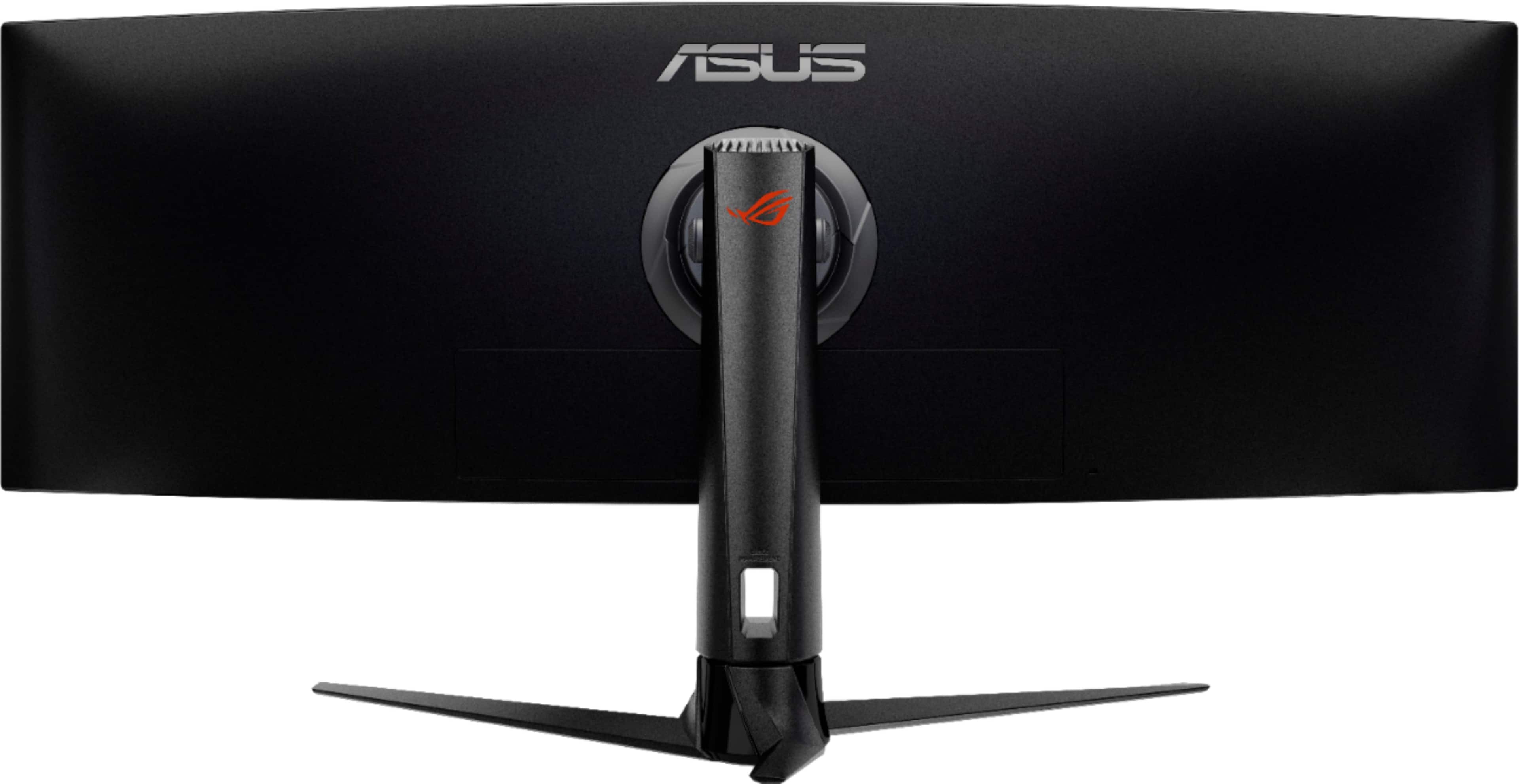
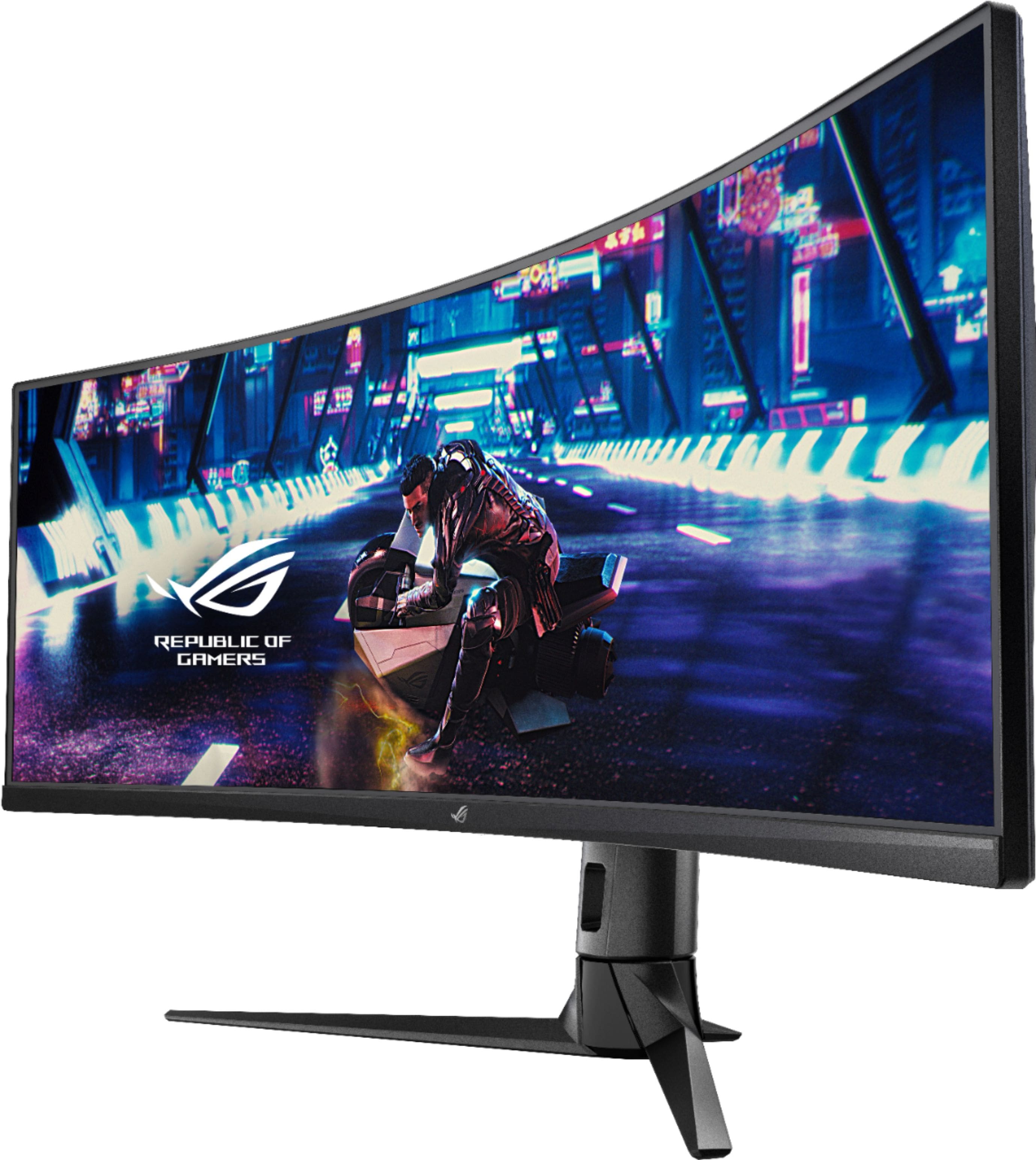
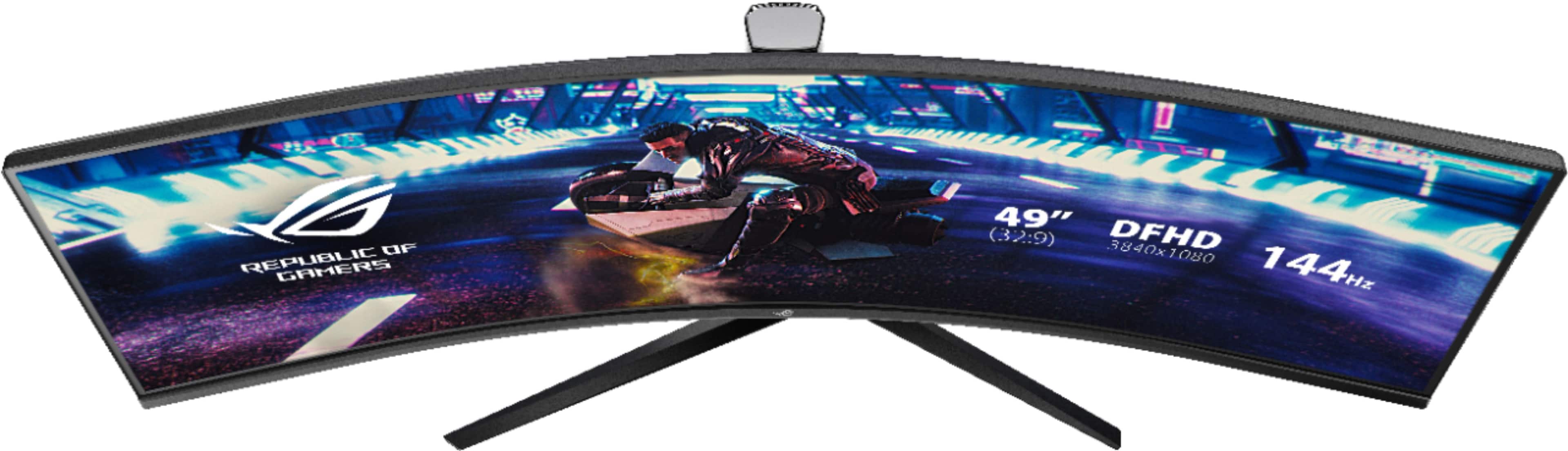
A:AnswerUsing PBP in the 50/50 split mode this monitor wants two 1920x1080 display inputs (at 60hz or less) and acts like you're using a pair of 1920x1080 monitors side by side without the bezels down the middle of the display. There are 2 HDMI and 1 DP input on this monitor and you get to define which input is assigned to which PBP screen portion directly within the monitor's settings menus.
PBP is also capable of 1/3-2/3 or 2/3-1/3 (non 16:9) dual display if you want a wider main maximized portion and narrower toolbar/chat/stats/console/etc maximized portion but not all graphics cards may support those resolutions.
It also supports triple input 1/3-1/3-1/3 mode but in that mode all 3 are the same narrower (non-16:9) resolution as the 1/3 portion of 1/3-2/3 dual inputs mode which again not all graphics cards may support.
In the 50/50 PBP mode when you maximize a window it snaps to one half or the other half (depending on which half the majority of the window is on, you can drag it to either "side" though as desired) as if you were using 2 separate screens (because you basically are as far as Windows is concerned).
BUT in 50/50 PBP mode you absolutely still *can* stretch a single window all the way across the entire 3840x1080 desktop screen as one continuous image which is excellent for spreadsheeds and cad work and such.
A:AnswerThere may be a way to customize things with the software widget, I haven't tried it at all yet.
When connecting up to 3 input cables (2 HDMI inputs, 1 DP Input) this monitor has built in PBP mode for viewing 2 or 3 inputs simultaneously on the screen.
It's intended for all sources being one computer but some people seem to like using it with a desktop and a laptop for seeing both at the same time. I guess WFH work laptop and personal system viewable side by side on one wide screen?
The PBP mode (set up from the monitor's front panel control menus) will do 50/50 like having two 1080 monitors side by side, or 1/3-2/3 (or 2/3-1/3) split between 2 inputs, neither being a 16:9 resolution, or 1/3-1/3-1/3 triple inputs split, none being a 16:9 resolution.
You define which mode, then you assign any of the 3 inputs to whichever screen portion you want it to display on.
I'm running the 50/50 dual 16:9 dual 1920x1080 mode because the old R7 200 graphics card in my old HP office PC doesn't want to run this monitor's native 3840x1080 32:9 resolution and this PBP mode gets me one big seamless 32:9 desktop, although maximizing a window snaps to one half or the other because Windows thinks it's a dual display setup which I like because it leaves part of my desktop or a second window fully visible even after I maximize a window BUT I can still stretch any single window all the way up and across to fill the whole screen as one seamless window which is awesome for spreadsheets.
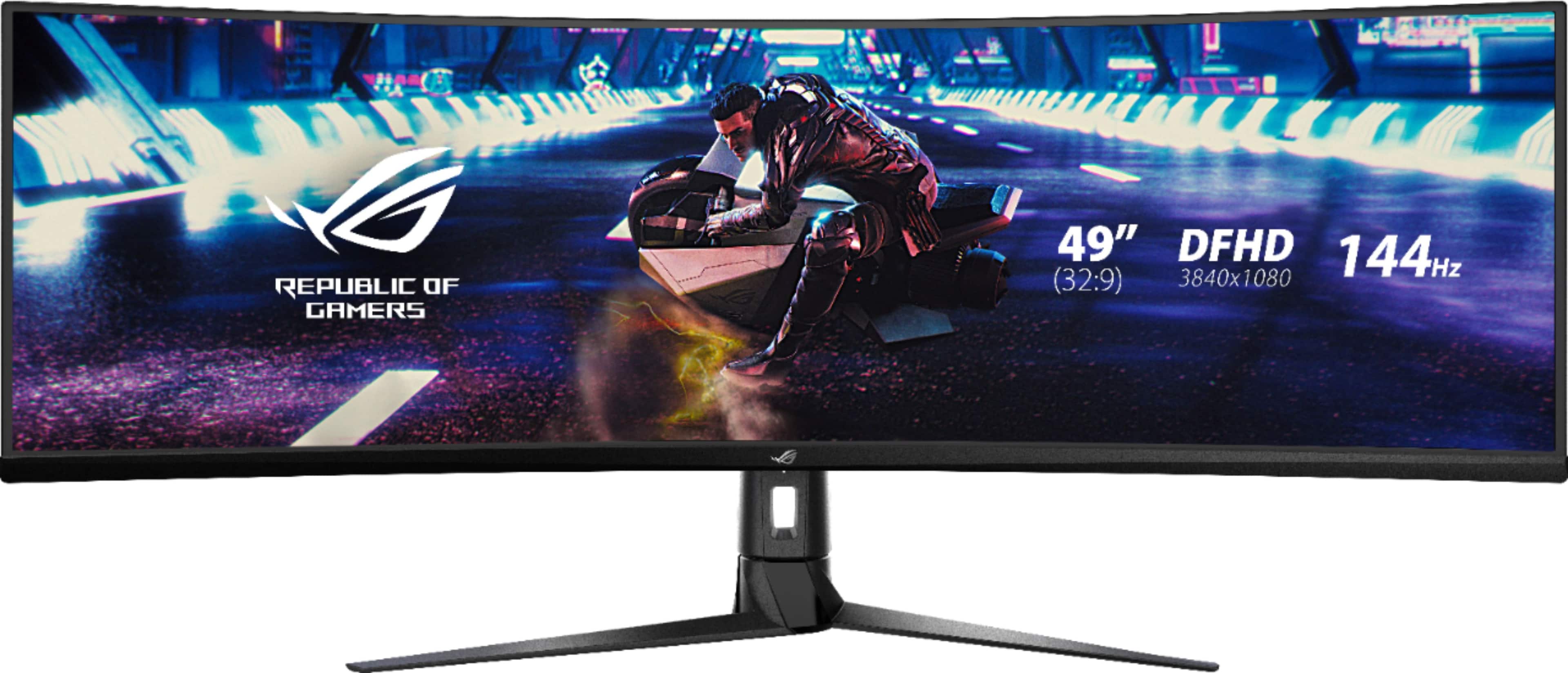
A:AnswerThe software package includes an overlay that can divide the desktop into several snap zones, similar to docking a windows 10 window to the top left or right sides of the screen. Otherwise, this device operates as a single very large monitor. Your question is not exactly clear what feature of "multiple monitors" you are expecting. It is not so great with multiple simultaneous video inputs, if that is what you are asking, as to enable that feature you must disable most of the features of the monitor. (behaves like 2x 1024x768 60hz) I find the multiple input feature to be a bit janky and a bit of a tacked on feature. Not the recommended use for this device.
A:AnswerBeing a user of both Apple and PC platforms, nothing on an Apple is easy. The Ports are in the product description, but they are 1xPC Display Port (full size, not mini) and 2x HDMI. I am less convinced that OSx can be set to the native resolution of the monitor, which is 3840 x 1080 @144Hz (32:9 aspect ratio). Your other limiting factor is that there is no MAC driver or software support, so you would be at the mercy of Apples generic PnP driver. I would not recommend this device for a MAC platform.
A:AnswerThe answer to this question is highly subjective without providing context for the evaluation. I have an NVIDIA GeForce GTX 1080 and run nearly every game on ultra at 60 frames + with this monitor. Your results may vary on manufacturer, chipset, available memory, processor, game engine, specific title, games specific FPS locks etc... so it is virtually impossible to answer your question directly without sufficiently specific detail.
A:AnswerYes. The stand is sturdy and well suited to holding up the monitor. It can be raised and lowered some. The stand does have a substantial is hollow footprint so will still claim quite a bit of space. Not recommended if your desk has a non-removable hutch.
A:AnswerMy 5 year old work HP's graphics card (AMD R7 200) won't do this monitor's 32:9 native 3840x1080 resolution (or at least I couldn't get it to give me that high a resolution) so I connected both of the graphics card's monitor ports to 2 of this monitor's inputs and turned on PBP in 50/50 mode and assigned input 1 to the left half and input 2 to the right half and windows now thinks it's two separate 1920x1080 monitors in "extend this display" mode but it's one seamless desktop with no odd stretching or image/resolution distortion issues at all.
I didn't have to do anything to Windows at all. I just plugged in the cables, booted the system, set the PBP settings on the monitor's control menus, and it just works.
Windows scaling came up at 150% for both 1920x1080 Windows "displays" but that was simple to set to the 100% mode I prefer.
I have not tried the software widget since due to my PC's crappy graphics card I'm not using this monitor as a full native single display so I can't say what the widget's capabilities and functionality and settings requirements are.