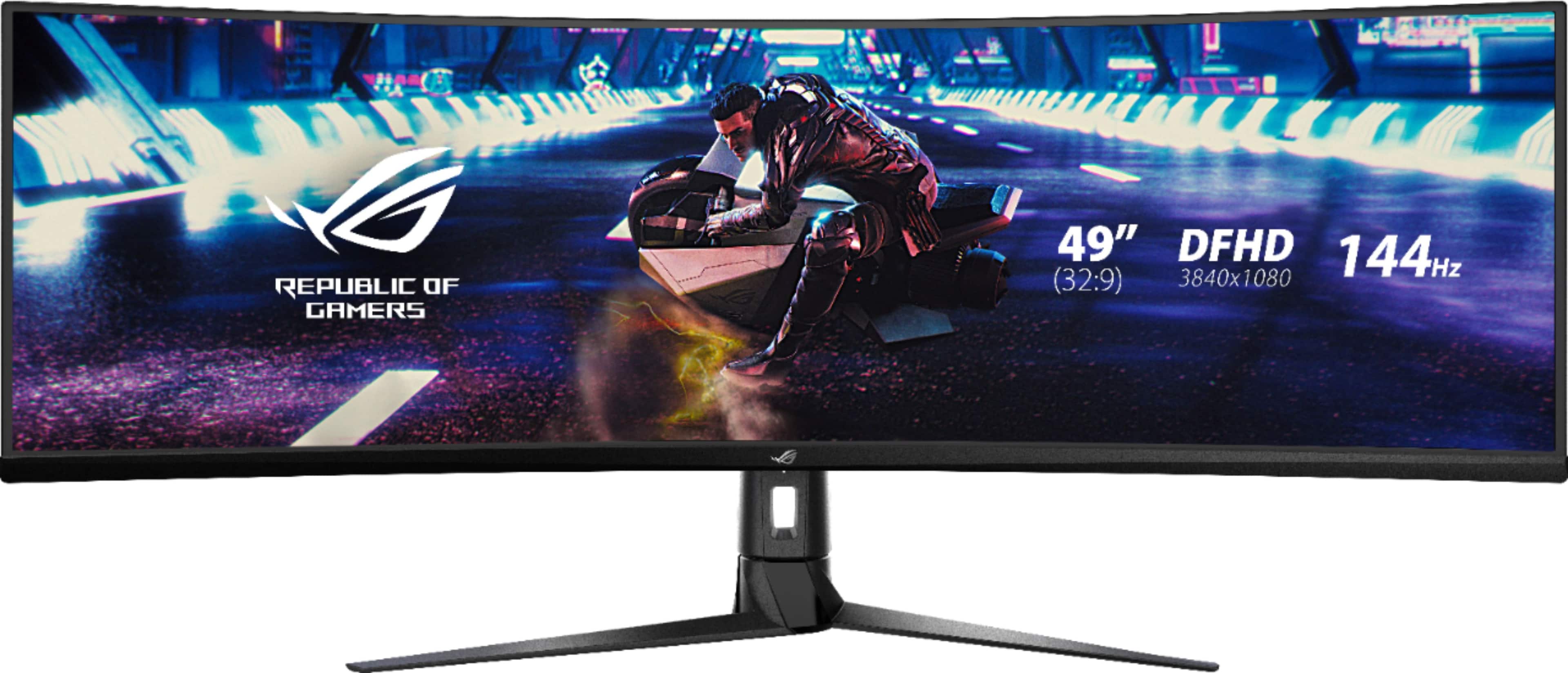
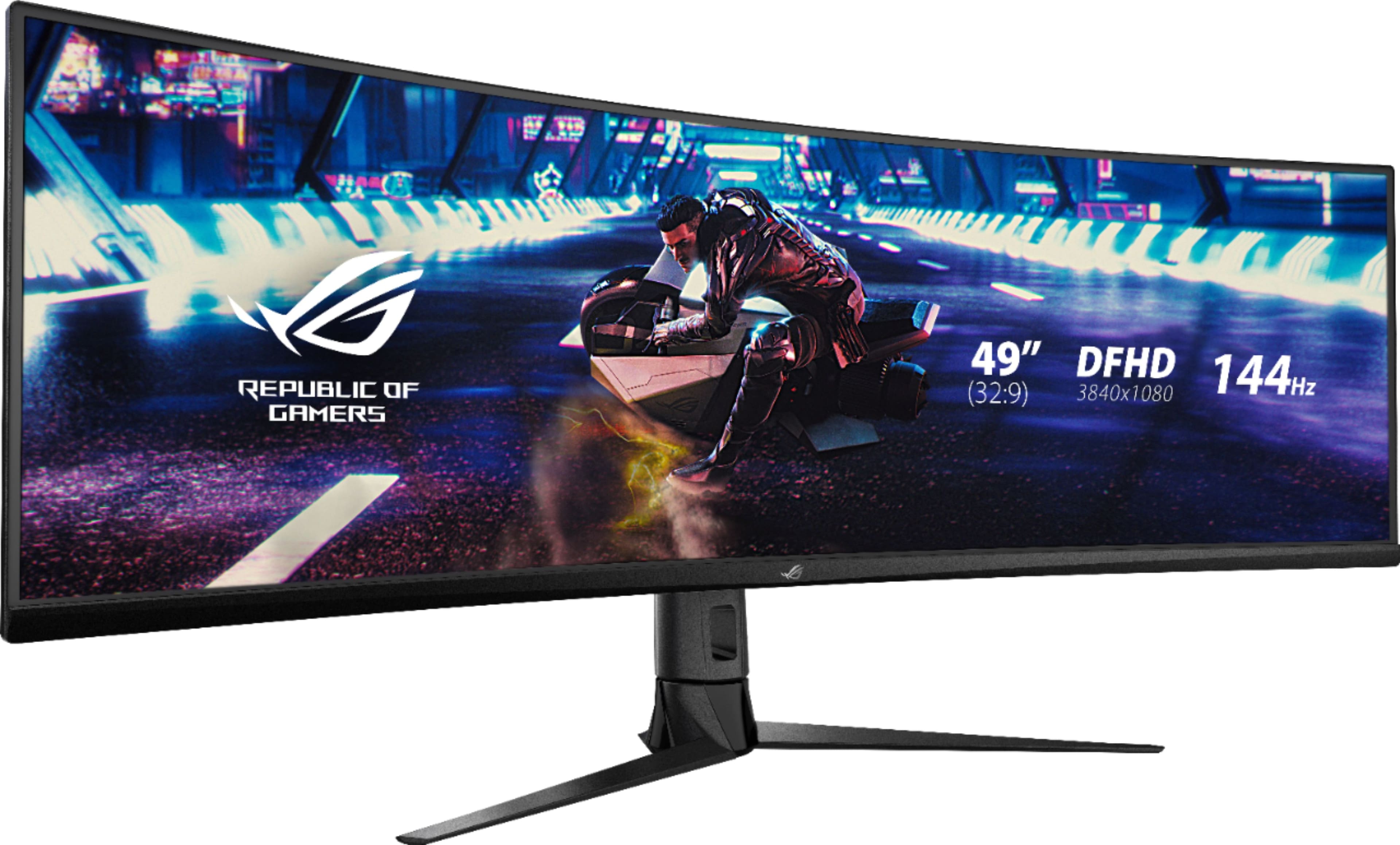
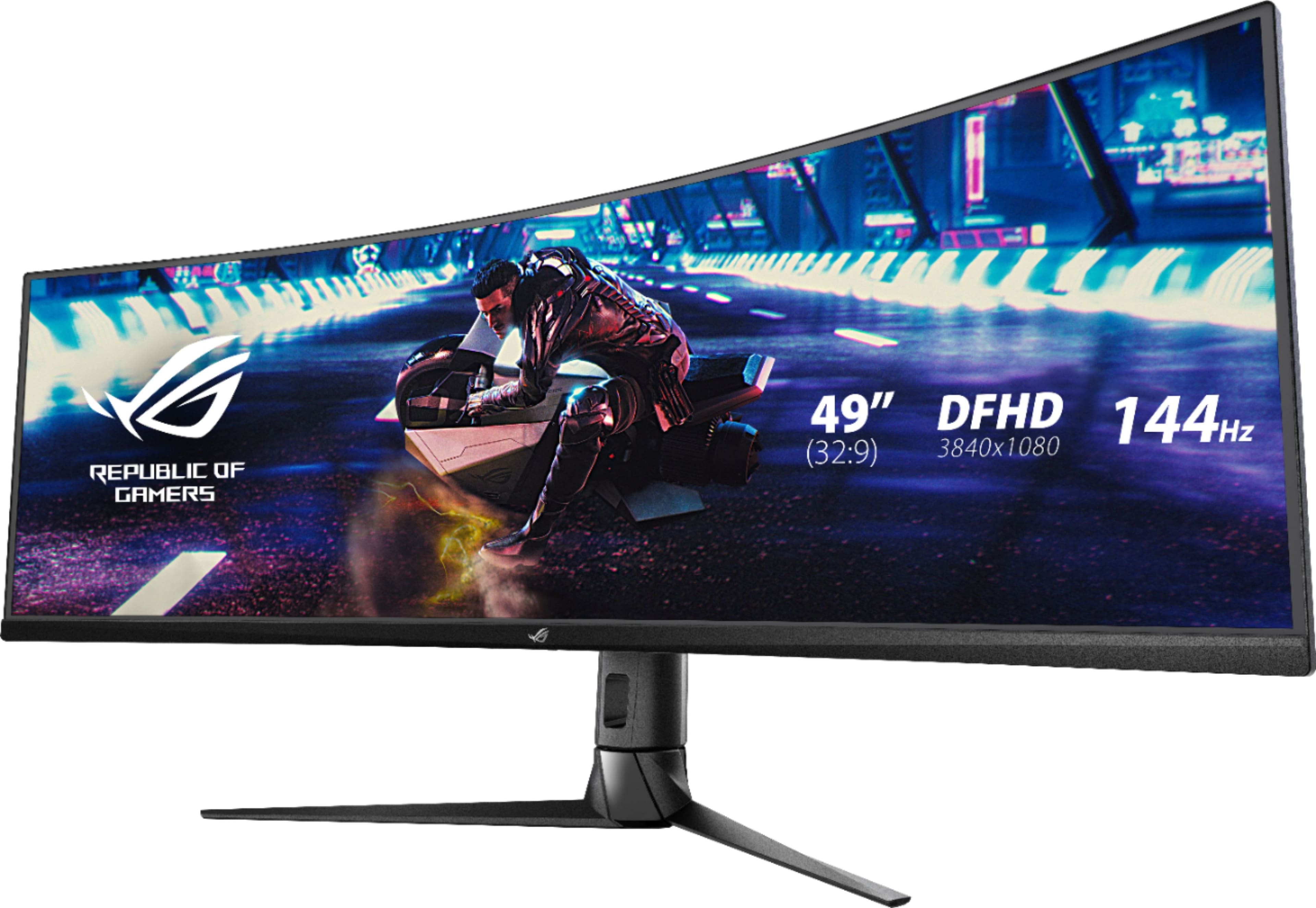
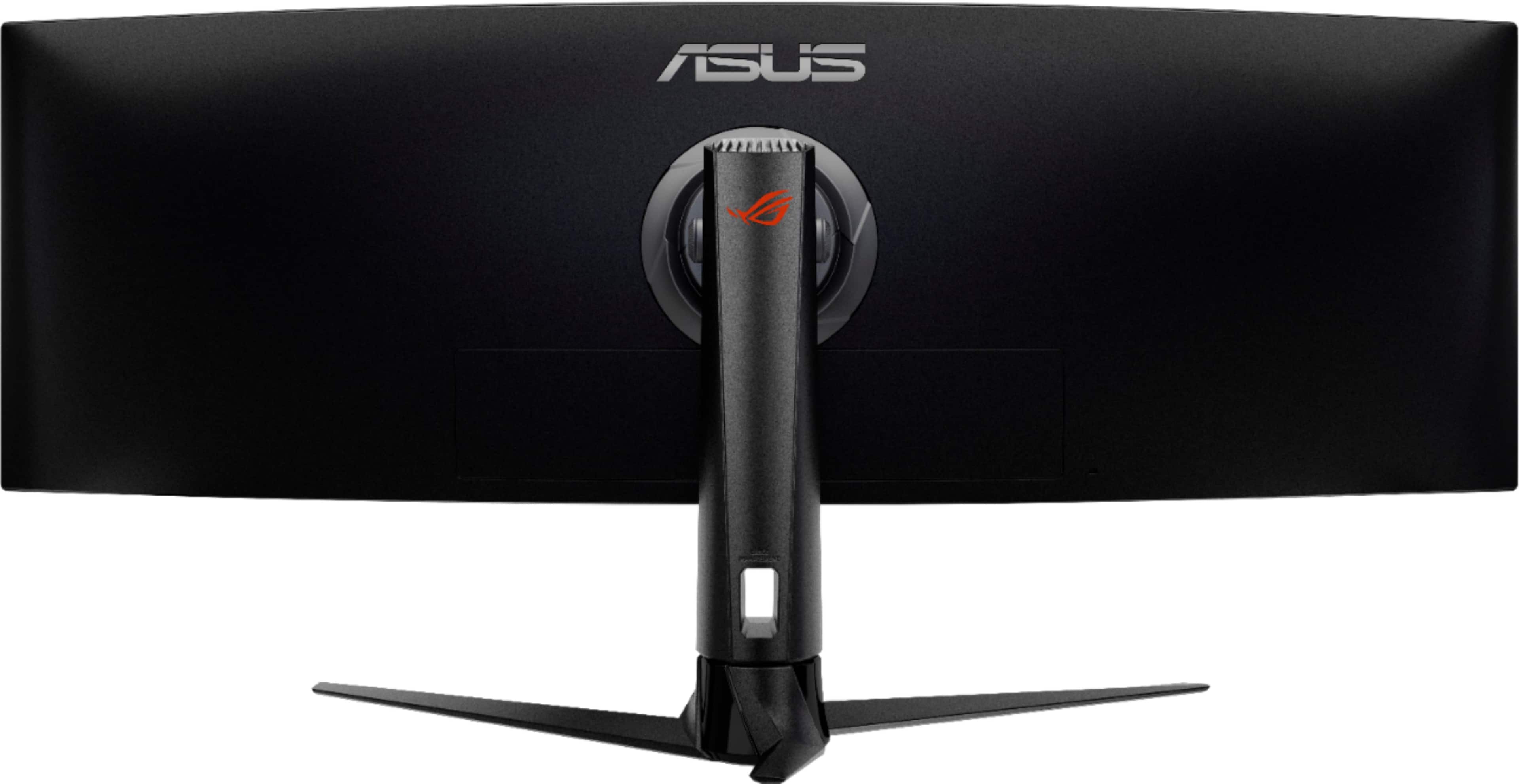
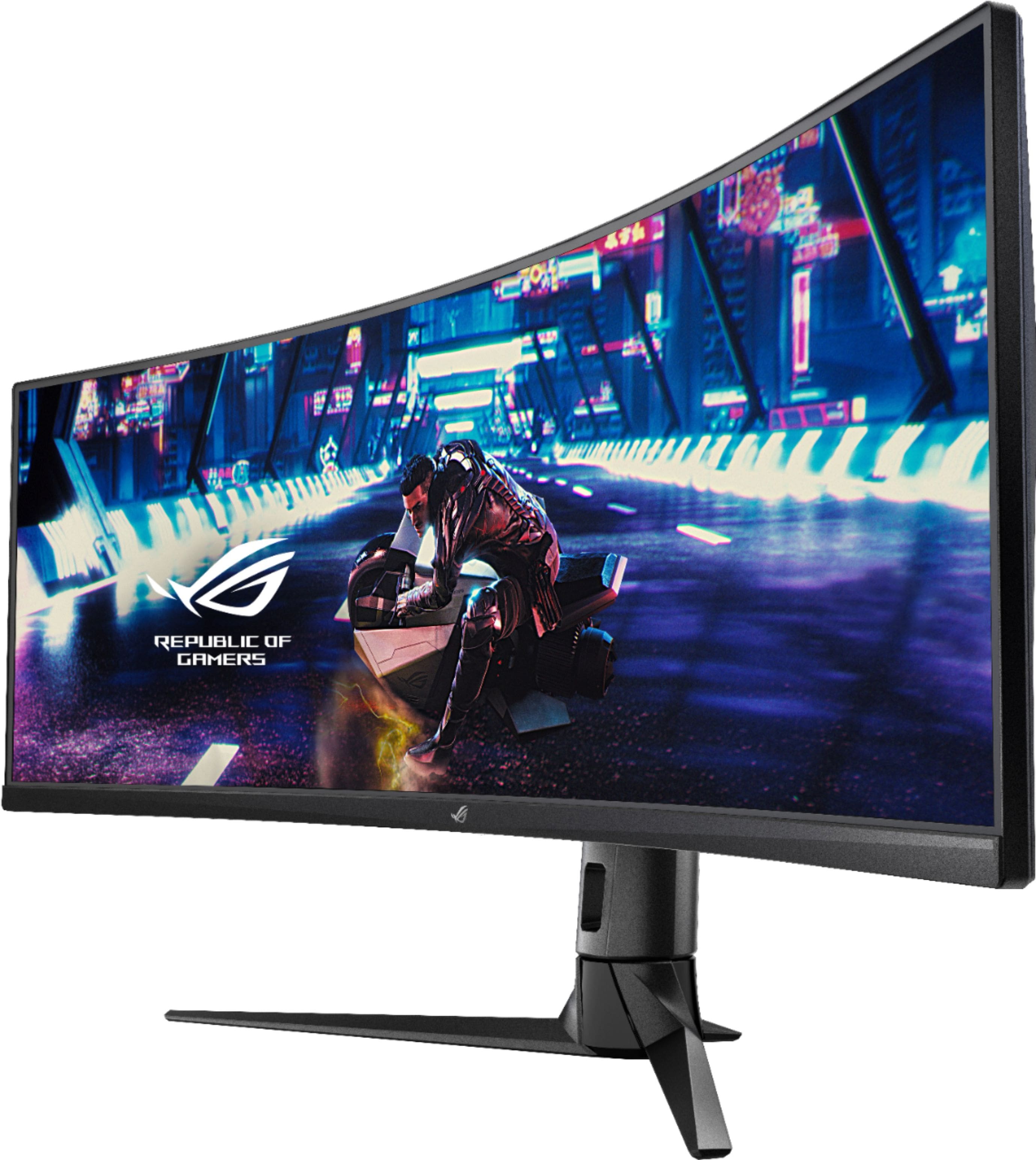
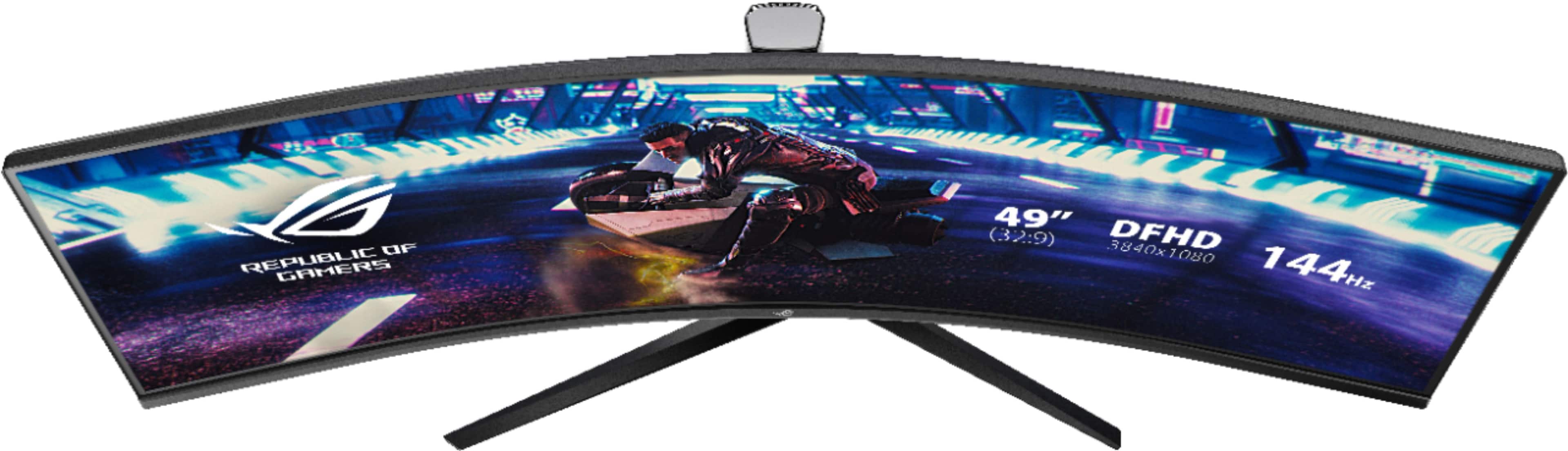
A:Answer My 5 year old work HP's graphics card (AMD R7 200) won't do this monitor's 32:9 native 3840x1080 resolution (or at least I couldn't get it to give me that high a resolution) so I connected both of the graphics card's monitor ports to 2 of this monitor's inputs and turned on PBP in 50/50 mode and assigned input 1 to the left half and input 2 to the right half and windows now thinks it's two separate 1920x1080 monitors in "extend this display" mode but it's one seamless desktop with no odd stretching or image/resolution distortion issues at all.
I didn't have to do anything to Windows at all. I just plugged in the cables, booted the system, set the PBP settings on the monitor's control menus, and it just works.
Windows scaling came up at 150% for both 1920x1080 Windows "displays" but that was simple to set to the 100% mode I prefer.
I have not tried the software widget since due to my PC's crappy graphics card I'm not using this monitor as a full native single display so I can't say what the widget's capabilities and functionality and settings requirements are.