A:AnswerIf your Ethernet is working intermittently I would first update the drivers from Asus's website don't use the ones windows automatically applies they could be old if that doesn't work then update the Bios. If both of these fail I would RMA the board as you could end up with a bum board....
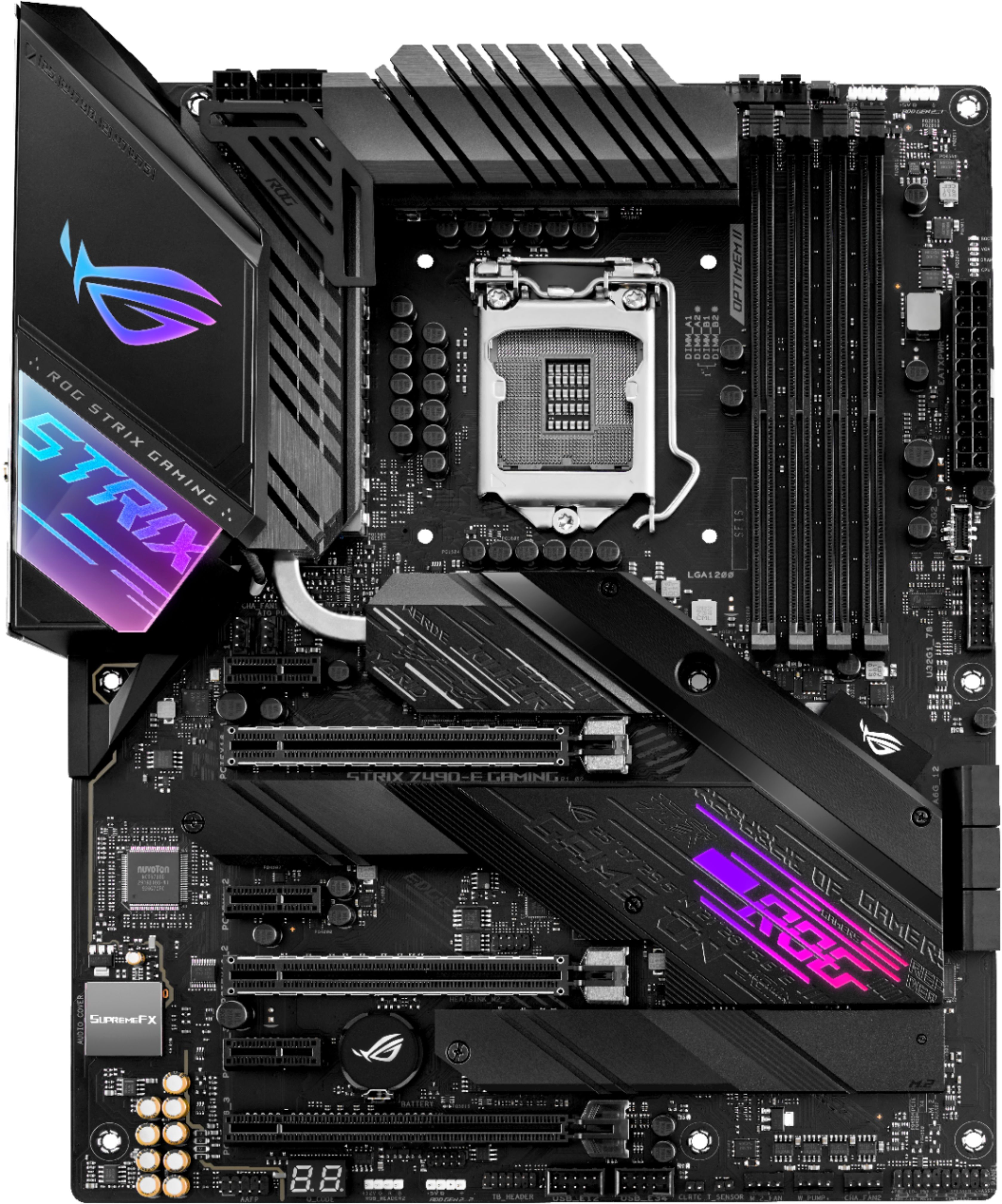
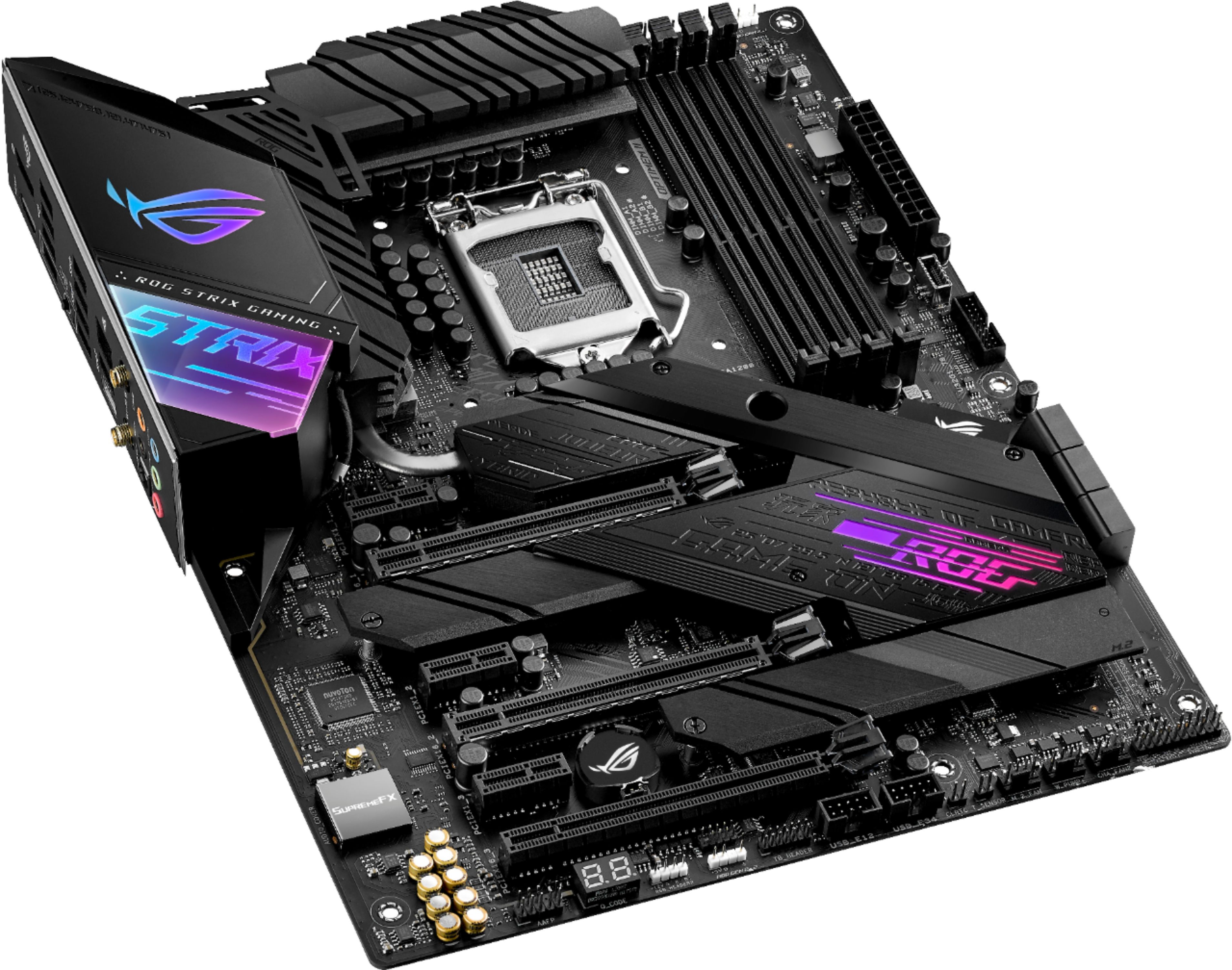
But to answer your question you need to buy a PCI-E 4x network card its the Small PCI-E slot about 1 inch long give or take. Hope this helps!
https://rog.asus.com/us/motherboards/rog-strix/rog-strix-z490-e-gaming-model/helpdesk_download
Download the one that says Lan and install hope this helps!
A:AnswerNo you wont have a problem, you don't use the integrated graphics when you install a GPU.
Well to be technical you could use the Igpu for encoding etc, but for most use cases when you install an aftermarket graphics card that GPU handles all the tasks the system needs and the IGPU will not be utilized.
A:AnswerFor that combination we would recommend a PSU 650W or above. You may experience instability during high load with a 550W unit. https://rog.asus.com/event/PSU/ASUS-Power-Supply-Units/us/index.html
A:AnswerThe video card will work with this motherboard, however the i7 8700 is a 8th generation cpu and I don't believe this motherboard will accept that cpu. This motherboard needs a 1200 socket compatible cpu.
A:AnswerThat RAM kit is not on the QVL. It is highly recommended you use a kit from our QVL here. https://rog.asus.com/us/motherboards/rog-strix/rog-strix-z490-e-gaming-model/helpdesk_qvl_memory However for Q-CODE 00 I recommend removing your CPU cooler and CPU and checking for any bent pins, as well as remounting your GPU. For more in depth troubleshooting, please reach out to me at [email protected] and include case #N2102028243 in your email for reference.
A:AnswerThat kit is not on the QVL. While most likely it would not have compatibility issues, we always recommend selecting a kit from the QVL. https://rog.asus.com/motherboards/rog-strix/rog-strix-z490-e-gaming-model/helpdesk_qvl_memory