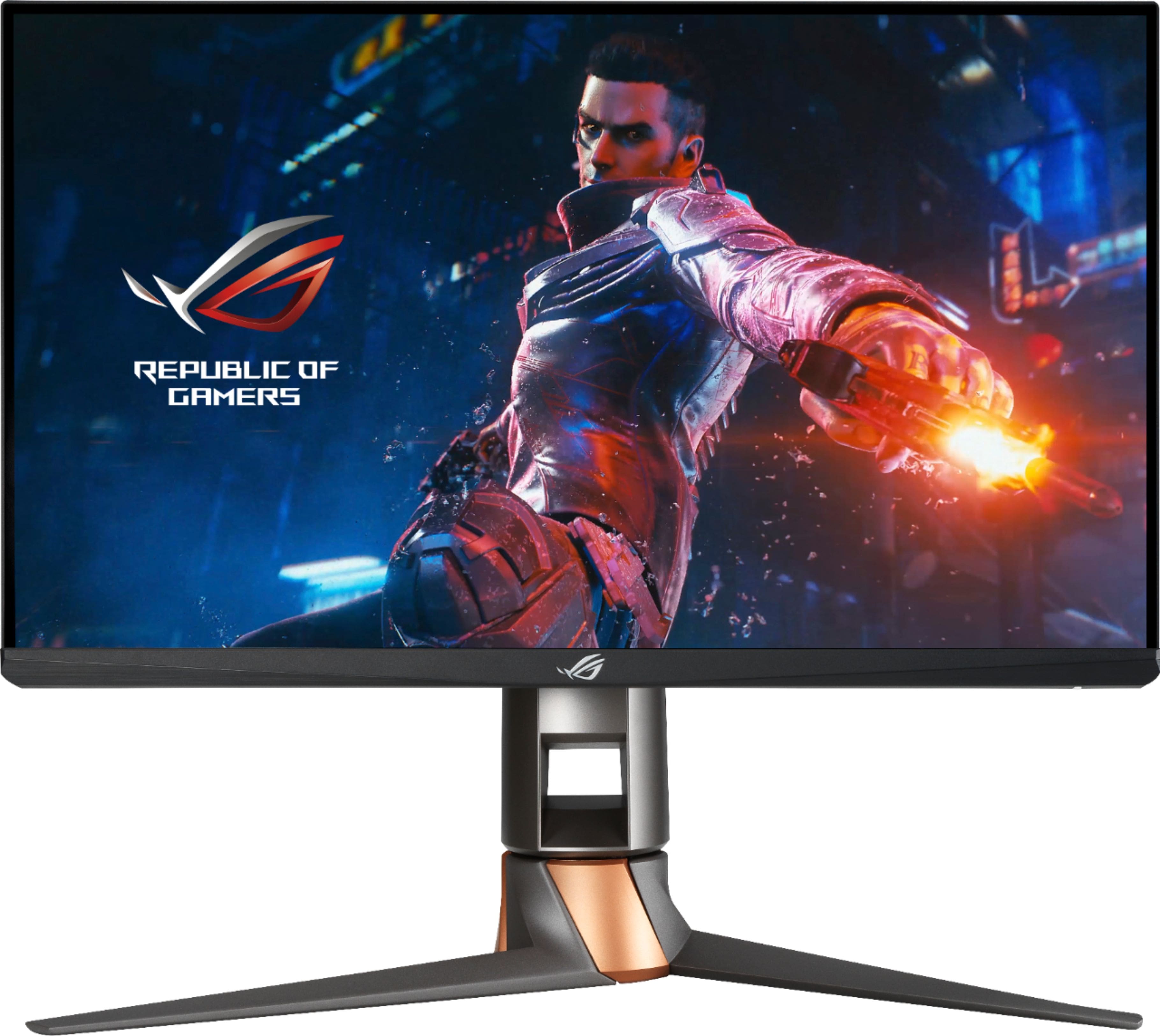
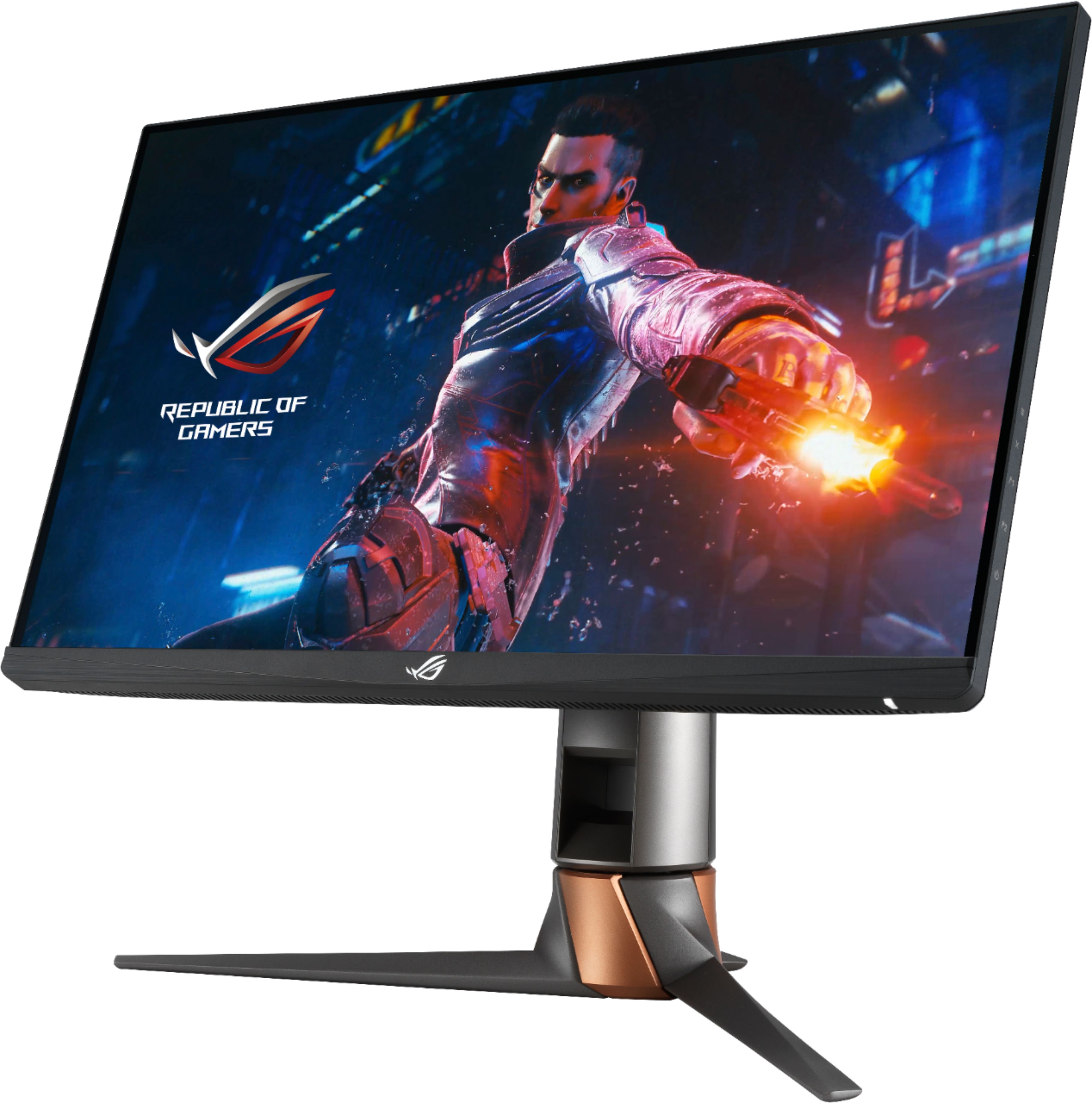
A:AnswerThis monitor will have no issues refreshing at 360Hz. However, depending on the quality settings that GPU may not be able to provide a stable 360 FPS.
A:AnswerThese are two models with some slight differences. You can say they are two generations. My boy looked at the specs and opted for the cheaper version. The cheaper one is new and not refurbished.
A:AnswerYou can definitely hook up your PS4 to the monitor, however, please know that the PS4 is unable to reach those refresh rates. response rate would fine.
A:AnswerTo change the refresh rate:
Select the Start button, then select Settings > System > Display > Advanced display settings.
Under Refresh rate, select the rate you want. The refresh rates that appear depend on your display and what it supports. Select laptops and external displays will support higher refresh rates.
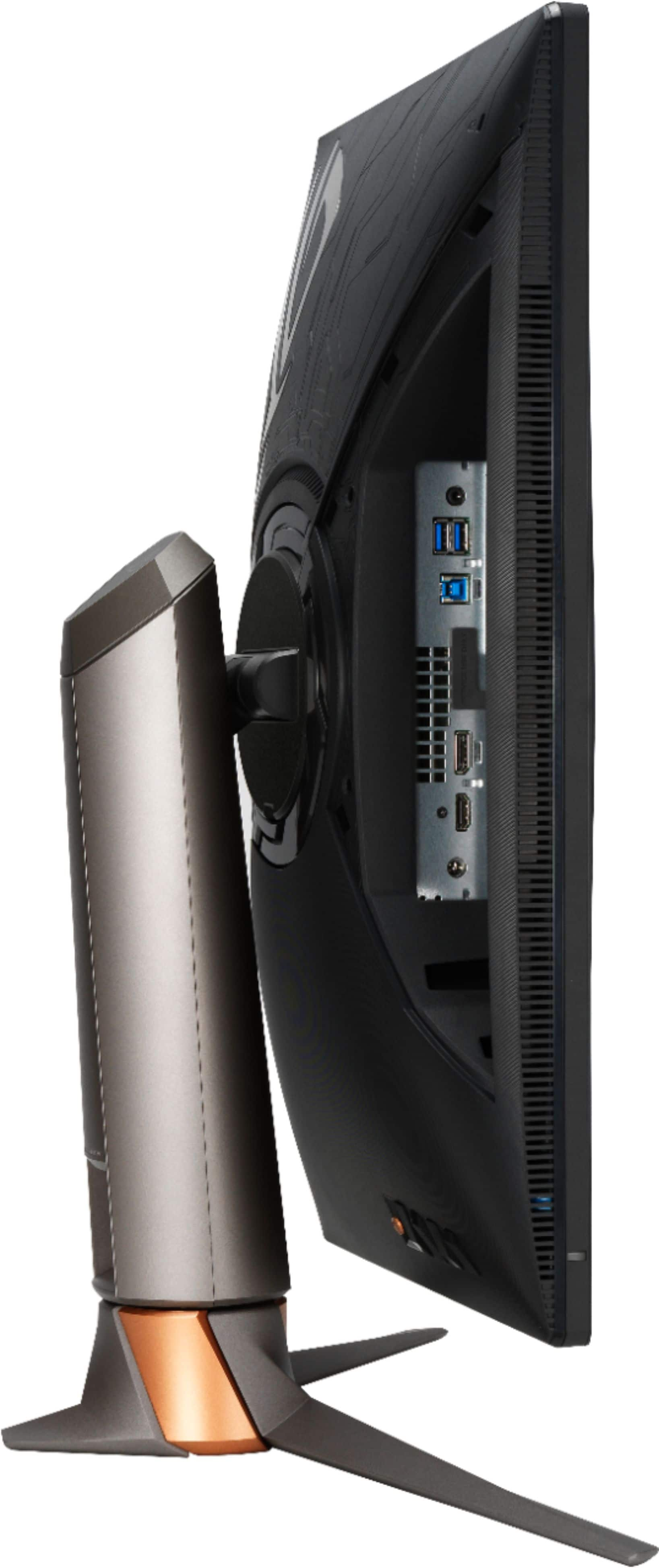
A:AnswerThat would depend on the cable used. The full specifications can be found here. https://rog.asus.com/us/monitors/23-to-24-5-inches/rog-swift-360hz-pg259qn-model/spec
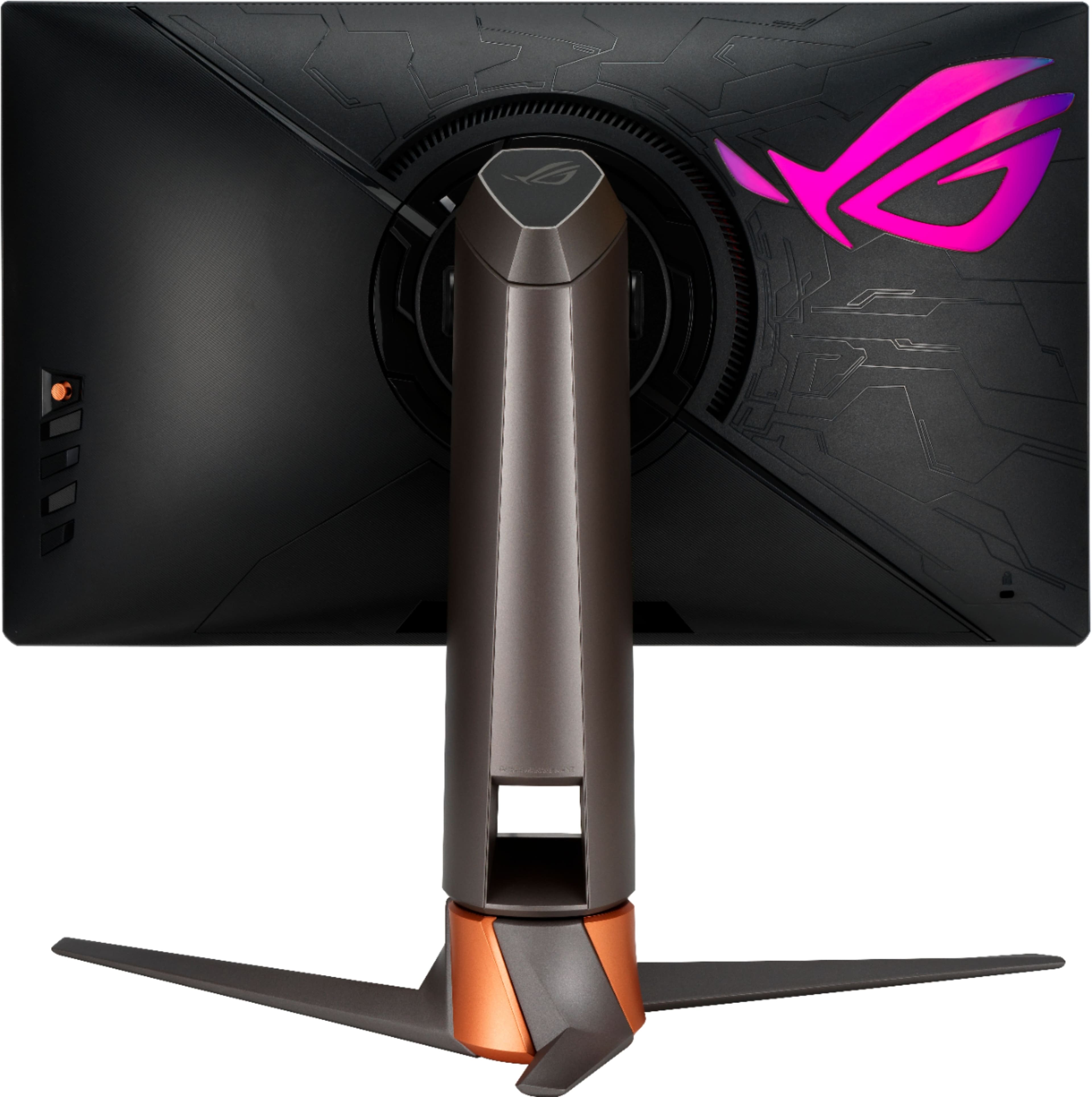
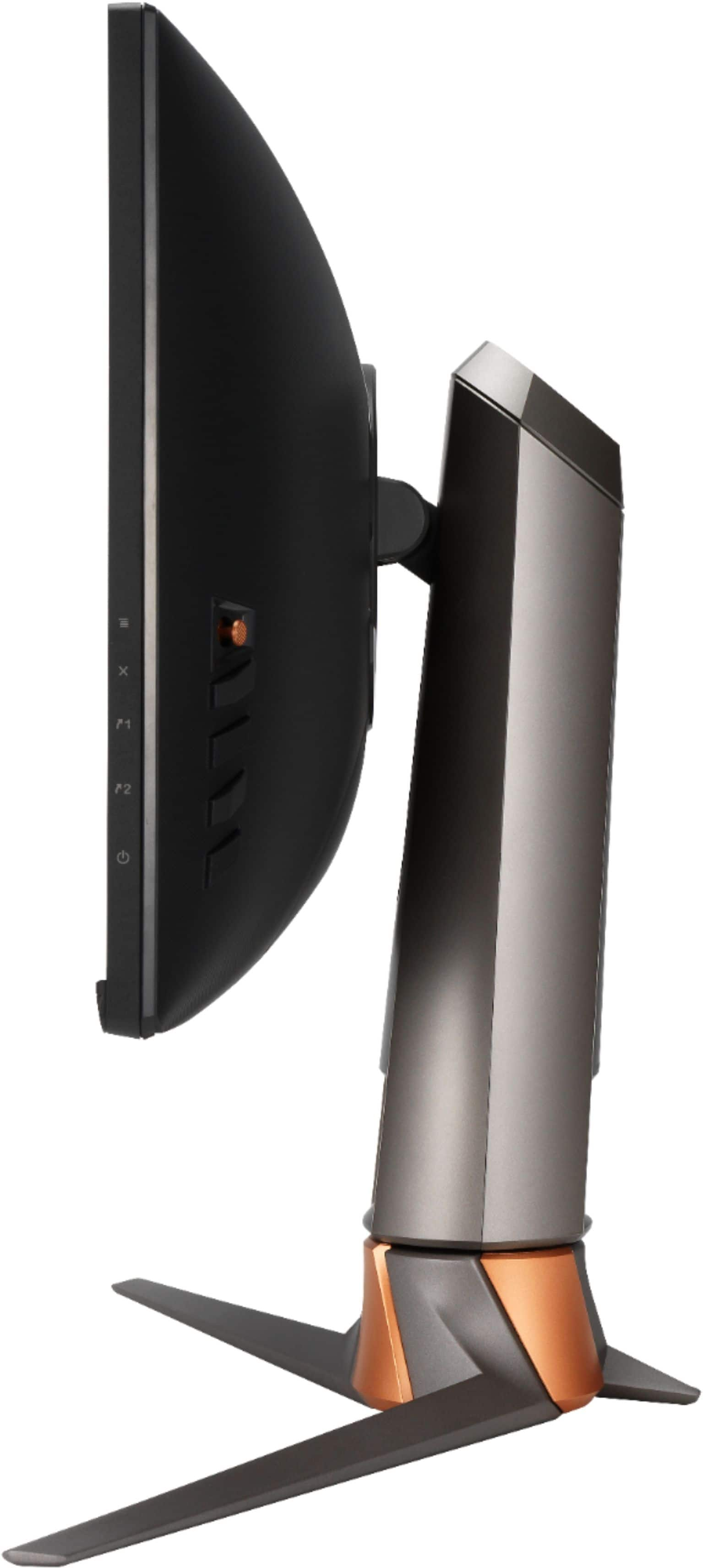
A:AnswerYes, it comes with VESA Wall Mounting: 100x100mm. You can review further specification here: https://rog.asus.com/us/monitors/23-to-24-5-inches/rog-swift-360hz-pg259qn-model/spec
A:AnswerYou can use this monitor with the PS4, but please note that you will not have access to high refresh rates (120Hz) with that console. The PS5 and Xbox Series X monitor compatibility list can be found here. https://www.asus.com/us/support/FAQ/1045097