A:Answer8GB is soldered unfortunately...they really should have made it 16GB soldered.
You can throw in a 32GB stick into the single open slot to get it to 40GB but only the first 16GB will be dual channel speeds...
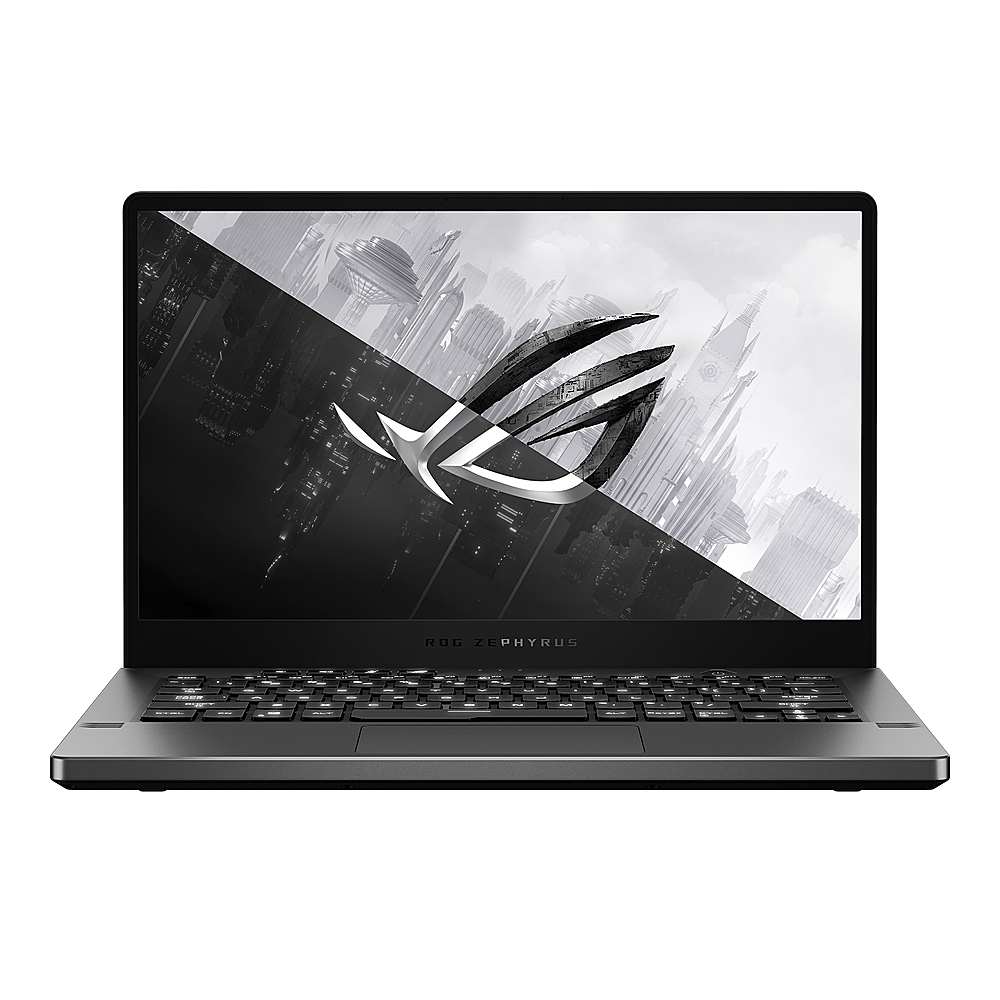
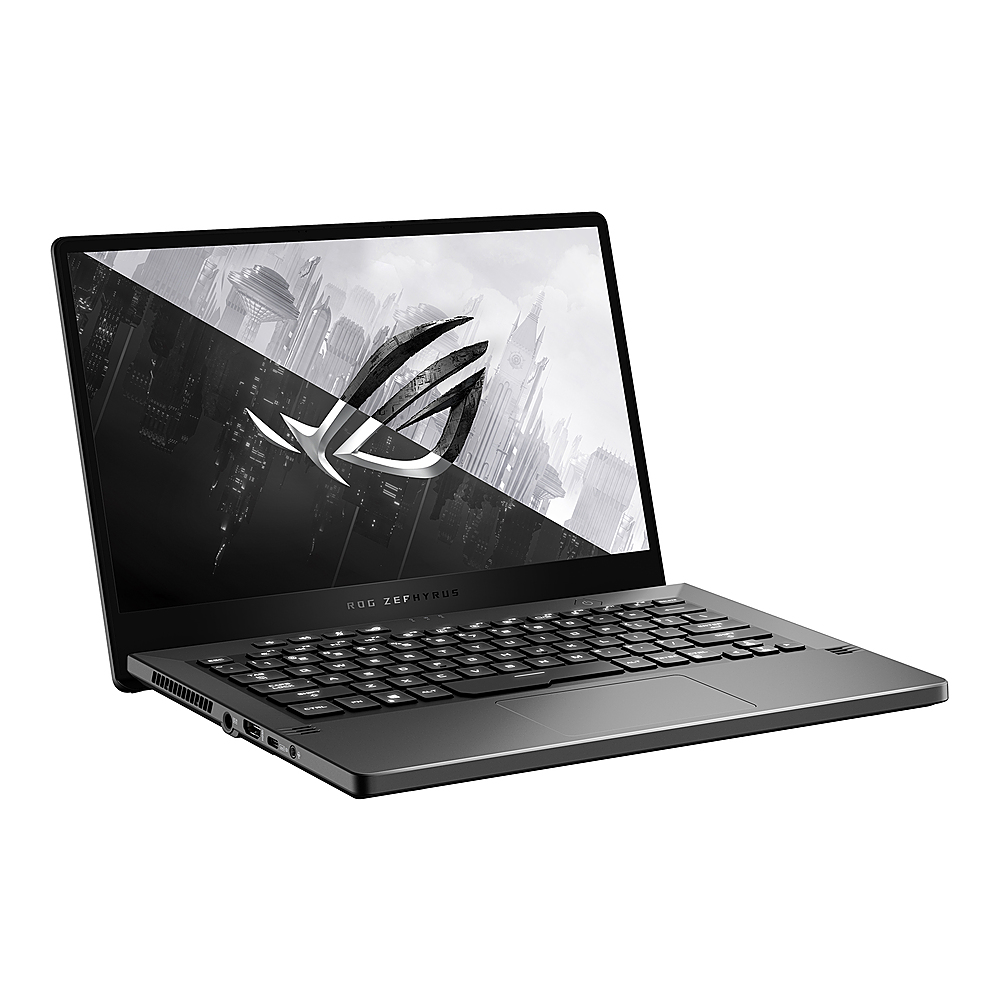
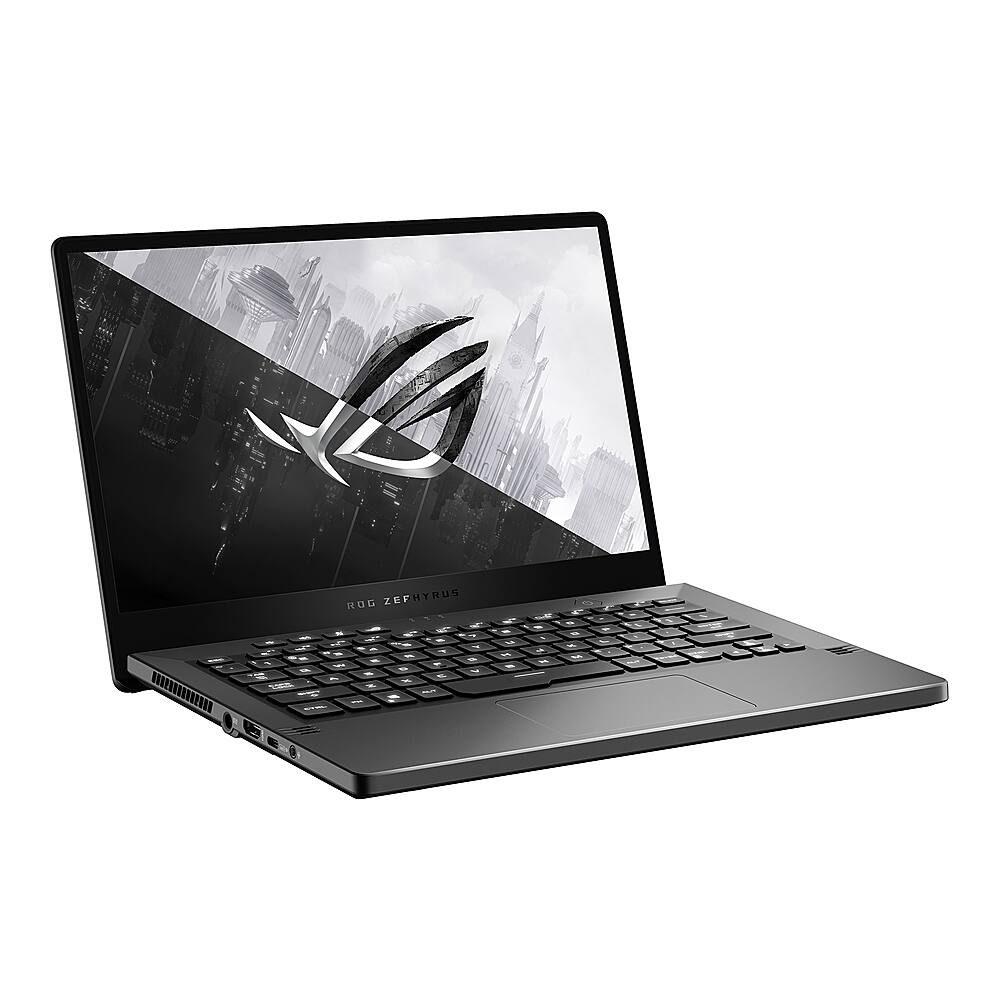
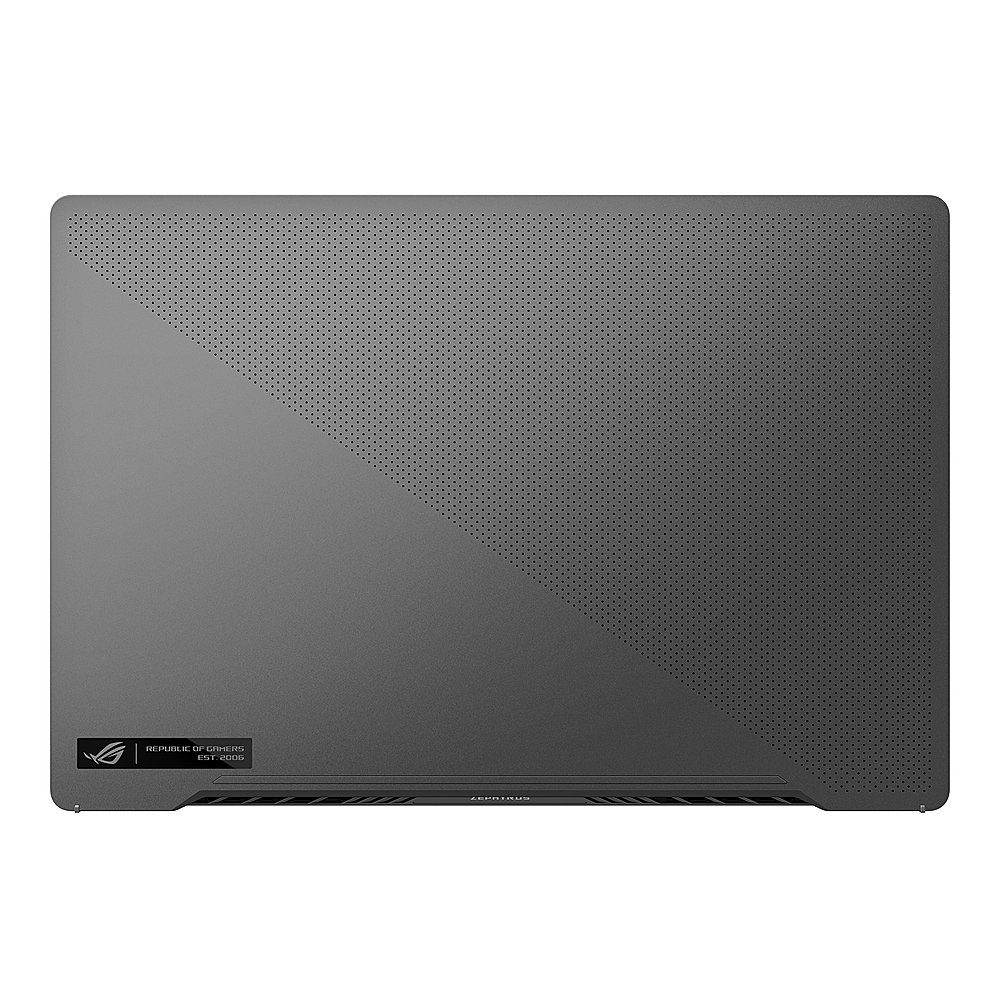
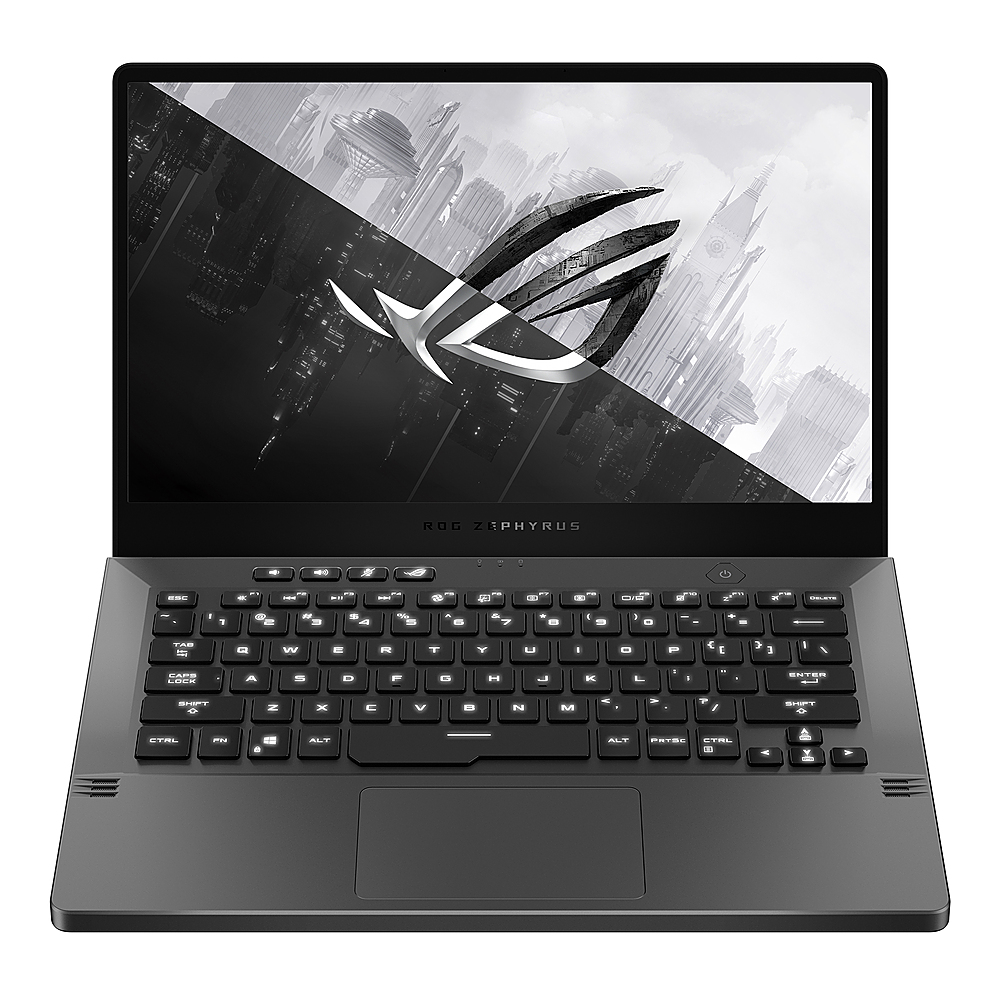
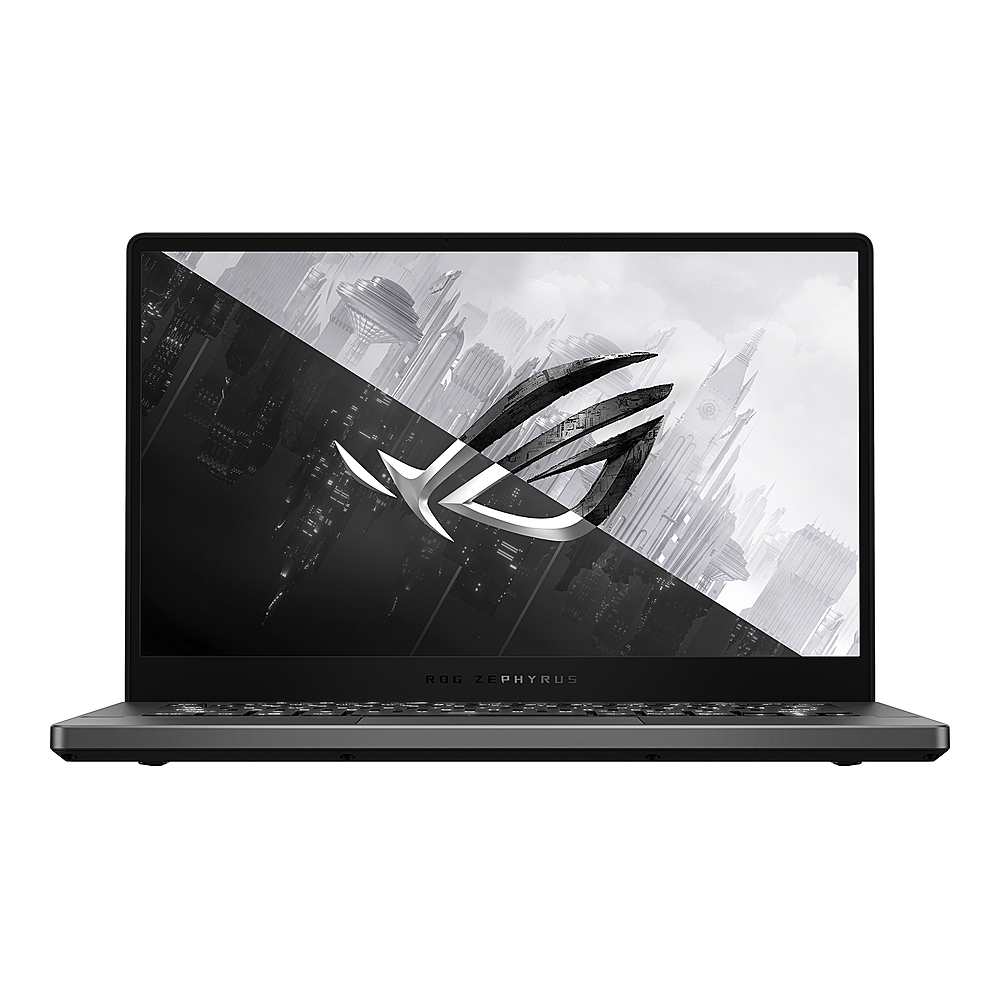
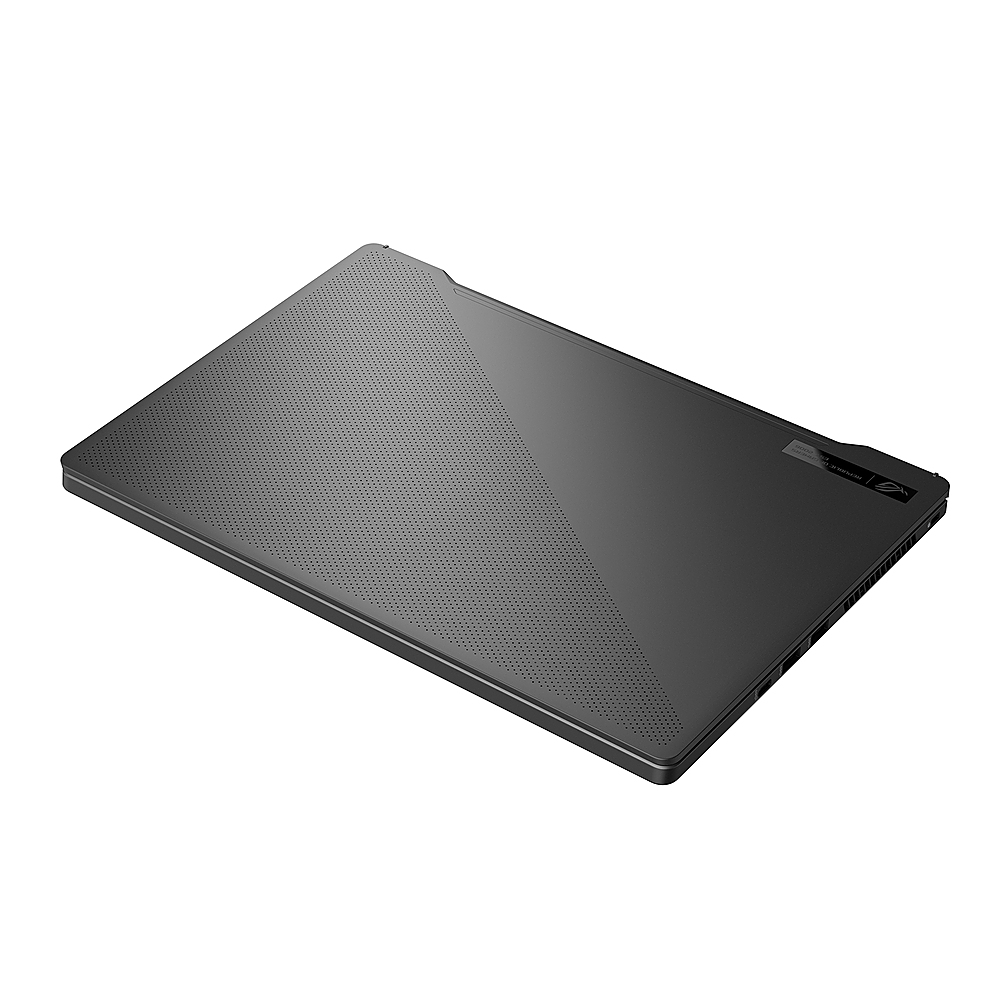
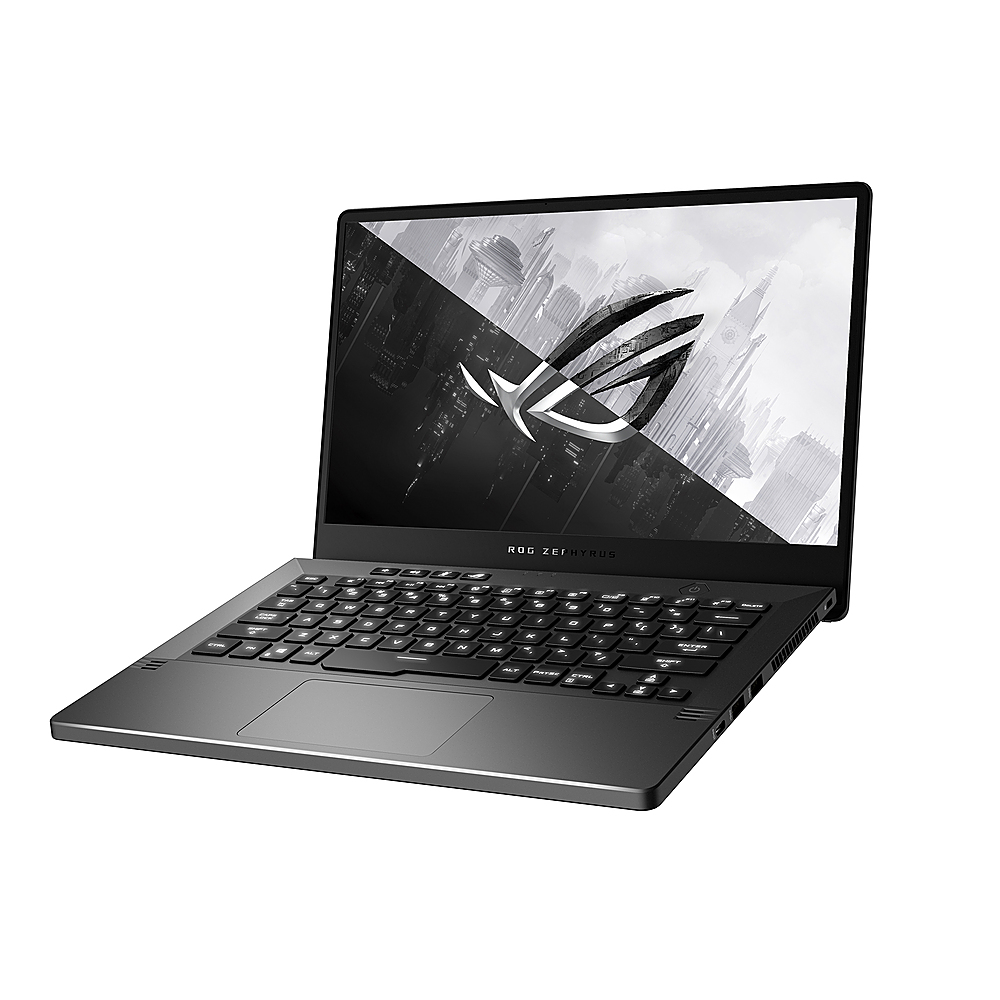
A:AnswerIt's because it has over 1000 mini white LEDs in the back of the display in which you can display a word or gif, it's the feature Asus calls "Anime matrix". It basically is a "cool feature" and won't actually affect performance, there is the white model of this device which as you said is $600 less and it has the same performance but the white model has a 120hz refresh rate and a 1080p display while this one has a 60hz refresh rate and a 1440p display. So you choose which one suits you better.
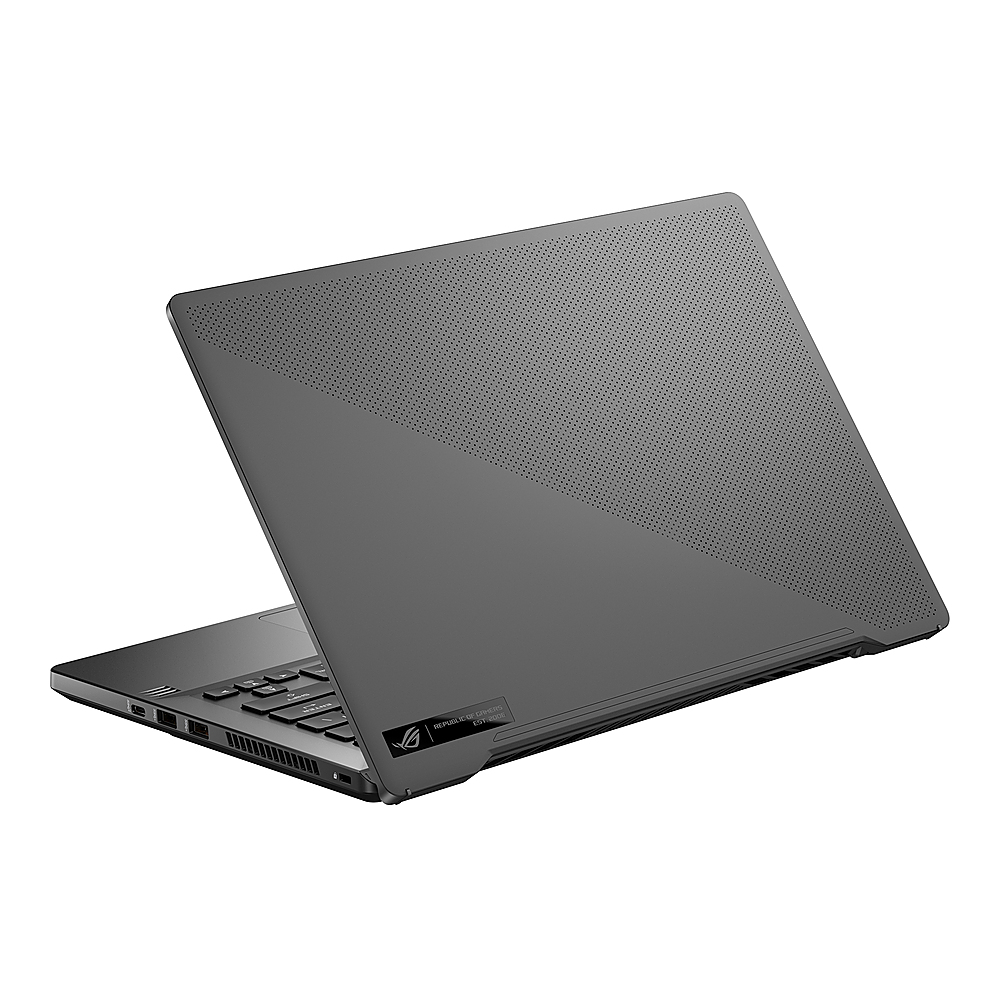
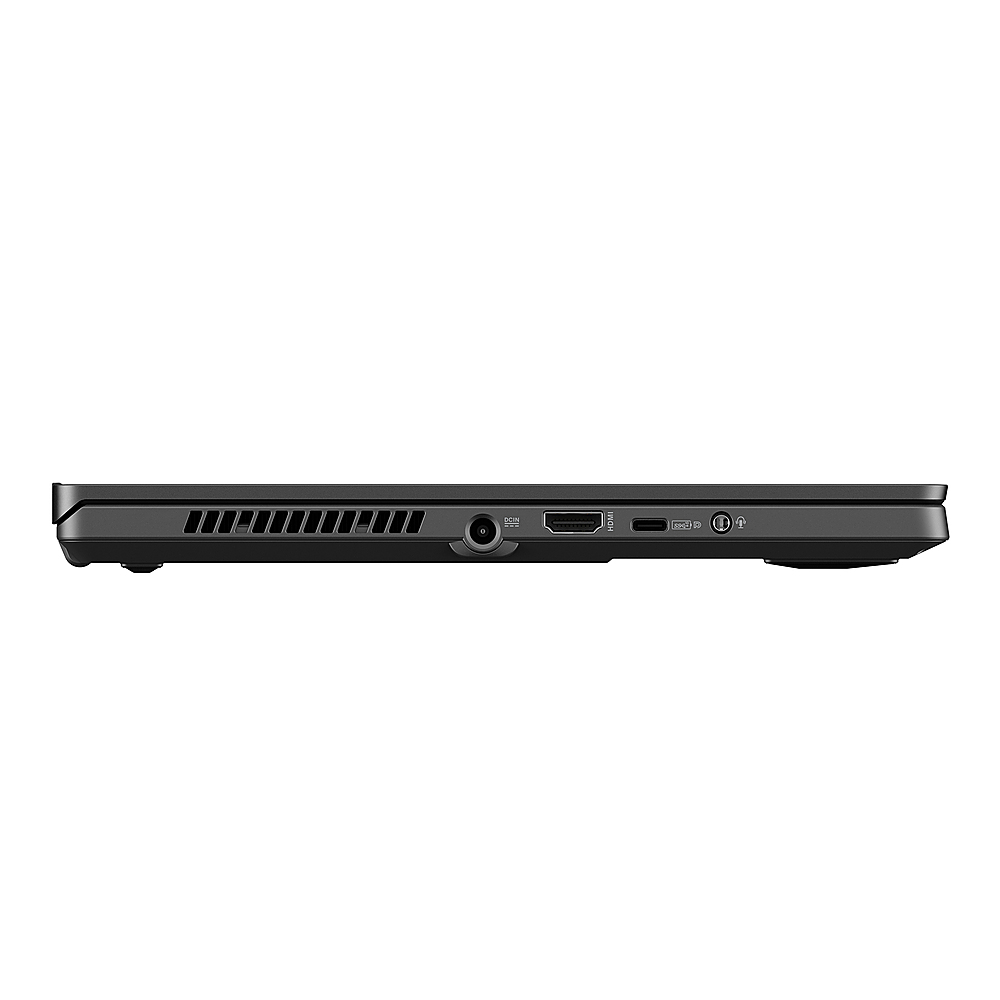
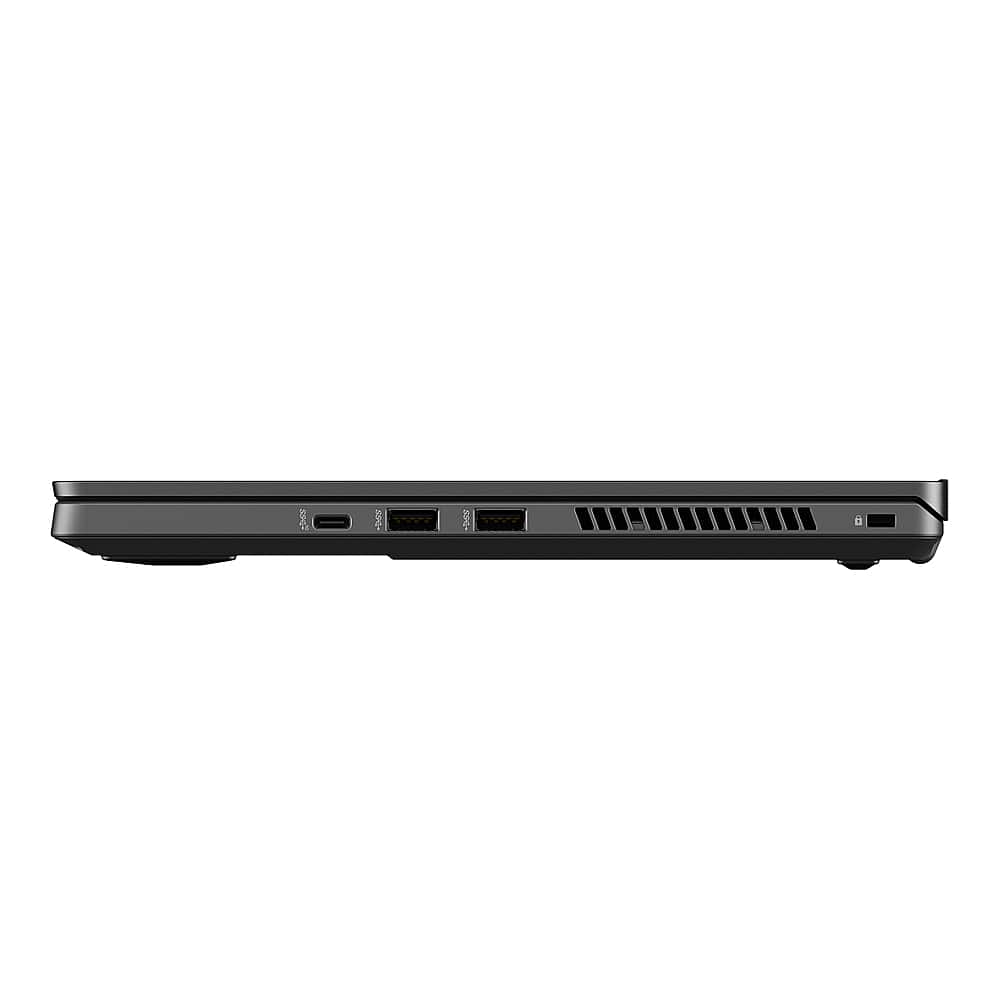
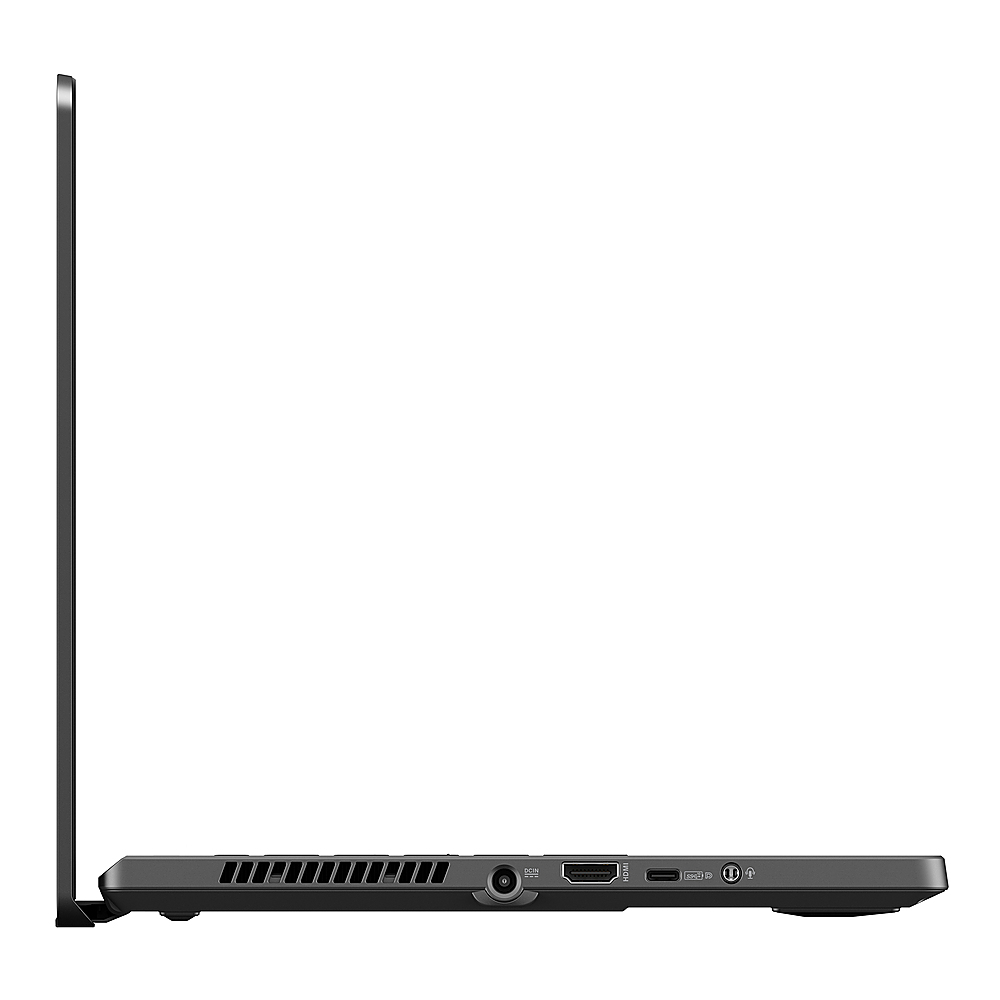
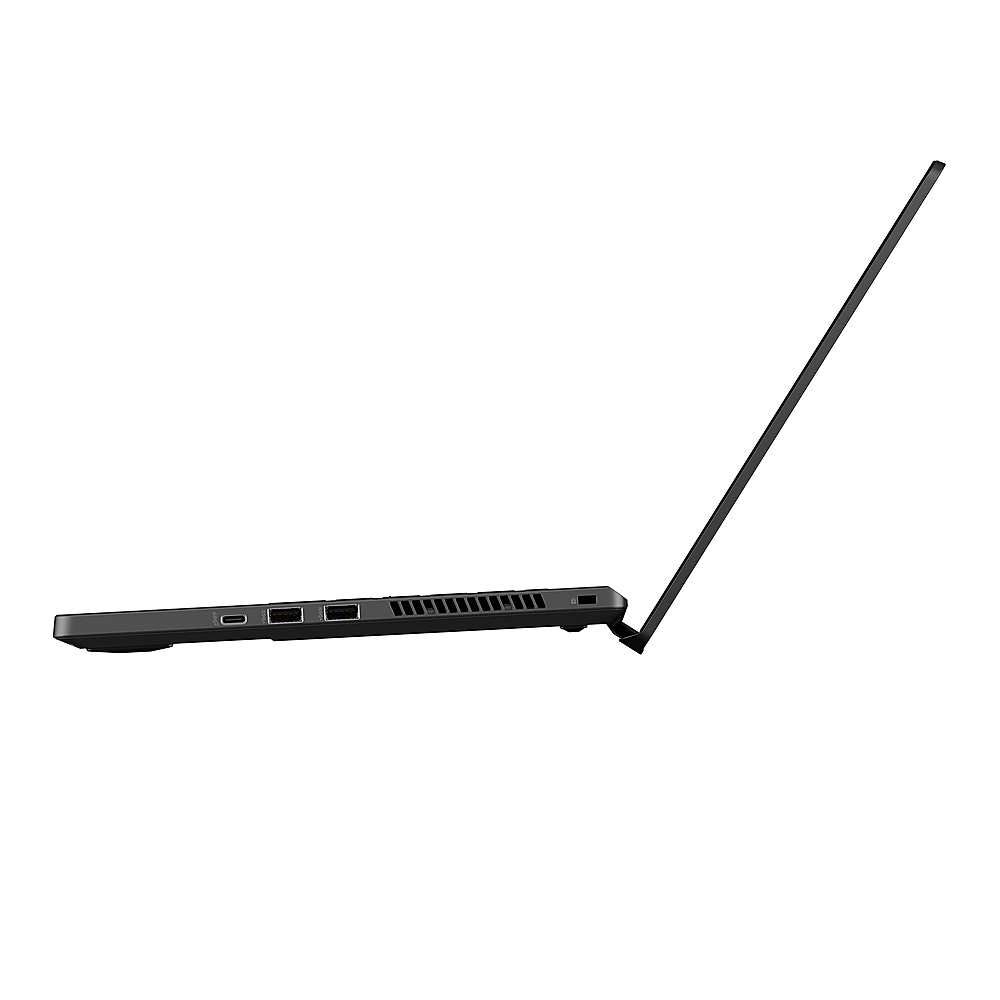
A:AnswerThe ASUS answer is incorrect. A USB-C monitor does charge this computer battery. The question asked is can you do both. Yes you can, but this might damage the computer. Please confirm ASUS...
A:AnswerYes this is the model with an Anime matrix display. That is why it's 600 USD more expensive than the white model with the same internal specifications except the screen. This one has a 60hz QHD display while the white model has a 120hz FHD display.
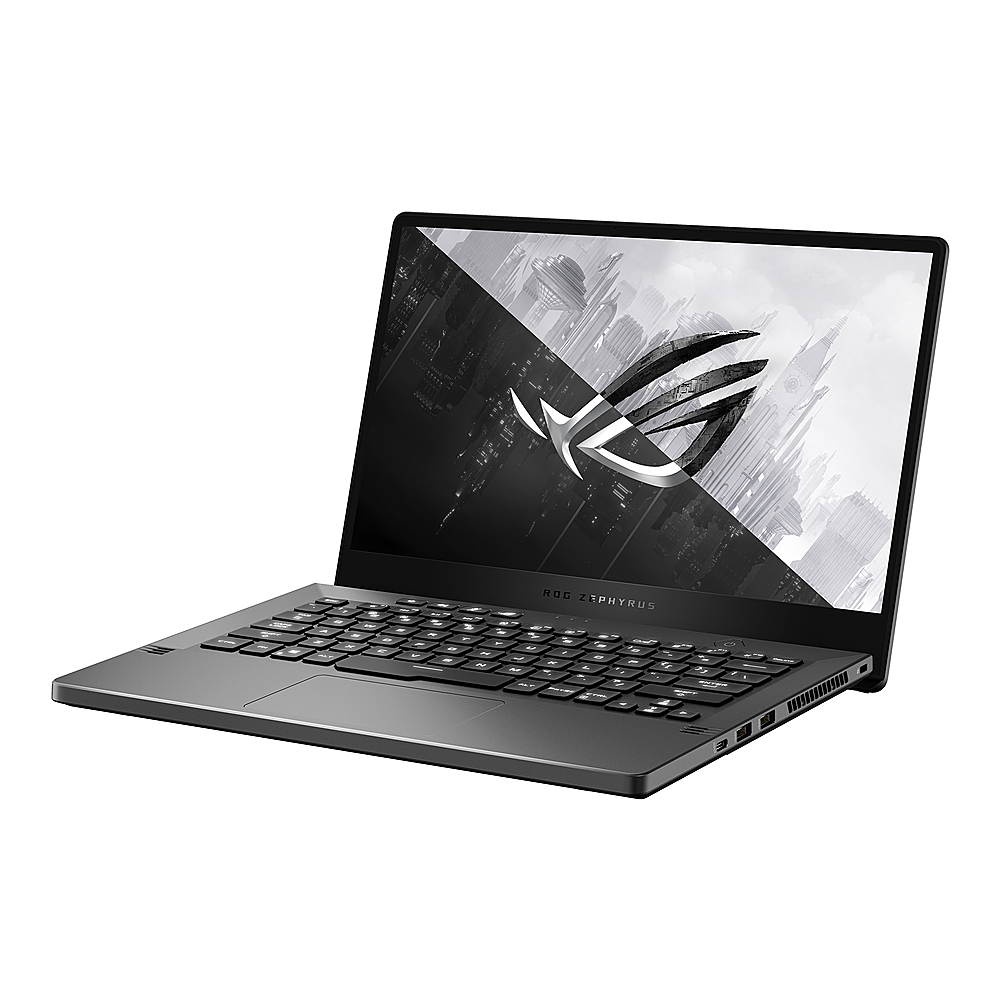
A:AnswerYes, this model supports USB-C power delivery up to 65W. For gaming or other power intensive tasks, we recommend using the included power adapter. https://www.asus.com/Laptops/ROG-Zephyrus-G14/Tech-Specs/
A:AnswerIt has a 60hz display, the white model also available here on BestBuy has a 120hz refresh rate. Although that one is only FHD while this one is QHD.