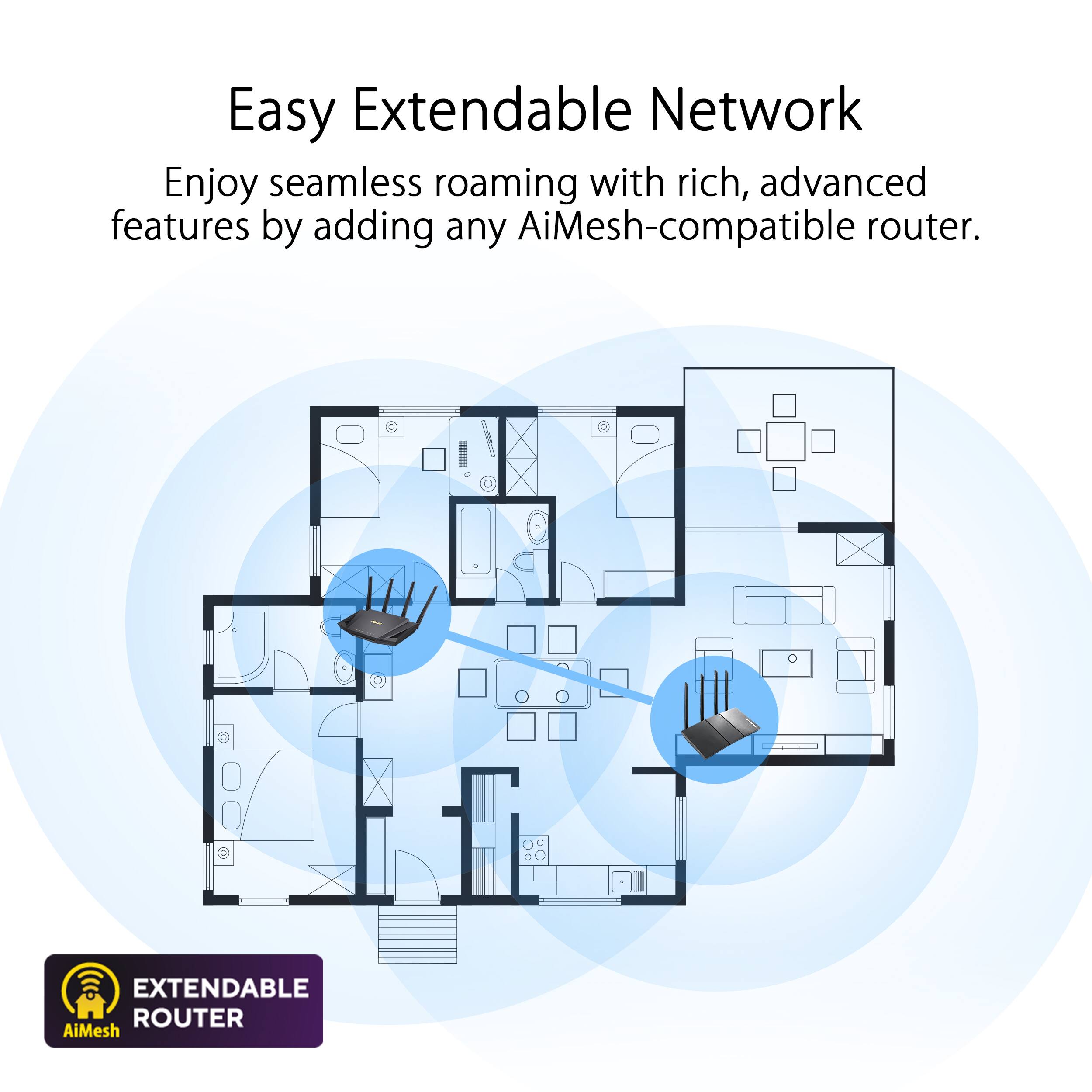
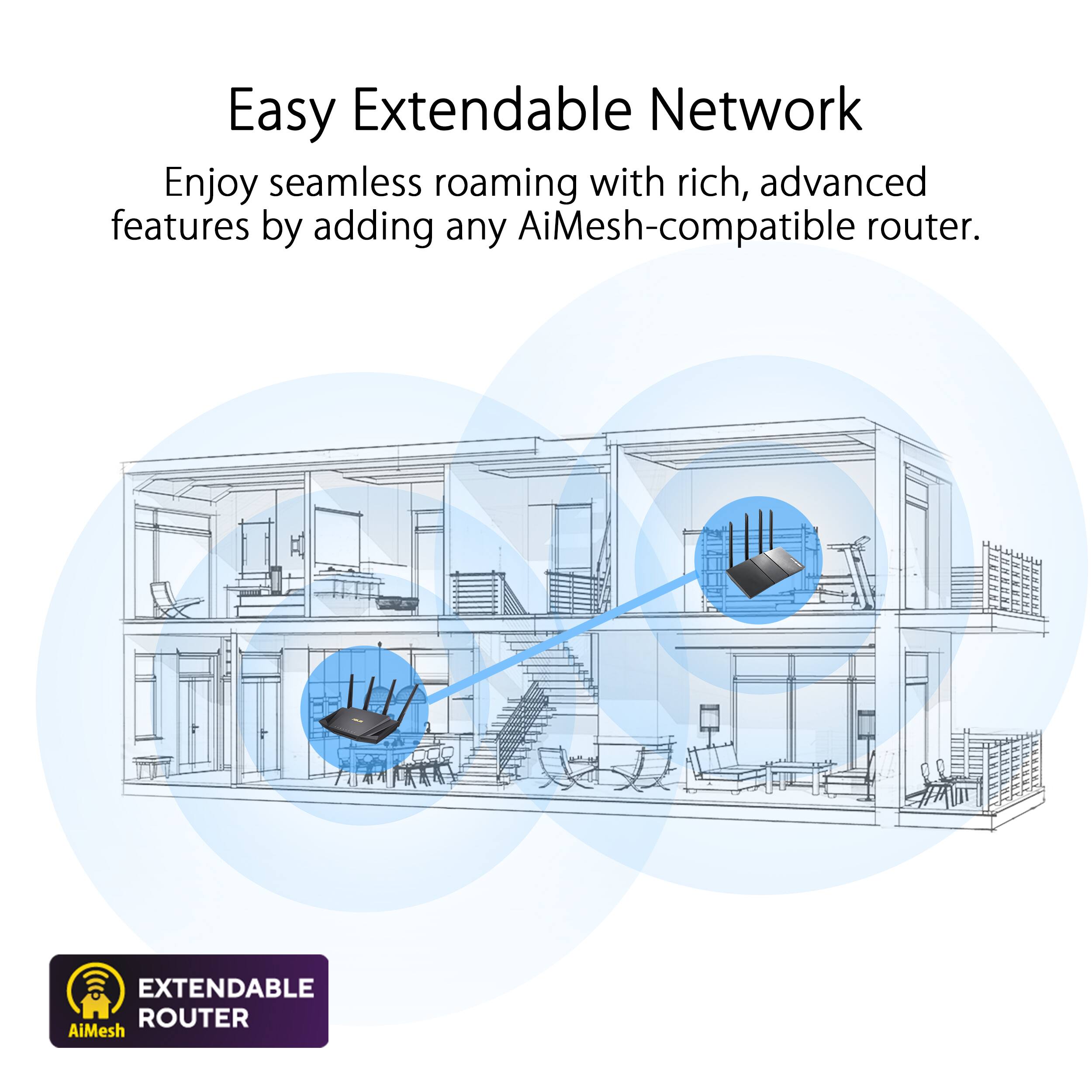
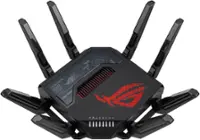
A:AnswerAsus has AiMesh, which is their way of linking certain WiFi6 routers in order to cover a large home or office. https://www.asus.com/us/site/networking-360/wifi6.html
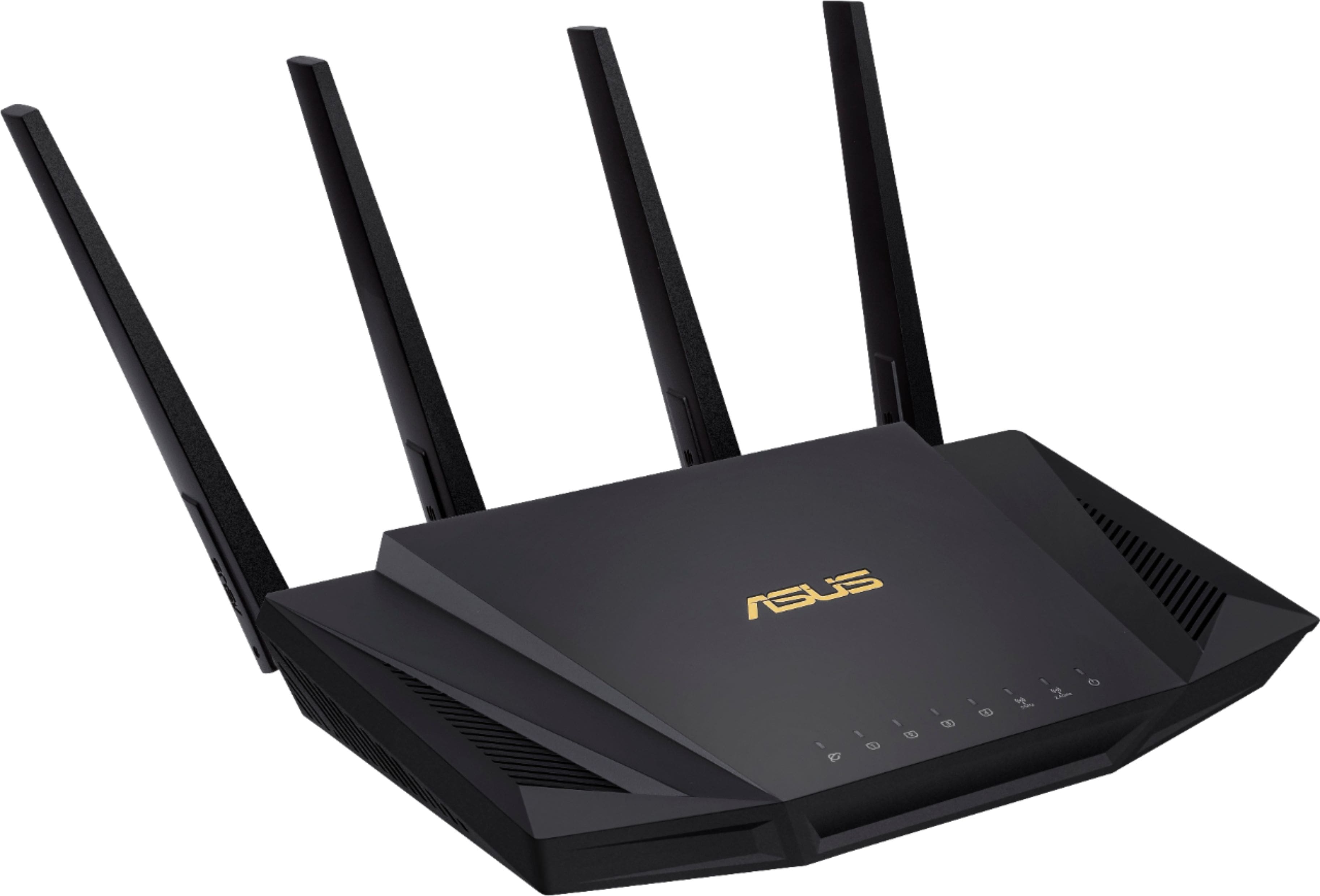
I have been experiencing lots of problems with intermittent connections and overall reliability with my RT-AX58U. I have already returned one for an exchange, due to complete failure of the ethernet ports. I may have to return the one I have now and choose another model if it keeps up.
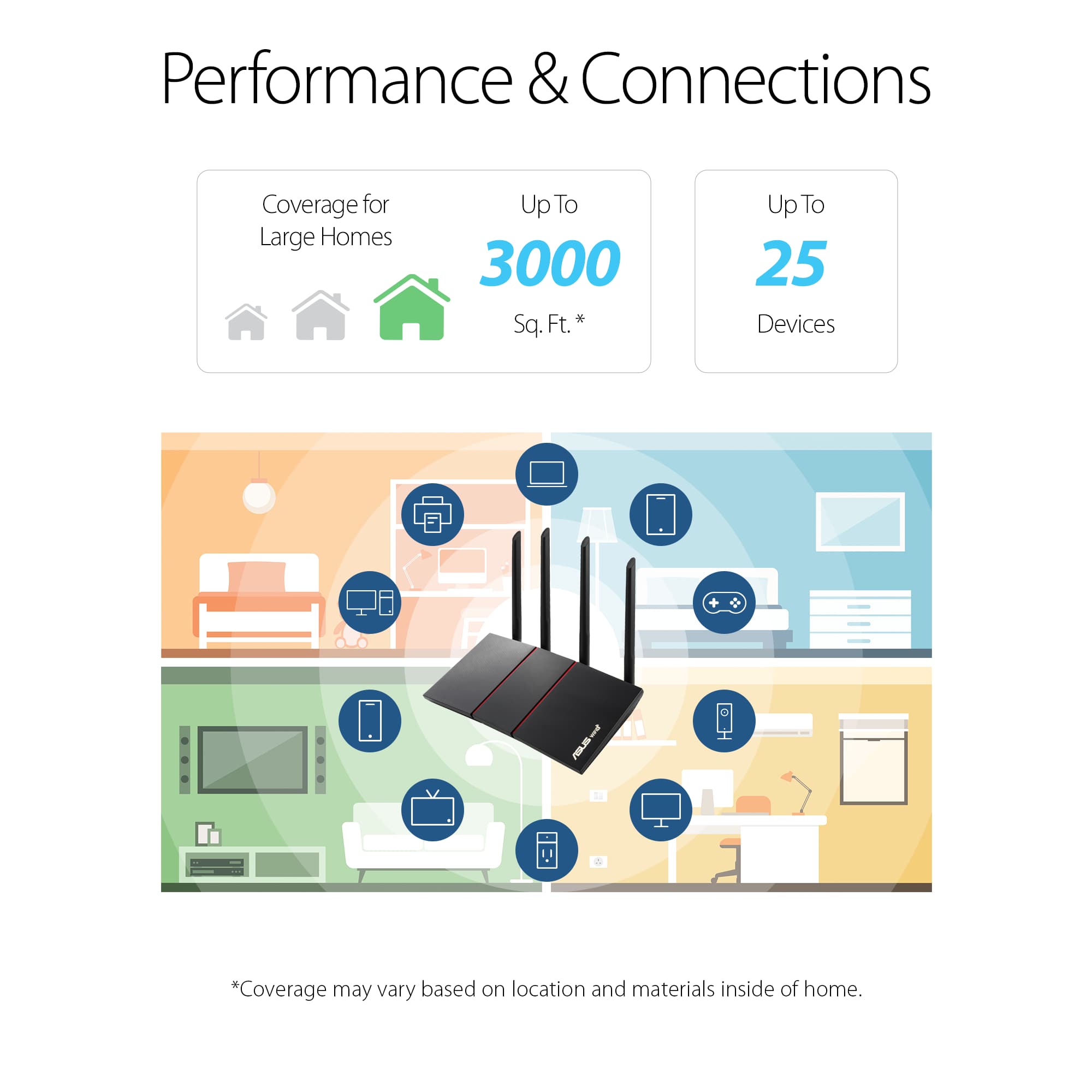
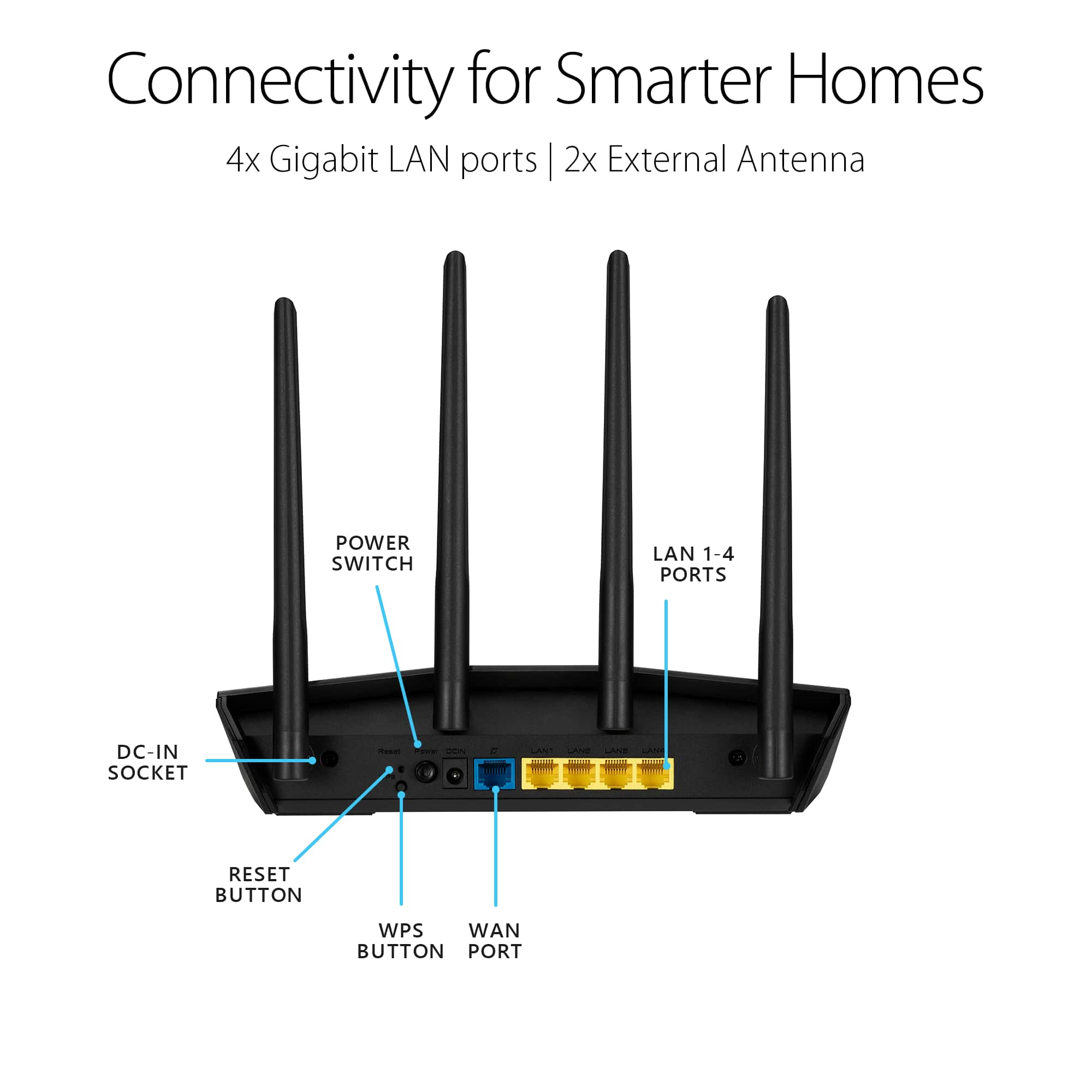
A:AnswerThe answer to your questions are yes and yes. This is a 6th gen wi-fi router and depending on the number of devices you have running off of wi-fi may or may not be overkill for your network right now. The LAN ports are Gigabit and will easily handle 1000 mb/s. The WLAN has a total max throughput of 3000 mb/s which is split between the 2.4 and 5 GHz bands (most on the 5 GHz band). I pay for 400 mb/s from Spectrum and I usually get 420 - 480 mb/s anywhere inside my 1900 sq ft home on the 5GHz band. Another benefit of newer ASUS routers is that most support mesh network mode. This means you could combine any other ASUS router that supports AI mesh and create a mesh network environment. This is helpful in larger homes or homes with many solid structures in their design such as brick, concrete, steel, etc...
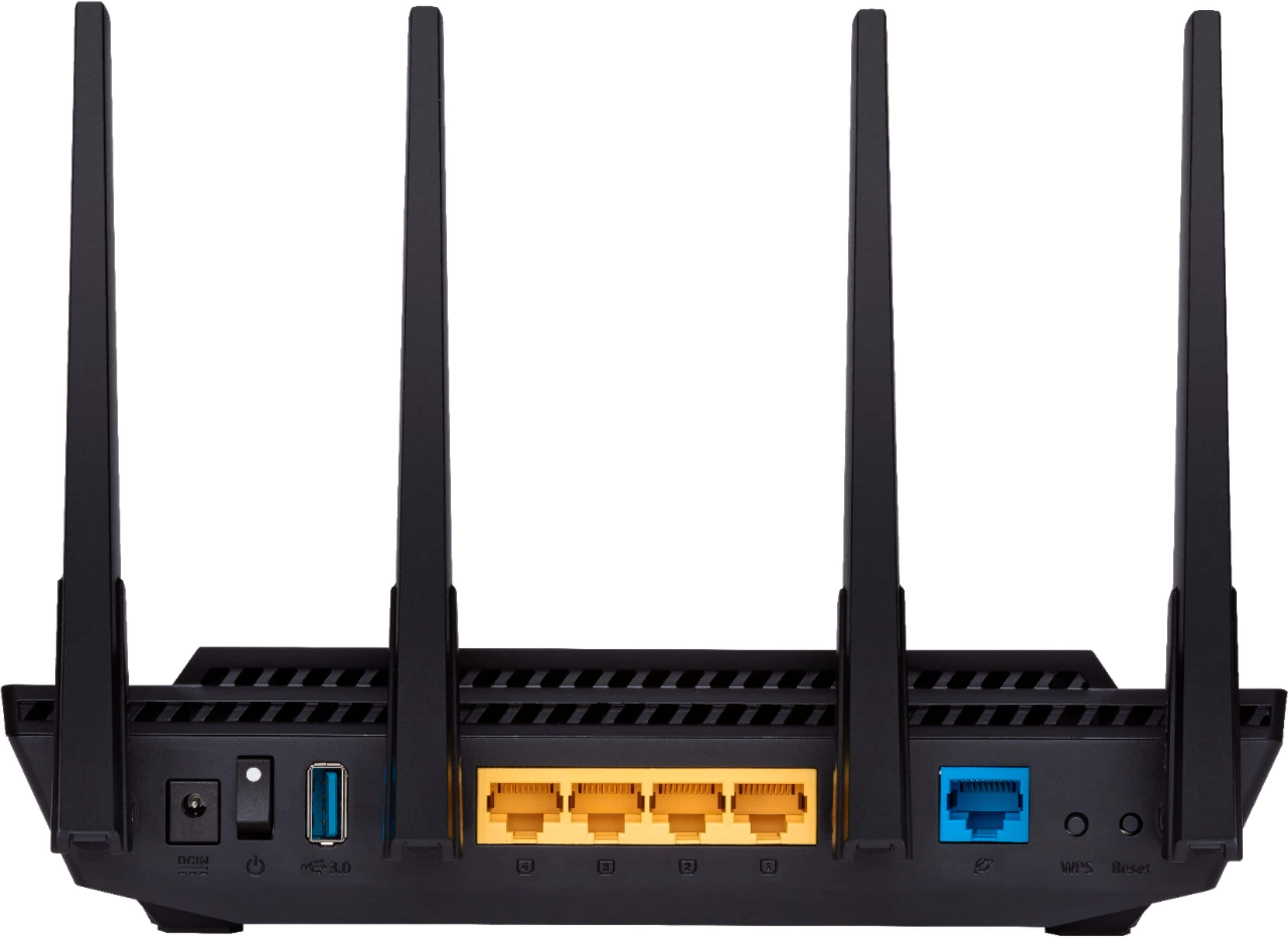
As for running server storage, I don't have it set up on my network as I generally just stream most content. There is a usb 3.0 port on the router and a lot of server/network storage options in the router interface. I am 99% sure it would be easy to set up a NAS and or media server with this router.
I chose this router after having some network disconnection problems with both Linksys and TP Link routers that I tried. I have since traced the disconnection issues to my ISP modem and simply having the ISP (Spectrum) send me an automated reset signal (as opposed to the tried and true power cycle) seems to have solved the issue. I'm keeping the ASUS AX3000 for 3 reasons over the other brands. The ASUS router software interface is just better and the firmware support lasts longer, the ability to create a mesh network if I so desire, and wi-fi 6 multi-device capabilities (I have a lot of IoT devices). That said I did have to do some tweaking of the network settings because some of the wifi 6 settings were not playing nice with my some of my older devices. Agile Multi-banding and Protected Management Frames were causing compatibility issues (aslo IGMP snooping to a lesser extent). My final point is this is a solid router and a great solution for my needs (and probably yours as well). There are more changes coming down the road in consumer wifi devices and routers but I expect to get 3-5 years or more out of this router which gives it top marks for value at this time.
A:AnswerYes! Gaming does not require a ton of networking resources. Not nearly as much as some gamers think. Depending on your network environment AX routers (wifi 6) are great for gaming, especially if you are using wifi and you have other streaming devices on your network. This ASUS AX300 also has QOS setting that would allow you to prioritize you gaming set-up on the network. The best thing for gaming is to have low latency. Using a Ethernet cable is best for gaming devices. If you can't do that hopefully you live close to your ISP host servers because not even a $400 "gaming router" is going to reduce you wireless latency more than a couple of milliseconds.
If you love alone and you don't have a ton of IoT devices you don't really need a wifi 6 router but I would still suggest using an Ethernet cable for gaming.
A:AnswerNot so much in wireless throughput. It depends on what you are getting from you ISP. Under 500 mb/s it would make no difference. If you are paying for 1000 mb/s (Gigabit speed) it may get you closer to your top end speed but where you're going to get a big improvement with a wifi 6 (AX) router is in multi device streaming. If you have a lot of devices on your network streaming content at the same time or simply just a lot of devices in general (IoT bulbs, thermostats, sensors, cams etc...) wifi 6 is the way to go. If not it may not be worth the upgrade yet. There are more changes coming soon in consumer wifi devices and routers.
A:AnswerThis router provides both 5GHz and 2.4 GHz WiFi
networks. You can turn only one of them on or default is both freq ranges available. You can set separate passwords for 5 and 2.4 networks. Spectrum just provides the WAN input connection to the internet. They only limit your total data speed - doesn't matter which band you are connecting to the router WiFi with.
A:AnswerThere is an app you can download called ASUS Router and a website you can log into, asusrouter.com, that allows you to adjust the settings on this router. You can turn on 2.4GHz speed and 5GHz speed. I have my smart plugs, cameras, and Amazon devices on the 2.4 GHz and phones, tablets, and laptops on 5 GHz spectrum.
A:AnswerThe router comes a AI Protection Pro with a WPA3 network security that enables a more robust authentication, and a strong and highly-enhanced delivery of cyryptographic sensitive data.
A:AnswerYes, parental control can be enabled and it is capable to block adult websites, configure DNS settings and enable/disable VPN access inside advance settings.
A:AnswerDont know the limit of connections. That being said, each device will have to detect the network/router and then sign in with the password for the network.