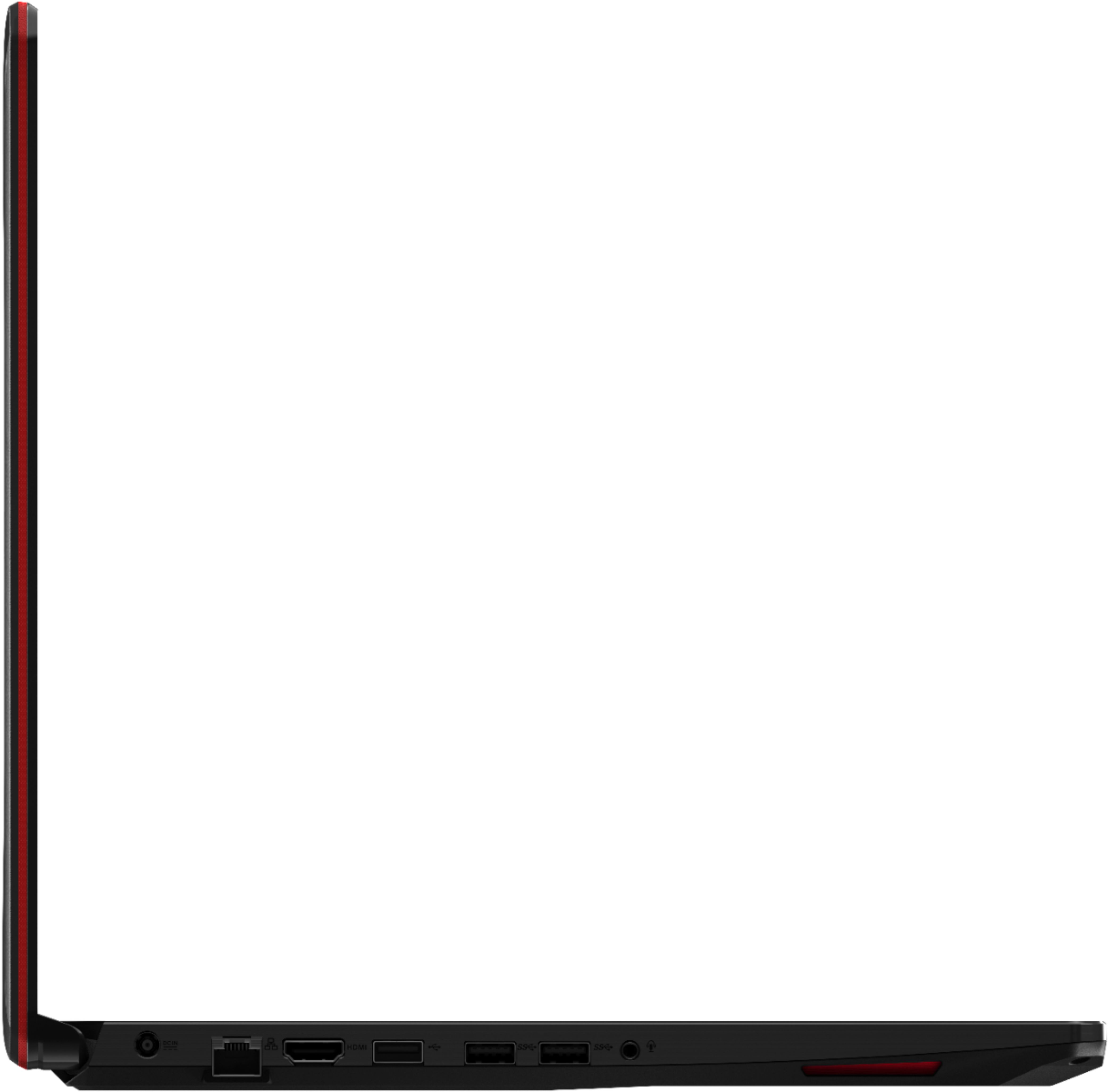
A:AnswerFirst of all, according to the article linked below, your monitor and the laptop must both support 144Hz over HDMI (so they should have HDMI 1.3, according to the same source). According to what I've read on Asus' webpage, the laptop supports HDMI 2.0, so the laptop is definitely capable of transmitting 144Hz 1080p on HDMI.
If you were referring whether the hardware of the laptop can actually sustain 144FPS in games, then that is game-dependent, so I'd recommend you check some reviews (mainly for the video card, keeping in mind it's the 3GB laptop version!).
Article: http://www.tomshardware.co.uk/forum/id-3525174/hdmi-run-144hz.html
Asus webpage for the laptop: https://www.asus.com/us/Laptops/ASUS-TUF-Gaming-FX705/specifications/
A:AnswerI have experienced the same.. pretty bad too.. I took it to Best buy and they said nothing was wrong... But it's very noticable.. So best buy was no help at all.. the touchpad seems very clicky too.. like there's something wrong with it.. they said it was typical of a gaming laptop.. so again, no help from Best buy.
A:AnswerIt definitely has the minimum. Actually, it has quite a bit above them! The CPU is definitely good enough (minimum is an i3/i5/i7/AMD with 2 or more cores, this has 6 and 12 threads and the frequency can jump up to 3.9GHz on all cores / 4.1GHz on a single core, so we could say the CPU also meets the recommended spec) , the laptop has 16GB (recommended spec), the video card has 3GB of RAM (minimum 512MB, recommended 4GB).
Source for requirements:
https://www.systemrequirementslab.com/cyri/requirements/x-plane-11/15381
A:AnswerDid you install the drivers for your actual graphics card? If not then you are using the built in card on the motherboard which is basically enough to get the pc to run.
A:AnswerI would definitely choose FX705 for the following reasons:
1. FX705 has 17” screen, Y7000 has 15”
2.FX705 has 512GB SSD while depends on Y7000 configuration, it has max 256GB SSD. I would not care normal HD because it is so cheap to add additional one
Y7000 is better on graphic card GTX 1060 6GB I’ve FX705’s 3GB, but 3GB card is sufficient for my personal use. It is difficult to get everything you want.
A:AnswerNow I don't own an Occulus Rift myself yet, but I checked for that when I bought my ASUS. It has a 1060 card in it so it should be able to easily work with O Rifts. At least that's what the stats say.
A:AnswerI think you meant ASUS... Anyhow, The ASUS FX705GM hands down.
Graphics Card: Asus FX 705 has GTX 1060 where as GL703 has 1050ti. This is huge!!! GTX 1060 has about 30% better performance.
Storage: Asus FX 705 has 500GB SSD where as GL703 has 128GB SSD and 1TB HHD. 500GB SSD is sufficient if he doesn't download a lot of videos or tons of games. After having SSD, HD just feels so slow... I only use HD to storage pictures, and videos. All my games are stored on SSD. He can always watch a few Youtube videos and learn how to add more SSD himself. Once again 500GB is pretty sufficient. For example Fortnite is only 10GB for PC.
The only win for GL703GE is probably the cooler keyboard with either zone back light or individual back light that I'm not sure which. Which to me it's a novelty and will not effect on gaming performance. Oh yeah... The GL 703GE to some might consider to have a better build quality since it probably has more alumni on the case instead of rigged plastic but to me it's more a personal preference.
Once again between the two the 705GM is a no brainier. However, if your son plays a lot of FPS. You might want to look into a laptop with 120hz monitor or higher. Since both Asus monitor you mentioned are 60hz only.
A:AnswerIf you mean RAM memory, it already has 16gb, so you really should need any more. If you mean hard drive storage, it already has a 512GB storage, and most people will be fine with this. Note that if you do want to increase its easy to do with any 2.5 SSD as the slot is open and the computer comes with the screws necessary to fasten it in.