A:AnswerI use my Asus in a 4000' Building divided into offices and I am in the opposite corner from the router and it works fine. But, if you have a old wireless keyboard or mouse the adapter that came with it will work. Any USB to USB extension cord will work for the added range. I hope this helps!
A:AnswerThere is an Android app titled PDANet with an associated Windows client. It supports both wireless and tethered (USB cable). It allows you to use your phone as a hotspot without enabling said feature with your provider. My carrier is Sprint and they have never restricted or throttled back my data when using PDA Net. If I recall correctly, it's less than ten bucks. Easy to setup also.
A:AnswerI would not know this set is not a smart TV so I'm not sure of the application, but you can contact Panasonic at http://shop.panasonic.com/support I'm sure they can help you!
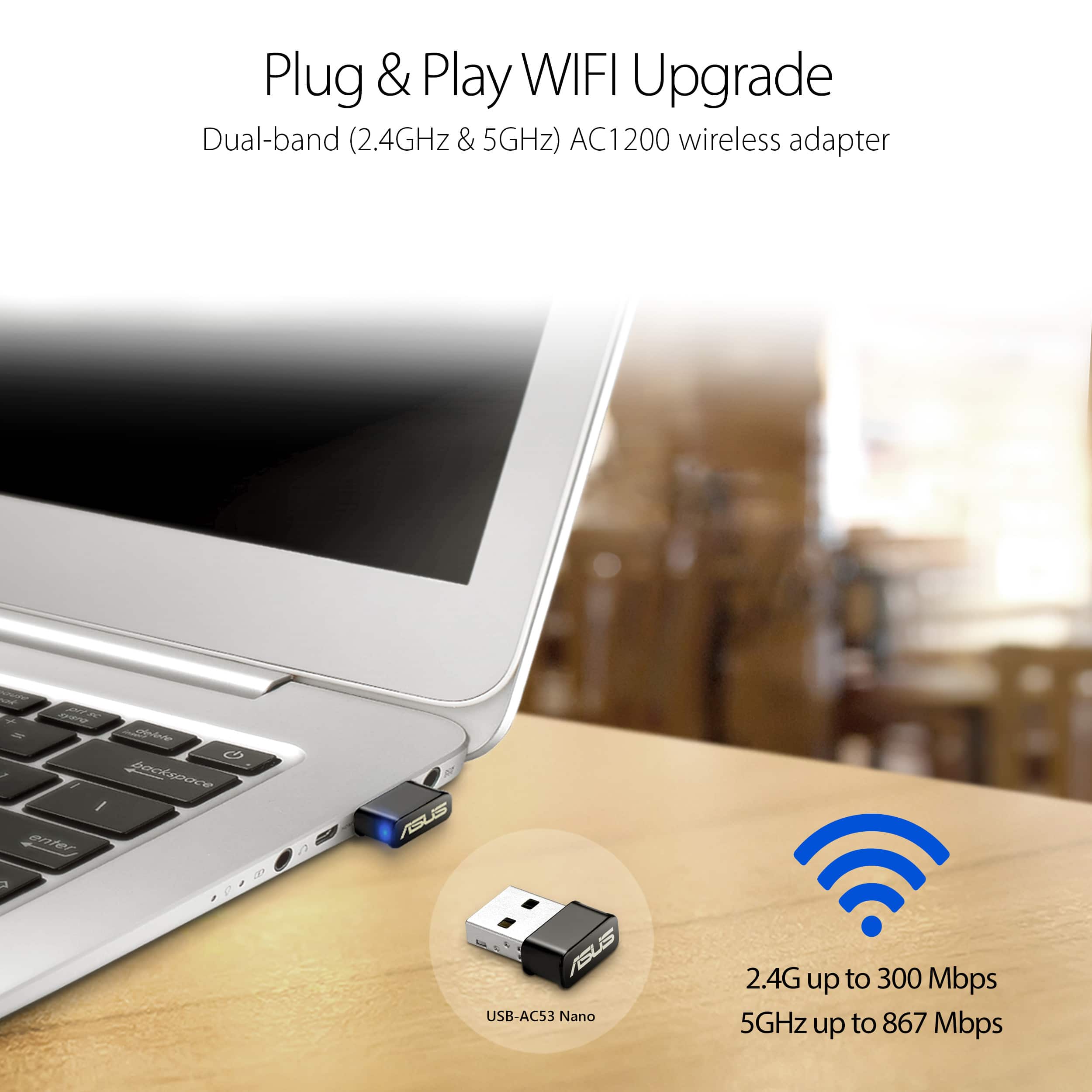
A:AnswerThe Geek Sqaud member that recommended it plugged it in and it worked. There was no CD needed to install the product. I think it was plug and play.
A:AnswerYes, it does, though if you have one of the newer Mac notebooks with the USB 3 "type C" ports, you'll need an adapter. If you have a standard USB port, it'll fit.
A:AnswerHi! Yes it will. Plug it into your USB and wait for Windows to load the driver and you should be ready to go. Click on your internet icon in the task bar and it should pull up all the WiFi networks available to you.