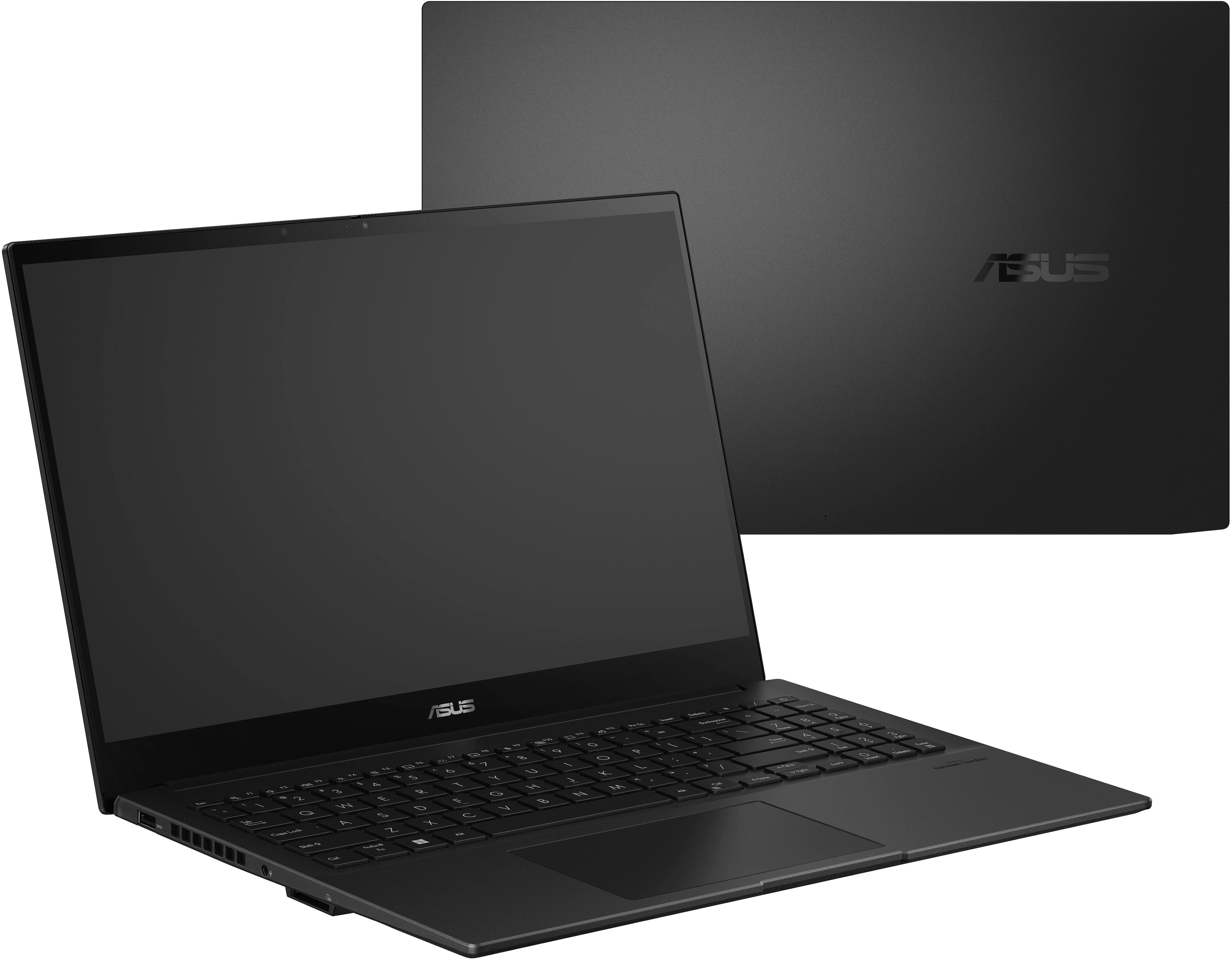
A:Answer Unfortunately, it doesn't. However, you can set your keyboard via Windows.
Select the Start > Settings > Time & language > Language & region. Select the language that has the keyboard you want, then select Options. Select Add a keyboard and choose the keyboard you want to add. If you don't see the keyboard you want, you may have to add a new language to get additional options.