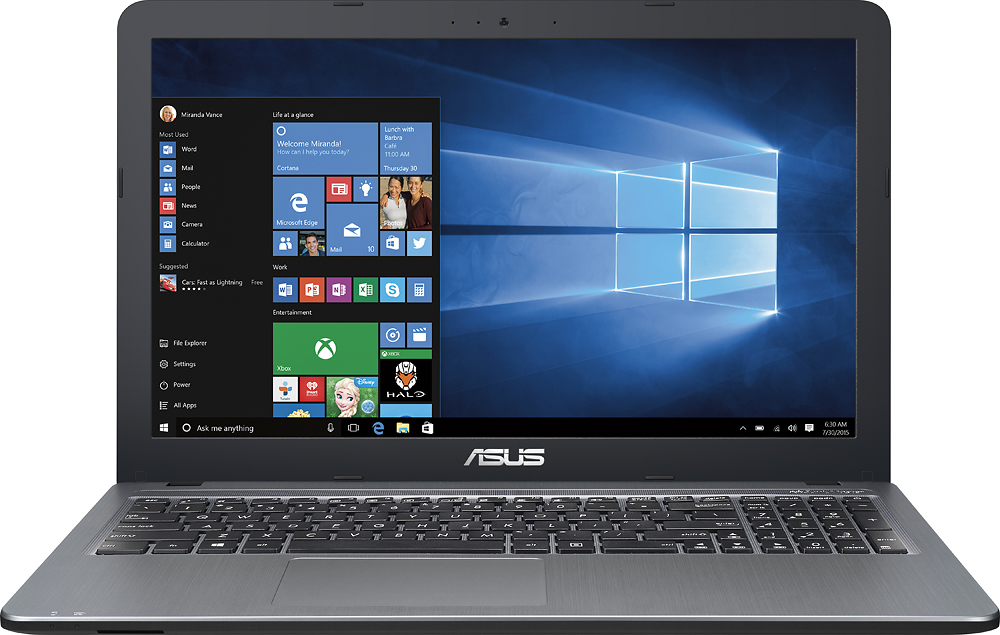
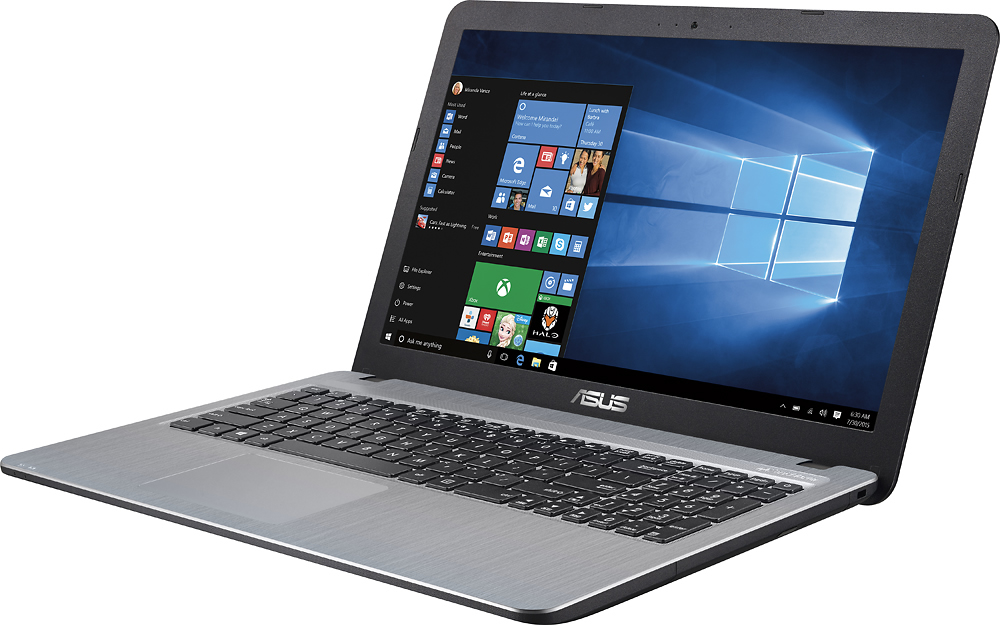
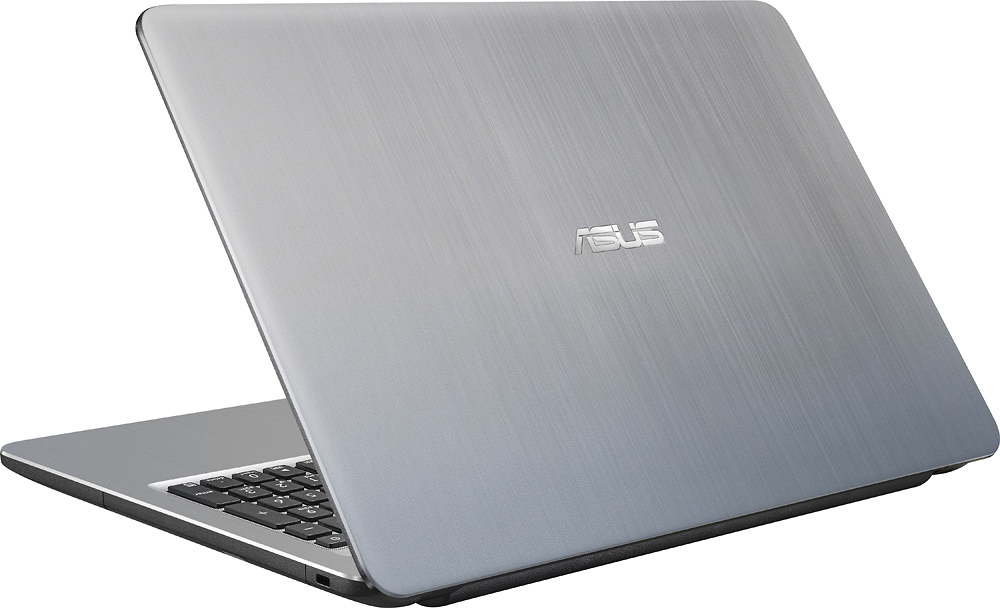
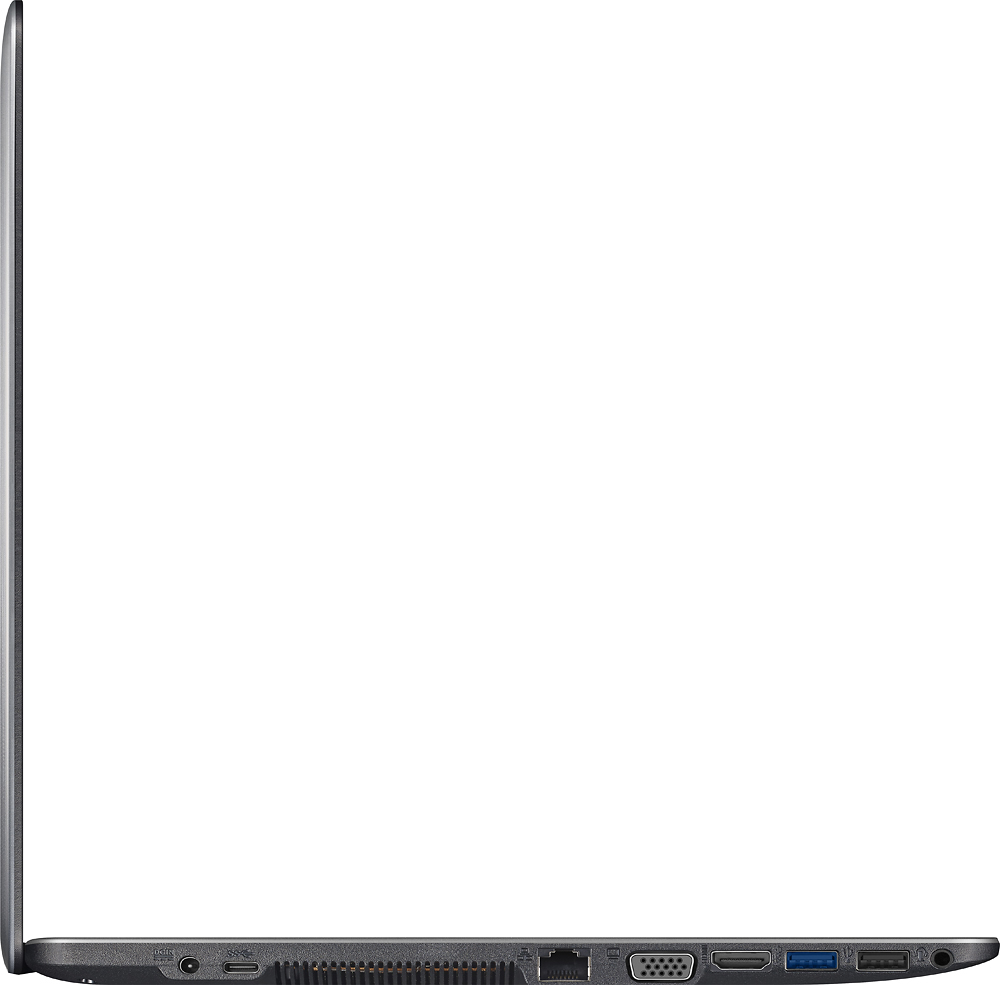
A:Answer I can't see why not. I have plugged my USB 3.0 External Hard Drive into the USB 3.0 port on this system and have been enjoying my videos and music with absolutely no lag time. Just be sure to plug your external drive into the USB 3.0 port and not the USB 2.0 port. Of course, you can only take advantage of the increased transfer speed of a 3.0 port if your hard drive is also 3.0. If it isn't, it should still work fine, but with the price of external drives dropping so low, I certainly would invest in a 3.0 drive. Besides, as a DJ, you can cover the cost of the new 3.0 hard drive purchase with a fraction of your fees for an event (and get the tax write-off as well).