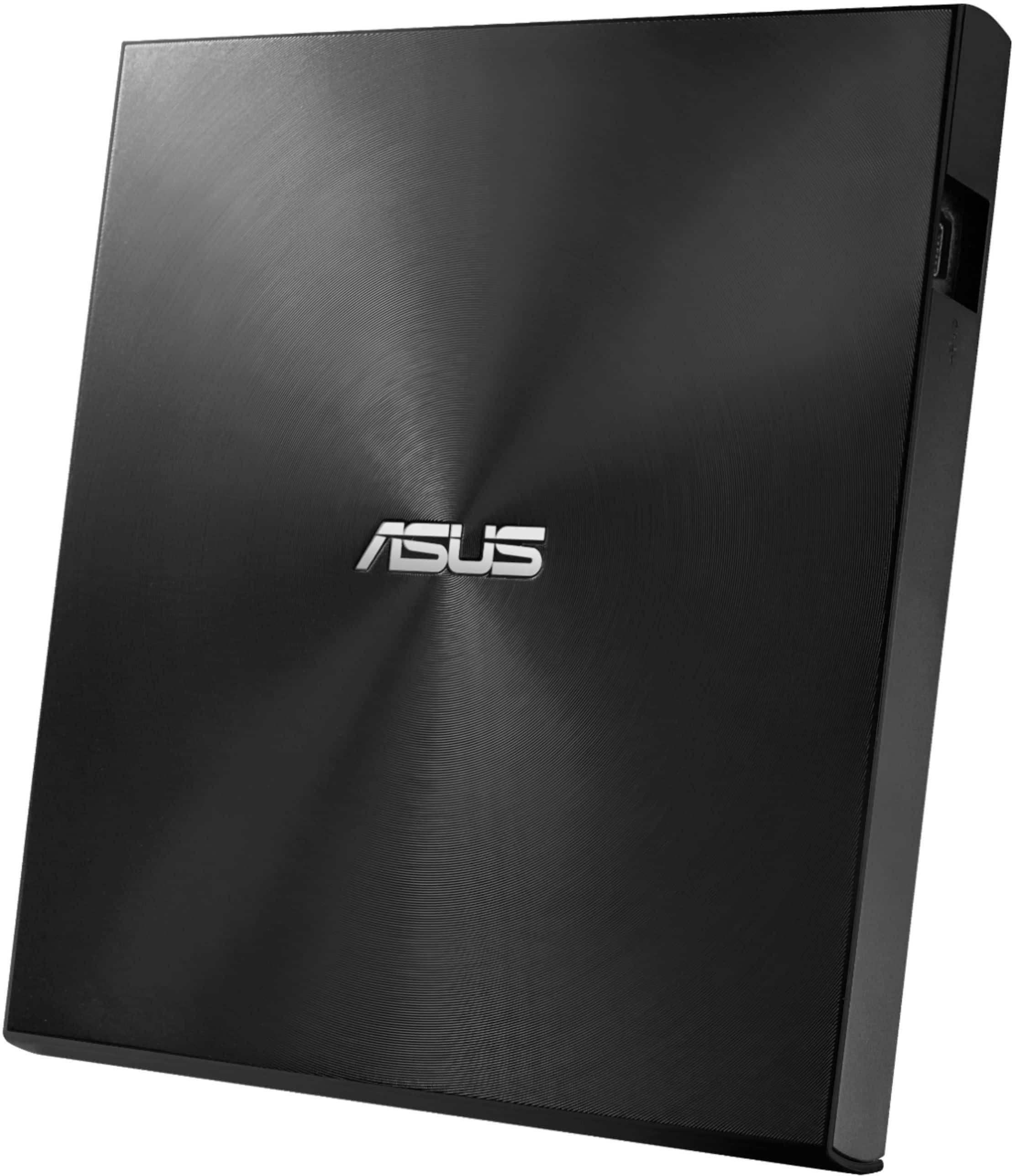
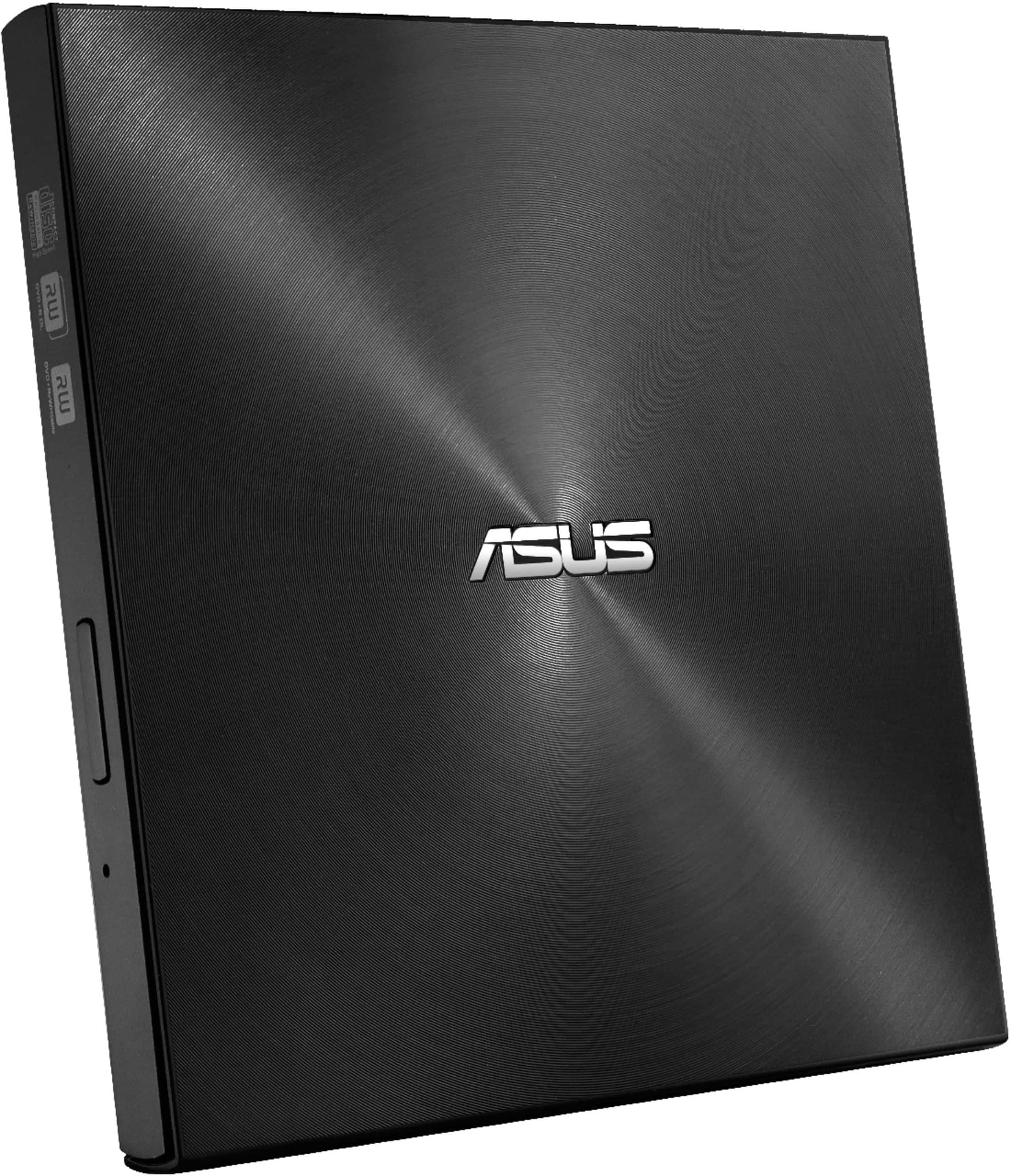
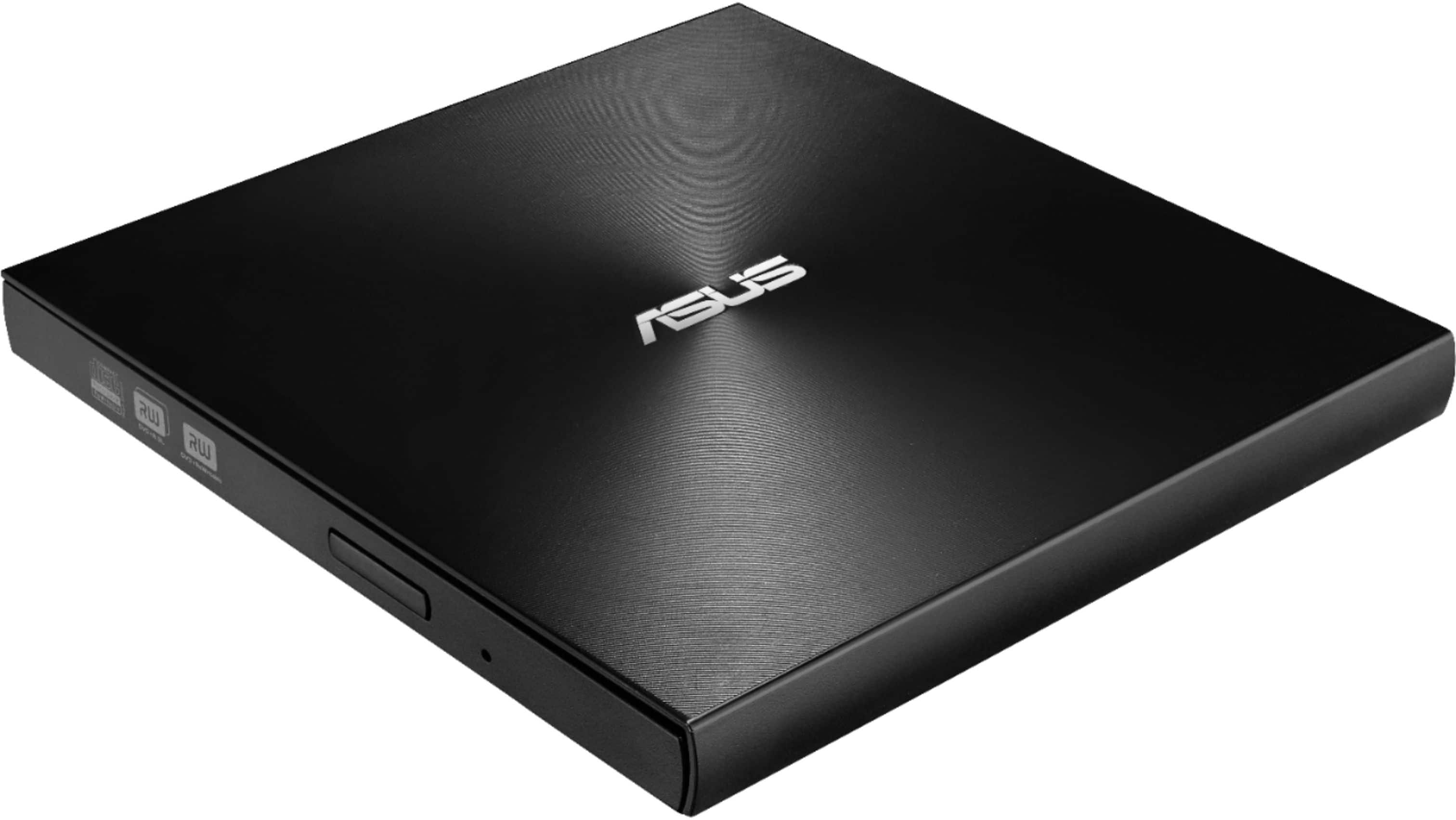
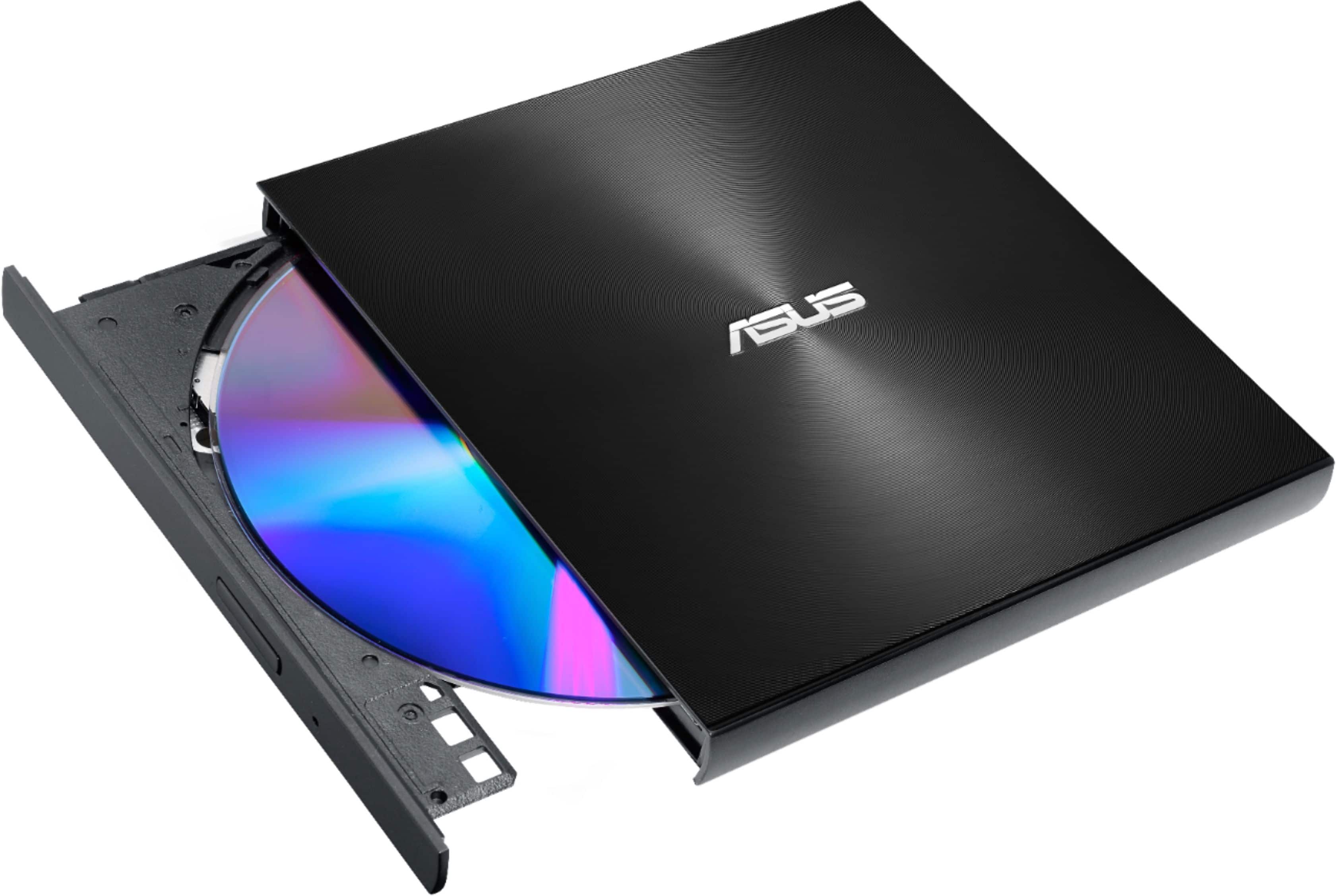
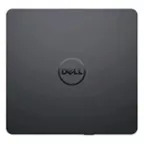
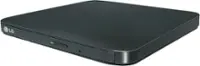
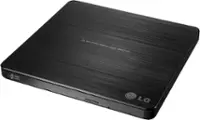
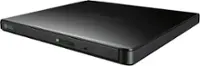
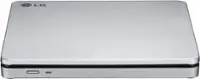
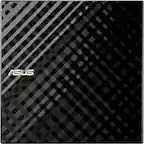
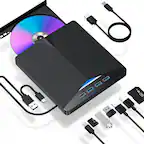
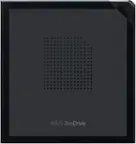
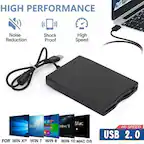
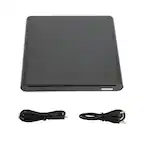
A:AnswerThe ASUS external drive is a DVD/CD burner, so it does the same thing your internal CD burner did. It has no internal storage. It just reads and writes DVD and CD media.
A:AnswerYes, It works. You do not need to use an app from Microsoft store. More over, the software included worked perfect. You do not need to use any other application. It work perfect, is a good product to make cd or Dvd. I am Pleased with it.
A:AnswerYes, this optical disc drive is compatible with most Chromebooks, as it connects via USB-C or USB-A and can read data from discs. However, Chromebooks cannot use the drive for writing data to discs or playing commercial DVD movies, and can only read data discs containing files like MP3s or images.
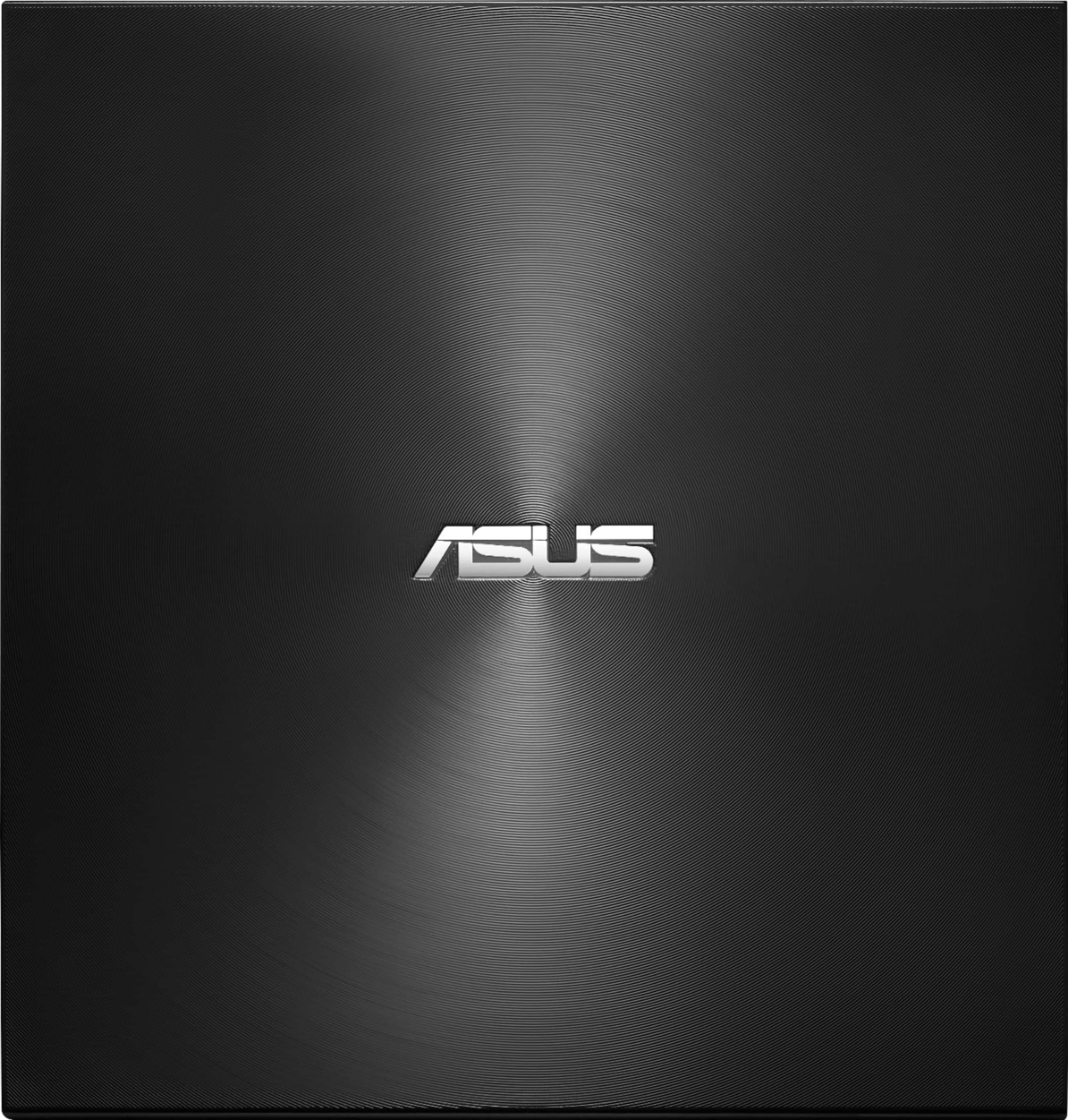
A:AnswerThe ASUS ZenDrive 8x Max is officially compatible with Windows and macOS, but Linux support is not guaranteed. Some Linux systems may recognize it, but extra software might be needed.
https://www.asus.com/motherboards-components/optical-drives/external-dvd-drive/zendrive-u9m-sdrw-08u9m-u/techspec/
A:AnswerThe ASUS ZenDrive U9M (SDRW-08U9M-U) is compatible with the Apple M2 Mac Mini. The drive connects via USB-C or USB-A, both of which are supported by the Mac Mini. However, for the best experience, ensure your macOS is up to date to prevent any recognition issues.
A:AnswerYes, this SDRW-08U9M-U optical disc drive is fully compatible with Windows 11. It operates as a plug-and-play device, meaning you won't need to manually install additional drivers for basic reading and writing functions.
A:AnswerYes, the ASUS SDRW-08U9M-U works natively as a plug-and-play device on a Mac Mini for basic functions like reading or writing data and playing music. It is fully supported by macOS and does not require you to download any additional drivers.