A:AnswerYes. It should be able to do that. So long as the image files are compatible with your laptop - which in this day and age I can't think of why they wouldn't be.
A:Answer1. Music from CDs to Computer - Yes. You should be able to do that.
2. Can you play a Blu-Ray DVD? No. It is not a Blu-Ray player. Standard DVD only.
3. Yes to DVD. No to Blu-Ray. You would need appropriate software like to burn the DVD to your computer like Handbrake.
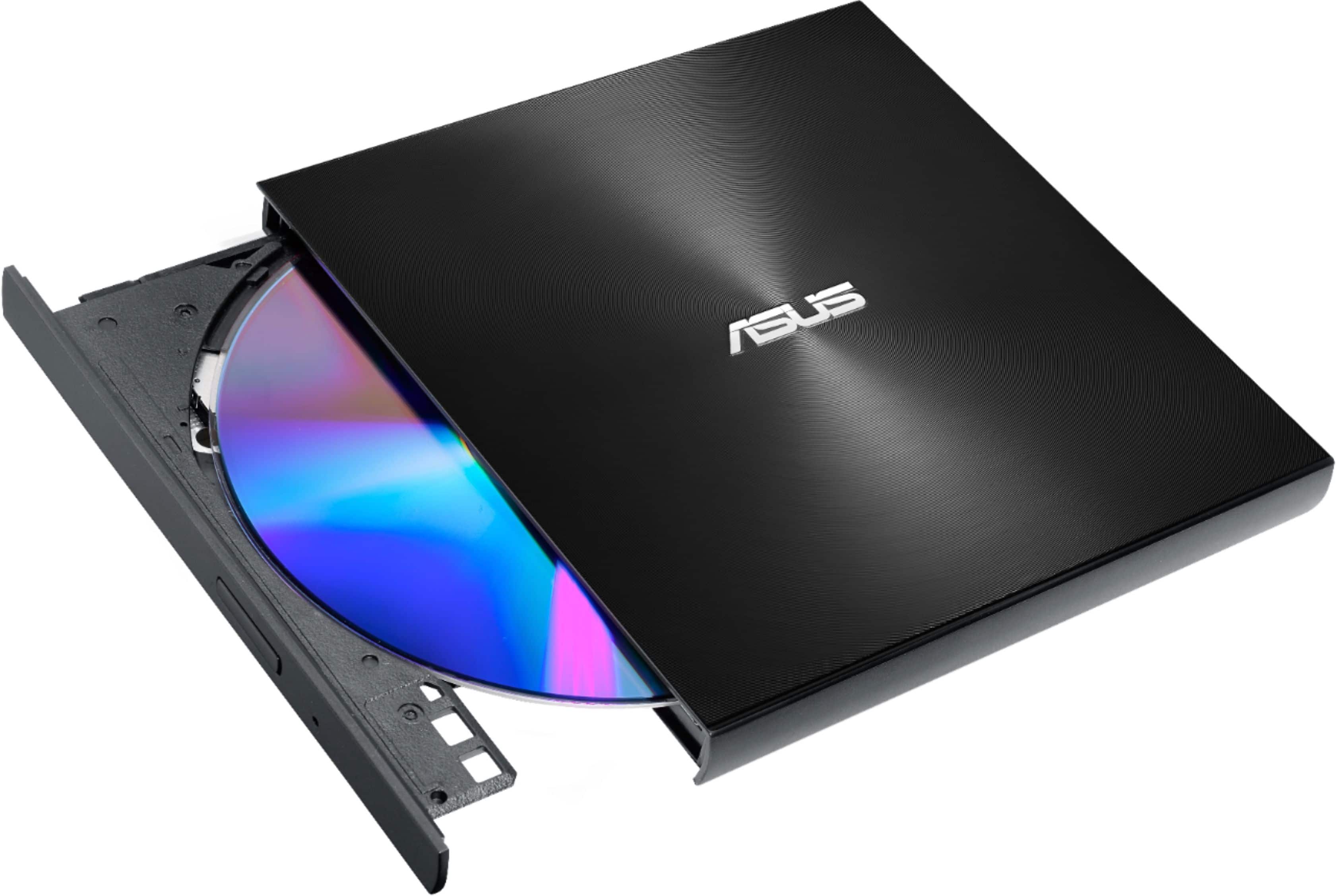
A:AnswerThe ASUS SDRW-08U9M-U external DVD writer will work with a Chromebook. It supports both USB Type-C and Type-A interfaces, which are common on Chromebooks.
A:AnswerThe ASUS ZenDrive U9M (SDRW-08U9M-U) does come with bundled software that simplifies the DVD-burning process. It includes CyberLink Power2Go 8 and CyberLink PowerBackup 2.6 for Windows OS. These programs allow you to easily burn video files and other data to DVDs.
A:AnswerYes I have a 2014 17 inch MacBook Pro and it works on there but needs both usb ports. The drive is slower as it doesn’t support USB 3 standard and it’s running and old Mac OS.