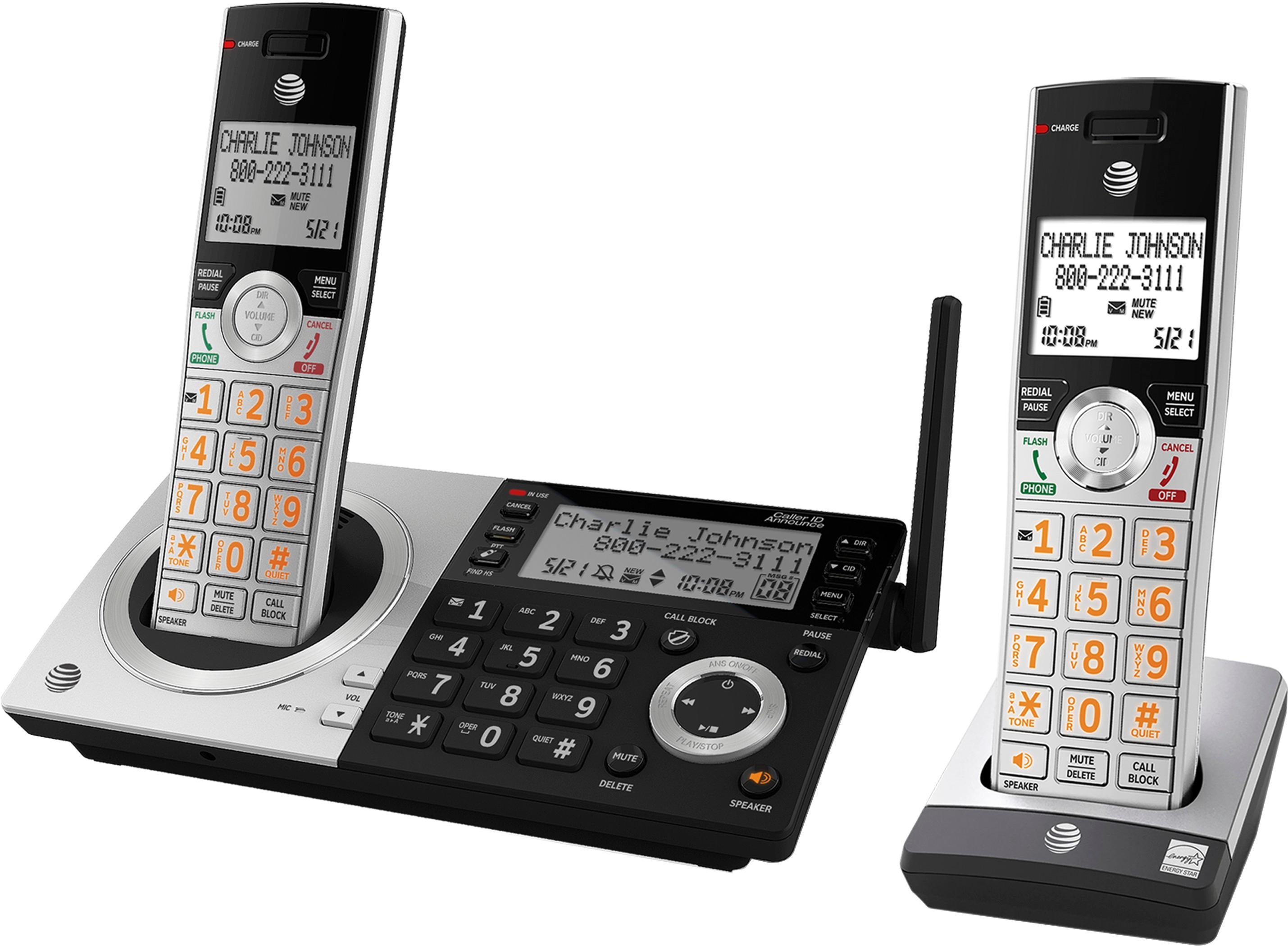
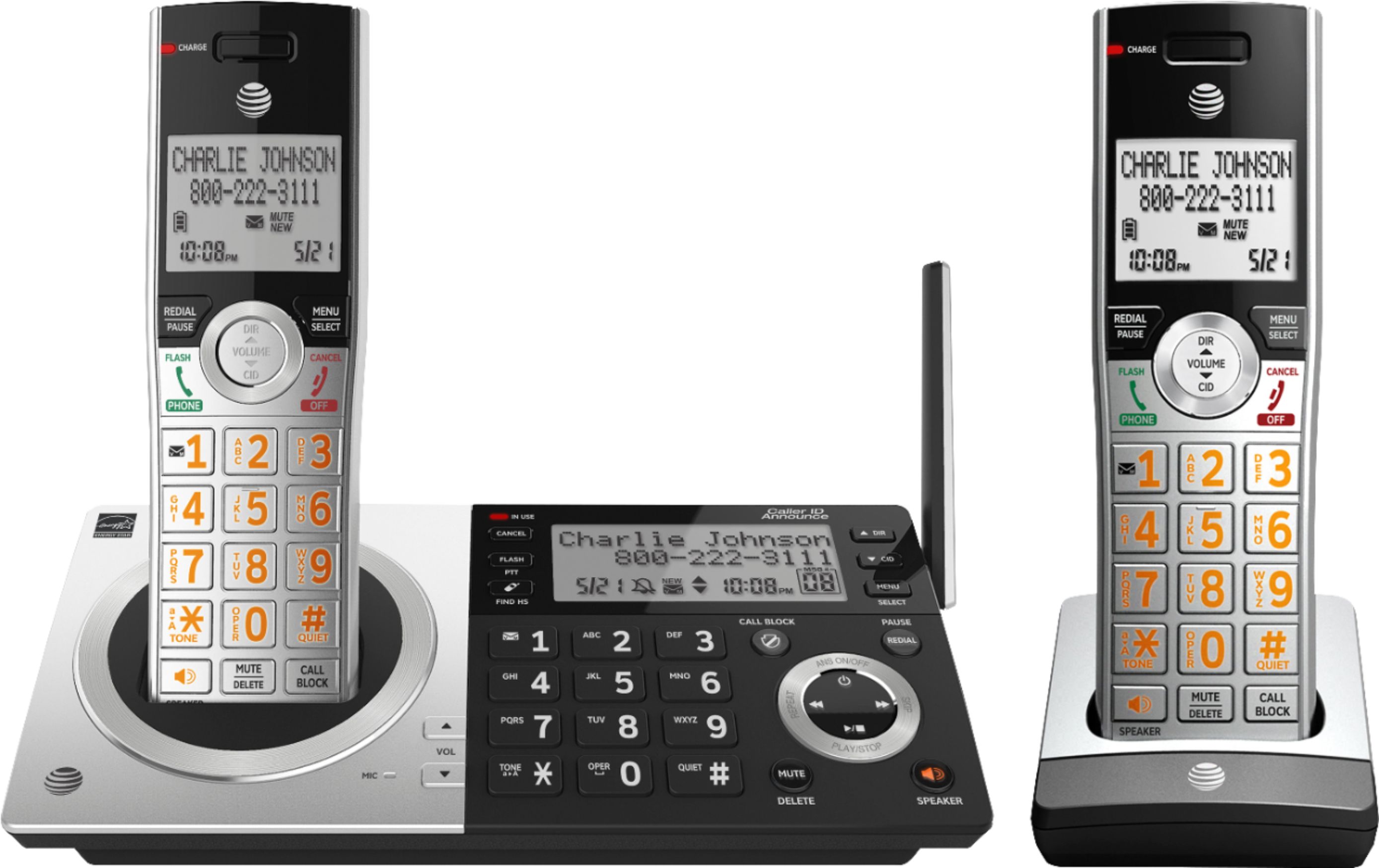
A:Answer At the bottom of your hand set are three buttons. The Center one is labeled Mute/Delete.
Retrieve the message you want to erase. When it finishes playing, push the Delete button. The phone will make a beep and the message is gone.
If you need to erase the Caller ID too; about the center of the handset is a big center button just below the screen, push it on it's left side. That brings up the CID screens. Scroll through the phone numbers until you get to the one you want to remove. Then push the Delete key.