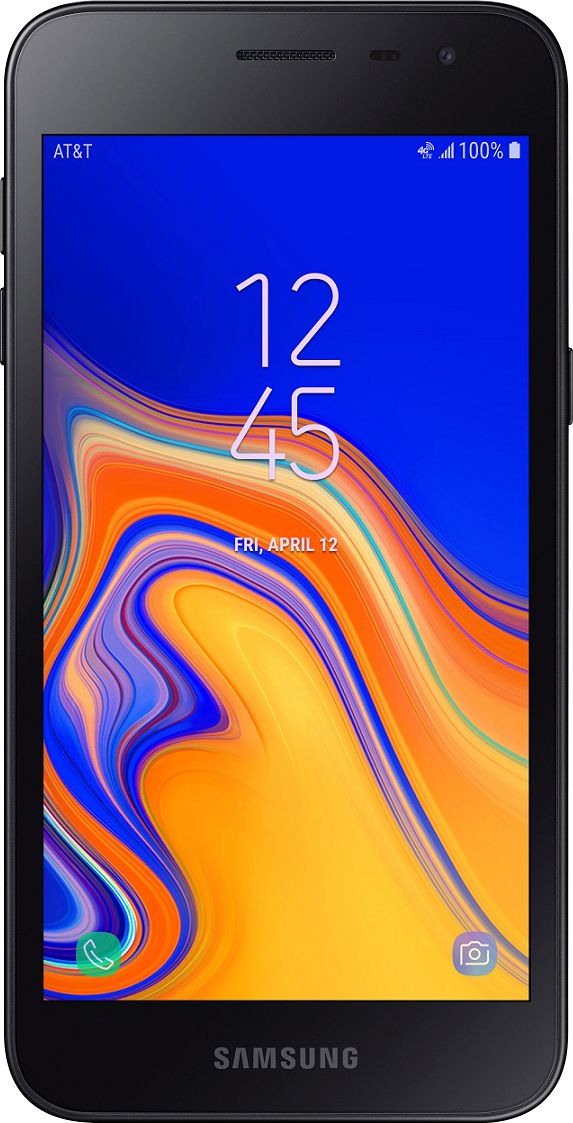
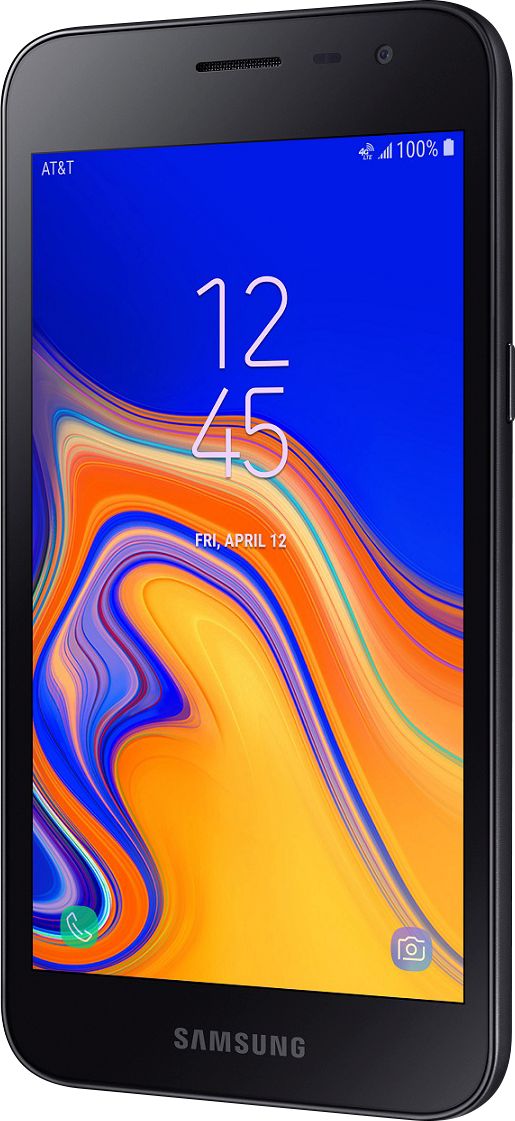
A:Answer Make sure your Auto rotation is set to the on position, to do this goin to your notification by sliding down on your screen from top to bottom, and it should be highlighted to signify that it is on. Ready for you take your video make sure to do the first step and after oh, you want to rotate your screen by rotating your phone 90 degrees to either the right or left, and you screenshot automatically rotate your screen. This isn't easy way to get a video in a wider screen display.