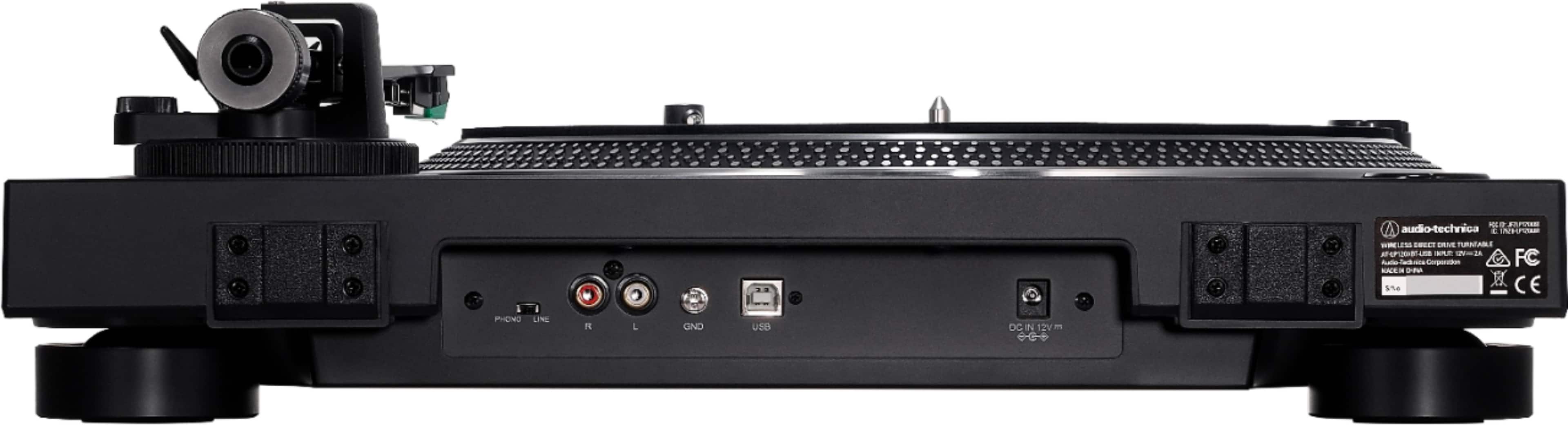
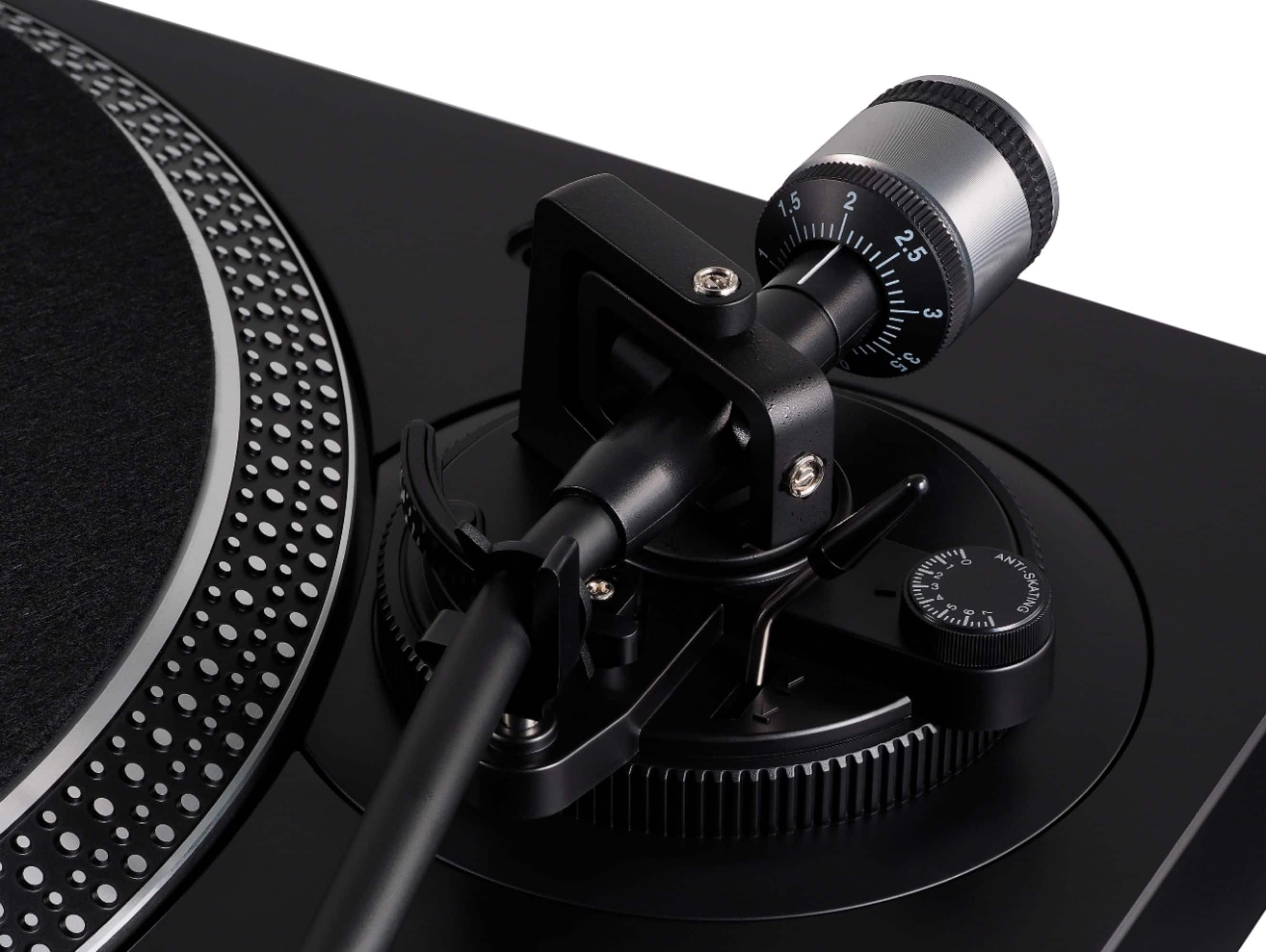
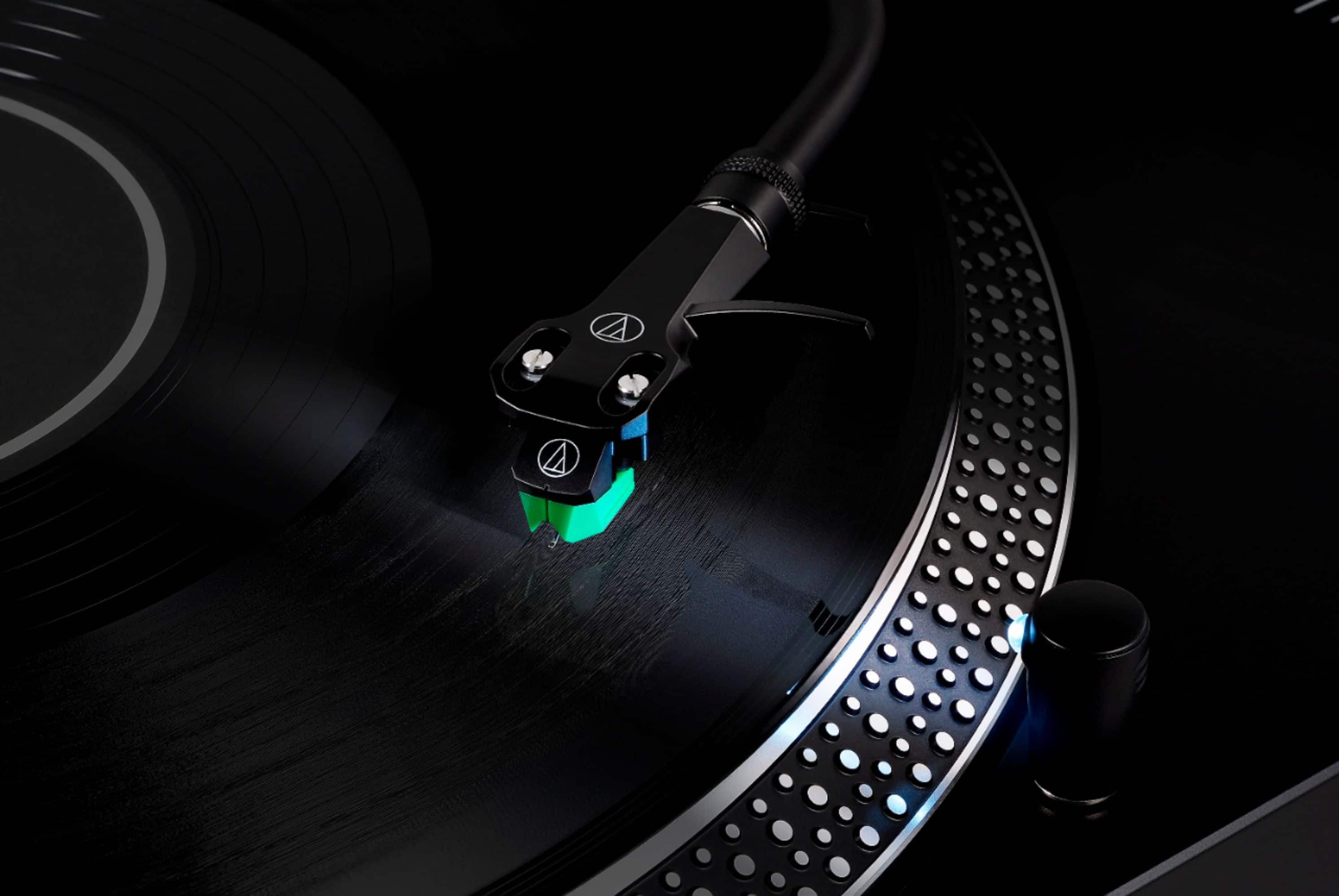
A:AnswerThe AT-LP120XBT-USB-BK Turntable may be connected via a wire to the 3.5 mm AUX input jack on the rear of the Polk Signa S2 Sound Bar. You will need either an adapter cable which has dual RCA female jacks on one end and a single 3.5 mm male stereo mini-plug on the other end to add to the supplied cable, OR an entirely different cable which has dual RCA male plugs on one end and a single 3.5 mm male stereo mini-plug on the other end in order to make the connection. Make certain that you turn the phono preamplifier inside the turntable ON by placing the switch on the back of the turntable in the LINE position.
A:Answeryes, you can either use RCA connectors to connect to speakers with an RCA input, or pick up a pair of bluetooth speakers. I paired my turntable with a pair of Edifier bluetooth speakers and it works fabulously.
A:AnswerWe recommend using an audio recording and editing program, such as Audacity, for digitizing and editing your records, then exporting the completed project out of Audacity and into GarageBand.
A:AnswerYou're supposed to be able to pair it with Bluetooth devises but mine hasn't paired with anything yet.
You can also download an app for free and play it on your computer but it hasn't worked for me yet.
A:AnswerYou can connect this turntable directly to speakers only if they are Active speakers. The AT-LP120XBT-USB includes a switchable pre-amp that outputs a standard LINE signal. The LINE signal needs a boost from another component to reach speaker level strength. Connect through a receiver or amplifier to power Passive speakers, or directly connect to Active speakers as the amplifier is built in.
A:AnswerThe Bluetooth function is for connecting to Bluetooth speakers. If you a Bluetooth speaker and say you want to listen to an album on the patio you connect it thru the bluetooth on the turntable. You need RCA cables for a regular stero system with rca connections on speaker boxes. Hope this clears it up.
A:AnswerYes. The AT-LP120XBT includes a switchable pre-amp. With the pre-amp ON, the turntable will output a standard LINE signal compatible with AUX or LINE In connections.
A:AnswerYes, you would need to connect headphones or powered speakers, the turntable does not have built in speakers. Yes, you just plug it into the wall, the only reason you would need to plug it into the computer is if you wanted to record albums from the turntable to the computer or something like that.