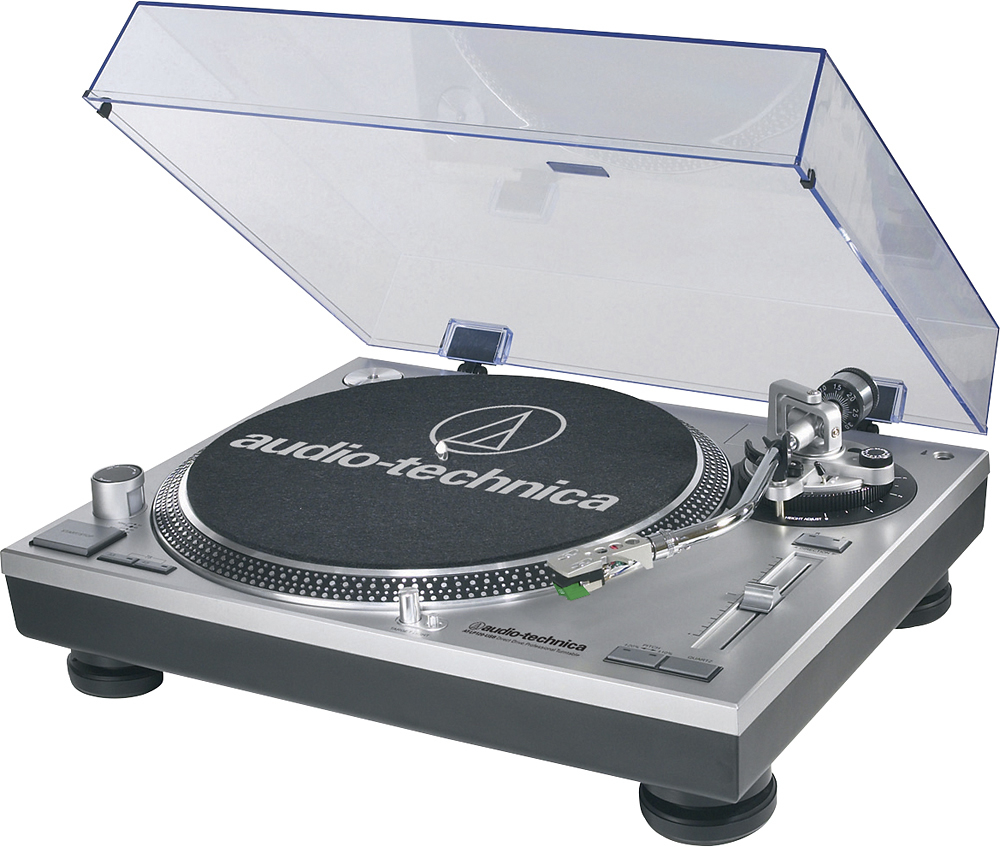
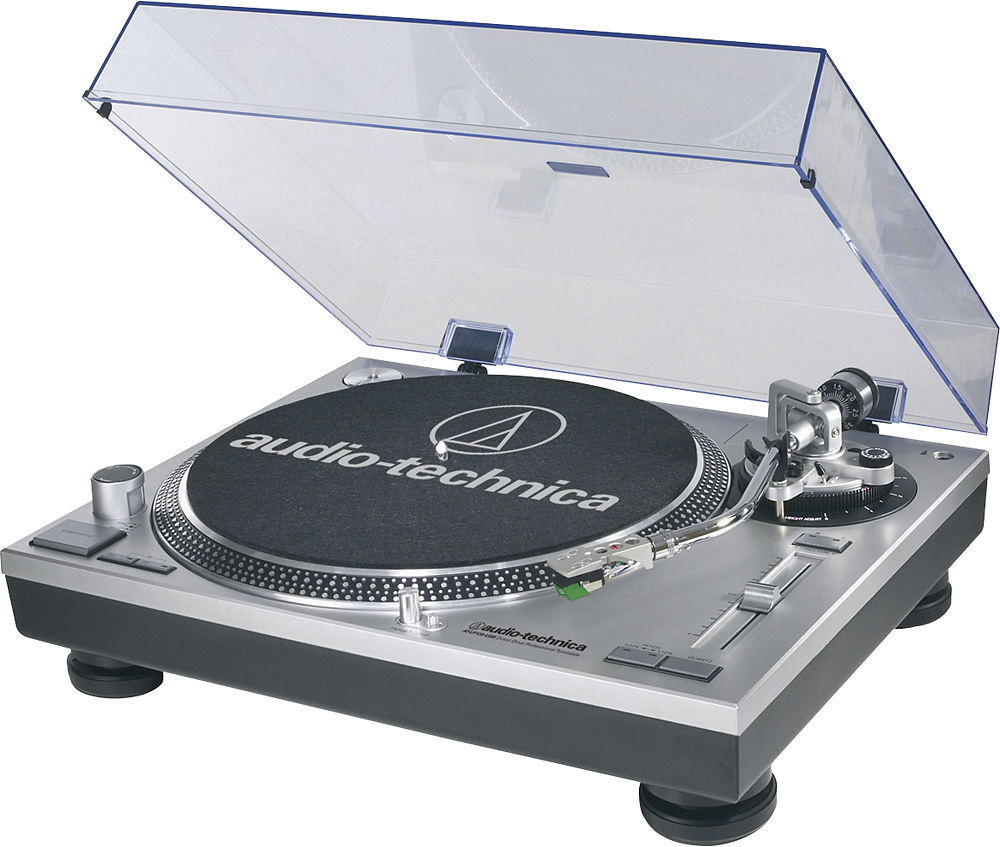
A:AnswerIt is a 3 speed turntable. It has a 33 1/3 button, and a 45 button. If you push the two buttons simultaneously the turntable will turn at 78 rpm.
A:AnswerNo, it does not have automatic return. But don’t let that stop you from owning what i consider the best turntable on the market, at this price. Other features FAR outweigh not having auto return.
A:AnswerYes, it is possible to connect the turntable to a Bluetooth transmitter and connect a Bluetooth receiver to a stereo amplifier and transmit the audio form the turntable to the amplifier wirelessly over Bluetooth.
A:AnswerWell Bob, since the Audio Technica turntable comes equip with a preamp, so there is no need for an amplifier. However, I believe your Bose Bar has as amp built in. In this case, you need to plug the supplied cable into the AUX jack of your Sound Bar.
A:AnswerLook on the back of the turntable. There is a small switch. Make sure the volume is turned down and then flip the switch to the other position,
This should fix your problem.
A:AnswerAn aftermarket 78 RPM stylus only is available from LP Gear for the provided AT95E stereo cartridge . The part number is ATN95W. You would simply change the stereo stylus out to the 78 stylus when you want to play 78's. This can be done in seconds and no tools are required.
You could also purchase an additional Headshell, the AT-HS1, and add a dedicated 78 RPM Cartridge complete with stylus to it and change out the headshell/cartridge assembly when wanting to play 78's. We make the VM670SP Cartridge for Short Play (SP) wide-groove records and the VM610MONO for Long Play (LP) microgroove records. Note that if the weight of the cartridge is different from that of the provided stereo cartridge, you will have to re-balance the tonearm and set the tracking force to that recommended by the 78 RPM cartridge document.
A:AnswerYes to both questions. The turntable will play 33 1/3, 45, and 78 RPM records. You should purchase a separate stylus (directly from Audio-Technica) for use with 78 RPM records. The included CD contains Audacity software. Personally, I use Goldwave (purchased separately).
A:AnswerUse the dual RCA (female) to 3.5 mm (1/8") mini-plug (male) stereo adapter cable provided with the turntable to connect the turntable to the AUX IN jack on the speaker. Make certain that the phono preamplifier located inside the turntable is turned ON. That is, the preamp selector switch located on the rear of the turntable must be set to LINE.
A:AnswerYes, you can. Depending on the Operating System (OS) used by your computer, you should be able to either listen to a USB audio device simply by choosing the turntable (USB Audio CODEC) as the default recording device, then checking the Listen to this Device box in the Recording Properties section of Windows, OR you can use the Monitor function in Audacity if your OS does not have the Listen to this Device option. If using the Monitor function in Audacity to listen to the turntable, make certain the Software Playthrough box in the Recording Preferences section of Audacity is checked.