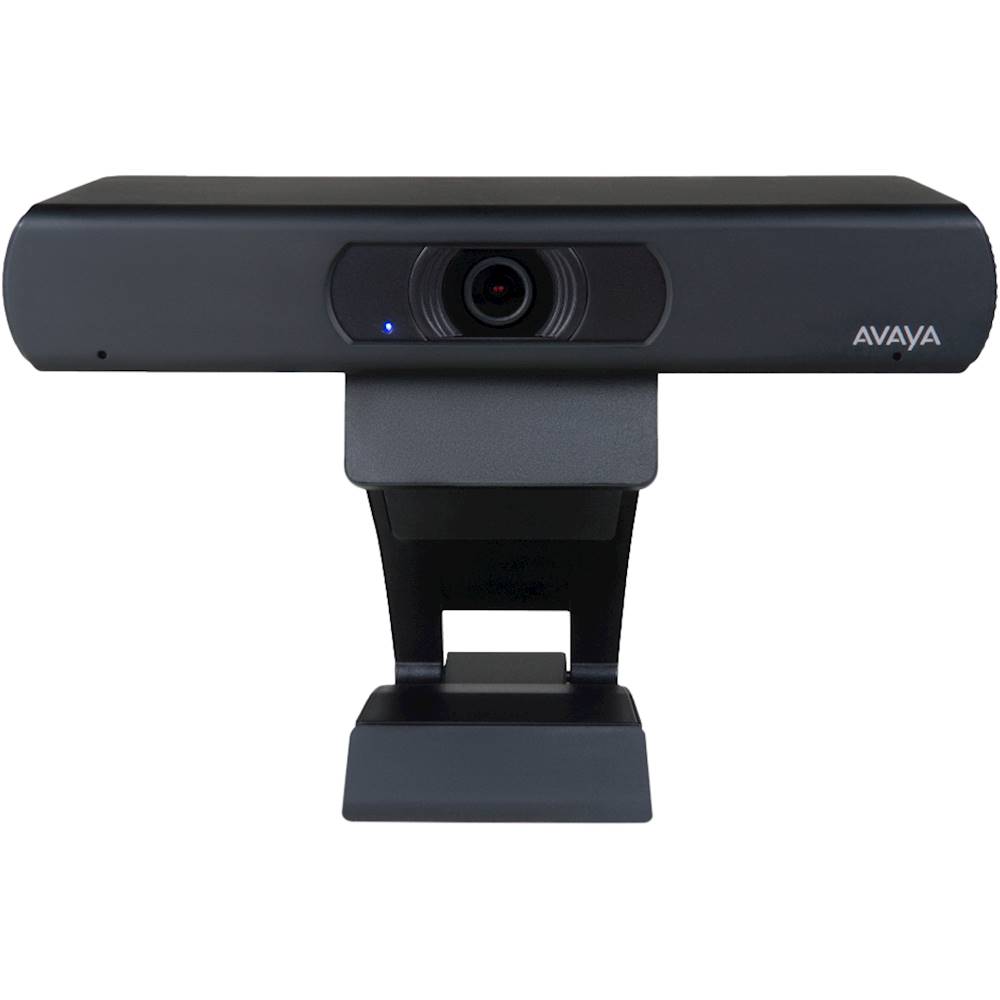
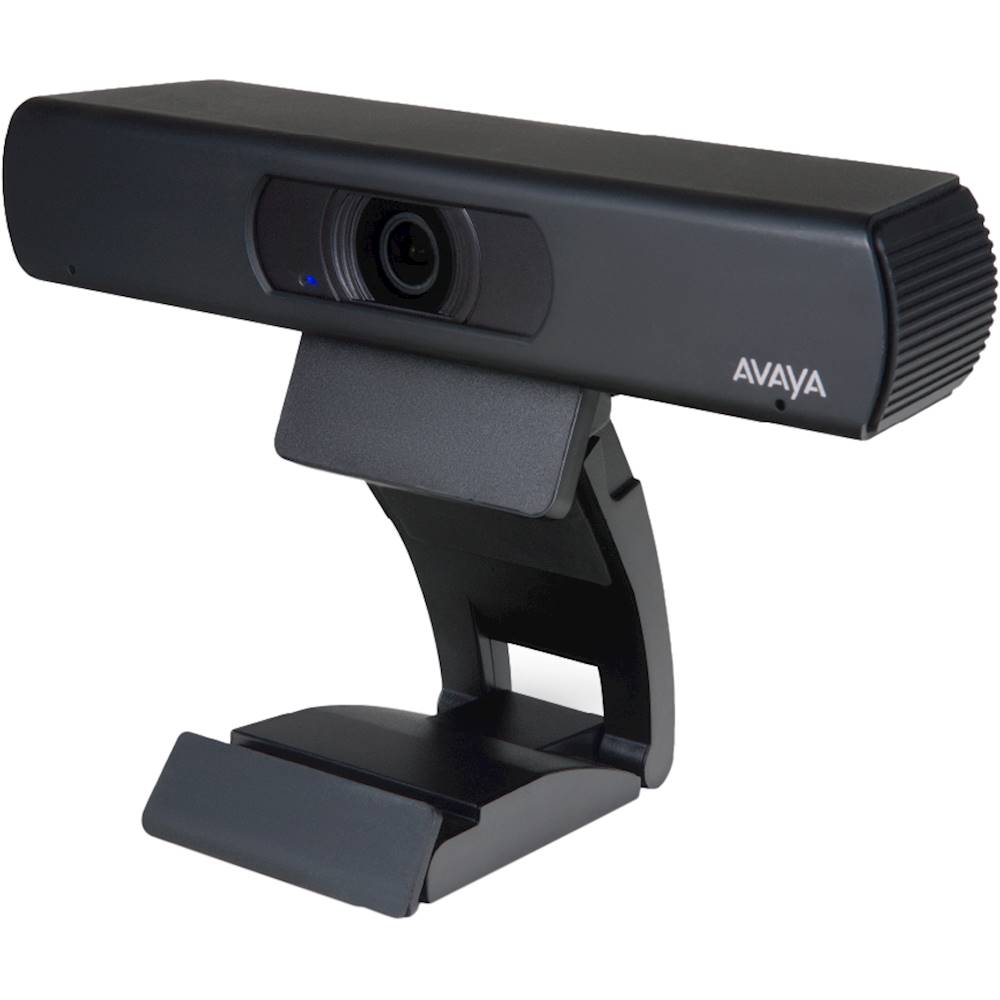
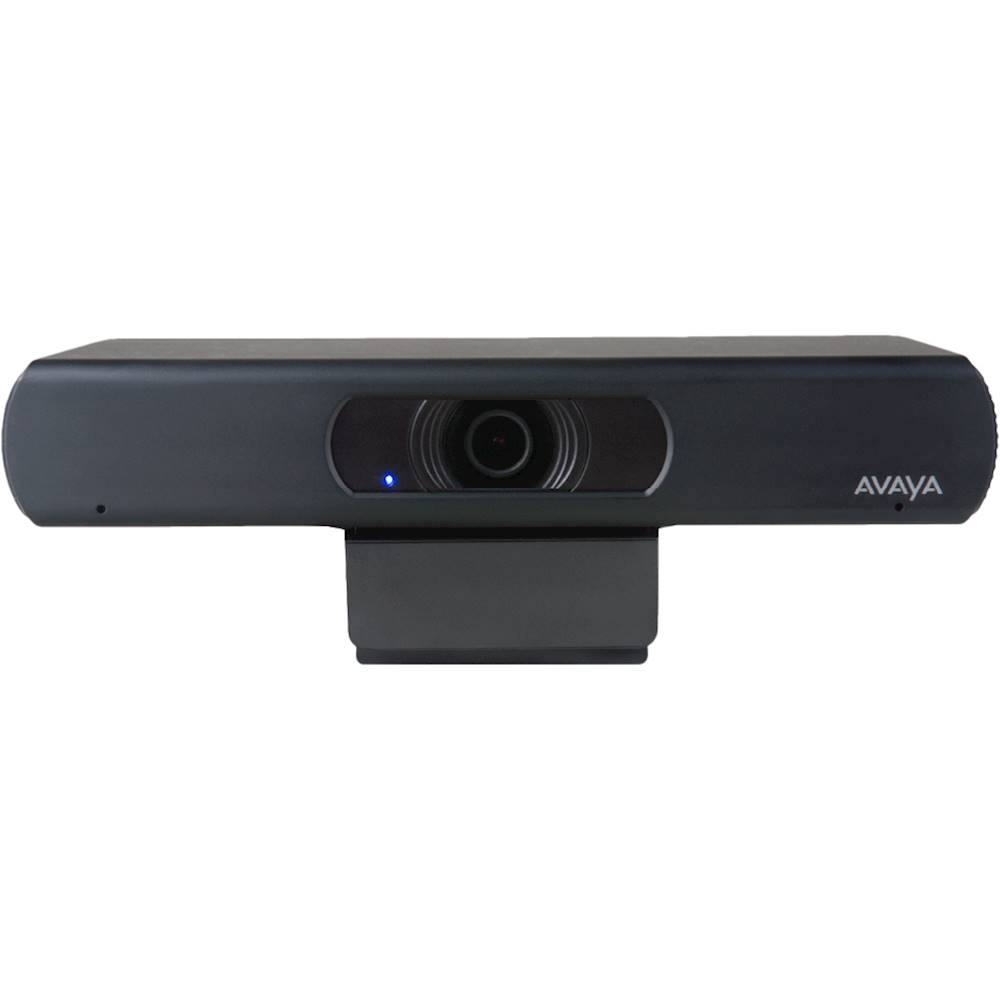
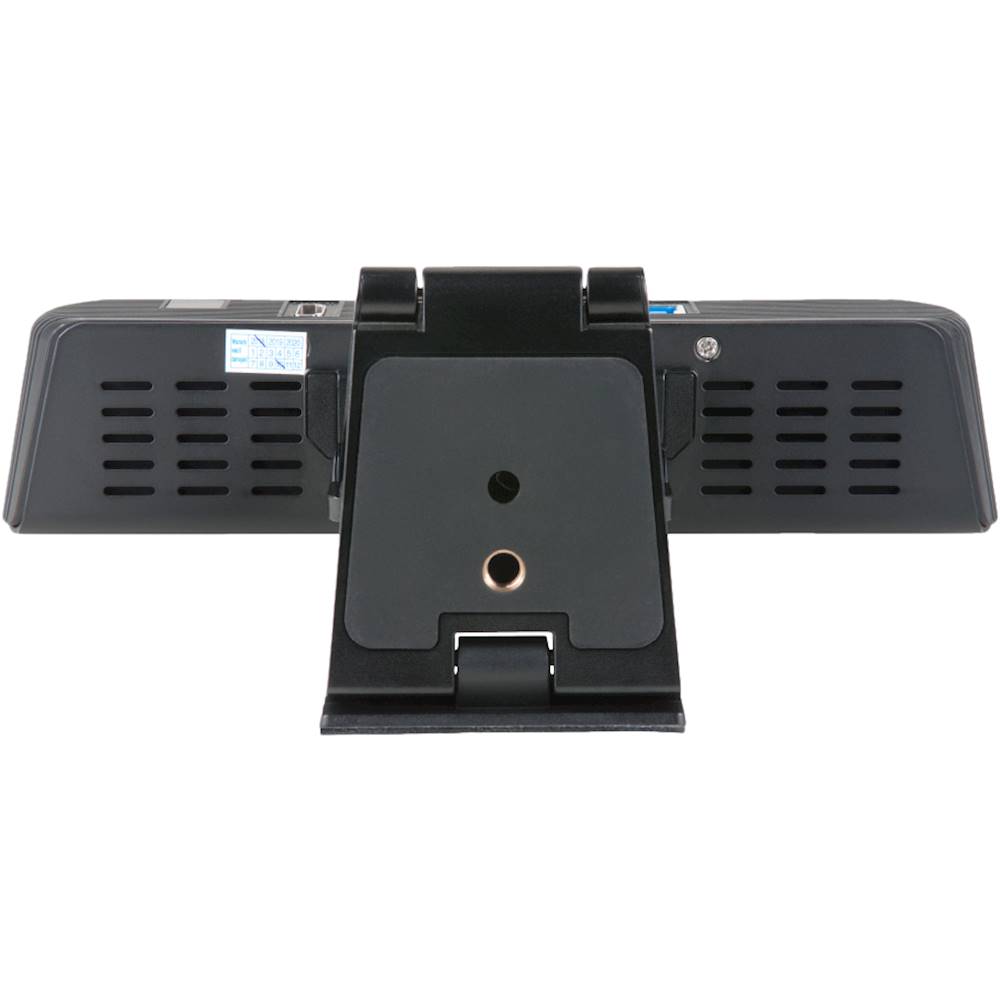
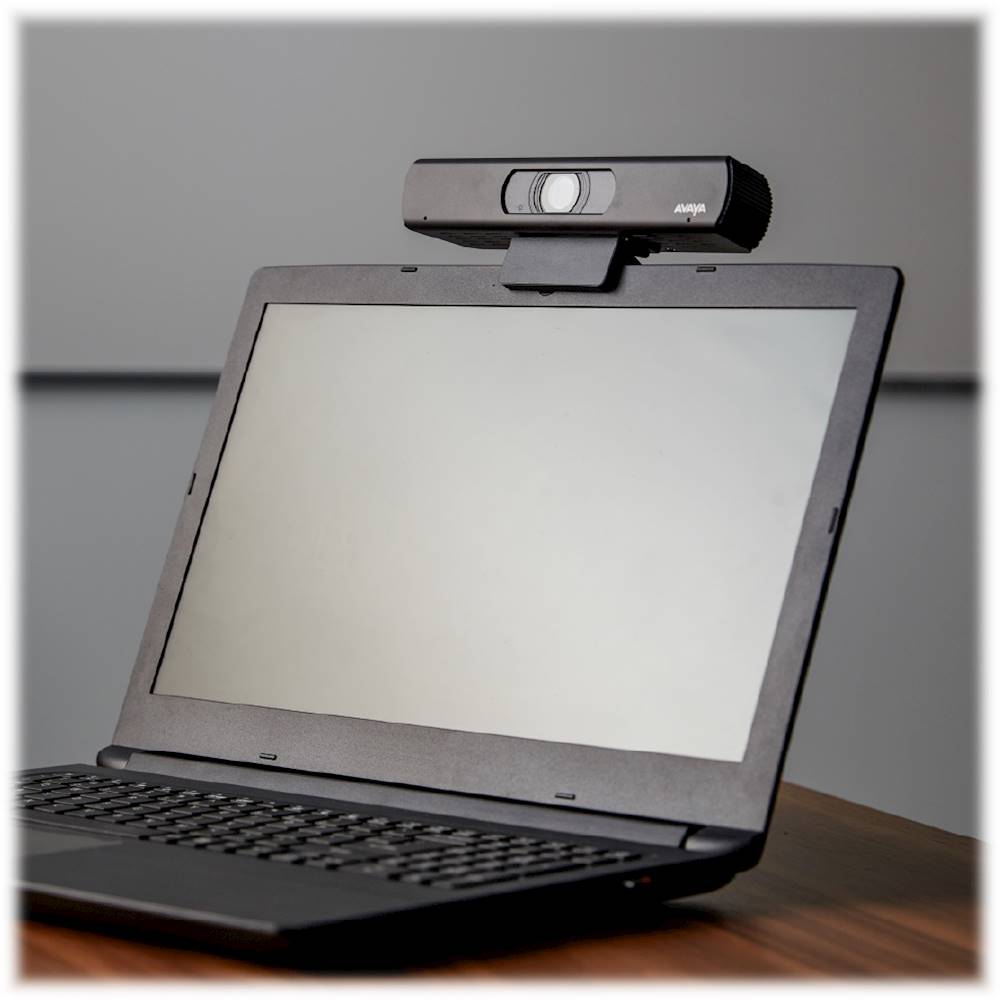
A:AnswerAvaya Huddle cameras HC020 / HC050 / Collaboration Unit CU360 / B109 for Consumer Channel: Do I need a Sold To / Functional Location Number? https://support.avaya.com/ext/index?page=content&id=FAQ117158
Avaya IX HC020 / HC050 Huddle Cameras: How to setup with PC / Mac Software Clients https://support.avaya.com/ext/index?page=content&id=FAQ116095
AVAYA IX HC020 camera setup on PC or a laptop with a 3rd party software client application https://support.avaya.com/ext/index?page=content&id=FAQ117115
Avaya HC020 / HC050 Huddle Cameras: Can I connect the camera wirelessly? https://support.avaya.com/ext/index?page=content&id=FAQ117156
Avaya IX HC020 / HC050 Huddle Cameras: How to use the Remote Control and configure their settings? https://support.avaya.com/ext/index?page=content&id=FAQ117106
Avaya IX Huddle Camera HC050 Remote Control Guide https://support.avaya.com/ext/index?page=content&id=FAQ117111
Avaya IX Huddle Camera HC020 Remote Control Guide https://support.avaya.com/ext/index?page=content&id=FAQ117108
Avaya Huddle cameras HC020 / HC050: Why Camera and Microphone are not detected https://support.avaya.com/ext/index?page=content&id=FAQ117112
Avaya Huddle cameras HC020 / HC050: Why does the camera menu appear mirror? https://support.avaya.com/ext/index?page=content&id=FAQ117159
Avaya Huddle Camera HC020: Why Pan and Tilt do not work ? https://support.avaya.com/ext/index?page=content&id=FAQ117082
Avaya Huddle cameras HC020 / HC050: How to download a firmware upgrade file? https://support.avaya.com/ext/index?page=content&id=FAQ117157
Avaya IX HC020 / HC050 Huddle Cameras: How to upgrade using a Windows PC https://support.avaya.com/ext/index?page=content&id=FAQ117091
Avaya IX Camera HC020 : How to upgrade the firmware using Mac https://support.avaya.com/ext/index?page=content&id=FAQ117113
A:AnswerIt doesn't need to use it. That's there if you are connecting this to an Avaya networked setup. The camera will work ok as standalone otherwise.
A:AnswerYes, it is -- the installing a bit tricky, at least for when I did it on Windows 10 via USB 3.0. I wrote a review that breaks down the steps on getting it to work better.
A:AnswerI am not sure of the answer, but it doesn't come with an HDMI cable. it has an USB A (enhanced - larger than normal USB-A). I use it into the USB port on my computer (I have a PC and a Mac) and then run an HDMI cable from my computer to a tv and it works great. I have never had a reason to run the camera directly to a tv but you would need a special cable to do so, if it would work.
A:AnswerI am not sure what you mean by rotate. It does not go back and forth (like Pan/Tilt). The camera doesn't physically move, but the remote control allows you to move the cameral right or left as well as zoom. And there are pre-sets so you can zoom to different parts of the room with 1 click. It took me a bit to figure that out. documentation not great, but works great.
A:AnswerThis camera is also designed to work with Avaya's networked setup. If you are using it as a standalone camera, it is just plug and play. Zoom will detect it as long as Windows does. You can then select in the settings to use the camera and the built in microphone as default.