A:AnswerI was having a similar problem. It was fixed when I connected HP printer via wireless (wifi) to my laptop. My wired HP printer's driver is only compatible with Windows 7, but my wired laptop is Windows 10. Both HP printer and laptop are wireless compatible under IEEE 802.11 series. The wireless (wifi) generic HP driver is different from the wired driver. You will need the security details from your HP printer-to-computer connection during setup. Hope this helps.
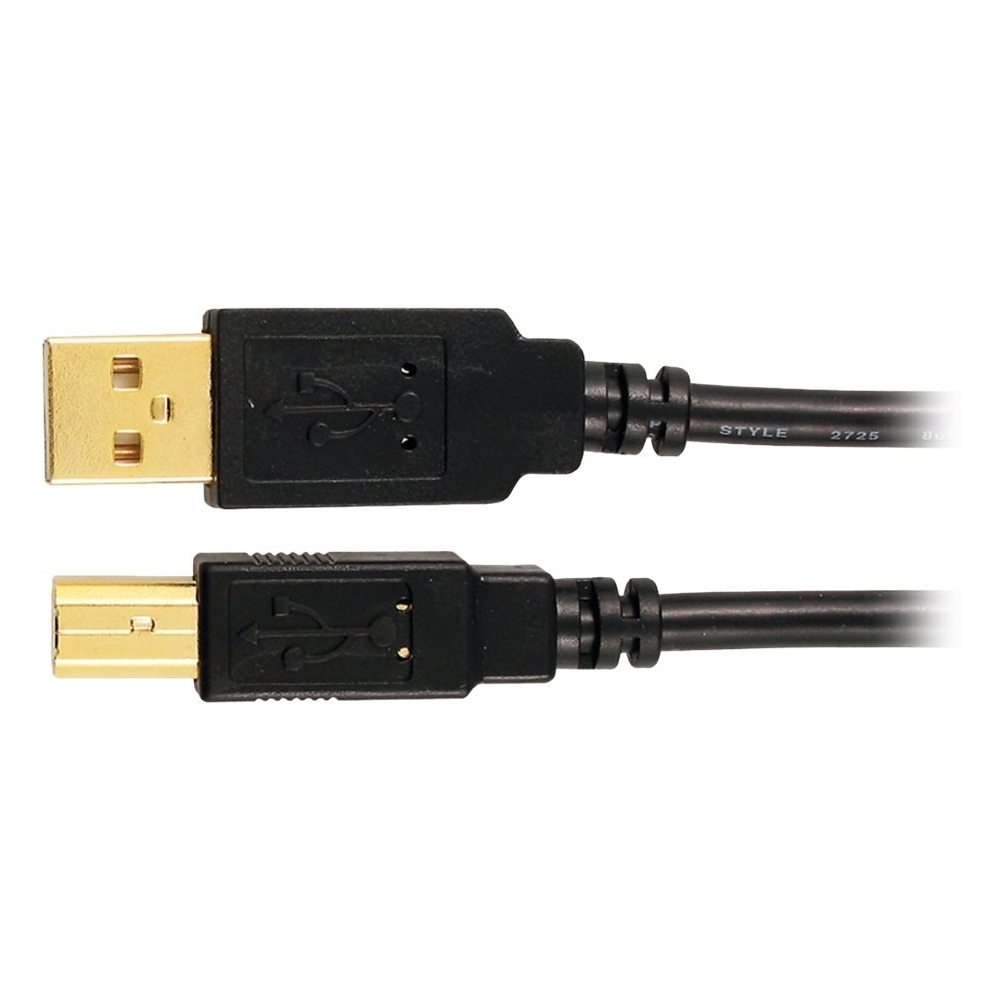
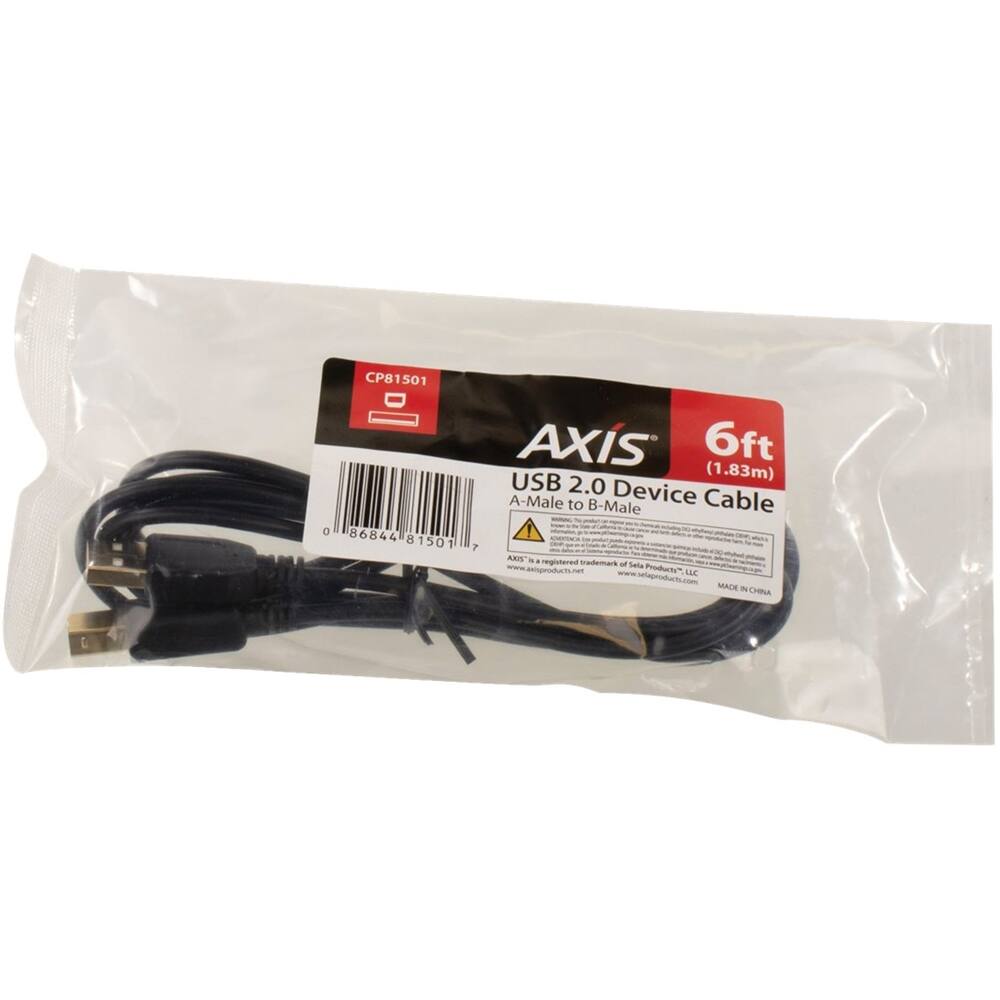
A:AnswerIt’s a hassle when I connecting the usb Type B to my Canon pixma mg5320 and I have don’t have a problem connecting the usb A to pc to update firmware.
A:AnswerI use it for Brother printer and it works very well. I am not sure about your HP printer but as long as it has USB Type B port it should work. This Type B port is pretty common across printers of any brand so I think you should be good. Just google some of its pictures and compare its shape with printer port.