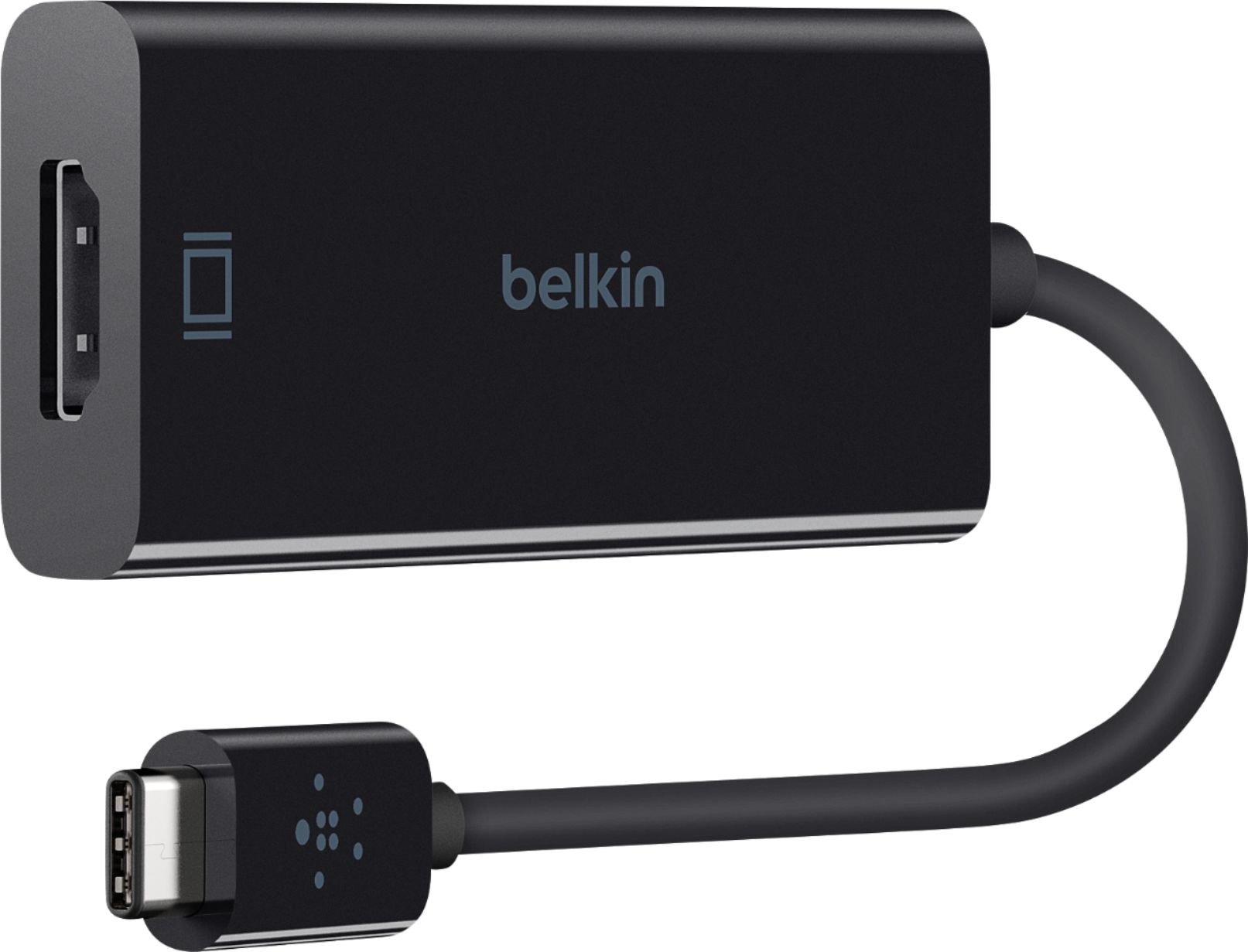
A:AnswerHello, Opeggysue. Our Belkin F2CU038 will allow you to connecting your Video-enabled USB-C port devices to your HDMI TV or display (HDMI-enabled displays).
A:AnswerHello, Stevo. The Belkin F2CU038 will allow video-enabled USB-C port devices to connect to an HDMI-enabled display, and it supports iOS, Android and Windows devices (smartphones, tablets and laptops).
A:AnswerHello, Johnny. If your device is a USB-C video-enabled device, then the Belkin F2CU038 will allow you to connect that USB-C video-enabled device to an HDTV, 4K / Ultra HDTV or any HDMI-enabled display.
A:AnswerHi, jwoud88. The Belkin F2CU038 is compatible to work with iOS, Android and Windows devices (smartphones, tablets and laptops) that supports Video-enabled USB-C port. Also, it delivers a stunning image with support for 4K at 60Hz.
A:AnswerHi, Hammer. As long as the camera support USB-C connection, it should work fine with this adapter. Click here to know more: https://www.belkin.com/us/p/P-F2CU038-APL/.
A:AnswerHI, Kev. Please reach out to us at BelkinCares@belkin.com with your contact details and link to this post for our reference. We'll have our Product Experts look into this further and provide the best recommendation.
A:AnswerNo, Jesus. This Belkin adapter will only work with the following devices; Google Chromebook, Pixel, MacBook Pro (2016), iMac (2017), and Dell XPS 13”.
A:AnswerHi. The F2CU038 is a plug and play device. If your phone supports USB-C to HDMI connectivity, then it should work right away. You can refer to your phone's manufacturer to assist you with the video display with this type of connection.