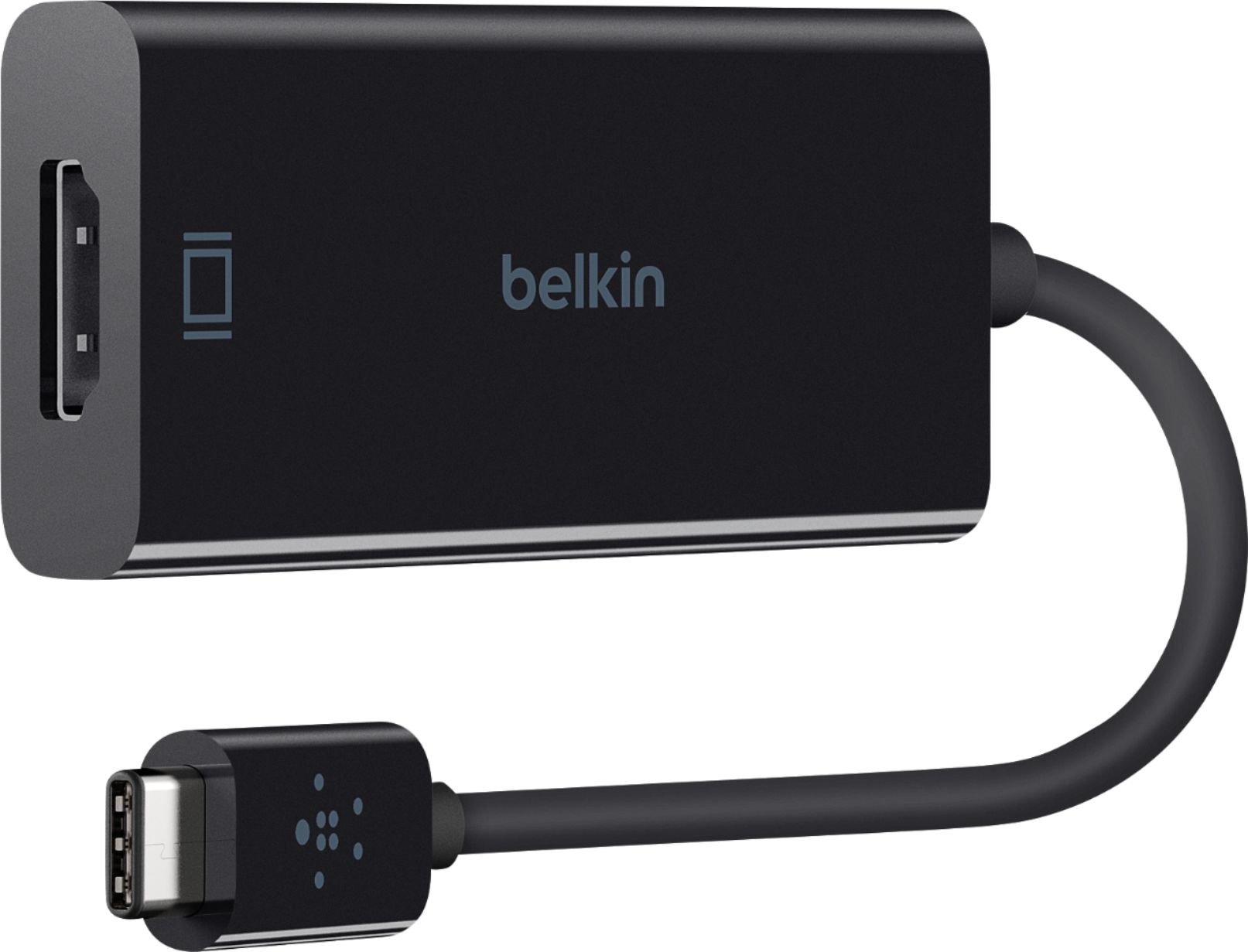
A:AnswerThe Belkin F2CU038 adapter will only provide a smooth and effortless experience when connecting a USB-C-enabled device to your HDTV, 4K/Ultra HDTV, or any HDMI-enabled display, Vada; it's not tested to work with your desired configuration.
A:AnswerHi, RohandDP. This HDMI External Video adapter is a plug and play device, so if your iPad Pro supports USB-C connection, then yes, it should work just fine.
A:AnswerNot at all super easy plug and play all you have to do is switch to the correct hdmi output. Only downfall you cant charge your phone at the same time
A:AnswerYour phone might not be compatible. I read that LG phones won't connect they force you to use the mirror screen and that requires internet connection
A:AnswerNo LG phones or any android that does not have a type C charging unit, can only transfer data such as photos or files...not video. iPhones work too.
A:AnswerHi, Cindy. As long as your smartphone or tablet is a video-enabled USB-C device, then you can use this adapter. Your handheld device also does not need to be plugged into a power source.
A:AnswerIt will, but i was experiencing some lag in the display. Not sure if you are able to change the layout as it displayed on my tv in portrait mode. I haven't really played with thoroughly yet I just checked if it would show on the tv.