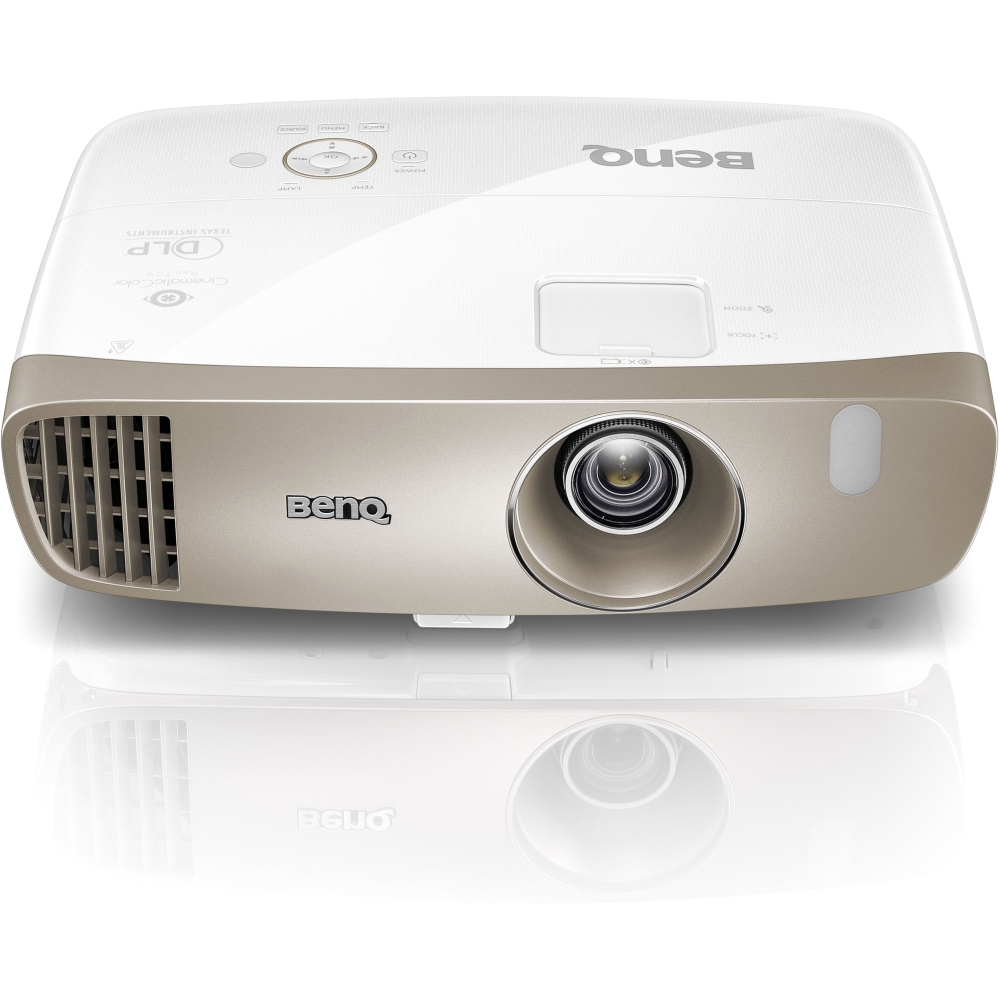
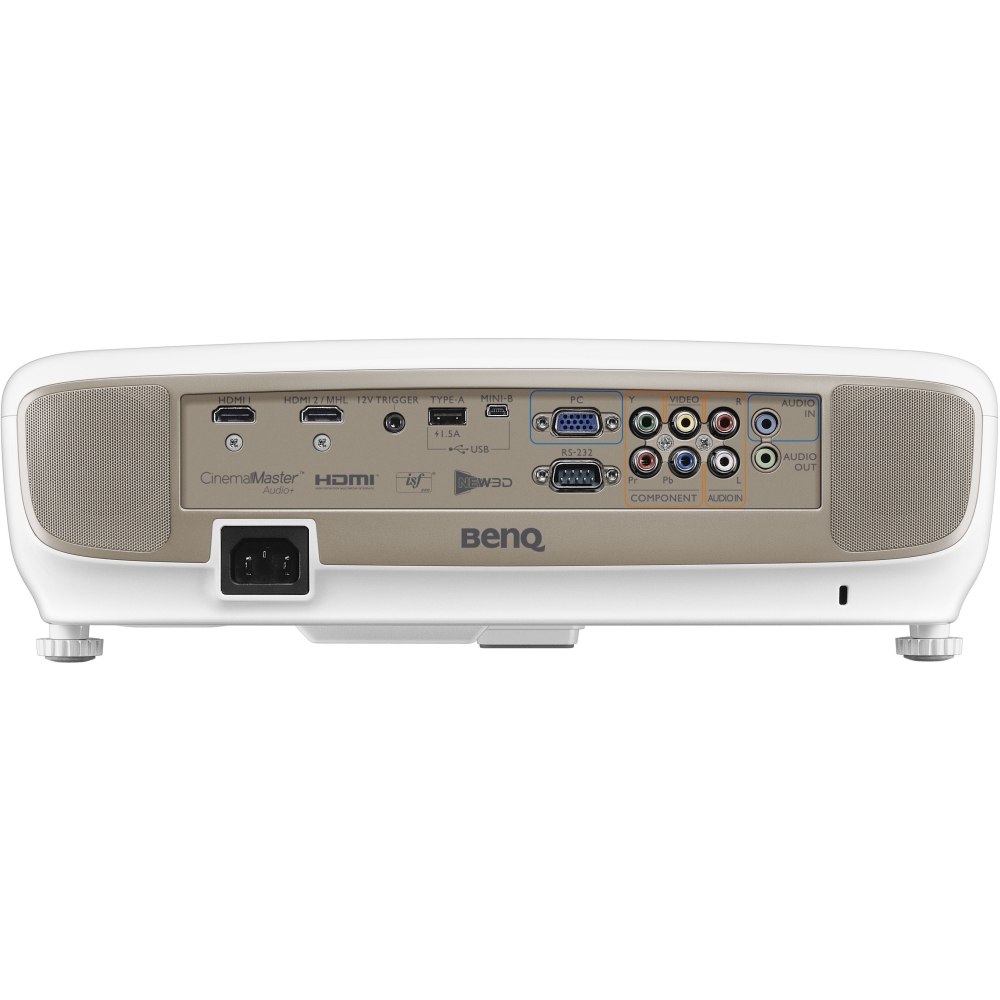
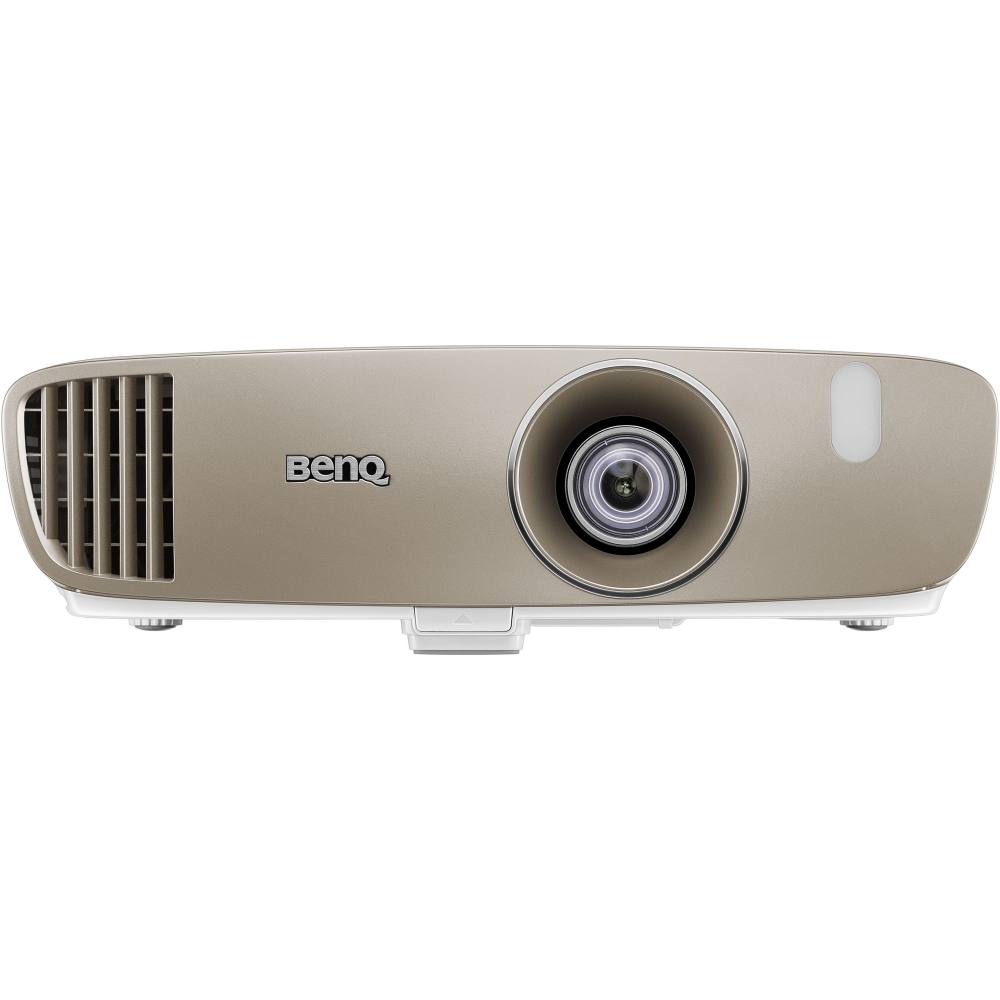
A:Answer There is a table in the Users Guide in the box with the projector that tells you the maximum/minimum distance from the projector to the screen, based on the screen size. It also gives you the correct height from the center of the screen, depending on whether or not you are ceiling mount (inverted) or table mount. It is based on retaining the right number of lines and spacing at 1080p. I have a 110” diagonal screen that Ihad been using a Yamaha 740p, 1080i projector at about 20 feet. The only way to get the BenQ to fill the borders of my screen exactly with no overflow was to remount it at the distance called for in the manual - about 9.5 feet. At that distance it works perfectly and has great picture quality. Equal, I think to projectors costing much more. You may be able to get that same table online from BenQ. Or ask the Best Buy guys to pull it for you. Your 120” diagonal will allow a little more setback, but probably not 22’. My son and I argued for a good bit about the physics of why their table was right, and as usual, my son was correct.