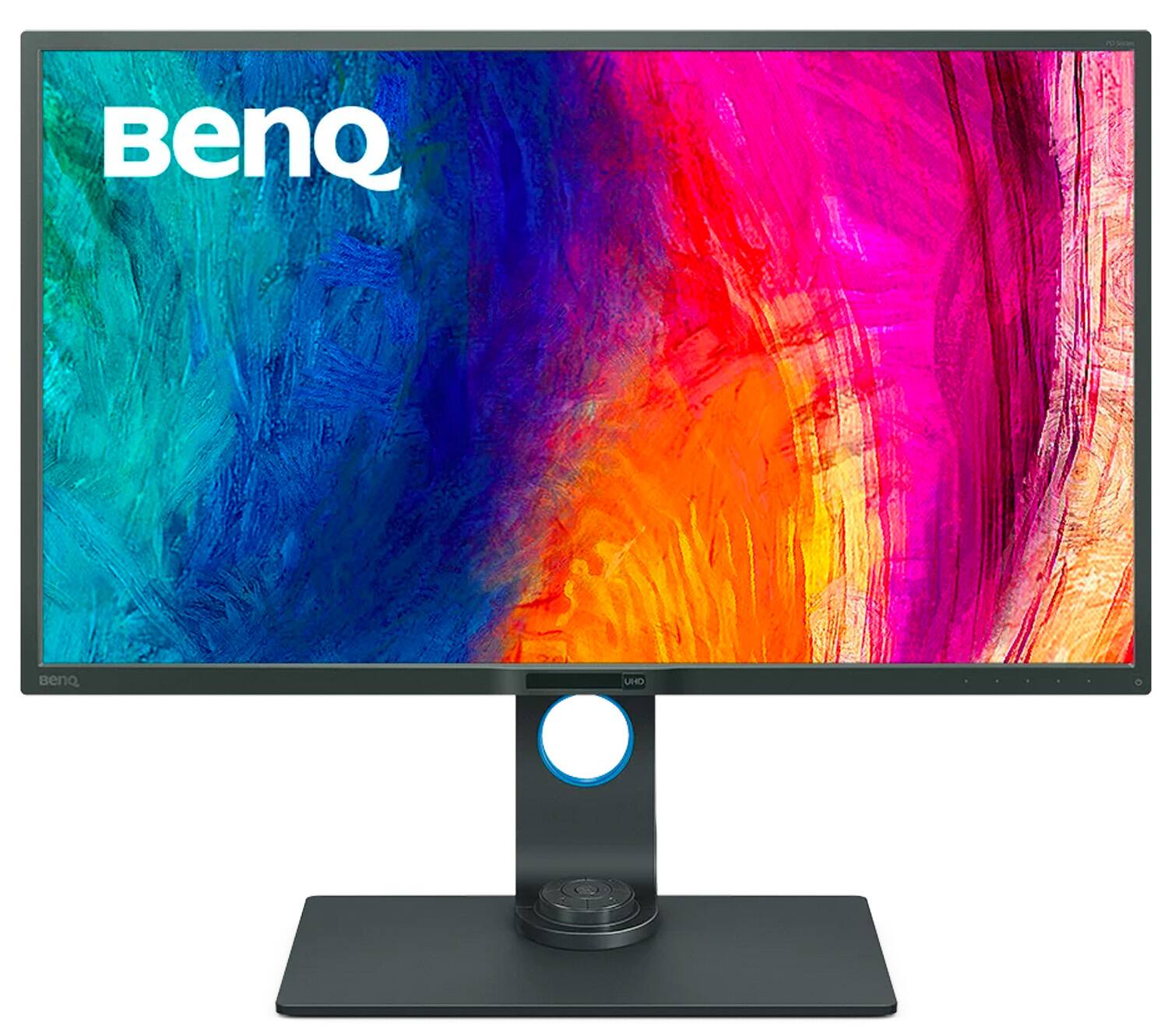
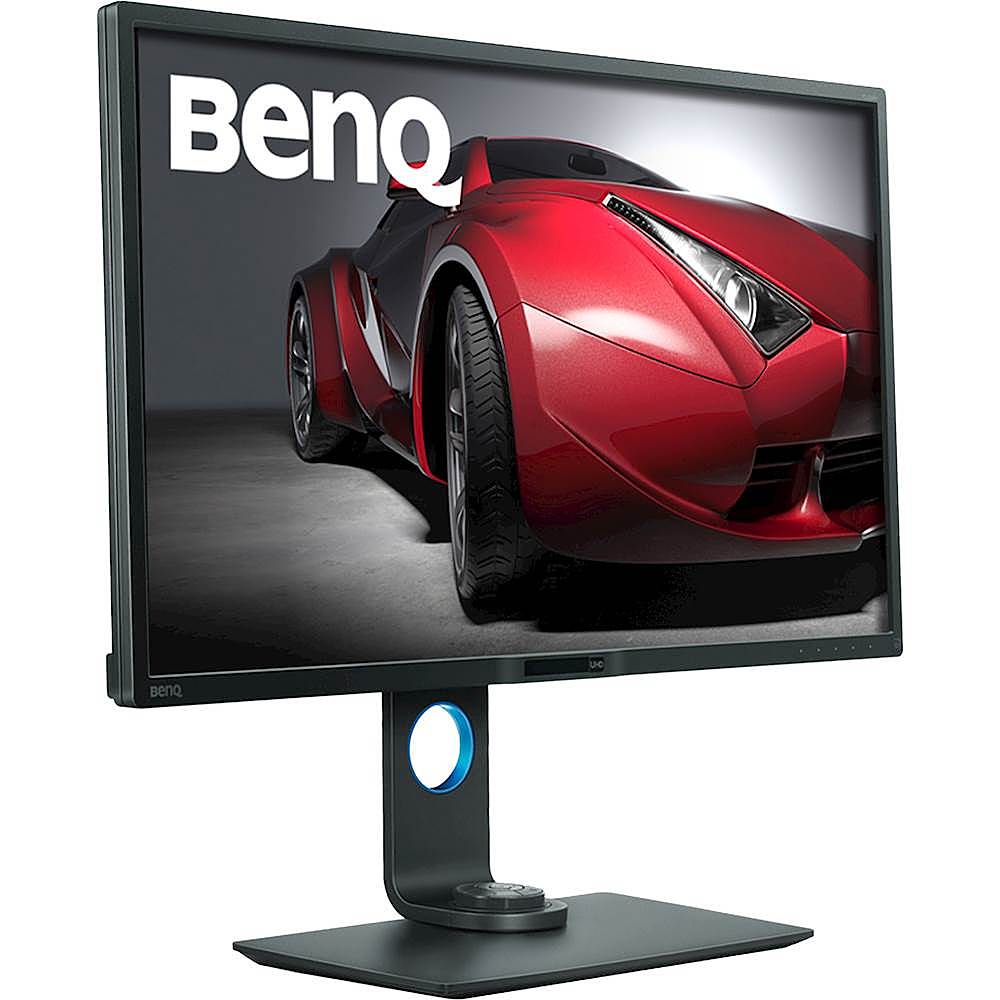
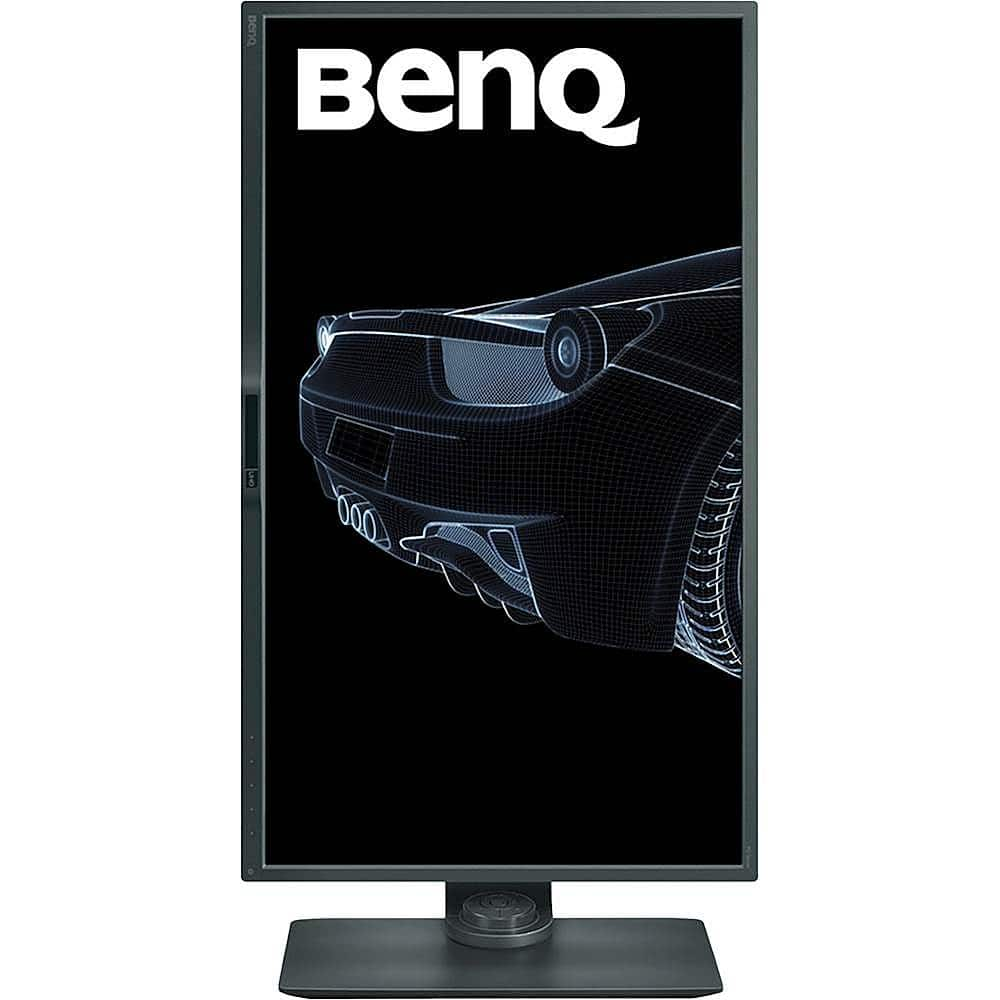
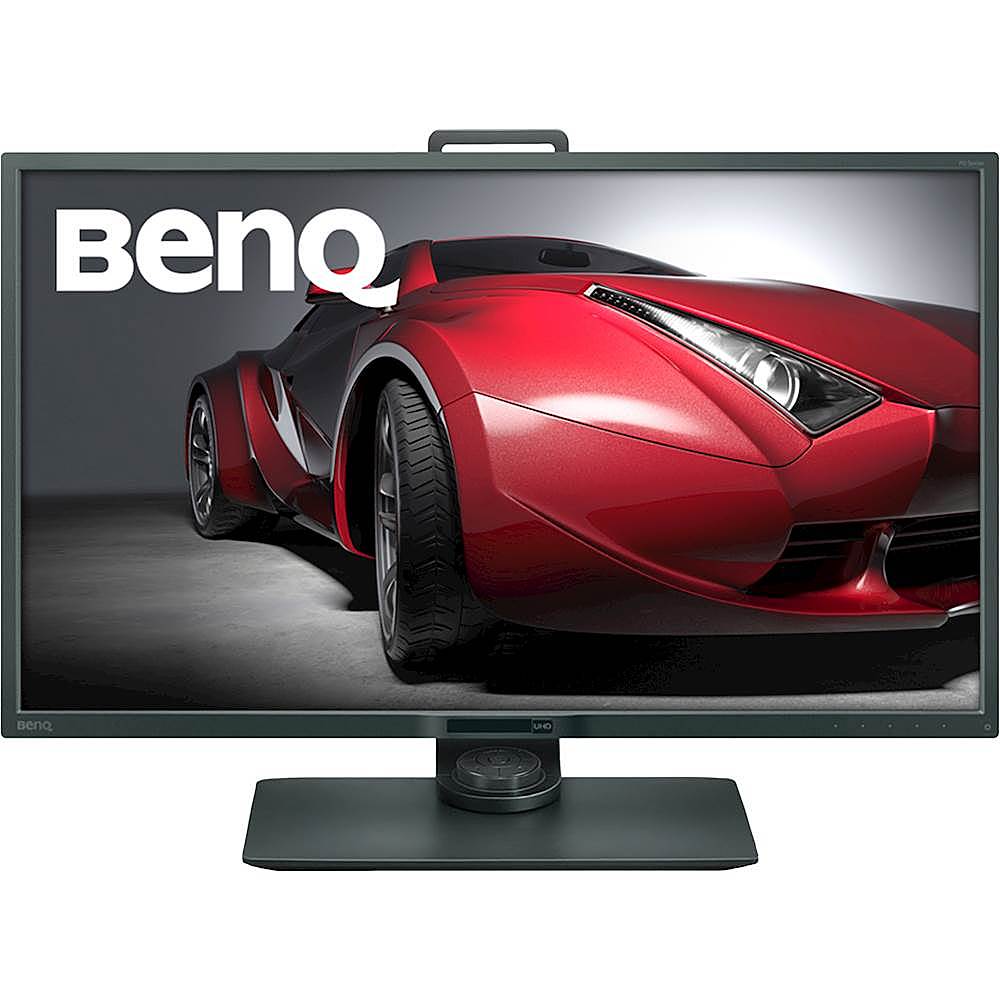
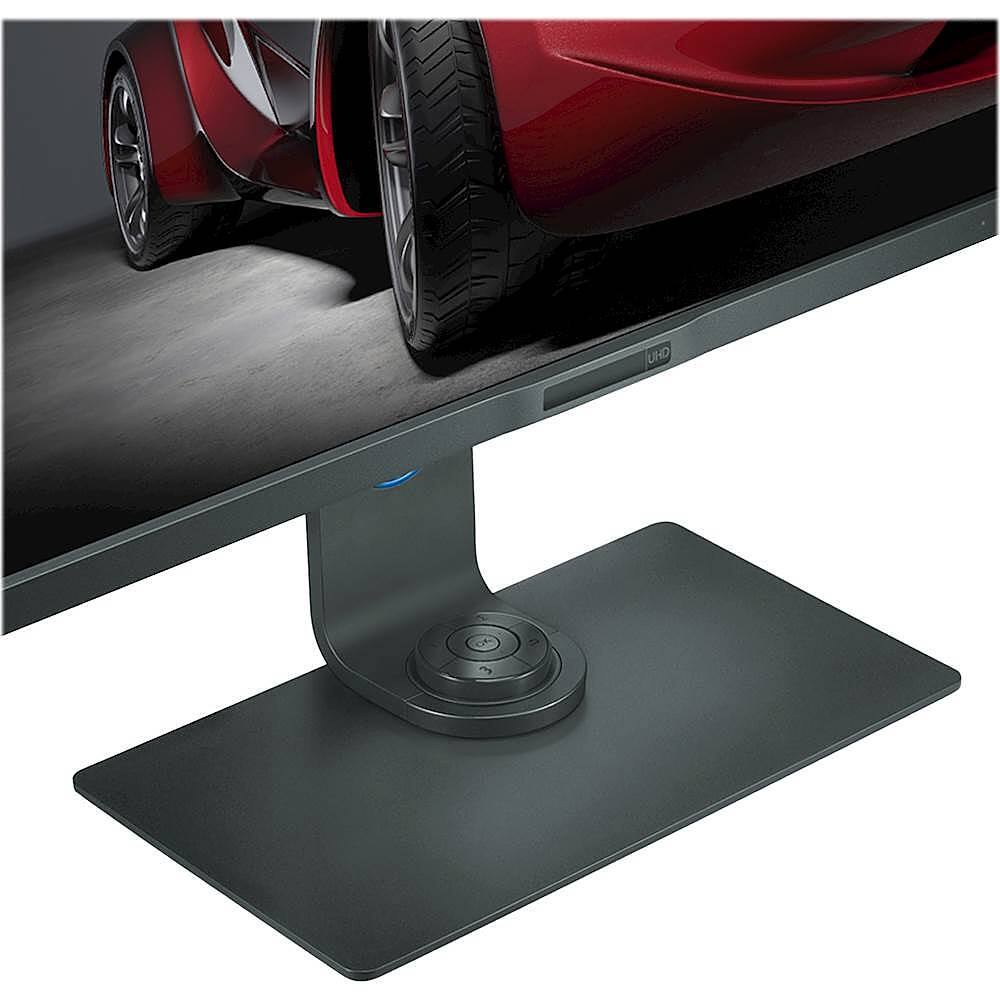
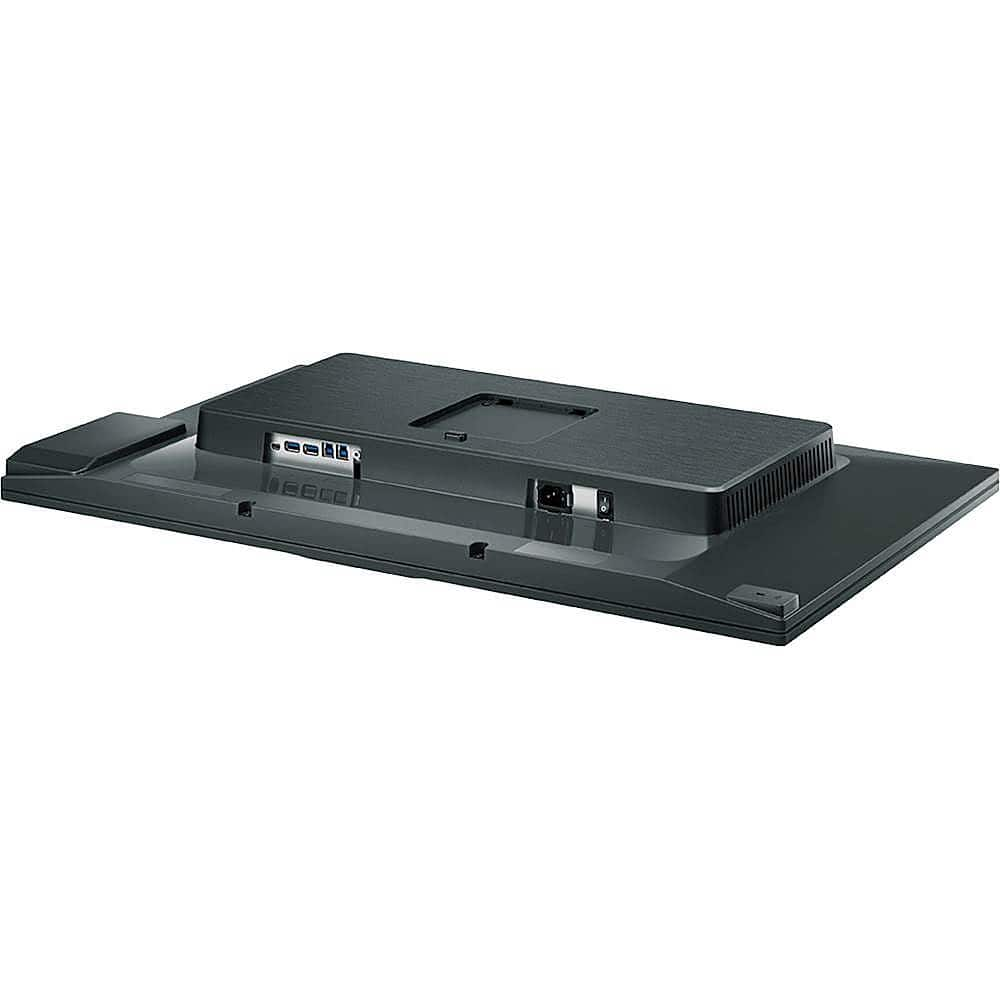
A:AnswerI bought my PD3200U three months ago, have used it very heavily, and have experienced absolutely none of the problems described by earlier purchasers. In fact, I've experienced no problems whatsoever, and the image quality is superb for the price (yeah, a $6,000 Eizo ColorEdge would no doubt be better). If you're in this price range, and want this size screen, this is the one to get. I looked at similarly priced Asus, LG, Dell, etc., and the BenQ is simply superior. I suspect the same would be true of the flagship models; Asus in particular is notorious for horrendously bad quality control even for $1,500+ models, whereas this whole issue with the flickering appears to be one isolated incident at BenQ, and if my own experience is any indication, they are telling the truth about having resolved it.
My PD3200U has not one single dead pixel, and there is little to none of the dreaded backlight bleed when watching 2.35:1 theatrical films with letterboxing at top and bottom in a darkened room. The top right corner has a bit of glow, which I never notice when watching even dark Sci-Fi films. Again, at this price you can't expect it to be as close to perfect as an Eizo (or BenQ's own flagship models, which cost two to three times as much as the PD3200U), but it's vastly better than what I've seen from the other major brands at this tier. Text is smooth and crisp as long as you run the PD3200U at its native 3840x2160 resolution. Overall build quality is excellent.
Speaking of the native resolution, make sure your video card is up to the challenge of 3840x2160 @ 60 Hz and True Color (32 bit), and your CPU as well. These monitors require real processing power, and my review is based on running the BenQ on a system that can do it justice.
I'm quite picky about image quality, particularly color accuracy and uniformity across the screen, so what I'm saying here about how the BenQ stacks up against other brands actually means something. This BenQ was purchased to replace a Sony GDM-F520 FD Trinitron that finally died on me. If you're familiar with the Sony's reputation for stunning color and deep blacks, then you will know it's high praise for me to honestly say I would rather have the BenQ PD3200U, at this point. I never thought I'd be saying that about any LCD monitor costing less than maybe $3,000.
A:AnswerThat's a great question, although this monitor does not have HDR, it does have some other very impressive specs.
32 in Display
Static Contrast: 1000:1
Dynamic Contrast 20000000:1
Refresh Rate: 60Hz
sRGB 100%, Adobe RGB 73%
A:Answeryes, I use the smaller HDMI plug for connecting to a MSI Trident in 4k native and the large plug HDMI for playing 4k and HDR content from streaming/media player . Great Monitor for photo editing and multimedia player.
A:Answer3840x2160 is native 4K; and most 4K video also has HDR (High Dynamic Range - primarily noticeable in darker scenes - makes a huge improved image difference).
A:AnswerI have this exact monitor and am using it with the latest model of the MacBook Pro. It works perfectly and looks amazing! Also, I've found it works best if you use a DisplayPort cable instead of the HDMI.
A:AnswerBest Buy doesn't carry this particular monitor in stock (as far as I'm aware), so you'll need to order it online or at a Best Buy store. I recently purchased this exact monitor from Best Buy online and had it delivered to a local store for pickup. The estimated delivery time was two weeks, but it actually came in six days. By the way, this is an awesome monitor!